


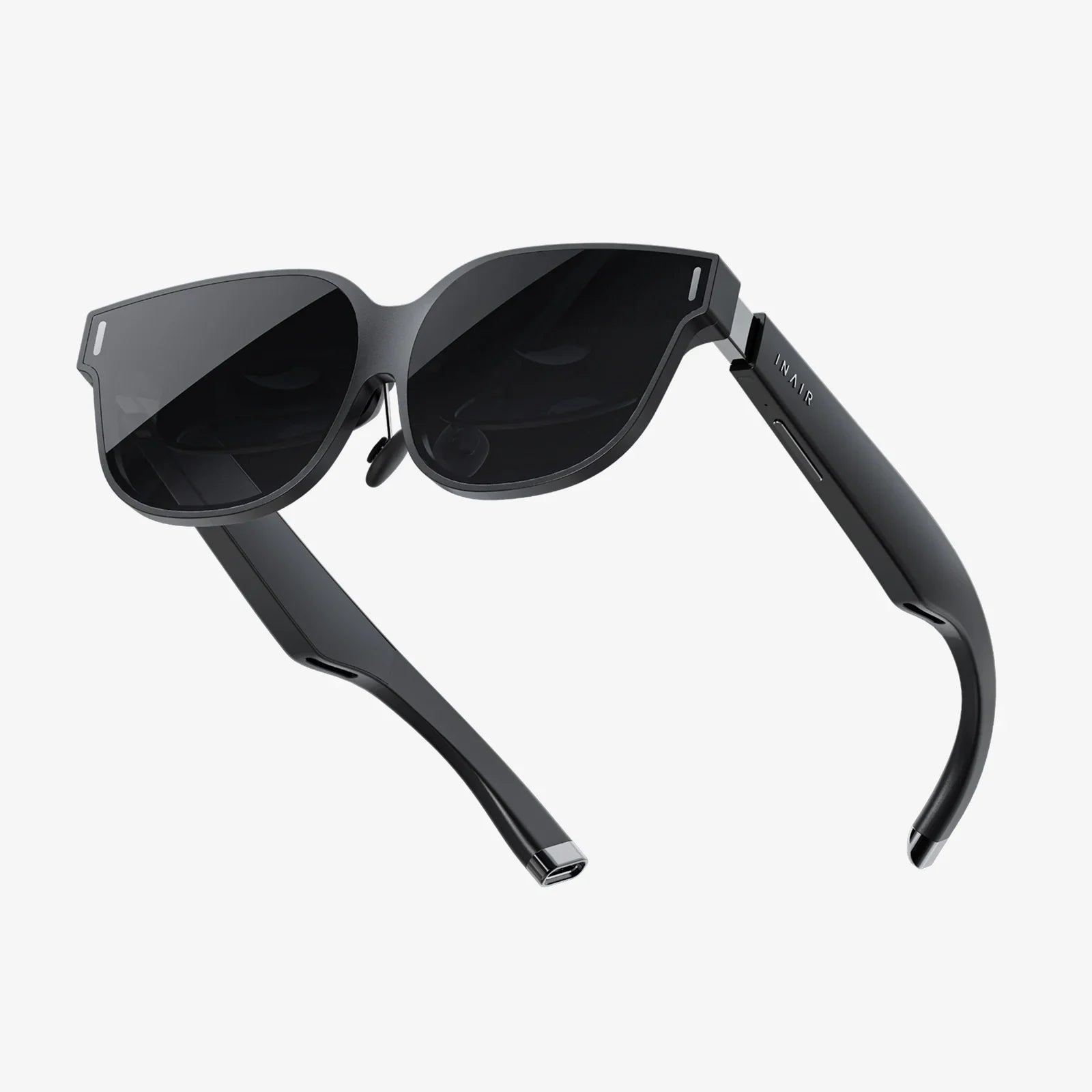
- von wangfred
Ar Glasses Battery Milliamps: How Much Power Do You Really Need?
- von wangfred
Ar glasses battery milliamps might sound like a dry technical detail, but getting this number right can be the difference between immersive all-day augmented reality and a frustrating gadget that dies when you need it most. Whether you are exploring AR for work, gaming, navigation, or hands-free productivity, understanding how battery capacity in milliamps (mAh) really works will help you avoid expensive disappointments and pick hardware that fits your lifestyle instead of fighting it.
This guide breaks down what battery milliamps actually mean, how they translate into real-world usage time, and why the biggest battery is not always the best choice for AR glasses. You will learn how display type, sensors, processors, connectivity, and even your charging habits all interact with battery size to shape your daily experience. By the end, you will be able to look at a spec sheet and immediately know whether those ar glasses battery milliamps match your expectations or are quietly hiding trade-offs you will notice on day one.
When you see ar glasses battery milliamps listed as a number like 800 mAh, 1200 mAh, or 2000 mAh, you are looking at a measure of battery capacity. In simple terms, milliamps-hour (mAh) tells you how much electric charge the battery can store.
The basic idea is:
However, that is only half the story. Capacity alone does not determine how long AR glasses will last on your face. You also have to know how fast the device uses that stored energy, which is measured in milliamps (mA) of current draw.
A simplified formula looks like this:
Estimated battery life (hours) = battery capacity (mAh) / average current draw (mA)
So a pair of AR glasses with a 1000 mAh battery drawing 250 mA on average might last around 4 hours. But if those same glasses use 500 mA because you turn up brightness, enable advanced tracking, and stream video over wireless networks, battery life could drop to around 2 hours even though the ar glasses battery milliamps number has not changed.
Unlike phones or laptops, AR glasses sit directly on your face. That makes the design constraints around ar glasses battery milliamps much tougher:
Because of these constraints, AR designers cannot simply drop in massive batteries to achieve all-day life. Instead, they balance:
Understanding this balance helps you see why two devices with similar ar glasses battery milliamps can feel very different in daily use. One might be lighter and cooler but last a bit less, while another might push capacity and feel heavier or bulkier.
When evaluating ar glasses battery milliamps, you should focus less on the raw number and more on the expected usage patterns. AR glasses rarely run at a constant power level. Instead, they move through modes like:
Each mode draws different current levels. For example:
If an AR device has a 1200 mAh battery, you might see usage like:
This is why marketing numbers can feel misleading if you only look at ar glasses battery milliamps. A high capacity battery does not guarantee long immersive sessions if the device is power hungry. The best way to interpret capacity is to combine it with manufacturer estimates for different usage modes, then compare that to how you realistically plan to use the glasses.
While exact numbers vary widely, ar glasses battery milliamps usually fall into a few broad ranges depending on the category of device:
These are designed mostly for:
Typical battery capacity:
Key characteristics:
These devices aim at:
Typical battery capacity:
Key characteristics:
These push advanced features like:
Typical battery capacity:
Key characteristics:
When you see ar glasses battery milliamps within these ranges, think about which category the device fits into and whether that category matches your real-world needs.
It is tempting to assume that more ar glasses battery milliamps are always better, but AR wearables are all about comfort and usability. A large battery can introduce several trade-offs:
Battery cells are relatively dense. Placing them in the temples or frame can create:
Some designs move the battery to a rear module or external pack to balance weight, but that can introduce cables or additional hardware. When comparing devices, consider not just ar glasses battery milliamps but how that battery is distributed.
Higher capacity batteries can support higher power draw, which often means more heat from:
Because AR glasses sit close to your skin, even mild warmth can feel uncomfortable over time. Efficient design is crucial so that extra mAh does not translate into hot hardware on your face.
Bulky frames and large battery housings can make AR glasses stand out in ways you might not want in public or professional settings. Designers must balance:
If a device boasts very high ar glasses battery milliamps but looks like a small helmet, it may not be suitable for everyday wear outside specialized environments.
To understand how far ar glasses battery milliamps will actually take you, you need to look at the components that consume power. Several elements are especially important:
Display type is one of the biggest power consumers in AR glasses. Common technologies include:
Key factors affecting power:
AR glasses rely on compact, efficient chips for:
Modern low-power processors can deliver impressive performance on modest energy budgets, but heavy 3D rendering, spatial mapping, and complex visual effects still consume a lot of power. This is why the same ar glasses battery milliamps can behave very differently on simple notification glasses versus advanced mixed reality devices.
AR depends on sensors like:
Continuous camera and depth sensing can be especially power hungry. Some devices reduce sensor usage when you are not actively interacting with AR content, extending battery life. Others keep sensors running continuously for instant responsiveness, trading battery life for smoother experiences.
Wireless connectivity modes include:
Streaming video, cloud-based processing, and constant data sync can dramatically increase power consumption. If you plan to use cloud-heavy applications, ar glasses battery milliamps become even more critical because wireless radios will be active much of the time.
Not all AR glasses rely solely on their internal battery. There are three main power approaches:
These devices house all processing, sensors, and batteries in the glasses themselves. For this category:
In this configuration:
This can allow lighter glasses with modest ar glasses battery milliamps while still providing rich experiences, though it adds dependency on a second device and can affect convenience.
Some AR setups use:
This approach can deliver higher total capacity without making the glasses themselves heavy, but it introduces extra gear to manage. When comparing products, note whether the stated ar glasses battery milliamps refer only to the on-head unit or include external packs.
Choosing the right ar glasses battery milliamps starts with your use case. Ask yourself:
Consider realistic daily patterns:
If you expect heavy use, higher ar glasses battery milliamps become more important, but you should still examine how efficiently the device uses that capacity.
Think about your environment:
Your charging opportunities can compensate for lower ar glasses battery milliamps if the device supports fast charging or dock-based top-ups.
Battery capacity is not static. Over time, all rechargeable batteries lose some of their ability to hold charge. For AR glasses, this matters because:
Key points to consider:
A battery cycle is one full charge and discharge. Many modern batteries are designed for hundreds of cycles before noticeable capacity loss. However, if you use your AR glasses heavily every day, degradation will eventually reduce effective ar glasses battery milliamps, shortening runtime.
To preserve capacity as long as possible:
Some devices manage charging intelligently to reduce stress on the battery, but mindful habits still help maintain the real-world value of those ar glasses battery milliamps over time.
Raw capacity is only one part of the battery story. Smart charging and power management features can make moderate ar glasses battery milliamps feel much more generous in day-to-day life.
Fast charging support allows you to:
When evaluating devices, check not only the mAh rating but also how quickly the battery can be recharged and whether there are convenient charging docks or cases.
Some AR glasses offer power-saving features such as:
These features can effectively stretch ar glasses battery milliamps without changing the physical battery size, making the device feel more efficient and reliable.
Ar glasses battery milliamps are not just about performance; they also relate to safety. AR glasses use compact, high-energy-density cells placed close to your face and eyes, so responsible design and usage are essential.
Well-designed AR glasses include:
Be cautious if you notice excessive heat during use or charging. Persistent high temperatures can signal poor power management or hardware issues.
To keep your ar glasses battery milliamps safe and stable:
These simple practices reduce stress on the battery and help maintain long-term reliability.
Spec sheets often highlight ar glasses battery milliamps, but they may not tell the full story. To get a realistic picture, look for:
Look for statements like:
Compare these to your expected usage. A device that promises long standby but short immersive AR time may be fine for notifications but not for gaming or fieldwork.
If a device advertises outdoor-readable brightness, understand that using maximum brightness will cut into battery life. Reviews that test real-world outdoor performance can give you a better sense of how those ar glasses battery milliamps hold up in challenging lighting conditions.
User reviews often reveal:
These practical details can matter more than the raw mAh number on paper.
Regardless of the specific ar glasses battery milliamps your device has, you can often extend runtime with a few simple adjustments:
These habits can make a modest battery feel surprisingly capable and help you get the most out of whatever ar glasses battery milliamps your device offers.
To tie everything together, it helps to think in terms of user profiles and how they map to ar glasses battery milliamps.
Usage pattern:
Battery needs:
Usage pattern:
Battery needs:
Usage pattern:
Battery needs:
By identifying which profile you fit, you can better judge whether the ar glasses battery milliamps advertised for a given device align with your expectations and daily habits.
Ar glasses battery milliamps are more than just a number buried in the specifications; they are a direct signal of how long your augmented reality experiences can last before reality intrudes in the form of a low-battery warning. Once you understand how capacity interacts with display technology, sensors, processing power, connectivity, and your personal usage patterns, you gain the ability to see past marketing claims and evaluate AR hardware on your own terms. The right balance of battery size, comfort, and power management can turn AR glasses from an occasional novelty into a tool you rely on every day, so treat that mAh figure as your starting point for smarter, more satisfying choices in the rapidly evolving world of wearable augmented reality.