


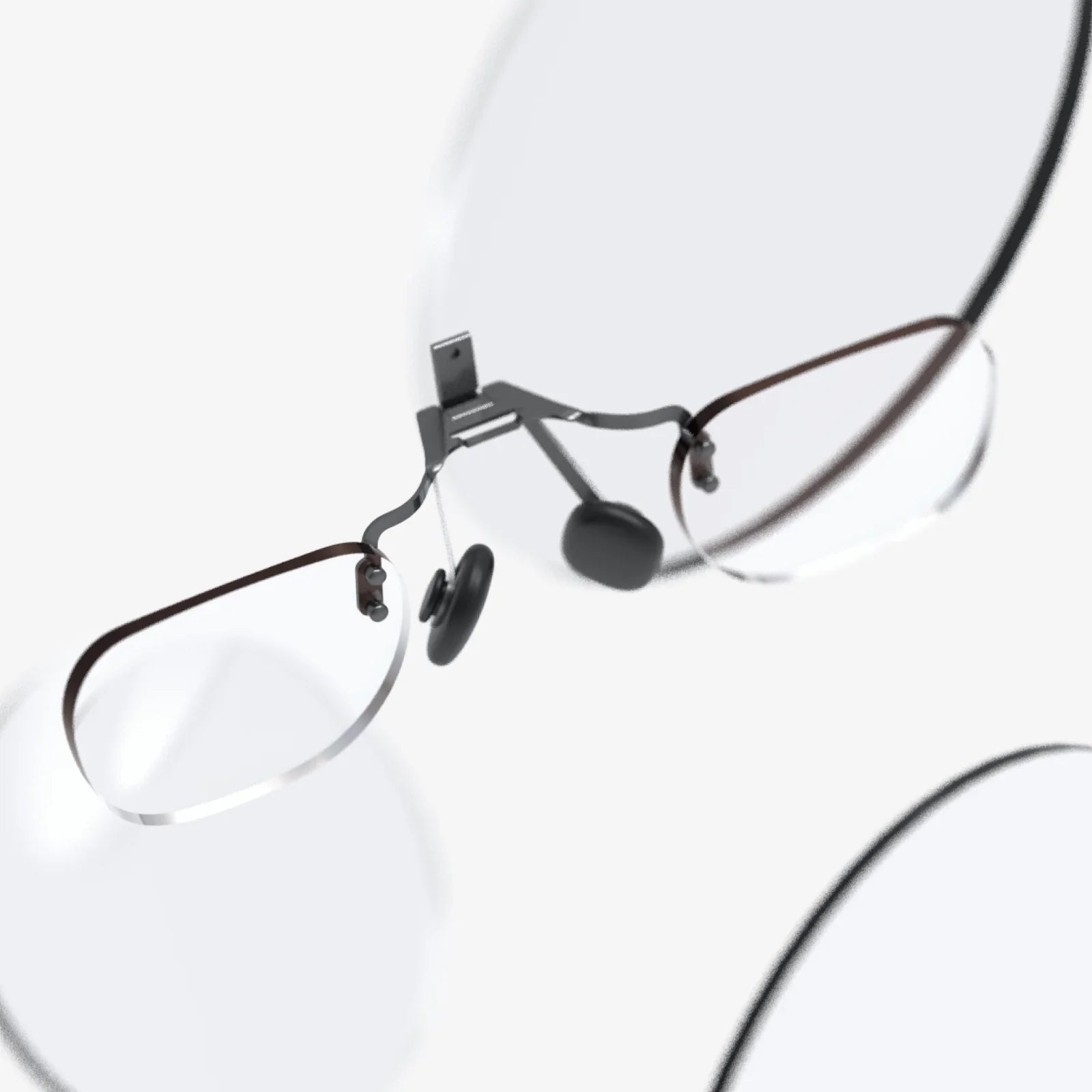
Imagine walking into any room, slipping on a sleek pair of glasses, and instantly seeing three, four, or even six giant screens floating in front of you with no cables, no stands, and no heavy hardware. That is the promise of ar glasses for multiple monitors no wire—a new way of working and playing that turns any space into a personal command center. If you have ever wished you could carry your entire multi-monitor setup in your pocket, this technology is about to feel like science fiction made real.
What Are AR Glasses for Multiple Monitors with No Wire?
AR glasses for multiple monitors no wire are wearable display devices that create virtual screens in your field of view without needing physical monitors or video cables. Instead of plugging into several displays, your laptop, tablet, or phone sends visual data wirelessly to the glasses. The glasses then project or render those images in a way that makes each virtual screen look like a floating monitor in front of you.
Unlike traditional AR that overlays digital objects on the real world for navigation or gaming, this use case focuses on productivity and screen real estate. The glasses simulate multiple large monitors that you can position, resize, and sometimes even pin to different spots in your environment. You get the feel of a multi-screen workstation without the physical clutter.
How Wireless AR Multi-Monitor Setups Actually Work
Creating multiple wireless virtual monitors involves several technologies working together behind the scenes. While the experience looks simple—just put on the glasses and see screens—the pipeline is surprisingly sophisticated.
1. Wireless Connection to Your Device
The first step is connecting the glasses to your source device, usually a laptop, desktop, or smartphone. Common options include:
- Wi-Fi-based streaming from your computer to the glasses, often over local network or direct Wi-Fi connection.
- Low-latency wireless protocols optimized for video to reduce lag and compression artifacts.
- Companion apps that act as a bridge, capturing your desktop, windows, or apps and sending them to the glasses as separate virtual screens.
The goal is to deliver smooth visual data at high frame rates while keeping latency low enough that moving your head or cursor feels natural.
2. Virtual Display Rendering
Once the glasses receive the video streams, their internal system needs to render each feed as a separate virtual monitor. This involves:
- Creating multiple virtual canvases that correspond to different monitors.
- Mapping each canvas to a position in 3D space relative to your head and surroundings.
- Adjusting perspective and depth so the monitors appear at a comfortable distance and size.
Some setups allow you to treat each virtual monitor as a separate extended display in your operating system, while others mirror your desktop and let you arrange application windows manually within a virtual workspace.
3. Head Tracking and Spatial Anchoring
To make the monitors feel stable in space, the glasses use sensors such as:
- Gyroscopes and accelerometers to track head rotation and movement.
- Inside-out tracking cameras to understand the environment and anchor virtual objects.
Head tracking ensures that when you turn your head left, the virtual monitors do not rotate with you; they stay fixed in front of you or anchored to the room, depending on your settings. This stability is critical for comfort and usability, especially during extended work sessions.
4. Optics and Image Quality
The lenses and displays inside the glasses determine how sharp and immersive your virtual monitors feel. Key factors include:
- Resolution per eye – higher resolution means clearer text and finer details.
- Field of view (FOV) – a wider FOV lets you view larger virtual monitors without constantly turning your head.
- Brightness and contrast – important for legibility in different lighting conditions.
For productivity, crisp text rendering is essential. If you plan to stare at code, spreadsheets, or documents all day, the clarity of small fonts becomes a make-or-break factor.
Why Use AR Glasses Instead of Physical Multiple Monitors?
Many people already rely on dual or triple monitor setups at their desks. So why switch to ar glasses for multiple monitors no wire? The advantages go far beyond novelty.
1. Extreme Portability
Carrying two or three physical monitors is obviously impractical, but a pair of AR glasses can fit into a small case or even a jacket pocket. This turns any café, hotel room, coworking space, or airplane seat into a multi-monitor workstation.
If your job involves travel, remote work, or hot-desking, the ability to recreate your familiar multi-monitor layout anywhere is incredibly powerful. You no longer have to choose between mobility and screen space.
2. Unlimited Virtual Screen Size and Count
Physical monitors are constrained by desk space and mounting options. With AR, you can:
- Simulate a massive ultrawide display that would never fit on your desk.
- Arrange three, four, or more monitors in a semi-circle around your field of view.
- Place secondary screens above or to the sides for chat, monitoring tools, or reference material.
Because these screens are virtual, you can resize or reposition them at will, then save layouts for different tasks like coding, video editing, or research.
3. Reduced Desk Clutter
Traditional multi-monitor setups require stands, cables, power strips, and often mounting arms. Over time, this creates a tangled mess of hardware. AR glasses eliminate:
- Display cables for each monitor.
- Bulky monitor stands or mounts.
- Extra power cords and adapters.
Your physical workspace becomes minimal: just a laptop or small computer, keyboard, and mouse. This is especially appealing if you live in a small apartment, share a workspace, or simply prefer a clean, minimalist desk.
4. Private Screens in Public Spaces
Another subtle but important benefit is privacy. When you work on a laptop in public, anyone behind or beside you can potentially see your screen. With AR glasses, your virtual monitors are visible only to you. This is ideal for:
- Working on sensitive documents in public places.
- Viewing confidential dashboards or emails while traveling.
- Reviewing personal content without worrying about shoulder surfers.
While people may see that you are wearing glasses, they cannot see the contents of your virtual screens.
5. Flexible Working Postures
AR multi-monitor setups can encourage more flexible working postures. Because your screens are virtual, you can:
- Position them slightly higher to encourage a more upright posture.
- Work while reclining or standing without worrying about monitor angles.
- Adjust screen distance to reduce eye strain.
When combined with ergonomic furniture, this flexibility can help reduce neck and back strain associated with static desk setups.
Key Features to Look for in AR Glasses for Multiple Monitors
If you are considering investing in ar glasses for multiple monitors no wire, several features will heavily influence your experience. Understanding these will help you choose a device that matches your needs.
1. Display Resolution and Clarity
High resolution is crucial for reading text and working with detailed content. Look for:
- High pixel density per eye for sharp text.
- Good subpixel arrangement to avoid color fringing on text.
- Minimal screen-door effect so you do not see the pixel grid.
If possible, test a pair by opening a dense spreadsheet or code editor. If small fonts look fuzzy or cause eye strain, the resolution may be insufficient for long work sessions.
2. Field of View (FOV)
Field of view determines how much of your visual field the virtual screens can occupy. A wider FOV allows for:
- Larger virtual monitors without needing to turn your head constantly.
- More immersive experiences when gaming or watching media.
For productivity, you want enough FOV to comfortably place a few monitors in front of you without feeling cramped, but you do not necessarily need full VR-style immersion.
3. Comfort and Weight
Since you may wear these glasses for hours at a time, comfort is non-negotiable. Consider:
- Overall weight – lighter glasses cause less neck strain.
- Nose bridge and temple design – to distribute weight evenly.
- Adjustability – nose pads, strap options, and fit for different head sizes.
If you already wear prescription glasses, check whether the AR glasses can fit over them, or if they support prescription inserts or adjustable diopters.
4. Wireless Latency and Stability
Low latency is critical for a comfortable experience. High latency can cause:
- Cursor lag when moving your mouse.
- Delayed response when typing or switching windows.
- Motion discomfort when moving your head.
Look for devices and software that emphasize low-latency wireless streaming. A strong local network or direct Wi-Fi connection between your device and the glasses will also help maintain a stable, responsive experience.
5. Battery Life
Battery life determines how long you can use the glasses away from a charger. For serious work, aim for:
- Several hours of continuous use on a single charge.
- Support for external power banks if you plan long sessions.
- Fast charging to minimize downtime.
Remember that higher brightness and more intensive wireless streaming can drain the battery faster, so real-world usage may differ from advertised specs.
6. Software Ecosystem and Multi-Monitor Support
Not all AR glasses handle multiple monitors the same way. Key questions include:
- Does the companion software support true extended displays or only mirroring?
- How many virtual monitors can you create at once?
- Can you save and recall layouts for different tasks?
- Does it work with your operating system of choice (Windows, macOS, Linux, mobile)?
The software layer is where much of the magic happens. A well-designed interface for arranging and managing virtual monitors can make the difference between a fun demo and a tool you rely on every day.
Use Cases: Who Benefits Most from Wireless AR Multi-Monitors?
The appeal of ar glasses for multiple monitors no wire spans many professions and hobbies. Some groups stand to benefit particularly strongly.
1. Remote Workers and Digital Nomads
If your office is wherever your laptop is, AR glasses can give you a consistent multi-monitor environment anywhere in the world. Benefits include:
- Recreating your full workstation in hotel rooms, cafés, or coworking spaces.
- Keeping reference documents, chat windows, and project tools open simultaneously.
- Maintaining a familiar workflow even when your physical surroundings change daily.
For digital nomads, this can significantly reduce friction and improve focus when constantly on the move.
2. Software Developers and Engineers
Developers often juggle multiple windows: code editors, terminals, documentation, logs, browsers, and more. AR multi-monitors allow you to:
- Keep your main editor front and center on a large virtual screen.
- Pin documentation or API references to a side monitor.
- Monitor logs or dashboards on an upper virtual display.
This arrangement mirrors a high-end multi-monitor desk setup but is portable and wire-free. It can also be customized for different projects or programming languages.
3. Designers, Video Editors, and Creatives
Creative professionals often need extensive screen real estate. AR glasses can help by:
- Providing a large central canvas for design or editing timelines.
- Hosting tool palettes, file browsers, and previews on side monitors.
- Enabling immersive review of media or layouts at large scale.
For video editors, for instance, one virtual monitor can show the timeline, another the preview window, and a third media bins or color grading tools.
4. Data Analysts and Researchers
Data work often involves cross-referencing multiple sources: spreadsheets, dashboards, reports, and notes. With AR multi-monitors, analysts can:
- Spread several dashboards across a wide virtual canvas.
- Keep a central monitor for active analysis while pinning reference tables nearby.
- Compare multiple data visualizations side by side without constantly switching tabs.
This can lead to deeper insights and more efficient workflows, especially when working with complex, multidimensional data.
5. Gamers and Entertainment Enthusiasts
While productivity is a major use case, entertainment is equally compelling. Gamers and media consumers can use ar glasses for multiple monitors no wire to:
- Play on a huge virtual screen that feels like a personal theater.
- Keep chat, streaming tools, or walkthroughs on secondary virtual monitors.
- Watch movies or shows on a large virtual display without needing a TV.
This is particularly attractive for people in small apartments or shared living spaces where a large physical screen is not practical.
Overcoming Challenges with AR Multi-Monitor Glasses
Despite their promise, AR glasses for wireless multi-monitor setups are not without challenges. Understanding these helps set realistic expectations and guides better purchasing decisions.
1. Comfort and Eye Strain
Extended use of head-mounted displays can cause discomfort if not managed properly. Common issues include:
- Eye fatigue from focusing at a fixed virtual distance.
- Neck strain from supporting the weight of the glasses.
- Dry eyes if you blink less while concentrating.
Mitigation strategies include:
- Taking regular breaks following the 20-20-20 rule (every 20 minutes, look at something 20 feet away for 20 seconds).
- Adjusting brightness and contrast to comfortable levels.
- Ensuring the glasses fit properly and are not too tight.
2. Visual Quality vs. Expectations
People accustomed to high-end 4K monitors may find early AR glasses less sharp or vibrant. While resolution is improving rapidly, the experience may still differ from a premium physical display. Managing expectations is important, especially if you rely on perfect color accuracy or ultra-fine detail.
3. Software Compatibility and Bugs
Because the ecosystem is still maturing, software can sometimes be the weak link. Potential issues include:
- Limited support for certain operating systems or devices.
- Occasional connection drops or glitches in wireless streaming.
- Learning curves for arranging virtual monitors and using new interfaces.
Checking user communities, documentation, and support resources can help you gauge how polished a given solution is before committing.
4. Network Requirements
For wireless setups, network quality matters. In crowded Wi-Fi environments or with weak signals, you may experience:
- Increased latency and stuttering video.
- Reduced image quality due to aggressive compression.
Using a dedicated Wi-Fi connection between your device and the glasses, or working in environments with strong, uncongested networks, can greatly improve performance.
5. Social and Aesthetic Factors
Wearing AR glasses in public or in an office can draw attention. Some people may feel self-conscious or worry about how they are perceived. As the devices become more common and more stylish, this concern will likely fade, but it is still worth considering how comfortable you are using them in different social settings.
Practical Tips for Building a Wireless AR Multi-Monitor Workflow
To get the most out of ar glasses for multiple monitors no wire, it helps to approach them as a new kind of workspace rather than just a novelty display. Here are some practical tips for success.
1. Start with a Simple Layout
When you first set up your virtual monitors, resist the temptation to create six screens at once. Begin with:
- One main virtual monitor for primary work.
- One secondary monitor for reference or communication.
Once you are comfortable, gradually add more monitors as needed. This incremental approach makes the transition smoother and less overwhelming.
2. Use Task-Specific Layouts
Different tasks benefit from different screen arrangements. Consider creating presets such as:
- Coding layout – large central editor, side monitor for documentation, top monitor for logs.
- Design layout – central canvas, side panels for tools and layers, secondary monitor for asset libraries.
- Research layout – multiple side-by-side monitors for papers, notes, and browser tabs.
If your software allows saving layouts, use this feature to switch quickly between modes.
3. Fine-Tune Screen Distance and Size
Virtual monitors that are too close or too large can cause discomfort. Aim for:
- A virtual distance that feels similar to a real monitor on your desk.
- Screen sizes that do not require excessive head movement to view corners.
Experiment with these settings until reading and focusing feel natural. Small adjustments can dramatically improve comfort.
4. Integrate with Your Existing Tools
AR glasses work best when they fit seamlessly into your existing software stack. Make sure you:
- Configure your operating system’s display settings for extended desktops where supported.
- Use window management tools or shortcuts to quickly move apps between virtual monitors.
- Leverage virtual desktops in combination with AR monitors for maximum organization.
The goal is to reduce friction so the AR workspace feels like a natural extension of your current workflow.
5. Protect Your Neck and Eyes
Since AR glasses change how you view your work, be intentional about ergonomics:
- Position your main virtual monitor at eye level to avoid constant downward tilting.
- Take regular breaks to stretch your neck and shoulders.
- Use blue light filtering settings if you work late into the night.
Healthy habits will help you enjoy the benefits of AR multi-monitors without sacrificing comfort.
The Future of Wireless AR Multi-Monitor Workspaces
The current generation of ar glasses for multiple monitors no wire already offers impressive capabilities, but the technology curve suggests even more dramatic improvements in the near future.
1. Higher Resolution and Wider FOV
Display technology is advancing quickly. Expect future glasses to feature:
- Even higher resolution for near-print-quality text.
- Wider fields of view for more immersive, natural experiences.
- Improved optics that reduce distortion and increase edge clarity.
These enhancements will make virtual monitors feel increasingly indistinguishable from physical screens, at least for many everyday tasks.
2. Lighter, More Stylish Designs
As components shrink and manufacturing improves, AR glasses are likely to become:
- Noticeably lighter and more comfortable for all-day wear.
- More fashionable, resembling regular eyewear rather than tech gadgets.
- Available in different styles and sizes to match personal preferences.
This evolution will make it easier to wear AR glasses in public or social settings without drawing unwanted attention.
3. Deeper Integration with Operating Systems
Over time, operating systems are likely to treat AR displays as first-class citizens. This could enable:
- Native multi-monitor management designed specifically for virtual displays.
- Gesture-based interactions and spatial window management.
- Seamless transitions between physical monitors and AR spaces.
When AR workspaces become as easy to manage as traditional desktops, adoption will accelerate dramatically.
4. Hybrid Physical-Virtual Workstations
Many people will likely use AR glasses in combination with at least one physical monitor. A hybrid setup might look like:
- One high-quality physical monitor for color-critical or latency-sensitive tasks.
- Multiple virtual monitors for auxiliary content, reference materials, or secondary tools.
This approach offers the best of both worlds: the reliability and tactile familiarity of a physical screen plus the flexibility and scalability of virtual displays.
5. New Collaboration Possibilities
As AR workspaces become more common, collaboration tools will evolve to take advantage of them. Potential scenarios include:
- Shared virtual war rooms where team members see the same set of virtual monitors.
- Remote pair programming or design sessions with synchronized virtual layouts.
- Interactive presentations where each participant can rearrange or zoom into shared content in their own AR view.
These possibilities hint at a future where the concept of a “screen” becomes far more fluid and collaborative than it is today.
Why Now Is the Time to Pay Attention
For years, multi-monitor setups have been one of the simplest ways to boost productivity, yet they have remained tied to physical desks and cables. ar glasses for multiple monitors no wire break that dependency, offering an unprecedented combination of mobility, privacy, and screen space. While the technology is still evolving, it is already useful enough for many real-world workflows, especially for remote workers, developers, creatives, and frequent travelers.
If you have ever felt constrained by a single laptop screen, or if you have hesitated to invest in bulky monitor arms and cables, exploring wireless AR multi-monitors could be the upgrade that changes how you think about workspaces altogether. The ability to conjure an entire wall of screens wherever you go is no longer just a futuristic fantasy—it is quickly becoming a practical tool that can reshape how, where, and how effectively you work. The next time you open your laptop in a cramped space and wish for more room, remember that your next set of monitors might not sit on a desk at all; they might simply rest on your nose.
Aktie:
Wirelessly Streaming HD Video: The Complete Guide for Smooth, Lag-Free Viewing
ar glasses for gaming for sale: How to Choose the Best Pair Now