


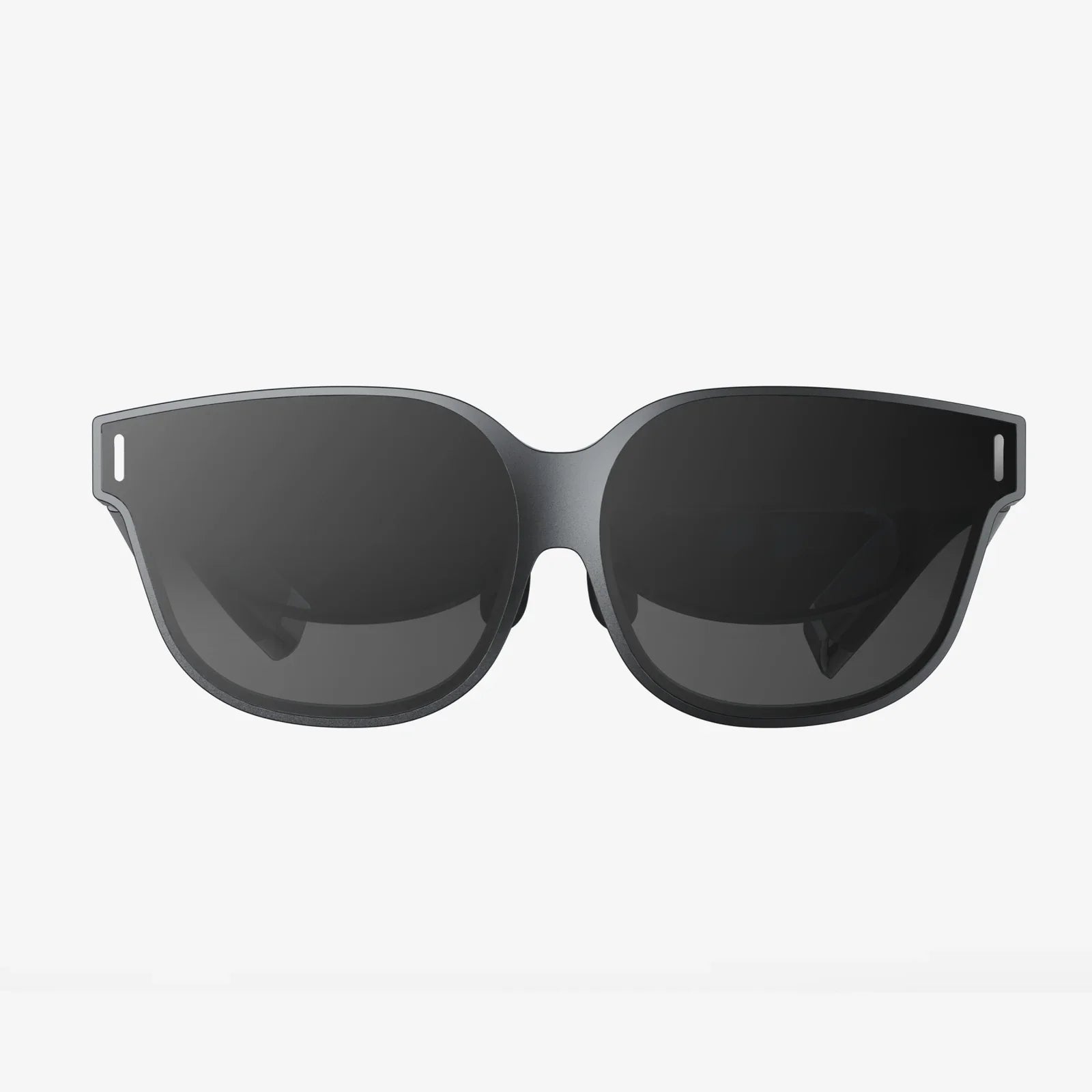
- von wangfred
Product Interaction Display Strategies That Transform Browsers Into Buyers
- von wangfred
Most shoppers decide whether to buy in a matter of seconds, and your product interaction display often determines which way that decision goes. When people can see, touch, test, or virtually experience a product, their hesitation shrinks and their curiosity grows. If you want more clicks, more engagement, and more sales, mastering the art and science of product interaction display is one of the most reliable ways to get there.
At its core, a product interaction display is any setup that lets customers actively engage with what you are selling rather than passively viewing it. That can be a touchscreen kiosk, a live demo table, an interactive 3D model on a website, or a mixed reality experience that places a digital object into the user’s real environment. The more meaningful and intuitive the interaction, the more likely it is to convert interest into action.
A product interaction display is a physical or digital environment designed to let users explore a product hands-on or through simulated interaction. Instead of static images or simple descriptions, these displays invite people to:
In retail stores, that might mean a demo unit mounted on a table with clear signage that says “Try me.” In digital environments, it could be an interactive 3D viewer, a product customizer, or an augmented reality overlay that shows how an item fits into the user’s space or lifestyle.
Product interaction display strategies are powerful because they address three persistent barriers to purchase: uncertainty, lack of trust, and low emotional engagement. When shoppers can interact with a product, they are more likely to understand it, believe it will work for them, and feel some level of excitement about owning it.
Key benefits include:
Whether you are designing for a store, event, website, or app, certain principles consistently separate effective product interaction displays from forgettable ones.
People should instantly understand what they can do with the display and what they will get from interacting with it. Overly complex interfaces or unclear instructions cause hesitation and abandonment.
Best practices include:
Every action should trigger a visible, audible, or tactile response. If users tap, swipe, press, or move something and nothing happens, they assume the display is broken or confusing.
Examples of feedback include:
Open-ended exploration is good, but direction is better. A strong product interaction display subtly guides users toward the most persuasive aspects of the product: signature features, unique benefits, or key use cases.
Effective guidance can include:
Interaction should not be a technical exercise; it should tell a story. The best product interaction displays show how a product fits into a user’s life, solves a problem, or enables a dream.
To integrate storytelling, consider:
Interacting with the product is only part of the journey. A strong product interaction display makes it natural for users to move from curiosity to commitment: adding to cart, booking a demo, or visiting a checkout counter.
Key elements include:
Physical environments offer unique opportunities for sensory-rich product interaction displays. Here are common and effective formats.
These are dedicated areas where visitors can physically handle and test products. They work well for items where feel, weight, or tactile response matter.
Key design tips:
Touchscreen displays can extend the capabilities of physical products by showing additional variations, specifications, and use cases.
Common features include:
Motion sensors, proximity detectors, and pressure pads can trigger content or lighting when a user approaches or touches a product.
Benefits include:
Human-led product interaction displays combine staff expertise with hands-on engagement. Demonstrators can tailor explanations to the audience and respond to questions in real time.
To maximize effectiveness:
Digital platforms can reach more people, offer more variations, and collect more data than physical displays. Modern product interaction display strategies online are increasingly immersive and personalized.
3D viewers let users rotate, zoom, and inspect products from every angle. Some allow toggling between configurations or cross-section views to reveal inner components.
Best practices include:
AR product interaction display experiences allow users to place virtual products into their real-world environment through a smartphone or compatible device. This is especially powerful for items where size, fit, and visual harmony matter.
Effective AR design should:
Configurators let users build their own version of a product by choosing colors, materials, modules, or features. This type of product interaction display taps into a sense of ownership and creative control.
Key elements include:
Some products are complex or benefit from guided exploration. Interactive tutorials simulate real usage scenarios, allowing users to “test drive” a product before committing.
To make tutorials compelling:
Not all visitors are at the same stage of decision-making. Effective product interaction display design accounts for awareness, consideration, and decision phases.
At this stage, users may not even know they have a problem or that your category exists. Displays should be simple, visually striking, and focused on capturing attention.
Effective tactics:
Here, users are evaluating options. They want details, comparisons, and reassurance.
Useful interaction elements include:
At the decision point, the product interaction display should focus on clarity, trust, and ease of action.
Effective features:
Several psychological principles explain why product interaction displays are so influential.
People tend to value things more once they feel a sense of ownership. Even temporary or simulated ownership, such as customizing a product or trying it briefly, can increase perceived value.
A product interaction display can leverage this by:
Complex information can overwhelm users, leading to indecision. Interactive displays can break information into manageable chunks and reveal details only when requested.
To reduce cognitive load:
People look to others for cues on what to buy. Product interaction displays can incorporate social proof without overwhelming the main experience.
Examples include:
To improve your product interaction display over time, you need to measure how people use it and how it affects outcomes.
In physical environments, measurement can be more challenging but still feasible.
Tools can include observation, sensors, anonymous footfall tracking, and linking display usage to point-of-sale data where possible.
Digital product interaction displays offer richer, more precise data.
By analyzing this data, you can refine the display to emphasize what resonates most and simplify or remove underused elements.
Even well-intentioned displays can fail if they fall into predictable traps.
Too many options, dense text, or complex navigation can overwhelm users. An effective product interaction display should feel effortless, not like learning a new software system.
Displays that rely solely on small touch targets, low contrast, or audio-only cues can exclude many users. Accessible design is not only ethical but also expands your potential customer base.
Consider:
A display that works in a quiet showroom may fail in a crowded, noisy environment. Similarly, a desktop-focused digital experience may frustrate mobile users.
Always test your product interaction display in the actual environment and on the actual devices where it will be used.
Interaction without a clear next step can be a dead end. If users enjoy the experience but have no obvious path to act, the impact on sales will be limited.
Every product interaction display should answer the question: “What do we want the user to do next, and how easy is it to do that?”
Turning theory into practice is easier when you follow a structured process.
Decide whether your main objective is to educate, inspire, collect leads, drive immediate sales, or something else. This will shape your design decisions.
Determine the three to five most important things users should understand or feel after interacting with the display. Keep these front and center.
Sketch how a typical user will encounter, interact with, and exit the display:
Select the types of interaction that best serve your goal and audience: touch, motion, AR, configuration, simulation, or guided demo. Avoid adding modes just because they are novel.
Create a basic version and test it with real users. Observe where they hesitate, what confuses them, and what excites them. Use this feedback to refine the design.
From the start, decide how you will measure engagement and impact. Build in tracking mechanisms and review data regularly to guide improvements.
Product interaction display is evolving quickly as technology and user expectations advance. Several trends are shaping the next generation of experiences.
Displays will increasingly adapt to individual users, drawing on preferences, behavior, or context. For example, a digital display might recognize returning visitors and highlight the products they explored previously, or suggest configurations based on their past choices.
The line between physical and digital product interaction display will continue to blur. Users might start an interaction in a store, continue it on their phone, and finalize it at home, with their preferences and configurations following them seamlessly across channels.
Voice commands and gesture recognition will complement touch-based interaction, offering more natural and inclusive ways to explore products, especially in environments where hands-free interaction is desirable.
As analytics tools become more sophisticated, product interaction displays will be continuously optimized based on real-world data. Content, layouts, and flows will adapt in near real time to what works best for different audiences and contexts.
If you want your products to stand out in a world of endless choice, investing in thoughtful product interaction display design is no longer optional; it is a competitive necessity. Every touch, swipe, rotation, and simulated experience is a chance to move someone from passive interest to active desire. When you give people a compelling way to explore what you offer, you do more than showcase features—you create moments they remember, stories they share, and reasons they feel confident saying yes. Build your next display with that level of intent, and watch how quickly those moments turn into measurable results.