


- von wangfred
3D Print AR Accessories To Transform Everyday Augmented Reality Experiences
- von wangfred
3D print AR accessories and you turn ordinary augmented reality gear into a fully customized, high-performance setup tailored to your face, your hands, and your daily workflow. Instead of accepting whatever comes out of the box, you can tune comfort, boost immersion, protect your devices, and unlock entirely new ways to interact with digital content layered onto the real world. Whether you are a hobbyist, a professional designer, a gamer, or an educator, the combination of AR and 3D printing opens a playground of possibilities that is far bigger than most people realize.
Augmented reality overlays digital graphics, data, and interfaces on top of the real environment. 3D printing, on the other hand, turns ideas into physical objects at low cost and with rapid iteration. When you merge these two technologies, you can build custom mounts, controllers, tracking markers, cable management systems, and ergonomic upgrades that fit your exact body and space. This article walks you through what to design, how to design it, which materials to consider, and how to stay safe and practical while pushing the limits of your AR setup.
Most AR systems ship with generic, one-size-fits-most hardware. That works fine as a starting point, but it rarely fits perfectly. Here is where 3D printing shines: you can create accessories that match your unique needs instead of forcing yourself to adapt to the hardware.
Everyone’s head shape, nose bridge, and interpupillary distance are different. Factory-designed headsets and mounts aim for the average user, which means many people end up with pressure points, slipping straps, or awkward angles.
With 3D printing, you can design:
A few test prints and some minor tweaks allow you to dial in a level of comfort that no mass-produced accessory can match.
AR is still evolving, and many use cases are experimental: industrial workflows, location-based experiences, custom training simulators, and novel user interfaces. 3D printing lets you iterate quickly on physical components that support these experiments.
You can:
If a design fails, you adjust the model and print again, often within hours. This fast loop is ideal for research labs, startups, and makerspaces using AR in new ways.
Commercial accessories can be expensive, especially specialty mounts or industry-specific hardware. 3D printing reduces costs by letting you produce one-off parts without tooling or large minimum orders.
Simple items like cable clips, wall mounts, and spacer brackets can cost a few cents in filament instead of significant amounts for branded accessories. Over time, the savings add up, particularly if you maintain multiple AR setups for a team or classroom.
When you think about 3D print AR accessories, it helps to break them into categories based on what they improve: comfort, protection, tracking, interaction, organization, and aesthetics.
Comfort is the foundation of long AR sessions. Poor ergonomics lead to headaches, neck pain, and eye strain. 3D printed parts can correct many of these issues.
A face interface is the part of the headset that touches your skin. Many users find the stock parts too hard, too soft, or poorly shaped. You can design:
By scanning your face or making careful measurements, you can create a profile that matches your bone structure, distributing pressure more evenly and improving immersion.
Front-heavy AR devices can strain your neck and make the headset feel heavier than it is. A simple 3D printed mount at the back of the head strap can hold weights, battery packs, or other components that serve as counterbalance.
Key design considerations include:
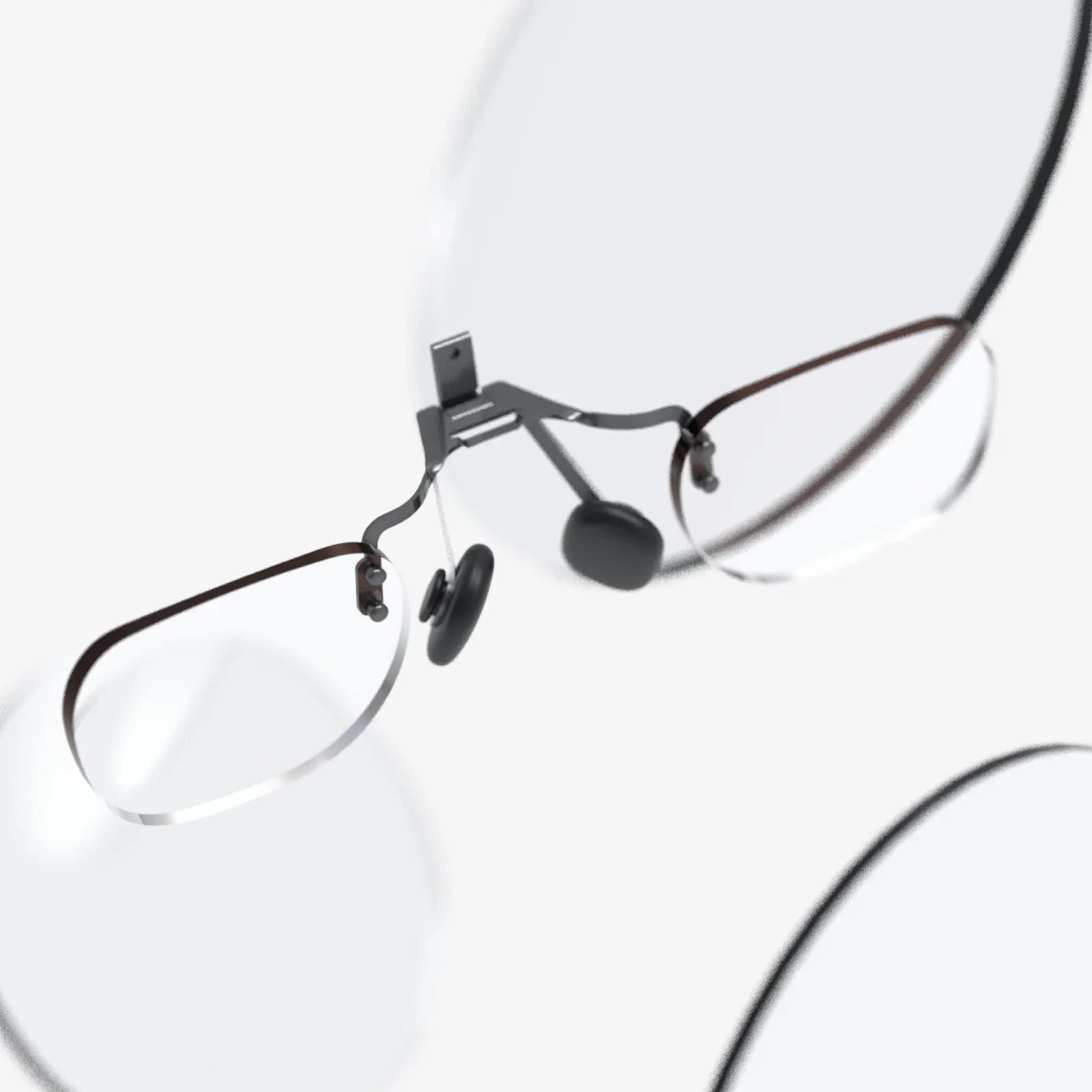
Many AR users wear glasses, which can cause fit issues and reflections. 3D printed adapters can hold prescription lenses or protective inserts inside the headset at the correct distance from the display.
You can also print spacers to:
AR hardware is expensive and often delicate. 3D printed protective gear can extend its lifespan and make it safer to carry and store.
Thin plastic shells or bumpers that wrap around edges and corners can prevent cosmetic damage and reduce the risk of cracking if the device is dropped. While you should not rely on printed parts for heavy-duty impact protection, they do provide a useful first line of defense.
Good designs usually include:
Custom 3D printed cases and stands keep everything organized and safe when not in use. You can tailor them to your exact combination of headset, controllers, cables, and adapters.
Features to consider:
Tracking is central to AR. The system must know where the device, the user, and sometimes external objects are in space. 3D printing allows you to create custom markers and mounts that improve tracking reliability and expand what can be tracked.
Some AR systems rely on visual markers, fiducials, or patterned tags. Instead of taping paper markers to objects, you can embed them in 3D printed frames that:
You can also sculpt shapes that are easy for computer vision algorithms to detect, like high-contrast geometric patterns or unique silhouettes.
In industrial or training scenarios, it is common to track real tools or props so that virtual overlays line up with them. 3D printed mounts let you attach tracking markers or sensors to:
These mounts must be robust, lightweight, and designed so they do not interfere with the normal use of the object.
AR becomes far more powerful when you can interact naturally with virtual content. 3D printed accessories can turn simple sensors or controllers into rich, tangible interfaces.
Instead of generic gamepad-style controllers, you can design grips that match the context of your AR application:
These designs can house existing electronic components—buttons, triggers, sensors—while providing a more intuitive physical form.
Even when AR systems track your hands directly, 3D printed attachments can augment gestures and provide tactile feedback. Examples include:
These accessories can make interactions more precise and satisfying, especially in professional applications where accuracy matters.
Even wireless AR setups often involve charging cables, external sensors, or network connections. Cable clutter can be both annoying and dangerous. 3D printed management systems help maintain a clean and safe environment.
Simple clips that attach to desks, walls, or straps keep cables where they belong. You can design them to:
For multi-user spaces, color-coded or labeled clips make it easy to identify which cable belongs to which station.
External tracking sensors, cameras, or reflectors often work best when mounted high and out of the way. 3D printed brackets can adapt these devices to your specific room layout.
Common design features include:
Function is crucial, but form matters too. AR experiences often benefit from a coherent visual identity, especially in public installations, themed attractions, or educational exhibits.
With 3D printing, you can create:
These elements make AR feel less like a piece of technology and more like a natural part of the space.
Designing accessories for AR is not just about making something that looks right in CAD. You must consider comfort, safety, durability, and how the accessory affects sensors and tracking.
Accurate measurements are the foundation of a good fit. For headsets and wearables, measure:
For devices, measure:
If you have access to 3D scanning, you can capture complex surfaces such as faces or curved housings and design directly against them.
AR devices rely on unobstructed sensors to function properly. When designing accessories, always ensure that:
A good practice is to import a simplified model of the device into your design software and mark “no-go zones” where you will not place material.
Accessories that attach to the head or face must be light, yet strong enough to withstand repeated use. Consider:
For parts that must flex repeatedly, design for the grain of the printed layers to minimize stress along weak axes.
Accessories that touch the skin or sit near the eyes require special care. Important safety considerations include:
Always test new designs gently and gradually, watching for discomfort or unexpected behavior.
The choice of filament or resin has a major impact on comfort, durability, and safety. Different categories of accessories benefit from different materials.
For most structural parts such as mounts, stands, and housings, common thermoplastics provide a good balance of strength, ease of printing, and cost.
When selecting a material, consider:
For comfort-focused accessories such as gaskets, straps, and bumpers, flexible materials shine. They can conform to the face, absorb shocks, and provide a non-slip surface.
Design tips for flexible parts:
Raw 3D prints can have layer lines and rough surfaces. For skin-contact areas and visible surfaces, finishing can improve both comfort and appearance.
Common finishing methods include:
Always verify that any coating or adhesive is safe for skin contact if it will be near the face or hands.
To spark your creativity, here are several project concepts that demonstrate how 3D printing can enhance AR in real-world scenarios.
Design a full comfort kit for your headset that includes:
Start by tracing the outline of the existing face interface and strap geometry. Print prototypes in inexpensive material to test fit, then refine the design and switch to a more durable filament for the final version.
For training scenarios that involve specific tools, create a 3D printed shell that either encases a real tool or replicates its shape. Integrate mounting points for tracking markers or sensors.
Key steps include:
This approach allows trainees to interact with virtual instructions while holding an object that closely mimics the real equipment.
Transform your workspace into an AR-ready environment with a set of coordinated 3D printed accessories:
By designing all components in the same style, you create a cohesive, professional-looking AR station that is both functional and visually appealing.
In educational settings, 3D printed AR accessories can make abstract concepts tangible. For example:
Students can handle the physical objects while exploring dynamic, layered information through AR, combining the strengths of both physical and digital media.
A smooth workflow saves time and frustration when developing 3D printed accessories for AR. Consider the following practical steps.
Before committing to a full accessory, print small sections that test critical features such as:
These test pieces print quickly and reveal issues early, allowing you to adjust dimensions or print settings without wasting material.
If multiple people will use your AR accessories, gather feedback from a diverse group of testers. Ask about:
Use this feedback to refine shapes, adjust padding, and improve attachment mechanisms.
Keep organized records of your design files, print settings, and assembly instructions. This is especially important if you plan to deploy the accessories across a team, classroom, or multiple locations.
Documentation should include:
Good documentation ensures that others can reproduce your results, maintain the accessories, and adapt them to new hardware in the future.
While the potential is huge, there are also traps that can waste time or compromise safety if you are not careful.
It is tempting to add every possible feature to a single accessory, but complex designs can be harder to print, more fragile, and difficult to adjust. Often, it is better to break a design into modular parts that you can upgrade or replace independently.
Repeated use, sweat, skin oils, and UV exposure can degrade some plastics over time. For accessories that will see heavy use, plan for:
Even small changes in device geometry can affect tracking. Adding a thick bumper near a camera or sensor can introduce occlusions or reflections. Always test tracking performance thoroughly after adding new accessories, and be prepared to trim or redesign parts that interfere.
The intersection of 3D printing and AR is still in its early stages, and several emerging trends suggest even more powerful possibilities on the horizon.
Parametric design tools make it possible to generate custom accessories based on a few user measurements. In the future, apps may guide users through a quick scan of their face or room and then automatically generate tailored 3D models for printing.
This could lead to:
As desktop manufacturing evolves, it will become easier to embed electronics directly into 3D printed AR accessories. You might print a controller shell with channels for wiring and cavities for sensors, then pause the print to insert components before sealing them in.
This approach can produce:
As more people design and share 3D print AR accessories, community libraries of proven designs will grow. These libraries can accelerate innovation by providing:
Participating in this ecosystem—by sharing your own designs and improving others—helps push the entire field forward.
3D print AR accessories and you gain the power to reshape how augmented reality feels, looks, and performs in your hands and on your head. Every clip, bracket, grip, or gasket you design can remove a point of friction, deepen immersion, or unlock a new interaction that was not possible before. Instead of waiting for manufacturers to solve your specific comfort or workflow problems, you can address them directly with a printer, some thoughtful design, and a willingness to iterate. If you are ready to move beyond generic hardware and craft AR experiences that truly fit you, your team, or your audience, the next step is simple: open your design software, choose one small accessory that would make your AR setup better, and start modeling. The first successful print will not just upgrade your device—it will change how you think about the boundary between digital overlays and the physical world that supports them.