


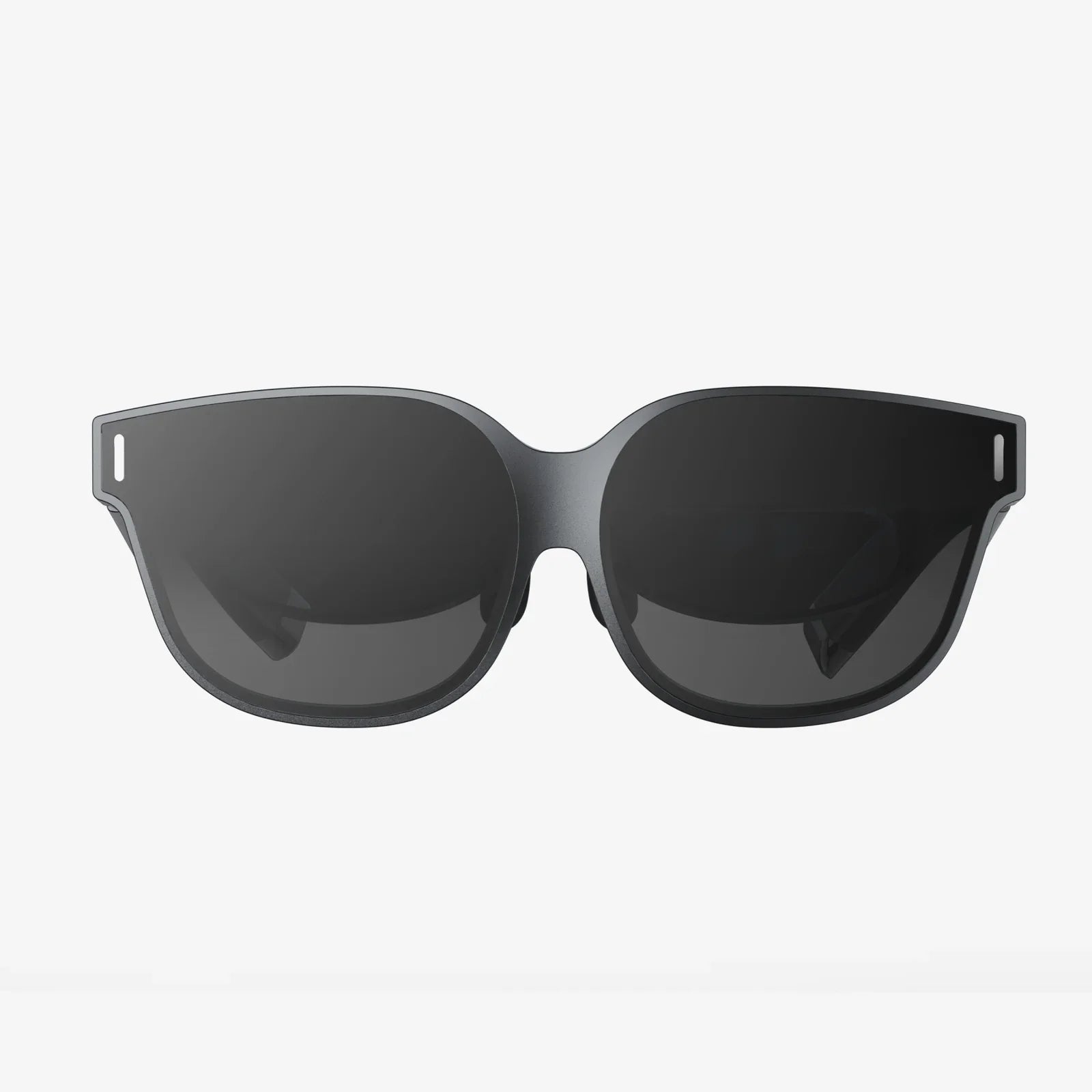
Imagine controlling your favorite apps, games, or even your home devices with a simple wave of your hand in mid-air. No physical buttons, no smudged screens, no clunky controllers—just natural gestures guiding powerful systems. That is the promise of the air touch controller, a rapidly evolving interface technology that is transforming how we think about interaction, productivity, and digital experiences.
As more industries seek cleaner, more intuitive, and more immersive ways to interact with machines, the air touch controller is stepping into the spotlight. From touchless kiosks to gesture-driven gaming and contact-free medical interfaces, this technology is redefining what “touch” means in a digital world. Understanding how it works, where it is used, and what challenges it faces can help you anticipate how your daily interactions with technology may change in the coming years.
What Is an Air Touch Controller?
An air touch controller is an interaction device or system that allows users to control digital interfaces using gestures and movements in the air, without physically touching a screen or hardware surface. Instead of pressing a button or swiping a display, you simply move your hands or fingers in a defined space, and sensors interpret those motions as commands.
Unlike traditional input devices such as keyboards, mice, or standard touchscreens, an air touch controller focuses on spatial recognition and gesture interpretation. It can detect position, direction, speed, and shape of movement, then translate these factors into actions like clicking, scrolling, dragging, or zooming.
Because it removes the need for physical contact, this type of controller is especially valuable in environments where hygiene, accessibility, or durability are critical. It also opens up new possibilities for immersive interaction in augmented reality (AR), virtual reality (VR), and mixed reality experiences.
How Air Touch Controllers Work: Core Technologies
Behind the seamless experience of waving your hand to control a system lies a complex combination of hardware and software. While implementations vary, most air touch controller systems rely on a blend of the following technologies:
Optical and Camera-Based Tracking
Many air touch controllers use cameras—either visible light, infrared, or depth-sensing—to track hand and finger movements. These cameras capture frames of the user’s hands in real time. Computer vision algorithms then process these frames to recognize shapes, positions, and gestures.
Depth-sensing cameras can determine how far a hand is from the sensor, enabling precise 3D tracking. This allows the system to detect actions like pushing forward to “click,” pulling back to “cancel,” or rotating the wrist to rotate objects on-screen.
Infrared and Time-of-Flight Sensors
Infrared (IR) emitters and detectors can be used to sense hand position and motion. Time-of-flight sensors measure how long it takes for emitted light to bounce off an object and return to the sensor. This timing information enables accurate calculation of distance and depth.
These sensors are particularly useful in low-light conditions and can be embedded in compact devices such as kiosks, laptops, or dashboard systems in vehicles.
Ultrasonic and Radar-Based Sensing
Some advanced air touch controllers rely on ultrasonic waves or radar signals. Ultrasonic systems emit sound waves at frequencies higher than human hearing and measure their reflections to detect motion. Radar-based systems use radio waves to achieve a similar effect, often with high precision and robustness in varying lighting conditions.
These methods can be more resilient to visual noise, such as cluttered backgrounds, and can operate reliably even when the user’s hands are partially obscured from direct line-of-sight.
Machine Learning and Gesture Recognition
Hardware sensors alone are not enough. Software plays a crucial role in interpreting raw data into meaningful commands. Machine learning models are trained on large datasets of hand shapes, motion patterns, and gesture sequences. Over time, these models learn to distinguish between intentional gestures and random movement.
Common recognized gestures might include:
- Swipe left or right to navigate between screens
- Pinch in the air to zoom in or out
- Tap gesture in mid-air to select an item
- Rotate hand to spin 3D objects
- Raise a hand to pause or stop a process
The more data the system processes, the better it becomes at recognizing different users’ styles and adapting to variations in hand size, speed, and movement patterns.
Key Components of an Air Touch Controller System
An air touch controller is not just a single sensor; it is an integrated system. Typical components include:
- Sensing Hardware: Cameras, infrared sensors, time-of-flight sensors, ultrasonic emitters, or radar modules that capture motion data.
- Processing Unit: A microcontroller, embedded processor, or connected computer that runs gesture recognition algorithms and interfaces with the main system.
- Software Layer: Drivers, recognition libraries, and application programming interfaces (APIs) that developers use to integrate air touch controls into apps and devices.
- User Interface Logic: The mapping between gestures and actions—what a swipe, pinch, or tap actually does in a specific context.
- Feedback Mechanisms: Visual, audio, or haptic cues that confirm user actions, such as on-screen highlights, sounds, or subtle vibrations in companion devices.
These components must work together with low latency and high reliability to provide a natural, responsive experience. Even small delays or misinterpretations can make air-based interaction feel awkward or frustrating.
Benefits of Air Touch Controller Interfaces
The rise of air touch controllers is not just a technological novelty. It is driven by tangible advantages that address real-world needs and user expectations.
Contactless Interaction and Hygiene
One of the most compelling benefits is the ability to interact without physical contact. In public spaces such as kiosks, ticket machines, information terminals, and elevators, traditional touchscreens can become heavily used surfaces. Air touch controllers allow users to navigate menus and confirm selections without touching shared hardware, reducing concerns about contamination and improving perceived cleanliness.
Enhanced Accessibility
For users with certain mobility limitations or conditions that make fine motor control difficult, pressing small buttons or using a traditional mouse can be challenging. Air touch controllers can be designed to recognize broader, more forgiving gestures that require less precision. This can make digital interfaces more inclusive and easier to use for a wider range of people.
Immersive and Natural Interaction
Air gestures often feel more intuitive because they mimic real-world movements. Rotating a virtual object by twisting your hand, or sliding through a gallery with a simple swipe in space, can feel more natural than clicking and dragging with a mouse. This natural mapping between motion and action is particularly important in AR and VR environments, where immersion is a key goal.
Reduced Wear and Maintenance
Physical buttons and touch panels can wear out over time due to repeated contact. They may require cleaning, replacement, or repair. By minimizing or eliminating physical contact, air touch systems can reduce wear and tear on hardware, potentially lowering maintenance costs and increasing device longevity.
Design Flexibility and Aesthetics
Because the primary interaction happens in the air, designers have more freedom to create sleek, minimal surfaces without visible buttons or large touchscreens. This can be especially appealing in automotive dashboards, smart appliances, and interior design elements where aesthetics and simplicity are important.
Real-World Applications of Air Touch Controllers
Air touch controllers are already moving from concept to reality in multiple sectors. Their versatility allows them to be adapted for both everyday consumer uses and specialized professional environments.
Automotive and In-Vehicle Systems
In vehicles, air touch controllers can be used to operate infotainment systems, climate controls, and navigation interfaces without taking eyes off the road for long periods. For example, a driver might adjust volume with a circular hand motion or accept a call with a quick gesture. Because the hands remain in mid-air rather than searching for small buttons, this can support safer interaction when designed correctly.
Public Kiosks and Self-Service Terminals
Ticket machines, information kiosks, payment terminals, and check-in systems in airports or hospitals can benefit from air touch interaction. Users can select options, scroll through menus, and confirm transactions without touching a screen that hundreds of others have used. Clear on-screen prompts and gesture hints guide users through the process, making it both hygienic and user-friendly.
Healthcare and Medical Environments
In clinical settings, maintaining sterile conditions is critical. Air touch controllers enable medical professionals to navigate patient records, imaging systems, or surgical planning tools without removing gloves or touching shared equipment. This reduces the risk of contamination and can streamline workflows in operating rooms and intensive care units.
Gaming and Entertainment
Gesture-based gaming is one of the most engaging uses of air touch controllers. Players can swing, throw, grab, or dodge using natural body movements translated into in-game actions. When combined with AR or VR headsets, air touch systems allow users to interact with virtual objects as if they were physically present, enhancing immersion and enjoyment.
Smart Home and Consumer Electronics
Air touch controllers can be integrated into smart TVs, sound systems, lighting controls, and home automation hubs. Imagine adjusting volume with a simple wave, dimming lights with a downward gesture, or changing channels with a mid-air swipe. This can be especially convenient when hands are occupied, such as while cooking or exercising.
Industrial and Manufacturing Environments
In factories or workshops where workers wear gloves or handle materials that could damage conventional interfaces, air touch controllers offer a robust alternative. Operators can control machinery, navigate dashboards, or monitor processes using gestures that do not require direct contact. This can improve safety and reduce downtime associated with cleaning or repairing physical controls.
Retail and Interactive Displays
Retailers can use air touch technology in interactive displays and digital signage. Shoppers can browse catalogs, view product details, or explore virtual try-on experiences without touching screens. This not only enhances hygiene but also creates a futuristic, memorable experience that can differentiate stores and exhibitions.
Designing Effective Air Touch Controller Interfaces
To unlock the full potential of air touch controllers, careful design and user experience planning are essential. Poorly designed gesture systems can feel confusing or tiring, while well-designed ones can feel almost magical.
Choosing the Right Gesture Set
Not all gestures are equally intuitive or comfortable. Effective gesture sets share several characteristics:
- Simplicity: Basic motions such as swipes, taps, and rotations are easier to remember and perform.
- Consistency: The same gesture should have the same meaning across different contexts whenever possible.
- Distinctiveness: Gestures should be different enough from each other that the system can reliably distinguish them.
- Ergonomics: Movements should avoid strain and be comfortable for repeated use over time.
Designers often start with a small set of core gestures and gradually expand only when users are familiar with the basics.
Providing Clear Feedback
Because there is no physical contact, feedback becomes even more critical in air-based systems. Users need to know when the system has detected their hand, recognized a gesture, and executed a command.
Effective feedback methods include:
- Highlighting interactive elements when a hand is nearby
- Displaying a cursor or hand outline that mirrors the user’s movement
- Using sound cues when a gesture is successfully recognized
- Showing brief on-screen confirmations of actions
These cues reduce uncertainty and help users build confidence in the system.
Minimizing Fatigue and Overexertion
Holding arms in the air for long periods can lead to fatigue, sometimes referred to as “gorilla arm.” To prevent this, interfaces should be designed so that interactions are brief and efficient. Common strategies include:
- Allowing small, wrist-level movements rather than large arm swings
- Supporting periodic rest positions without losing tracking
- Reducing the number of steps required to complete common tasks
By prioritizing comfort, designers can ensure that air touch controllers remain practical for everyday use, not just short demonstrations.
Handling Errors and Misinterpretation
No recognition system is perfect. Air touch controllers must gracefully handle misread gestures and accidental movements. Helpful strategies include:
- Requiring deliberate, slightly exaggerated gestures for critical actions like deleting data or confirming payments
- Allowing easy undo or cancel options
- Using contextual cues to reduce false positives, such as ignoring gestures when the user’s hand is outside a defined interaction zone
Thoughtful error handling maintains user trust and prevents frustration when the system inevitably makes mistakes.
Technical Challenges and Limitations
Despite its promise, air touch controller technology faces several technical and practical challenges that developers and designers must address.
Accuracy and Reliability
Accurate tracking can be difficult in environments with variable lighting, reflective surfaces, or multiple moving objects. Camera-based systems may struggle in very bright or very dark conditions, while ultrasonic or radar systems can be affected by environmental noise or interference.
Ensuring consistent performance across different physical spaces and user behaviors requires robust calibration and sophisticated algorithms.
Latency and Responsiveness
Users expect instantaneous feedback. Even a small delay between performing a gesture and seeing the result can make interaction feel sluggish or unresponsive. Minimizing latency requires efficient hardware, optimized software, and careful system integration to ensure that each frame of motion is processed quickly.
Learning Curve and User Expectations
Most people are familiar with touchscreens and physical buttons, but air gestures are still relatively new. Users may not know which gestures are available or how to perform them correctly. Clear onboarding, visual hints, and simple initial interactions are vital to help users learn without frustration.
Privacy and Perception
Because many air touch systems rely on cameras or sensors that observe user movements, there can be concerns about privacy. Users may wonder what data is being captured, whether it is stored, and how it is used. Transparent communication, local processing where possible, and strong data protection practices are essential to building trust.
Cost and Integration Complexity
Adding advanced sensors and processing capabilities can increase the cost of devices. Integrating air touch controllers into existing systems may require hardware redesign, software updates, and user interface changes. Organizations must weigh these costs against the benefits of improved hygiene, accessibility, and user experience.
Future Trends in Air Touch Controller Development
The evolution of air touch controllers is closely tied to advances in sensing, artificial intelligence, and user interface design. Several emerging trends are likely to shape the next generation of this technology.
More Compact and Integrated Sensors
As sensor components become smaller and more power-efficient, they can be integrated into a wider range of devices, from laptops and monitors to appliances and wearable systems. This miniaturization will make air touch features more common and less obtrusive, blending seamlessly into everyday products.
Improved Gesture Recognition with AI
Future systems will increasingly rely on advanced machine learning and deep learning models to recognize more complex and subtle gestures. These models can adapt to individual users, learning their unique motion patterns and preferences. Over time, this personalization could make air touch interaction feel more natural and responsive.
Combination with Voice and Other Modalities
Air touch controllers will not exist in isolation. They are likely to be combined with voice control, eye tracking, and traditional input methods to create multimodal interfaces. For example, a user might point at an object in mid-air and then use voice commands to specify an action. This combination can provide flexibility and redundancy, allowing users to choose the most convenient method in any situation.
Deeper Integration with AR and VR
As AR and VR applications become more widespread, air touch controllers will play a central role in enabling natural interaction with virtual objects. Hand tracking and gesture recognition will allow users to manipulate 3D content, collaborate in virtual workspaces, and explore immersive environments without physical controllers.
Standardized Gesture Languages
Today, gesture sets vary widely between systems. In the future, we may see more standardization of common gestures across platforms, similar to how pinch-to-zoom became a universal gesture on touchscreens. Standardization would reduce the learning curve and make air gestures feel more predictable across different devices and applications.
How Businesses and Developers Can Prepare
Organizations that want to leverage air touch controller technology can take several practical steps to prepare and experiment effectively.
Identify Use Cases with Clear Benefits
Not every application needs air gestures. The most compelling use cases typically involve one or more of the following:
- High hygiene requirements or shared public interfaces
- Situations where hands are occupied or gloved
- Immersive experiences where natural movement enhances engagement
- Accessibility improvements for users who struggle with traditional input devices
By focusing on scenarios where air touch provides clear advantages, businesses can justify the investment and design more impactful solutions.
Prototype and Test with Real Users
Early prototyping is essential. Simple test setups can reveal how users naturally attempt to interact in the air, which gestures feel comfortable, and where confusion arises. Observing real users helps refine gesture sets, feedback mechanisms, and interface layouts before large-scale deployment.
Plan for Training and Onboarding
Because air gesture control is still unfamiliar to many people, onboarding should be built directly into the interface. Short tutorials, contextual hints, and interactive demos can help users quickly understand what they can do and how to do it. This is especially important in public or high-traffic environments where staff may not always be available to assist.
Consider Accessibility and Inclusivity
Not all users will be able to perform the same gestures. Designers should provide alternative interaction methods where possible and ensure that gesture sets can be performed from seated positions or with limited range of motion. Inclusive design expands the reach and usability of air touch systems.
Monitor Performance and Iterate
Once deployed, air touch controller systems should be monitored for performance, reliability, and user satisfaction. Analytics on gesture recognition accuracy, error rates, and usage patterns can guide iterative improvements. Regular updates to recognition models and interface design will keep the system responsive to real-world usage.
Why Air Touch Controllers Are Poised to Transform Interaction
As digital systems become more embedded in everyday life, the way we interact with them matters more than ever. The air touch controller represents a shift from rigid, contact-based input toward flexible, invisible interfaces that adapt to human movement. It offers a compelling blend of hygiene, accessibility, immersion, and aesthetic freedom that traditional interfaces cannot easily match.
For individuals, this means more natural and effortless control over devices and experiences. For businesses and institutions, it opens new opportunities to create engaging, safe, and distinctive interactions that stand out in a crowded digital landscape. The technology is still evolving, but its trajectory is clear: air touch controllers are moving from experimental novelty to practical, everyday tools.
If you want a glimpse of how you will navigate digital worlds in the near future, watch the spaces where air touch controllers are quietly appearing—on kiosks, in vehicles, in smart environments, and in immersive media. The more you see and use them, the more it becomes obvious that reaching out into thin air to control your digital life is not science fiction anymore; it is rapidly becoming the new normal.
Aktie:
Voice Command Dog Collar Training: A Complete Owner’s Guide
behringer x touch vs mackie control: Which Control Surface Should You Choose?