


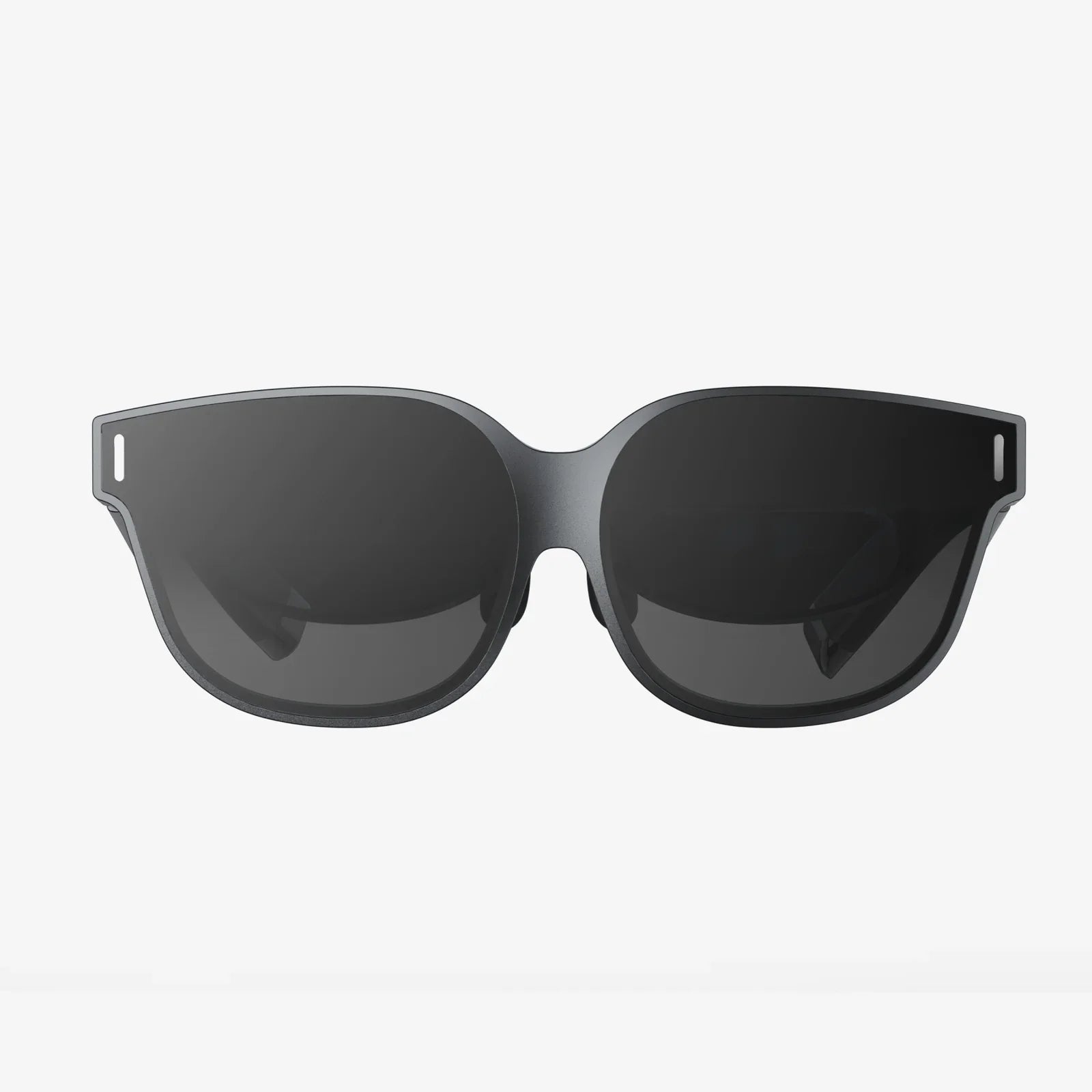
ar headsets with hand-tracking and gesture control 2025 are about to change how you touch the digital world without ever lifting a controller. As cameras, sensors, and AI fuse into lightweight glasses, your hands become the interface, your environment becomes the canvas, and every gesture can trigger a powerful response from invisible software that surrounds you. If you have ever wanted to reach out and grab a hologram, this is the moment when that fantasy starts turning into a daily habit.
Why 2025 is a tipping point for hand-tracked AR
The year 2025 is shaping up as a tipping point because several trends are converging at once:
- Computer vision models are accurate enough to track individual fingers in real time.
- On-device chips can process complex hand and gesture recognition without noticeable lag.
- Optics and battery technology are enabling lighter, more comfortable AR headsets.
- Developers are standardizing gesture vocabularies instead of reinventing them for every app.
This combination turns hand tracking from a clever demo into a practical, everyday input system. The promise is simple: no more controllers, no more learning complex button layouts, just using your hands and natural gestures to interact with digital content layered over the physical world.
How hand-tracking and gesture control actually work
Behind the apparent magic of ar headsets with hand-tracking and gesture control 2025 lies a stack of technologies working together:
Core components of hand-tracked AR
The core stack typically includes:
-
Depth-sensing cameras
Headsets use depth cameras or stereo cameras to capture 3D information about your hands and surroundings. This lets the system understand not just the position of your hands, but their distance to virtual or real objects. -
RGB cameras
Standard color cameras help with texture, lighting, and fine detail, improving the accuracy of finger detection and gesture recognition. -
IMU sensors
Inertial measurement units track the movement of the headset itself, allowing the system to keep virtual objects stable even as you move your head. -
On-device AI processing
Neural networks run locally to detect hand shapes, finger positions, and gestures. This enables low-latency interactions that feel responsive and natural. -
Spatial mapping
Simultaneous localization and mapping (SLAM) systems build a 3D map of your environment, letting virtual objects sit realistically on tables, walls, and floors.
From hand pose to actionable gesture
The journey from your hand movement to a system response looks like this:
- Hand detection – The headset identifies that a hand is in view and segments it from the background.
- Hand pose estimation – The system predicts the 3D positions of key points such as knuckles, fingertips, and the wrist.
- Gesture classification – Using machine learning, the headset classifies the pose and motion into a known gesture, such as pinch, grab, swipe, tap, or point.
- Interaction mapping – The recognized gesture is mapped to an action, such as selecting a button, dragging a window, or rotating a 3D model.
- Haptic and visual feedback – Visual highlights, sound cues, or external haptics confirm that the system has understood your gesture.
By 2025, improvements in model efficiency and sensor quality will make this pipeline robust enough for professional workflows, not just casual demos.
Key use cases emerging by 2025
ar headsets with hand-tracking and gesture control 2025 will not be limited to gaming or novelty experiences. They are poised to transform several sectors.
Work and productivity
In professional settings, hand-tracked AR can reshape how people collaborate, design, and manage information:
- Virtual monitors: Knowledge workers can arrange multiple floating screens around their desk, resizing and repositioning them with simple pinch-and-drag gestures.
- 3D design and engineering: Engineers and designers can grab, rotate, and scale 3D models in mid-air, annotate them, and share them with colleagues in real time.
- Remote collaboration: Team members in different locations can interact with the same virtual objects, pointing and gesturing naturally as if they were in the same room.
- Field service guidance: Technicians in factories or on-site environments can see step-by-step overlays and use gestures to move to the next step without touching a device.
Education and training
Education stands to gain dramatically from immersive, hands-on experiences without physical materials:
- Interactive science labs: Students can manipulate virtual molecules, dissect virtual organisms, or explore simulated physics experiments with their hands.
- Skills training: Trainees in fields such as aviation, medicine, or construction can practice complex procedures with precise gesture-based controls.
- Language and communication learning: Gesture-aware systems can help teach sign language or body language, tracking and correcting hand shapes and motion.
Healthcare and therapy
In healthcare, ar headsets with hand-tracking and gesture control 2025 open new possibilities:
- Surgical planning: Surgeons can explore 3D scans of patients, slicing through layers and examining structures by pinching and dragging.
- Rehabilitation: Patients recovering from injuries can perform guided exercises where the system tracks their hand movements and provides feedback.
- Remote consultation: Specialists can guide local clinicians using shared AR overlays, indicating areas of interest with simple pointing gestures.
Entertainment and gaming
For entertainment, natural hand interaction is a major leap:
- Immersive games: Players can cast spells, wield tools, or interact with characters using gestures rather than controllers.
- Interactive storytelling: Viewers can influence scenes by reaching out to objects or characters, changing the narrative flow.
- Music and art creation: Creators can sculpt 3D art, paint in the air, or conduct virtual orchestras with expressive hand movements.
As these experiences mature, the line between work and play becomes increasingly blurred.
Designing intuitive gestures for 2025
Gesture design is one of the most critical aspects of ar headsets with hand-tracking and gesture control 2025. Poorly chosen gestures can cause fatigue, confusion, or misrecognition. Good gesture design, by contrast, feels almost invisible.
Principles of good gesture design
Several principles are emerging as best practices:
- Use familiar metaphors: Gestures should mirror real-world actions, such as grabbing to pick up, pinching to zoom, or swiping to scroll.
- Minimize physical strain: Avoid requiring users to hold their arms up for long periods or perform complex finger contortions.
- Design for discoverability: Users should be able to guess gestures from context, or learn them quickly through hints and tutorials.
- Support error tolerance: The system should allow for slight variations in gestures and provide clear feedback when it does not understand.
- Avoid cultural conflicts: Some gestures have different meanings across cultures and should be chosen with care.
Common gesture sets in 2025
By 2025, many headsets and platforms will likely converge on a common set of core gestures:
- Pinch – Selecting, clicking, or grabbing small objects.
- Grab and hold – Picking up and moving larger objects or windows.
- Swipe – Navigating between pages, menus, or scenes.
- Rotate – Twisting an object by rotating the wrist or using two-hand motions.
- Push and pull – Moving objects toward or away from the user, or zooming content.
- Point – Highlighting or targeting objects, often combined with a pinch to select.
Developers who align with these emerging standards will make their experiences easier to learn and more comfortable to use.
Technical challenges still facing hand-tracked AR
Despite rapid progress, ar headsets with hand-tracking and gesture control 2025 face several technical hurdles that designers and engineers are actively working to overcome.
Latency and responsiveness
For gestures to feel natural, the system must respond almost instantly. Even small delays can break immersion or cause motion discomfort. The main challenges include:
- Processing overhead: Real-time hand pose estimation and spatial mapping require substantial compute power.
- Network dependency: Cloud-based processing can add latency, so more intelligence must run on the device.
- Battery constraints: High performance must be balanced with power consumption to maintain reasonable battery life.
In 2025, more efficient neural networks and specialized chips will mitigate these issues, but they will still shape headset design and capabilities.
Tracking reliability in real-world environments
Hand tracking must work across a wide range of lighting conditions, backgrounds, and hand shapes. Challenges include:
- Low light or bright sunlight: Extreme lighting can confuse cameras and reduce tracking accuracy.
- Occlusion: When one hand blocks the other or objects block the view, tracking can fail.
- Diverse users: Systems must handle different skin tones, hand sizes, accessories such as rings, and even gloves in some scenarios.
Improved sensors, better training data, and robust algorithms are gradually addressing these issues, but developers must still design experiences that are resilient to occasional tracking loss.
Comfort and ergonomics
Even if the tracking is flawless, user comfort is a limiting factor:
- Arm fatigue: Holding arms up for extended periods can cause strain, often called "gorilla arm".
- Neck and eye strain: Poorly balanced headsets or poorly placed virtual elements can cause discomfort.
- Motion sickness: Mismatches between visual motion and physical motion can cause nausea for some users.
By 2025, lighter materials, better weight distribution, and improved optics will help, but developers also need to design interactions that allow users to rest their arms and maintain natural postures.
Privacy, ethics, and social acceptance
ar headsets with hand-tracking and gesture control 2025 do more than track your hands; they often include cameras and sensors that capture your surroundings and the people around you. This raises important questions about privacy and social norms.
Data privacy and security
Key concerns include:
- Continuous image capture: Headsets must process live camera feeds to track hands and the environment, which can inadvertently capture sensitive information.
- Biometric data: Detailed hand movement patterns can be considered biometric identifiers, raising questions about storage and security.
- Cloud processing: If data is sent to remote servers for processing or storage, it may be vulnerable to misuse or breaches.
Responsible systems in 2025 will emphasize on-device processing, strong encryption, and transparent privacy policies, while giving users fine-grained control over what data is collected and how it is used.
Social etiquette and public use
As more people wear AR headsets in public, new social norms will emerge:
- Gesture visibility: Large, exaggerated gestures may feel awkward in public spaces, leading to more subtle interaction patterns.
- Recording concerns: Bystanders may worry that they are being recorded, prompting calls for clear indicators when cameras are active.
- Eye contact and attention: AR overlays can distract users from people physically present with them, impacting social interactions.
Designers of ar headsets with hand-tracking and gesture control 2025 will need to consider how to make interactions socially acceptable, perhaps by supporting micro-gestures, voice options, and modes that clearly signal when recording is disabled.
Accessibility and inclusivity
Hand-tracking and gesture control open new doors for some users but can close them for others if not designed inclusively.
Challenges for users with disabilities
Some users may have limited mobility, missing limbs, or conditions that affect hand control. For them, a purely gesture-based interface can be a barrier. Challenges include:
- Fine motor control requirements: Tiny gestures or precise pinches may be difficult for some users.
- Fatigue: Users with chronic pain or muscle weakness may not be able to perform sustained gestures.
- Standard gesture assumptions: Many gesture sets assume two hands with full mobility.
Inclusive design strategies
To make ar headsets with hand-tracking and gesture control 2025 accessible, designers can:
- Offer multiple input modes: Combine hand tracking with voice commands, eye tracking, and traditional controllers.
- Allow customization: Let users remap gestures, adjust sensitivity, and create simplified gesture sets.
- Provide adaptive assistance: Use AI to detect when a user is struggling and suggest alternative interactions.
By integrating accessibility from the start, AR can become a powerful equalizer rather than a new barrier.
Enterprise adoption and industry-specific workflows
Beyond general productivity, specific industries are developing tailored workflows around ar headsets with hand-tracking and gesture control 2025.
Manufacturing and logistics
In factories and warehouses, AR can overlay instructions and data directly onto the physical environment:
- Assembly guidance: Workers see step-by-step instructions overlaid on equipment and use gestures to advance steps or request help.
- Quality control: Inspectors can mark defects in a virtual layer with simple pointing and tapping gestures.
- Inventory management: Staff can identify items by looking at them and use gestures to log movements or updates.
Architecture, construction, and real estate
For built environments, AR with hand tracking can dramatically improve planning and visualization:
- On-site visualization: Architects and clients can walk through a site and see virtual structures overlaid at scale, adjusting elements by grabbing and moving them.
- Construction coordination: Teams can compare planned models with actual builds, using gestures to highlight discrepancies.
- Property tours: Prospective buyers can explore different layouts or finishes in real time, selecting options with simple gestures.
Retail and customer experience
Retail environments can use AR to enhance the shopping experience:
- Virtual try-ons: Customers can see products projected onto their bodies or homes and use gestures to switch variants.
- Interactive product information: Shoppers can point at items to reveal details, reviews, or recommendations.
- Self-service navigation: Gesture-based interfaces can guide shoppers through large stores or complex product catalogs.
As companies see tangible gains in efficiency, training quality, and customer engagement, investment in AR workflows is likely to accelerate through 2025 and beyond.
Developer ecosystem and tools in 2025
The success of ar headsets with hand-tracking and gesture control 2025 depends heavily on the tools available to developers.
Standardized frameworks and SDKs
By 2025, developers can expect:
- Cross-platform gesture APIs: Common interfaces for detecting hands and gestures across different headsets.
- Prebuilt gesture libraries: Ready-made gesture sets that handle recognition, smoothing, and mapping.
- Simulation and testing tools: Desktop and mobile tools to test hand interactions without always wearing a headset.
These tools lower the barrier to entry and allow creators to focus on interaction design and content rather than low-level tracking algorithms.
Best practices for building hand-tracked AR apps
Developers building for ar headsets with hand-tracking and gesture control 2025 should consider:
- Progressive onboarding: Introduce gestures gradually, starting with a small core set.
- Clear visual cues: Use highlights, outlines, and animations to show what can be grabbed or manipulated.
- Feedback for every action: Provide immediate visual or audio feedback when a gesture is recognized.
- Fallback inputs: Always offer alternative ways to complete critical actions in case tracking fails.
Following these guidelines helps ensure that AR experiences feel polished, reliable, and approachable.
What to expect from consumer AR in 2025
For everyday users, ar headsets with hand-tracking and gesture control 2025 will start to feel less like experimental gadgets and more like practical tools.
Form factor and comfort improvements
By 2025, consumer AR headsets are expected to be:
- Lighter: Advances in materials and optics will reduce weight, making longer sessions more comfortable.
- More stylish: Designs will move closer to everyday eyewear, reducing the social barrier to wearing them in public.
- More adjustable: Better fit systems will accommodate a wider range of head sizes and facial shapes.
Everyday scenarios for consumers
Consumers might use ar headsets with hand-tracking and gesture control 2025 for:
- Home organization: Visualizing furniture placement, storage options, or home improvements with simple gestures.
- Cooking: Following hands-free recipes with gesture-controlled navigation, keeping screens clean and accessible.
- Fitness: Participating in guided workouts where trainers appear in your space and track your movements.
- Communication: Having spatial video calls where participants appear as life-size projections, and you can interact with shared content using your hands.
These everyday use cases will steadily normalize AR as an essential part of digital life rather than a niche hobby.
Preparing your organization for hand-tracked AR
Organizations that want to benefit from ar headsets with hand-tracking and gesture control 2025 can start preparing now.
Steps to get ready
Practical steps include:
- Identify high-impact workflows: Look for tasks where hands-free access to information or 3D visualization would significantly improve outcomes.
- Run small pilots: Start with limited deployments to learn about user needs, technical constraints, and ROI.
- Develop internal expertise: Build teams or partnerships with AR developers and designers who understand gesture-based interaction.
- Address change management: Prepare training and support for employees who will adopt new ways of working.
Measuring success
To evaluate the impact of AR initiatives, organizations can track:
- Task completion time: Are workers completing tasks faster?
- Error rates: Are mistakes reduced in complex procedures?
- Training time: Does AR shorten the learning curve for new employees?
- User satisfaction: Do users find the system comfortable, intuitive, and helpful?
Careful measurement will help organizations refine their AR strategies and justify further investment.
The road beyond 2025: where hand-tracked AR is heading
ar headsets with hand-tracking and gesture control 2025 are not the endpoint; they are the foundation for even more seamless interfaces.
Combining hand tracking with other inputs
The most powerful experiences will likely blend multiple input methods:
- Eye tracking: Your gaze indicates intent, while your hands perform the action, reducing the need for large arm movements.
- Voice control: Voice commands handle high-level actions, while gestures handle spatial manipulation.
- Subtle wearables: Rings, wristbands, or other devices can provide haptic feedback or enhance tracking without bulky controllers.
This multimodal approach will make AR more natural, efficient, and accessible across a broad range of contexts.
From headsets to everyday environments
Over time, some AR capabilities may move from headsets into the environment itself:
- Spatial displays: Projectors and smart surfaces could display AR content that responds to hand gestures without wearing a device.
- Ambient computing: Sensors embedded in rooms, vehicles, and public spaces could recognize gestures and respond contextually.
- Shared AR spaces: Multiple people could interact with the same virtual content in a room, each seeing it from their own perspective.
In this future, hand tracking and gesture control become part of the fabric of everyday life, not just features of a headset.
ar headsets with hand-tracking and gesture control 2025 are your doorway into a world where digital content is no longer trapped behind screens and keyboards. As your hands become the primary interface, you gain the power to shape information, spaces, and experiences with movements that feel instinctive and direct. Whether you are planning to transform your business, reinvent your creative process, or simply explore new ways to work and play, now is the moment to pay attention to how these systems are evolving and to imagine how you will use them when they finally become part of your everyday reality.
Aktie:
verizon wireless tempered glass screen protector buying and installation guide
Glass Project Management Software For Modern Glazing And Fabrication Teams