


- von wangfred
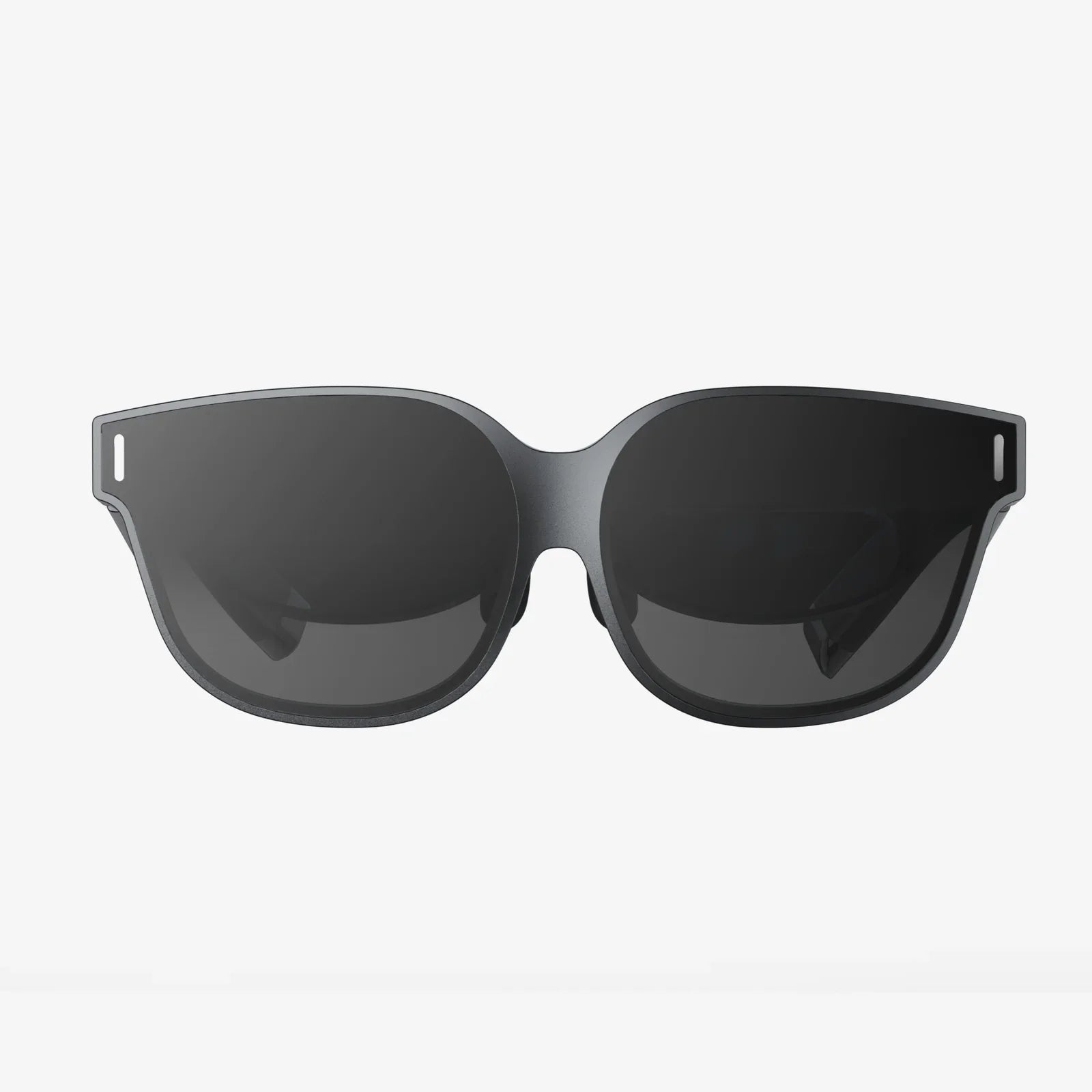
AR Kit Apps Glasses And The Future Of Everyday Augmented Reality
- von wangfred
AR Kit apps glasses are quietly turning from futuristic prototypes into tools people can use every day, and the shift is happening faster than most realize. From hands free navigation to immersive learning and real time collaboration, augmented reality eyewear is starting to change how we move through the world, how we work, and even how we relax. If you have ever wondered what it would feel like to live inside a digital layer that sits perfectly on top of reality, this is the moment when that vision starts to escape science fiction and become a practical part of daily life.
When people talk about augmented reality, they often think of smartphone filters or simple games. Yet the real leap forward comes when those experiences leave the phone screen and live directly in your field of view. That is where AR Kit apps glasses come in. By combining advanced computer vision, spatial mapping, and intuitive interactions, they can project information, tools, and stories onto the physical world in a way that feels natural and immediate.
For years, AR Kit apps have mostly lived on handheld devices. Users point their cameras at a space and see digital objects appear on the screen. This has been useful for trying furniture in a room, playing location based games, or visualizing 3D models. However, the experience is limited by the need to hold a device, frame the scene, and constantly look down at a display.
AR Kit apps glasses change this dynamic by moving the augmented layer directly into the user’s line of sight. Instead of looking through a small window, users see overlays anchored to the real world around them. This shift brings several advantages:
The combination of AR Kit’s spatial understanding with wearable displays makes it possible to build experiences that feel less like apps and more like extensions of the real world.
To appreciate what is possible, it helps to understand the core capabilities that power AR Kit apps glasses. While the underlying technology is complex, the main pieces can be summarized clearly.
AR Kit uses the device’s cameras and sensors to build a 3D map of the environment. This includes:
On AR glasses, this mapping happens continuously as the user moves, allowing digital objects to stay locked in place even as the wearer walks around or turns their head.
AR Kit apps glasses can track the orientation and position of the wearer’s head, and in some cases, their gaze. This enables:
This tracking is crucial for comfort. If virtual objects drift or lag, users can feel disoriented. High quality tracking makes the experience feel natural and believable.
Convincing augmented reality requires more than just floating images. AR Kit supports realistic rendering and occlusion, which means:
On AR glasses, this realism matters because the content is in the user’s primary field of view. Poorly integrated visuals can break immersion quickly, while well rendered objects can feel surprisingly real.
AR Kit apps glasses support a range of interaction styles beyond touch. These can include:
Designing for these inputs requires a different mindset than designing for taps and swipes on a screen. Successful AR experiences feel effortless and do not demand constant conscious control.
While the technology is impressive, the real excitement comes from what people can actually do with it. AR Kit apps glasses are poised to reshape multiple domains.
Imagine glancing at a physical whiteboard and seeing digital sticky notes perfectly aligned on its surface, shared in real time with teammates across the world. Or looking at a complex machine and seeing step by step instructions hovering over each component. AR Kit apps glasses can make this type of experience practical.
Some emerging possibilities include:
Because AR Kit can recognize surfaces and maintain stable anchors, these experiences can feel like natural extensions of the environment rather than isolated apps.
One of the most powerful aspects of AR Kit apps glasses is their ability to turn abstract concepts into tangible experiences. Instead of reading about a molecule, a student can walk around a large scale 3D model floating in the classroom. Instead of memorizing historical facts, learners can explore a reconstruction of an ancient city layered onto their local park.
Educational scenarios include:
Because learners can move around and interact from different angles, AR Kit apps glasses can support deeper understanding than static diagrams or videos.
Games were among the first popular AR experiences on mobile, and AR Kit apps glasses open a new frontier. Instead of holding a phone to see digital characters on a table, users can simply look at the table and watch the scene unfold in front of them.
Potential entertainment experiences include:
AR Kit’s ability to understand surfaces and depth allows games to react to the layout of the room, turning everyday spaces into dynamic stages.
Trying to follow directions on a phone while walking through a busy city is awkward and sometimes unsafe. AR Kit apps glasses can overlay arrows, labels, and landmarks directly onto the user’s view of the world, making navigation more intuitive.
Applications in this space include:
Because the information is anchored to the real world, users do not have to constantly interpret a 2D map. They can simply follow what they see.
AR Kit apps glasses also have promising applications in health and wellness. By overlaying guidance and feedback onto real movements and environments, they can help people exercise more effectively, recover from injuries, or manage daily routines.
Examples include:
Because the experiences are blended into the real world, they can feel less intrusive than staring at a screen and more integrated into daily life.
Building successful AR experiences requires more than porting existing mobile apps to a new display. AR Kit apps glasses demand careful attention to comfort, clarity, and context.
Prolonged use of AR glasses can lead to eye strain or motion discomfort if experiences are not designed thoughtfully. To support comfort, creators should:
Safety is also crucial. When users are walking, driving, or operating equipment, AR content should not demand intense focus or block critical parts of the real world.
One of the biggest advantages of AR Kit apps glasses is the ability to place content in specific locations. However, random floating objects can quickly become confusing. Good spatial design means:
Anchors should feel logical. For example, controls for a physical device should appear near that device, not floating in unrelated parts of the room.
Traditional interface conventions do not always translate well to AR Kit apps glasses. Tiny buttons or dense menus can be hard to select with gaze or gestures. Instead, designers should favor:
Feedback is equally important. Subtle animations, sound cues, and haptic signals can confirm actions without overwhelming the user.
AR Kit apps glasses sit at the intersection of the digital and physical, so experiences must respect both. Fully immersive overlays that obscure the environment might be suitable for some games, but they can be risky or disorienting in everyday contexts.
To maintain awareness, creators can:
The goal is to enhance reality, not replace it entirely.
As AR Kit apps glasses become more capable, they will inevitably capture more data about users and their surroundings. This raises serious questions about privacy, consent, and responsible use.
Glasses that constantly scan and interpret the environment may inadvertently capture images of people who have not agreed to be recorded. Responsible apps should:
Designers can also consider visible indicators when cameras are actively capturing or streaming, helping bystanders understand what is happening.
AR Kit apps glasses can learn a great deal about a user’s habits, locations, and preferences. While this can enable helpful personalization, it can also lead to intrusive profiling if not handled carefully.
Ethical approaches include:
Trust will be a critical factor in whether people are willing to wear AR glasses in daily life. Transparent, respectful practices are essential.
Despite the promise of AR Kit apps glasses, several challenges remain before they become as common as smartphones.
Current AR glasses often face trade offs between battery life, display brightness, field of view, and comfort. To become truly mainstream, devices will need to:
As hardware improves, AR Kit apps will be able to rely on richer visuals and more continuous usage.
Wearing visible technology on the face can feel awkward, especially in social settings. People may worry about being recorded or judged. Over time, social norms may shift, but developers can help by:
When AR Kit apps glasses provide obvious value, such as accessibility support, navigation, or safety, acceptance is likely to grow.
Creating high quality AR experiences is more complex than building traditional mobile apps. Teams need skills in 3D design, spatial interaction, and real world testing. This can slow adoption and limit the number of polished experiences available.
However, as tools improve and best practices emerge, more creators will be able to experiment and innovate. AR Kit already provides a strong foundation, and the ecosystem around it continues to mature.
For developers, designers, and storytellers, AR Kit apps glasses represent a new canvas. Instead of thinking in terms of flat screens, creators can design for rooms, streets, and entire buildings.
Some promising directions for innovation include:
Because the platform blends digital content with the physical world, there is room for entirely new categories of experiences that do not fit neatly into existing app types.
For people thinking about using AR Kit apps glasses in their own lives, it helps to approach them with clear expectations and thoughtful habits.
Instead of trying to replace every device at once, users may find more value by focusing on a few areas where AR truly shines. Examples include:
By anchoring usage in clear benefits, it becomes easier to judge whether the device fits into daily routines.
Because AR Kit apps glasses can overlay content constantly, there is a risk of feeling always on. Users should be deliberate about:
Healthy habits will be just as important with AR glasses as they are with smartphones, perhaps even more so.
Before using AR Kit apps glasses in sensitive environments, users should review:
Awareness and control can help ensure that the benefits of AR do not come at the cost of unwanted exposure.
As hardware evolves and software matures, AR Kit apps glasses are likely to move from niche devices to tools that many people rely on daily. The timeline will depend on advances in comfort, battery life, and affordability, but the trajectory is clear. Spatial computing is gradually becoming part of the mainstream.
Developers will continue to push boundaries, experimenting with new forms of interaction, storytelling, and collaboration. Educators will find ways to make lessons come alive in classrooms and homes. Professionals in fields from architecture to healthcare will adopt AR workflows that increase clarity and reduce errors. Everyday users will discover that tasks once confined to screens can now live naturally in the spaces around them.
For anyone curious about where digital experiences are heading, AR Kit apps glasses offer a preview of a world in which information is not locked inside devices but woven seamlessly into reality. Exploring this technology now means stepping into the early stages of a shift that could redefine how we perceive, understand, and shape the environments we move through every day.