


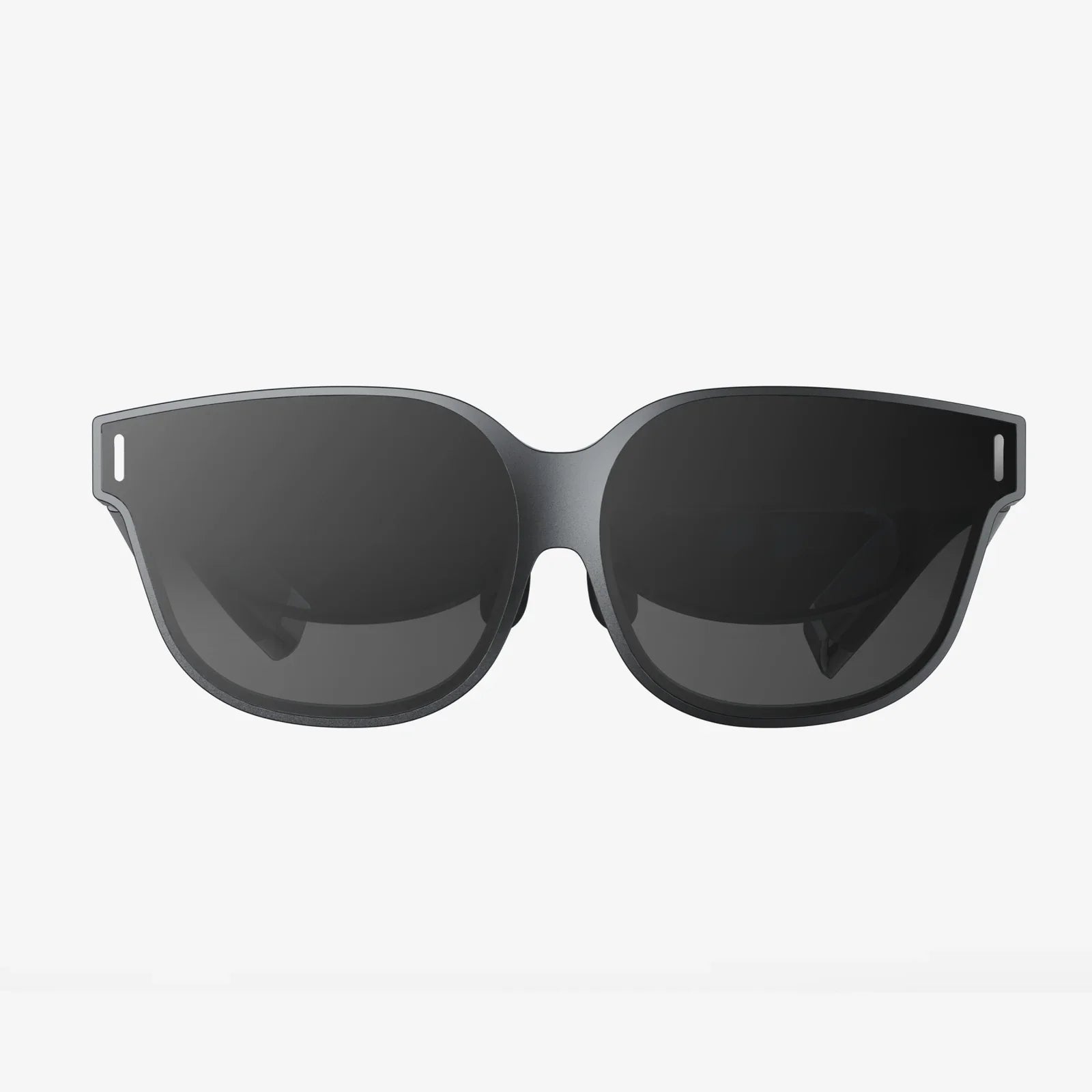
A computer glass side panel can turn an ordinary PC into a centerpiece that demands attention, but it can also ruin your build if you pick the wrong type, install it carelessly, or ignore airflow and safety. Before you spend money chasing that sleek, transparent look, it pays to understand what really matters in materials, thickness, mounting, cooling, and long-term maintenance so your setup stays stunning and reliable instead of fragile and frustrating.
Why a Computer Glass Side Panel Has Become So Popular
The rise of the computer glass side panel is about more than showing off colorful lighting. It reflects a broader shift in how people think about their systems: not just as tools, but as personalized, visible parts of their workspace or gaming area. Instead of hiding components behind opaque metal, users want to display their hardware, cable management, and lighting design.
A computer glass side panel offers several benefits that explain its popularity:
- Visual appeal: Components, cables, and lighting are clearly visible and become part of the room decor.
- Perceived quality: Glass generally looks more premium than thin metal or plastic.
- Customization: It encourages better cable management, color coordination, and creative layouts.
- Lighting enhancement: Interior lighting effects are amplified by the reflective and transparent surface.
However, the benefits come with trade-offs, including weight, fragility, and the need for careful airflow planning. Understanding those trade-offs is crucial if you want a system that looks great and runs cool and quiet.
Tempered Glass vs Other Materials
Most modern cases use tempered glass for a computer glass side panel, and there are good reasons for that. Tempered glass is specifically treated to be stronger and safer than standard glass.
Tempered Glass Characteristics
Key properties of tempered glass in a computer glass side panel include:
- Increased strength: It is significantly more resistant to impacts and bending than ordinary glass of the same thickness.
- Safety shattering: If it breaks, it tends to shatter into small, blunt pieces rather than sharp shards.
- Scratch resistance: It resists scratching better than acrylic or basic plastic panels.
- Heat resistance: It can tolerate typical PC temperatures without warping.
These properties make tempered glass the default choice for a computer glass side panel in most modern cases.
Acrylic and Plastic Alternatives
Some cases use acrylic or other plastics instead of glass. These are not technically a computer glass side panel, but they compete in the same role. Compared to tempered glass:
- Weight: Acrylic is lighter than glass, which can be useful for portable builds.
- Impact behavior: Acrylic does not shatter like glass, but it can crack or chip.
- Scratch sensitivity: Acrylic scratches much more easily than tempered glass.
- Clarity: High-quality acrylic can be very clear, but may yellow or haze over time.
If you want the premium look and feel, a true computer glass side panel is usually the better option, especially for a long-term build.
Thickness and Durability Considerations
When evaluating a computer glass side panel, thickness is a major factor in both durability and weight. Common thicknesses range roughly from 3 mm to 5 mm or slightly more in some high-end designs.
Thicker glass panels offer:
- More rigidity: Less flex when handled or mounted.
- Better impact resistance: More material to absorb shocks.
- More premium feel: Heavier, solid construction.
However, thicker glass also increases the overall weight of the case. This matters if you move your system often, place it on a flimsy desk, or use a wall-mounted setup. A heavy computer glass side panel can be awkward to remove and reinstall, which makes careful handling essential.
Mounting Styles for a Computer Glass Side Panel
The way a computer glass side panel attaches to the case affects convenience, appearance, and safety. There are several common mounting systems:
Thumbscrew Corner Mounts
This traditional method uses four thumbscrews at the corners of the panel. The panel sits against the metal frame, and the screws hold it in place.
- Pros: Simple, widely used, easy to understand and replace.
- Cons: Requires two hands to align and secure, and dropping a corner can chip or crack the panel.
Hinged Door Designs
Some cases use a hinged computer glass side panel that swings open like a door. It may latch at the front or top.
- Pros: Very convenient for frequent access, no need to remove the panel completely.
- Cons: Hinges must be strong and well-designed; if the hinge fails, the panel can fall.
Slide-and-Lock or Rail Mechanisms
Another approach is to slide the computer glass side panel into rails at the top and bottom, then secure it with a latch or a small number of screws.
- Pros: Cleaner aesthetics, fewer visible screws, often easier to align.
- Cons: Requires precise manufacturing; misalignment can cause rattling or stress on the glass.
Safety Precautions When Handling Glass Panels
A computer glass side panel is durable when properly treated, but mishandling can still cause damage or injury. Following basic safety steps prevents costly accidents.
- Remove the panel on a soft surface: Place a towel or soft mat on the floor or table before removing the panel to avoid chips or cracks.
- Use two hands: Support the panel with both hands, especially at the long edges, to prevent flexing or sudden drops.
- Avoid overtightening screws: Excessive pressure can stress the glass around mounting holes.
- Keep edges away from hard corners: Impacts on the edges or corners are the most common cause of cracks.
- Store upright: If the panel is removed, store it upright against a stable surface, not flat where it might be stepped on.
Even though tempered glass is designed to be safer than regular glass, a shattered computer glass side panel is still a mess to clean and can scratch surfaces or components if fragments spread inside the case.
Clear vs Tinted Computer Glass Side Panel Options
Another major choice is whether your computer glass side panel should be fully clear or tinted. Both options can look impressive, but they emphasize different aspects of your build.
Clear Glass Panels
Clear glass maximizes visibility. Every cable, fan, and component is on display.
- Best for: Clean cable management, detailed lighting setups, and visually balanced builds.
- Pros: Shows true colors of lighting, easier to see dust or issues inside.
- Cons: Exposes messy cables, mismatched colors, and any imperfections.
Tinted Glass Panels
Tinted glass subtly darkens the interior view. It can look sleek and hides some imperfections, while still allowing lighting to shine through.
- Best for: Minimalist builds, darker themes, and users who want a more subtle glow.
- Pros: Hides minor cable clutter, reduces visual noise during the day.
- Cons: Interior may look too dark without strong lighting; subtle colors may be muted.
Some computer glass side panel designs use partial tint or patterns, but fully clear and fully tinted are the most common. The choice often comes down to whether you want your system to be a bright focal point or a more understated accent.
Impact on Airflow and Cooling
A computer glass side panel changes the airflow dynamics of your case compared to a vented metal panel. Glass is solid and usually has no perforations, so air can only move through dedicated intake and exhaust vents in the front, top, rear, or bottom of the case.
Potential Airflow Challenges
With a computer glass side panel, common issues include:
- Reduced passive ventilation: No side mesh means fewer natural escape paths for hot air.
- Higher GPU temperatures: Graphics cards that rely on side intake may run warmer.
- Limited space for side-mounted fans: Glass panels typically do not support direct fan mounting.
How to Maintain Good Cooling
To keep temperatures under control with a computer glass side panel, focus on a deliberate airflow strategy:
- Front intake, rear and top exhaust: A classic pattern that pulls cool air from the front and pushes hot air out the back and top.
- Adequate front ventilation: Ensure the front panel has enough openings or side vents to feed intake fans.
- Balanced or slightly positive pressure: Match intake and exhaust fan speeds to reduce dust buildup and maintain steady airflow.
- GPU orientation: If possible, position the graphics card and its fans to receive direct airflow from front intake fans.
Monitoring temperatures using software tools after installing a computer glass side panel is essential. Small adjustments to fan curves or adding an extra intake fan can significantly improve cooling in a glass-heavy case.
Noise Levels and Acoustic Behavior
The material and shape of a computer glass side panel influence how noise travels from inside the case to your ears. Glass behaves differently from metal and plastic.
Key acoustic characteristics include:
- Hard reflective surface: Glass reflects sound waves more than it absorbs them.
- Panel resonance: Large, thin panels can vibrate slightly, amplifying certain frequencies.
- Seal quality: Gaps around the computer glass side panel can leak more noise.
In practice, a well-mounted, reasonably thick computer glass side panel can be fairly quiet, especially if the rest of the case is solid and fans are tuned. However, very high-speed fans or loud mechanical drives can sound sharper through glass compared to a padded or dampened metal panel.
Reducing Noise with a Glass Panel
To keep your system quiet:
- Use rubber grommets or dampers: Isolate fans and drives from the case frame.
- Check panel fit: Ensure the computer glass side panel is firmly secured and not rattling.
- Optimize fan curves: Adjust fan speeds to avoid sudden ramps that are more noticeable through glass.
- Choose larger, slower fans: Larger fans can move more air at lower RPMs, reducing noise.
Noise control is a combination of component selection, case design, and tuning. The computer glass side panel is just one part of the acoustic picture, but it is worth considering if silence is a priority.
Lighting and Aesthetic Design with Glass Panels
The main reason people gravitate toward a computer glass side panel is aesthetic potential. Glass acts as both a window and a reflective surface, enhancing lighting effects and color schemes.
Lighting Strategies
To get the most from your computer glass side panel, consider these lighting approaches:
- Edge lighting: Light strips along the edges of the interior frame create a soft glow that outlines components.
- Component-based lighting: Fans, coolers, and other illuminated parts provide focal points inside the case.
- Accent lighting: Additional strips or small lights can highlight specific areas such as storage or cooling loops.
- Static vs dynamic effects: Static colors offer a clean, professional look, while dynamic effects can be more playful and eye-catching.
Because glass reflects light, you can create depth by layering lighting effects. However, too many colors or patterns can look chaotic through a computer glass side panel. A consistent theme often looks more refined.
Color Coordination and Cable Management
Every cable and connector is visible through a computer glass side panel, so cable management becomes part of the design. Straight, neatly routed cables support a clean aesthetic, while random tangles are immediately noticeable.
For a cohesive look:
- Match cable colors: Use consistent colors that align with your chosen theme.
- Use routing channels: Take advantage of case cutouts and tie-down points to keep cables flat and hidden where possible.
- Keep the visible area minimal: Route most cables behind the motherboard tray, leaving only necessary runs visible.
A well-managed interior behind a computer glass side panel not only looks better but can also improve airflow by removing obstructions.
Cleaning and Maintenance of a Computer Glass Side Panel
Glass panels attract fingerprints, dust, and smudges. Regular cleaning keeps your computer glass side panel clear and appealing.
Safe Cleaning Methods
To clean your panel without damaging it or the case:
- Use a soft microfiber cloth: This minimizes the risk of scratching the surface.
- Apply cleaner to the cloth, not the panel: Avoid spraying liquid directly on the glass to reduce the chance of drips entering the case.
- Use mild glass cleaner or water: Harsh chemicals are unnecessary and can leave residue.
- Clean both sides periodically: Dust can accumulate inside as well as outside, especially if you open the case frequently.
Before cleaning the inside of a computer glass side panel, power down the system and unplug it. Allow components to cool, and avoid touching sensitive parts while wiping the panel.
Dust Management
Dust is more visible through a clear computer glass side panel, especially when illuminated by interior lighting. To manage dust buildup:
- Use dust filters: Ensure intake fans have filters that are regularly cleaned.
- Maintain positive air pressure: Slightly more intake than exhaust helps reduce unfiltered air entering through gaps.
- Clean the interior occasionally: Use compressed air or a gentle blower to remove dust from components and surfaces.
A clean interior not only looks better through a computer glass side panel but also improves cooling efficiency and component longevity.
Choosing the Right Case for a Glass Side Panel
If you are selecting a new case that includes a computer glass side panel, there are several features to evaluate beyond the panel itself.
Structural Support and Build Quality
The case frame must support the weight and size of the glass panel without flexing. Look for:
- Solid frame construction: Minimal wobble when the case is empty.
- Reinforced mounting points: Sturdy brackets or rails for the computer glass side panel.
- Reliable hinges or latches: For hinged or tool-less designs, components that feel secure and smooth.
Component Clearance and Layout
Because the interior will be visible through the computer glass side panel, the layout needs to support clean builds:
- Ample cable routing space: Enough room behind the motherboard tray to hide cables.
- Cutouts and grommets: Strategically placed openings for cable runs.
- GPU and cooler clearance: Space for large graphics cards and cooling solutions without crowding the glass.
A case that is designed with a computer glass side panel in mind will make it easier to create a tidy, visually appealing build.
Retrofitting a Computer Glass Side Panel
Some users consider adding a computer glass side panel to an existing case that did not originally include one. This can be done, but it requires careful planning.
Key considerations include:
- Exact measurements: The glass must match the panel opening and mounting points precisely.
- Mounting hardware: Brackets, rails, or screw holes must be added or adapted without compromising structural integrity.
- Edge finishing: Glass edges should be smooth and polished to reduce the risk of cracks or cuts.
- Ventilation changes: Replacing a vented metal panel with glass may require additional intake or exhaust fans elsewhere.
Because of the precision required, many users prefer to choose a case that already includes a properly designed computer glass side panel rather than retrofitting one themselves.
Common Mistakes to Avoid with Glass Panels
Even experienced builders can make mistakes when working with a computer glass side panel. Avoiding these errors will save time, money, and frustration.
- Overtightening screws: This can stress the glass and lead to cracks over time.
- Ignoring airflow: Focusing only on looks and neglecting fan placement can result in high temperatures.
- Neglecting cable management: A cluttered interior is more noticeable and can restrict airflow.
- Handling the panel with one hand: Increases the risk of dropping or chipping the glass.
- Using abrasive cleaners: Rough materials can scratch coatings or the surface of the glass.
Taking a few extra minutes to plan and handle your computer glass side panel properly will pay off in both aesthetics and longevity.
Future Trends in Computer Glass Side Panel Design
The computer glass side panel has already become a standard feature in many mid-range and high-end cases, but the design continues to evolve. Several trends are emerging:
- Frameless or borderless designs: Panels that cover nearly the entire side of the case for a seamless look.
- Integrated lighting channels: Built-in light diffusion along the edges of the glass.
- Improved hinge mechanisms: More robust doors with soft-closing features and secure latches.
- Hybrid materials: Combinations of glass with mesh or other materials to balance airflow and aesthetics.
- Smart tinting or effects: Experimental panels that can change opacity or color with electronic control.
As these innovations mature, users will have more ways to tailor the look and function of their systems around the computer glass side panel concept.
Is a Computer Glass Side Panel Right for You?
Deciding whether to use a computer glass side panel comes down to priorities. If you value a clean, visually striking build and are willing to invest time in cable management, airflow planning, and regular cleaning, glass can transform your system into a display-worthy centerpiece. It rewards attention to detail and gives you a canvas for lighting, color coordination, and thoughtful component layout.
On the other hand, if your system will be tucked away, rarely seen, or moved frequently, the extra weight, fragility, and maintenance of a computer glass side panel may not be necessary. A more utilitarian case with solid panels can still provide excellent cooling and noise control with less effort.
When you weigh the trade-offs, focus on how you actually use your PC, how often you access the interior, and how much the visual aspect matters to you. If the idea of glancing over at a neatly lit, perfectly organized system behind a pristine computer glass side panel makes you want to build or upgrade right now, the answer is clear: glass is more than just a side panel, it is a statement about how much you care about your hardware and the space it occupies.
Aktie:
Touch Screen Alarm Control Panel Essentials for Modern Security Systems
Corner Computer Desk Glass Top Ideas For Modern Workspaces