


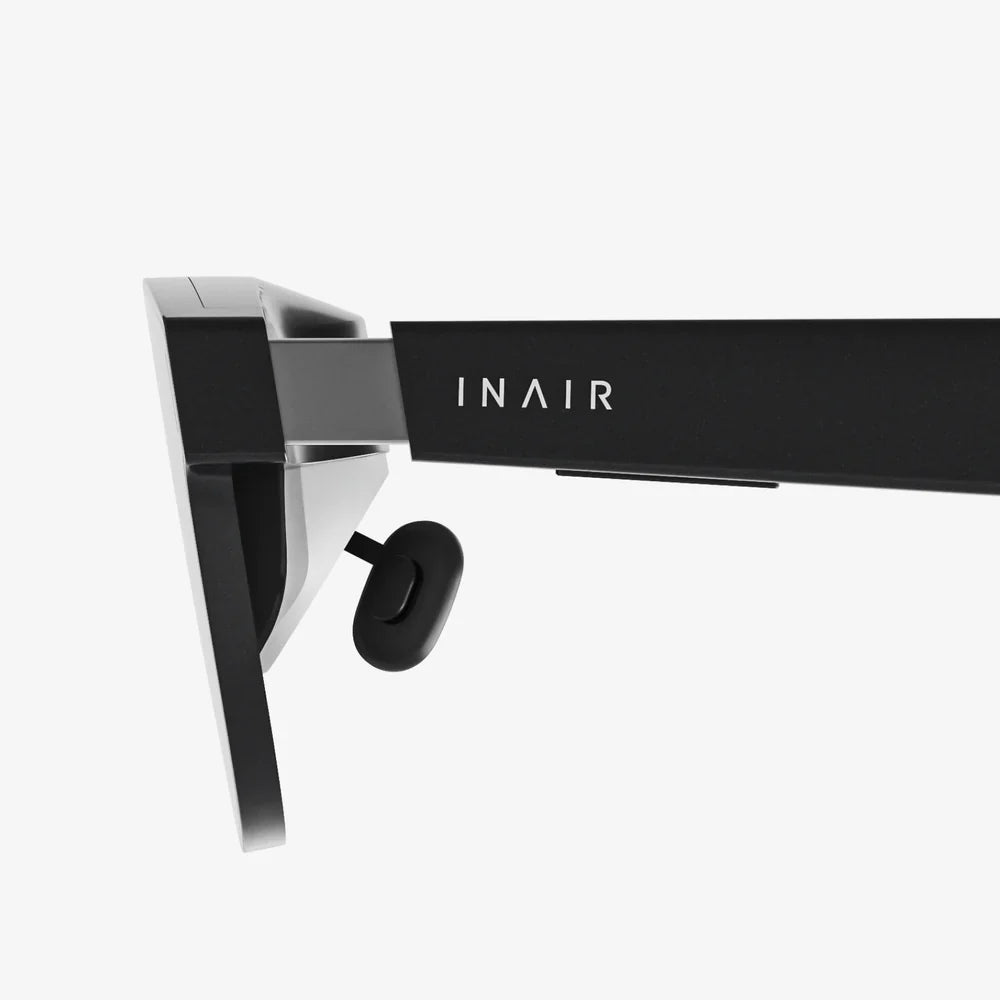
Does using computer glasses affect your eyesight, or are they just another tech trend that promises more than it delivers? If you spend hours each day in front of a screen, you have probably wondered whether these glasses are protecting your vision, secretly weakening your eyes, or doing nothing at all. Before you spend money or decide to avoid them altogether, it is worth understanding what science actually says about how computer glasses interact with your eyes.
This detailed guide breaks down what computer glasses do, how they influence your visual system, and whether they can change your prescription or damage your eyes. You will also learn how to choose the right type of lenses for your needs and how to protect your eyes even if you never buy a pair of computer glasses.
What Are Computer Glasses, Really?
Computer glasses are eyewear designed specifically for viewing digital screens such as computers, tablets, and phones. They are not a single, standardized product. Instead, they fall into several categories, each with different goals and effects on your eyes.
Common Types of Computer Glasses
Most computer glasses fall into one or more of the following groups:
- Blue light filtering glasses – These lenses reduce the amount of blue light reaching your eyes from screens and artificial lighting. They may have a light yellow tint or appear almost clear.
- Anti-reflective (AR) coated glasses – These lenses are designed to reduce glare and reflections from screens and overhead lighting, improving clarity and comfort.
- Computer-distance prescription glasses – These are prescription lenses optimized for the typical distance between your eyes and a monitor, usually around 20–28 inches.
- Progressive or multifocal lenses with a computer zone – These lenses include a dedicated zone for intermediate distance (such as a screen), along with areas for near and far vision.
- Non-prescription comfort lenses – These may include mild magnification and coatings to make reading text on screens easier, especially for people who do not normally wear glasses.
Understanding which type you are using is important, because the question "does using computer glasses affect your eyesight" has slightly different answers depending on what the lenses are designed to do.
How Your Eyes Interact With Screens
To understand whether computer glasses can affect eyesight, it helps to know what screens do to your visual system. Modern digital devices challenge your eyes in several ways, most of which are related to comfort rather than permanent damage.
Digital Eye Strain (Computer Vision Syndrome)
Many people experience a cluster of symptoms known as digital eye strain or computer vision syndrome. These symptoms can include:
- Dry, irritated, or burning eyes
- Blurry vision, especially after long screen sessions
- Headaches, often around the eyes or forehead
- Neck and shoulder pain from posture issues
- Difficulty focusing when shifting from screen to distance
These problems are usually caused by:
- Reduced blinking – People blink less frequently when staring at screens, which dries out the eyes.
- Constant focusing effort – Your eye muscles work continuously to keep the screen in sharp focus.
- Glare and reflections – Bright reflections make your eyes work harder to see clearly.
- Improper viewing distance or angle – Poor ergonomics can strain your eyes and neck.
Digital eye strain is uncomfortable but typically temporary. It does not usually mean your eyes are being permanently damaged. However, repeated strain can make your day-to-day life more difficult and may make you more aware of underlying vision issues that were previously subtle.
Blue Light and Your Eyes
Blue light is a high-energy part of the visible spectrum emitted by the sun, screens, and many artificial lights. Concerns about blue light usually fall into two categories:
- Its potential to damage eye structures over time
- Its impact on sleep and circadian rhythms
Current research suggests that the amount of blue light from screens is far lower than what you receive from natural daylight. For most people, screen-related blue light is unlikely to cause direct damage to the retina at typical use levels. However, blue light, especially in the evening, can affect your sleep by interfering with melatonin production and your internal body clock.
Because of this, many people turn to blue light filtering computer glasses in the hope of protecting their eyes and improving sleep quality.
Does Using Computer Glasses Affect Your Eyesight Long-Term?
The central question is whether using computer glasses can make your eyes weaker, change your prescription, or cause damage. For most types of computer glasses, the answer is reassuring.
Can Computer Glasses Make Your Eyes Dependent or Weaker?
A common fear is that if you start using glasses, your eyes will become "lazy" and stop working as hard, eventually needing stronger prescriptions. This idea is widespread but not supported by how the visual system actually works.
In general:
- Wearing glasses that correct your vision does not cause your eyes to deteriorate.
- Glasses do not make your eye muscles weaker in a way that leads to permanent loss of visual ability.
- What often happens is that glasses allow you to see clearly, making you more aware of how blurry your uncorrected vision actually is.
For computer glasses specifically, whether they are blue light filtering, anti-reflective, or optimized for screen distance, there is no evidence that they damage eyesight or make your eyes biologically dependent on them. They may make you more comfortable, which can make you prefer wearing them, but that is not the same as weakening your eyes.
Do Computer Glasses Change Your Prescription?
Your glasses prescription can change over time due to factors such as aging, genetics, and lifestyle, but wearing computer glasses themselves is not known to alter your prescription.
Situations that may cause confusion include:
- Unmasking existing issues – If you already had a mild focusing problem, digital eye strain may highlight it. Computer glasses can bring relief, making you realize how much effort your eyes were putting in before.
- Age-related changes – As people enter their 40s and beyond, presbyopia (difficulty focusing on near objects) naturally develops. Computer glasses may become necessary around this time, but the underlying change is age-related, not caused by the glasses.
- Incorrect lens power – Wearing significantly wrong prescriptions for extended periods could cause discomfort, headaches, and strain, but it does not usually cause permanent structural damage in healthy adults. Still, it should be avoided.
Overall, using properly fitted computer glasses does not drive your prescription stronger. It simply allows your eyes to work more comfortably at screen distance.
Can Blue Light Filtering Lenses Harm Your Eyesight?
Blue light filtering lenses reduce the amount of blue light reaching your eyes. They do not force your eyes to work harder or change how your focusing muscles function in a harmful way.
Potential effects include:
- Visual comfort – Some people report reduced eye fatigue and fewer headaches, especially during long screen sessions.
- Color perception – Strong filters may slightly alter color perception, but this is usually subtle and reversible when you remove the glasses.
- Sleep quality – Wearing blue light filters in the evening may help some people fall asleep more easily by reducing melatonin disruption.
There is no solid evidence that blue light filtering computer glasses cause damage to your eyesight. If anything, they may provide comfort benefits for certain users, particularly those sensitive to light or working late at night.
When Computer Glasses Might Cause Problems
Although computer glasses are generally safe, there are scenarios where they can cause discomfort or create the impression of a problem with your eyesight.
Using the Wrong Prescription
If your computer glasses have an incorrect prescription or magnification level, you might experience:
- Headaches and eye strain
- Blurry vision at your normal screen distance
- Difficulty focusing when you look away from the screen
These symptoms are usually temporary and resolve when you stop using the incorrect lenses. However, they can be disruptive and may make you feel as though your eyesight is getting worse, even though the problem is simply a mismatch between your eyes and the lenses.
Over-Reliance on Mild Magnification
Some non-prescription computer glasses include mild magnification to make small text easier to read. For people who do not strictly need this magnification, wearing it for long periods might lead to:
- Feeling more comfortable with the glasses on than off
- Perceiving normal text as slightly harder to read without them
This is less about actual damage and more about your brain adapting to the easier visual experience. If you stop using the magnification, your eyes can typically readjust. There is no clear evidence that this kind of use permanently weakens your eyes.
Poor Fit and Lens Quality
Improperly fitted frames or low-quality lenses can cause:
- Pressure on the nose or behind the ears
- Distorted or uneven vision across the lens surface
- Annoying reflections if anti-reflective coatings are poor or absent
These issues are mechanical and optical, not biological. They can be resolved by adjusting the frames or choosing better-quality lenses, and they do not usually harm your eyesight in a permanent way.
How Computer Glasses Can Help Your Eyes
Although computer glasses do not magically improve your underlying prescription, they can significantly improve comfort and reduce strain in specific situations.
Reducing Digital Eye Strain
Computer glasses can help reduce digital eye strain by:
- Reducing glare with anti-reflective coatings
- Optimizing focus at screen distance with dedicated prescriptions
- Filtering some blue light that may contribute to discomfort for sensitive users
By making the visual environment more comfortable, these glasses can help you work longer without experiencing the same level of fatigue, even though they do not change the basic health of your eyes.
Supporting Age-Related Vision Changes
As people age, focusing on near and intermediate distances becomes more challenging. Computer glasses designed for intermediate distance can:
- Reduce the need to lean forward toward the screen
- Minimize neck and back strain from poor posture
- Provide a larger, clearer field of view at monitor distance
These benefits are especially valuable for people who already wear multifocal or reading glasses and find that their usual lenses are not ideal for computer work.
Improving Nighttime Comfort and Sleep
For people who work late or use screens before bed, blue light filtering computer glasses may:
- Make bright screens feel less harsh in dark environments
- Reduce light sensitivity and discomfort
- Potentially support better sleep by reducing blue light exposure in the evening
These effects vary from person to person, but for many, the comfort benefits alone justify using computer glasses, even if they do not directly "improve" eyesight.
Practical Tips for Using Computer Glasses Safely
If you decide to use computer glasses, you can follow several simple guidelines to maximize benefits and minimize any potential issues.
Get the Right Type of Glasses for Your Needs
Consider the following when choosing computer glasses:
- Screen distance – If you use a desktop monitor, measure how far your eyes are from the screen and share this information with your eye care professional.
- Existing prescription – If you already wear glasses, ask whether a dedicated pair for computer use would be helpful.
- Work environment – If you work under bright lights or near windows, prioritize anti-reflective coatings.
- Time of use – If you mostly use screens at night, blue light filtering may offer more noticeable comfort.
Choosing glasses that match your actual needs reduces the risk of discomfort and helps you avoid feeling like your eyesight is getting worse when the real issue is simply a poor match.
Follow Healthy Screen Habits
Computer glasses work best when combined with good visual habits. Helpful strategies include:
- 20-20-20 rule – Every 20 minutes, look at something 20 feet away for at least 20 seconds to relax your focusing muscles.
- Blink consciously – Remind yourself to blink more often to keep your eyes moist and comfortable.
- Adjust screen settings – Lower brightness to match your environment, increase text size, and use higher contrast settings.
- Optimize ergonomics – Position your screen slightly below eye level and about an arm’s length away.
These habits reduce strain regardless of whether you use computer glasses and can significantly improve comfort and productivity.
Monitor Your Symptoms
Pay attention to how your eyes feel with and without computer glasses:
- If symptoms improve, your glasses are likely helping.
- If symptoms worsen or new issues appear, the prescription, fit, or lens type may need adjustment.
- If you experience persistent pain, sudden vision changes, or severe discomfort, seek professional evaluation.
Listening to your body is key. Computer glasses are a tool, and like any tool, they should make your tasks easier, not harder.
Separating Myths from Reality
Because computer glasses are widely marketed, there are several myths surrounding them. Understanding the difference between marketing claims and established facts can help you make better decisions.
Myth 1: Computer Glasses Permanently Improve Your Vision
Computer glasses can improve comfort and clarity while you are wearing them, but they do not permanently reshape your eyes or cure refractive errors such as nearsightedness, farsightedness, or astigmatism.
Any improvement in how you feel is real and valuable, but it should not be confused with a permanent change in your eye structure.
Myth 2: Computer Glasses Will Ruin Your Eyes if You Start Too Young
There is no strong evidence that wearing computer glasses at a young age causes harm to healthy eyes when the lenses are appropriate and properly fitted. However, for children, it is especially important that any glasses use be guided by a qualified professional, because their visual system is still developing.
For adults, the concern that computer glasses will "ruin" eyesight is largely unfounded. Vision changes that occur over time are more closely related to genetics, age, and overall lifestyle than to the simple use of glasses.
Myth 3: Blue Light from Screens Is the Main Cause of Eye Damage
While blue light has been studied for its potential to affect the retina, the levels emitted by typical screens are much lower than those from natural sunlight. Current evidence suggests that discomfort from screens is more strongly linked to strain, glare, and poor visual habits than to blue light alone.
Blue light filtering glasses can still offer comfort and potential sleep benefits, but they should be viewed as one part of a broader strategy to manage digital eye strain, not as a complete solution or a guaranteed shield against serious eye disease.
How to Talk with an Eye Care Professional About Computer Glasses
If you are unsure whether computer glasses are right for you, discussing your specific situation with an eye care professional can provide clarity.
Information to Share
Before your appointment, prepare details such as:
- How many hours per day you spend on screens
- The types of devices you use (desktop, laptop, tablet, phone)
- Your typical viewing distance from the screen
- Any symptoms you experience, such as headaches, dryness, or blurred vision
- Whether symptoms are better or worse at certain times of day
This information helps the professional determine whether computer glasses, changes in ergonomics, or other interventions are most likely to help you.
Questions You Can Ask
Consider asking questions like:
- Would I benefit from glasses designed specifically for computer use?
- Do I need a different prescription for screen distance compared to my regular glasses?
- Would anti-reflective or blue light filtering coatings be useful in my case?
- How often should I have my eyes checked given my screen time?
These questions keep the focus on your real-world needs rather than on generic marketing claims, and they can help you feel more confident about any decision you make regarding computer glasses.
Key Takeaways About Computer Glasses and Your Eyesight
When you ask "does using computer glasses affect your eyesight," you are really asking whether they help, harm, or change your eyes in a lasting way. Based on current understanding:
- Computer glasses do not typically cause permanent damage or make your eyesight weaker.
- They can significantly reduce digital eye strain and make screen use more comfortable.
- Blue light filtering lenses may offer comfort and sleep benefits for some users, without known harm to vision at normal use levels.
- Incorrect prescriptions, poor fit, or low-quality lenses can cause temporary discomfort but are unlikely to cause lasting damage in healthy adults.
- Healthy screen habits, good ergonomics, and regular eye exams are just as important as any pair of glasses.
If you spend hours each day in front of screens, computer glasses can be a practical tool to improve comfort and productivity, but they are not a magic cure or a hidden threat. Used wisely and chosen carefully, they can help you work, learn, and relax with less strain, while your underlying eyesight remains governed by the same factors it always has: genetics, age, and how well you care for your eyes overall.
Instead of worrying that computer glasses might secretly damage your vision, focus on building a visual environment that supports your eyes: appropriate lighting, balanced screen time, regular breaks, and professional guidance when you need it. With that foundation in place, computer glasses can become a helpful ally rather than a source of doubt, letting you face your daily digital world with clearer, more comfortable sight.
Aktie:
Touch Control Lamps Bedside Ideas to Transform Your Nighttime Routine
Computer Case Glass Panel Replacement Guide for a Clean, Modern PC Build