


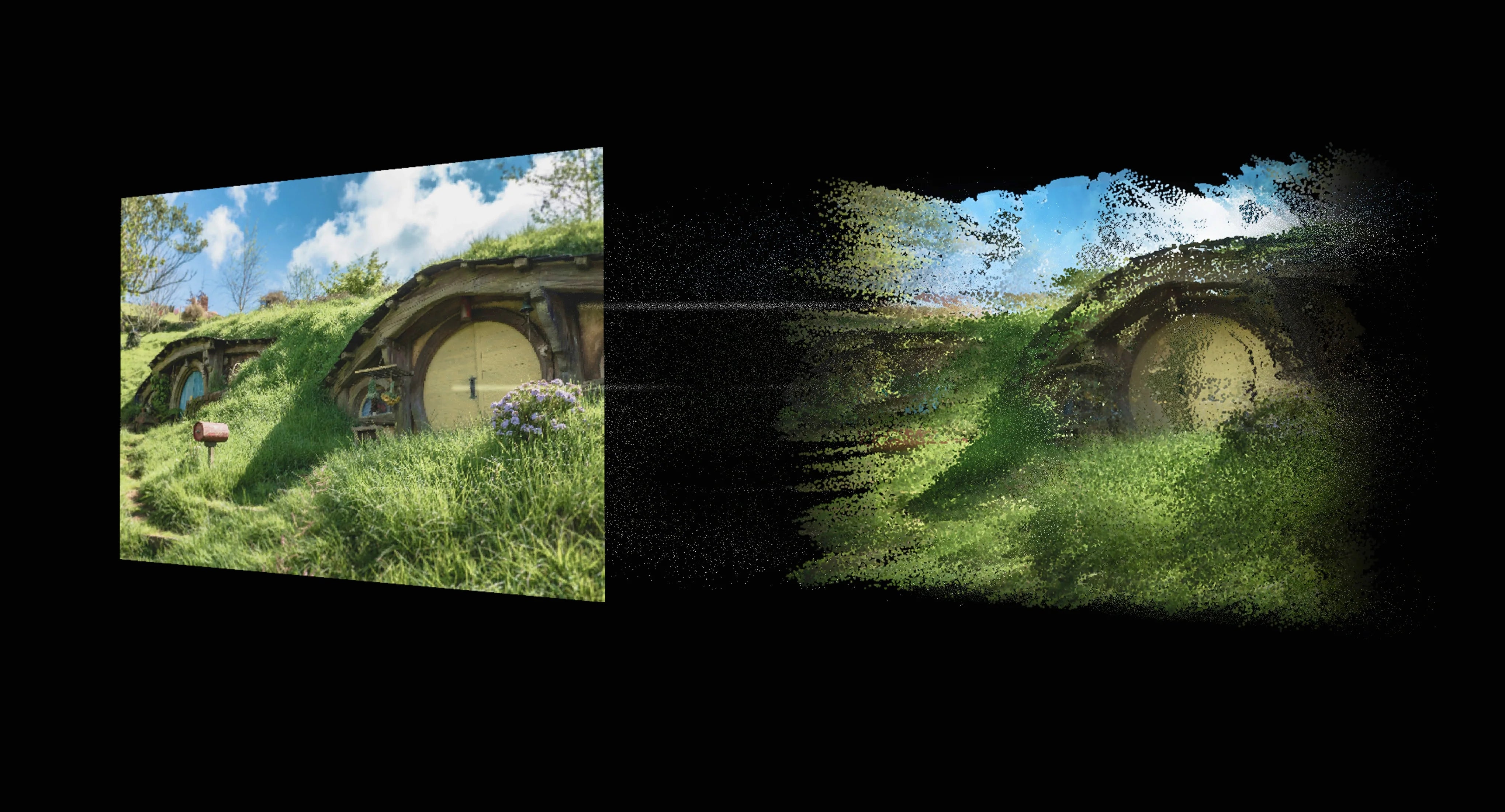
The Definitive 2026 Guide to AR Glasses for Work: Why INAIR OS v3.6 Defines the Spatial Computing Era
The Paradigm Shift: From Screens to Spatial Windows
As of April 24, 2026, the traditional 2D monitor is facing its "Blackberry moment." For decades, professional productivity was limited by the physical dimensions of a glass panel. Whether it was a 13-inch laptop or a 49-inch ultrawide, you were always "outside" looking in.
INAIR, as a pioneer in AI and spatial computing, has spent years refining the philosophy that digital content should exist in our physical world, not just on a screen. Central to this vision is INAIR's steadfast strategic direction: we will always maintain an open, compatible platform for third-party AR glasses. We believe that users should have the freedom to choose their preferred hardware, and we are committed to supporting that choice.
However, it must be acknowledged that the AR industry today faces an objective and significant challenge. Third-party glasses manufacturers each develop their own proprietary technical solutions and protocol interfaces, which are far from unified or standardized. For any software platform aiming to support multiple brands, this fragmentation presents a consistent and formidable obstacle to delivering a stable, reliable user experience. This is not a matter of any single version's shortcomings—it is the current reality of the AR hardware landscape.
With the release of INAIR OS v3.6, we have focused our engineering efforts precisely on this challenge. While continuing to embrace our open strategy, we have taken major steps to further elevate the stability of the spatial computing experience, working within and around the inherent complexities of multi-protocol compatibility.
Deep Dive: The Core Pillars of INAIR OS v3.6
2.1 The Stability Revolution – Engineering Resilience
The v3.6 update addresses the inherent instability of multi-protocol compatibility head-on. Rather than expecting hardware manufacturers to agree on a single standard, our engineering team has optimized the Kernel Resource Allocator and the spatial compositor to better handle the unpredictable and diverse data streams from various glasses.
• Memory Management: v3.6 introduces smarter garbage collection for the OS, preventing the "slowdown" effect during 8-hour work sessions, even when the system is reconciling different IMU data formats from XREAL, VITURE, and other brands.
• Protocol Adaptation Layer: We have implemented a more robust negotiation layer that dynamically adjusts to the latency and data format characteristics of each connected device. This significantly reduces unexpected disconnections and frame drops that previously occurred when switching between glasses.
2.2 The Multi-Window Spatial Experience: 3DoF & 6DoF
The soul of INAIR is the ability to work in a multi-window environment. While each glasses brand implements 3DoF and 6DoF differently—with varying sensor quality, update rates, and data encoding—v3.6 provides the most robust and stable interpretation of these spatial modes to date.
• The Logic of 3DoF (Degrees of Freedom): Ideal for seated work. Your windows are locked to the horizon. In v3.6, the "drift" that previously affected long sessions—often a result of inconsistent IMU calibration across brands—has been significantly minimized through a new IMU fusion algorithm that compensates for protocol variances in real time.
• The Logic of 6DoF: Specifically enhanced for Viture Luma Ultra users. You can now walk around your virtual monitors with greater confidence. v3.6 supports higher resolutions on the VITURE LUMA series, making text as crisp as a physical 4K panel, despite the complex technical handshake required to achieve this level of fidelity.
Professional Workflows: A Day in the Life with v3.6
To understand why this remains the "best AR glasses for work" setup, let's look at how a Senior Software Architect uses INAIR OS v3.6. We have always believed that each software release should bring users exciting new capabilities—and v3.6 is no exception, delivering another round of and powerful features.
09:00 AM - The Instant Boot: Thanks to "Optimized startup performance," the architect connects their glasses and enters the INAIR Space in under 5 seconds. This speed is maintained regardless of whether they are using native INAIR glasses, XREAL One, or VITURE Luma.
10:30 AM - The AI-Powered Deep Work: Using the improved ChatGPT integration, the user has a persistent GPT-4o window pinned to their right. The enhanced AI Assistant with improved multilingual accuracy allows them to dictate complex logic in their native language while the assistant refines it into documentation—a feature that has matured significantly across recent versions.
02:00 PM - The Low-Latency Stream: During a remote deployment, the user utilizes INAIR Space to stream their high-power Linux workstation. With "Lower latency" and "Improved visual clarity," they can read terminal logs without the eye strain associated with compressed video streams, even when the underlying glasses hardware is using a non-optimal transmission protocol.
Hardware Synergy: XREAL, VITURE, and INAIR
INAIR OS v3.6 continues to serve as the "Universal Translator" of the AR world, embodying our commitment to openness.
• XREAL One Series Support: We have enabled 3DoF multi-window spatial experiences for XREAL One/Pro/1S. This brings the "Native INAIR" spatial experience to XREAL users, allowing them to finally break free from simple screen mirroring and enjoy a stable, multi-window workspace.
• VITURE LUMA Series: Beyond 6DoF, the support for higher resolutions means that creative professionals—photographers and video editors—can finally trust the color and sharpness of their virtual monitors, even though VITURE's technical implementation differs significantly from other brands.
Ergonomics and Human Factors in 2026
Working in AR for 8 hours requires more than just pixels; it requires comfort. INAIR OS v3.6 introduces Visual Clarity Enhancements that reduce the "vergence-accommodation conflict." By optimizing the focal placement of virtual windows, we help reduce the eye fatigue that plagued earlier AR office attempts. We are also proud of the journey that brought us here—each version, including the previous ones, has introduced users to新奇 and exciting ways to interact with digital content. v3.6 builds upon that foundation by making the entire experience more stable, more reliable, and more professional-grade than ever before.
Aktie:
The Focus Frontier: Using AR to Reclaim Your Attention in a Noisy World
Cross-Brand Connectivity: How INAIR OS v3.6 Empowers XREAL One and VITURE Users