


- von wangfred
Responsive AR Controller: The Future of Immersive Human-Computer Interaction
- von wangfred
Imagine reaching out to manipulate digital objects that feel almost as real as the chair you are sitting on, with every gesture, glance, and movement translated instantly into a fluid augmented reality experience. That is the promise of the responsive AR controller: a new generation of interaction tools designed to make digital content feel alive, intuitive, and seamlessly connected to the physical world. As augmented reality moves from experimental novelty to everyday infrastructure, understanding how responsive AR controllers work, why they matter, and where they are heading can give you a powerful edge, whether you are a developer, designer, business leader, or simply a curious early adopter.
A responsive AR controller is a hardware and software interface designed specifically for augmented reality systems that reacts in real time to user inputs, environmental changes, and virtual content. Unlike traditional controllers that focus on buttons and joysticks, a responsive AR controller emphasizes:
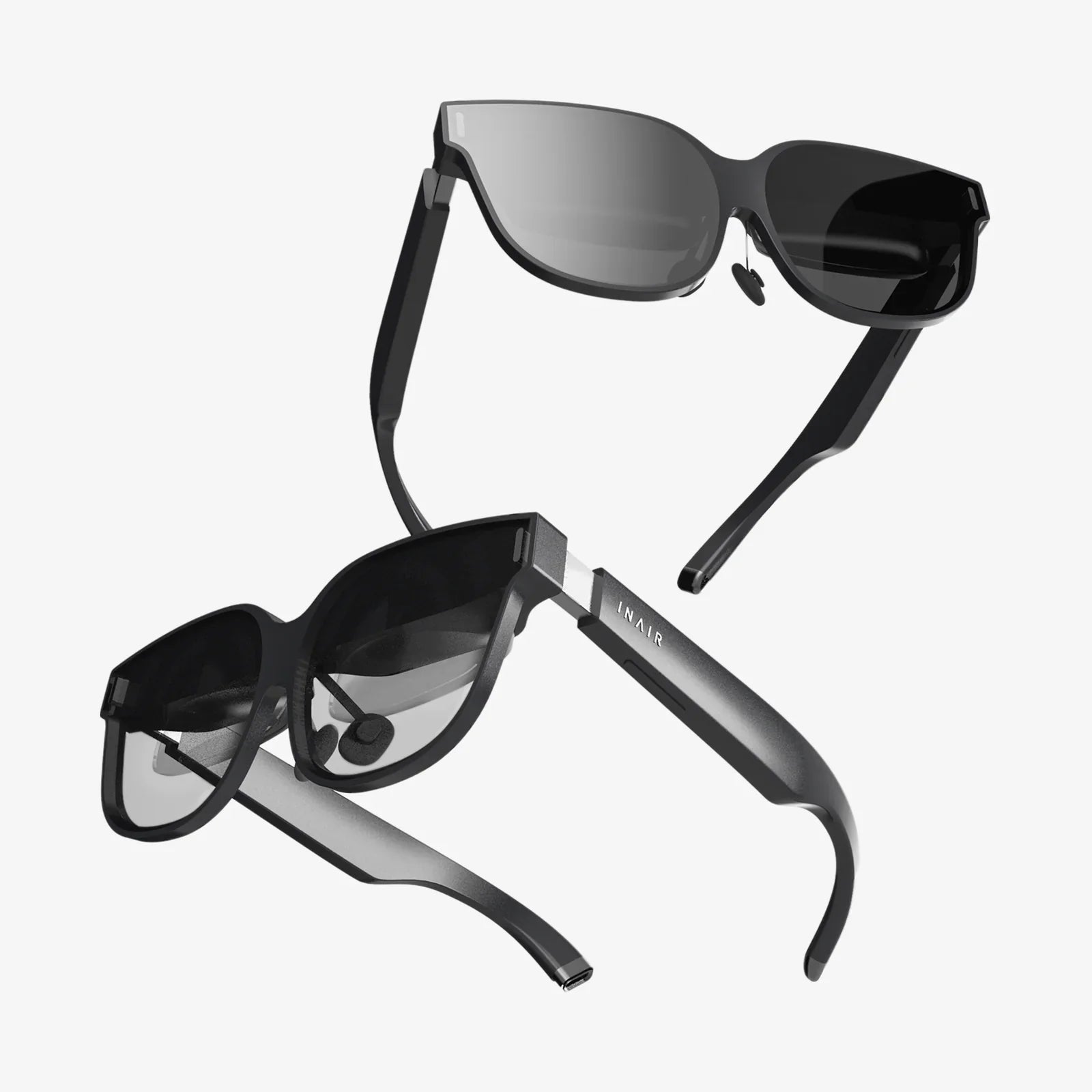
In practical terms, a responsive AR controller can be a handheld device, a pair of smart glasses with built-in sensors, a wearable ring or glove, or even a hybrid system that combines multiple input methods. The key is not the form factor but the responsiveness: how quickly, accurately, and intelligently the system interprets and reacts to user behavior.
Augmented reality overlays digital information on the physical world. This blending only feels convincing when the system responds as fast and as smoothly as the real world itself. Any noticeable lag, jitter, or misalignment breaks the illusion and can cause discomfort or motion sickness.
A responsive AR controller is critical because it directly affects three core dimensions of user experience:
When you reach to grab a virtual object and it moves exactly as your hand moves, your brain quickly accepts that interaction as natural. When the system lags or misinterprets your intent, the experience becomes frustrating and breaks immersion. Responsiveness is not just a technical metric; it is the foundation of believable augmented reality.
To understand what makes an AR controller responsive, it helps to break down the underlying components that work together to create fluid interaction.
A responsive AR controller typically combines several types of sensors:
By fusing data from multiple sensors, the controller can interpret complex user actions with high reliability and speed.
Responsiveness depends heavily on how quickly input signals travel from the controller to the AR system and how fast the system updates the display. This involves:
Latency is often measured in milliseconds, and every millisecond matters. A responsive AR controller aims to keep the total interaction loop — from user action to visual update — below the threshold where humans perceive delay.
To achieve true responsiveness, AR systems do more than simply relay sensor data. They predict user movement and compensate for inevitable delays in rendering and transmission. Techniques include:
A responsive AR controller leverages these algorithms to create the impression of instant reaction, even when some latency is unavoidable.
Responsiveness is not only about how quickly the system sees the user; it is also about how quickly the user feels the system. Haptic feedback plays a crucial role:
Combined with visual and auditory feedback, haptics closes the loop, reinforcing the illusion that virtual objects are physically present and responsive to touch.
As AR controllers become more responsive and capable, they enable a variety of interaction models that go far beyond traditional point-and-click paradigms.
Direct manipulation allows users to grab, move, rotate, and scale virtual objects as if they were real. A responsive AR controller supports this by:
This type of interaction is especially powerful in design, architecture, and education, where users can explore complex structures or concepts by handling them directly.
Responsive AR controllers also facilitate navigation within blended physical-digital environments. Users can:
Because the controller updates position and orientation rapidly, virtual elements stay locked in place relative to the real world, preventing drift and preserving spatial consistency.
A particularly compelling model combines eye tracking with hand gestures or controller input. For example:
This fusion is only effective when the controller and tracking systems are responsive enough to keep up with rapid eye movements and subtle gestures without misinterpretation.
Responsive AR controllers increasingly integrate voice input as a complementary modality. Voice is ideal for:
Responsiveness here means fast speech recognition, low error rates, and immediate visual or auditory confirmation that the command was understood and executed.
Creating a truly responsive AR controller is not only a hardware challenge; it is a design challenge that spans ergonomics, interaction patterns, and cognitive psychology.
AR experiences often last longer than traditional gaming sessions, especially in professional or enterprise settings. Controllers must therefore be:
Responsiveness also has a physical dimension: a controller that requires awkward or forceful gestures will feel unresponsive, even if the electronics are fast.
Users develop mental models of how systems behave. A responsive AR controller should behave consistently so that users can predict outcomes and build muscle memory. This involves:
When the system reacts reliably, users perceive it as more responsive, even if the raw latency is not perfect.
AR controllers can support many advanced interactions, but overwhelming new users with options can reduce perceived responsiveness. A better approach is:
This design strategy ensures that interactions feel smooth and manageable from the first session.
Even the most responsive AR controller will misinterpret input occasionally. The system should be designed to:
Responsiveness includes how fast and gracefully the system recovers from errors, not only how quickly it responds when everything goes right.
As responsive AR controllers mature, they are reshaping workflows and experiences across multiple domains.
In design and engineering, professionals can use responsive AR controllers to:
The ability to reach out and reshape a virtual prototype while standing in the actual construction site or production floor dramatically shortens feedback loops and reduces costly errors.
Responsive AR controllers are particularly powerful in education and training because they enable hands-on learning in safe, repeatable environments. Learners can:
By responding instantly to learner actions, AR systems can adapt difficulty, highlight errors, and reinforce correct behavior, making training more engaging and effective.
In healthcare, responsive AR controllers support:
Responsiveness is crucial here, as even slight delays or inaccuracies can undermine trust in the system and limit its usefulness in high-stakes environments.
Technicians equipped with AR headsets and responsive controllers can:
Because the controller reacts immediately to commands, technicians can maintain focus on the task at hand rather than wrestling with the interface.
In entertainment, responsive AR controllers open the door to new forms of play and social interaction:
In these contexts, responsiveness directly determines how engaging and believable the experience feels, and whether users will keep coming back.
Despite rapid progress, creating highly responsive AR controllers remains a complex challenge. Several technical hurdles must be addressed for mainstream adoption.
While local processing can reduce latency, many AR applications rely on cloud services for heavy computation, collaboration, or content streaming. This introduces:
Developers must carefully balance local and remote processing, using predictive algorithms and caching to maintain responsiveness even when connectivity is imperfect.
Real-world environments are messy and unpredictable. Tracking can be disrupted by:
A responsive AR controller must cope gracefully with these conditions, using sensor fusion and fallback strategies to maintain stable interaction.
High-performance sensors, wireless communication, and on-device processing all consume power. To remain practical, AR controllers must:
Battery life directly affects how long users can stay in AR sessions, especially in professional contexts where downtime is costly.
In multi-user AR experiences, responsiveness is not only about one user’s controller but also about how the system synchronizes multiple users and shared content. Challenges include:
Solving these problems is key to unlocking collaborative AR at scale.
For developers and designers building AR experiences, leveraging responsive controllers effectively requires attention to both technical implementation and user experience.
Not every action needs millisecond-level responsiveness. Focus optimization on:
Secondary interactions, like menu transitions or background updates, can tolerate slightly higher latency without harming the experience.
Design the input processing pipeline to minimize delays:
Testing with real users in varied environments will reveal where latency is most noticeable and where optimizations have the greatest impact.
Even when the system is fast, users benefit from continuous cues that their input is being processed. Consider:
These cues make the system feel more responsive by reducing uncertainty.
Different users may prefer different interaction styles depending on context, ability, or personal preference. A robust AR experience should:
This flexibility not only enhances accessibility but also improves perceived responsiveness by aligning the system with individual user expectations.
The evolution of responsive AR controllers is accelerating, driven by advances in hardware, machine learning, and interaction research. Several trends are particularly influential.
One major trend is the move toward controller-free interaction, where cameras and sensors track users’ hands directly. This approach promises:
However, hand tracking must be extremely responsive and robust to match the reliability of dedicated controllers. Hybrid approaches that combine hand tracking with simple wearables or minimal controllers may offer the best of both worlds.
Another trend is the development of wearable controllers that blend into clothing or accessories, such as rings, wristbands, or subtle patches. These devices can:
As these interfaces become more discreet and comfortable, they will make responsive AR interaction feel less like a special event and more like an integrated part of everyday life.
Machine learning is transforming how AR systems interpret user behavior. Instead of relying solely on predefined gestures, future responsive AR controllers will:
By predicting what users are likely to do next, AI-enhanced controllers can feel almost anticipatory, reducing the need for explicit commands and making interaction smoother.
As AR ecosystems grow, responsive controllers will need to work across multiple devices and platforms. Users will expect:
Standardized protocols and open frameworks will be essential to achieving this level of interoperability while preserving responsiveness.
The rise of responsive AR controllers is not just a technical shift; it is a change in how people will work, learn, and interact with information. Whether you are building products or planning strategy, there are practical steps you can take now.
Hands-on experimentation is the fastest way to understand the strengths and limitations of responsive AR controllers. Create small prototypes that:
These experiments will reveal which interactions feel genuinely responsive and which need refinement.
Responsive AR controllers are a means to an end, not an end in themselves. To justify investment and guide design, identify where AR can:
Then design interactions that directly support those outcomes, using responsiveness as a key quality metric.
Creating compelling AR experiences requires a mix of skills that span multiple disciplines:
Organizations that invest in these capabilities now will be better positioned to lead as responsive AR controllers become mainstream.
Responsive AR controllers collect rich data about movement, environment, and sometimes biometrics. Responsible adoption means:
Trust will be a critical factor in the widespread acceptance of AR technologies, and responsiveness must be balanced with respect for users’ rights and well-being.
Every time a hand reaches out, a head turns, or a voice speaks, there is an opportunity to connect the physical and digital worlds in a way that feels natural, immediate, and meaningful. Responsive AR controllers are the bridge that makes this connection possible. They transform abstract data into tangible experiences, turn static interfaces into living environments, and give users a sense of agency that flat screens can never fully match.
As you consider how augmented reality will shape your work, your industry, or your daily life, focus on the responsiveness of the interactions at the heart of each experience. The systems that win attention and loyalty will not simply be the most visually impressive; they will be the ones that respond to users with the speed, subtlety, and intelligence we expect from the real world itself. In that race, a well-designed responsive AR controller is not just a peripheral — it is the key to unlocking the full potential of immersive computing.