


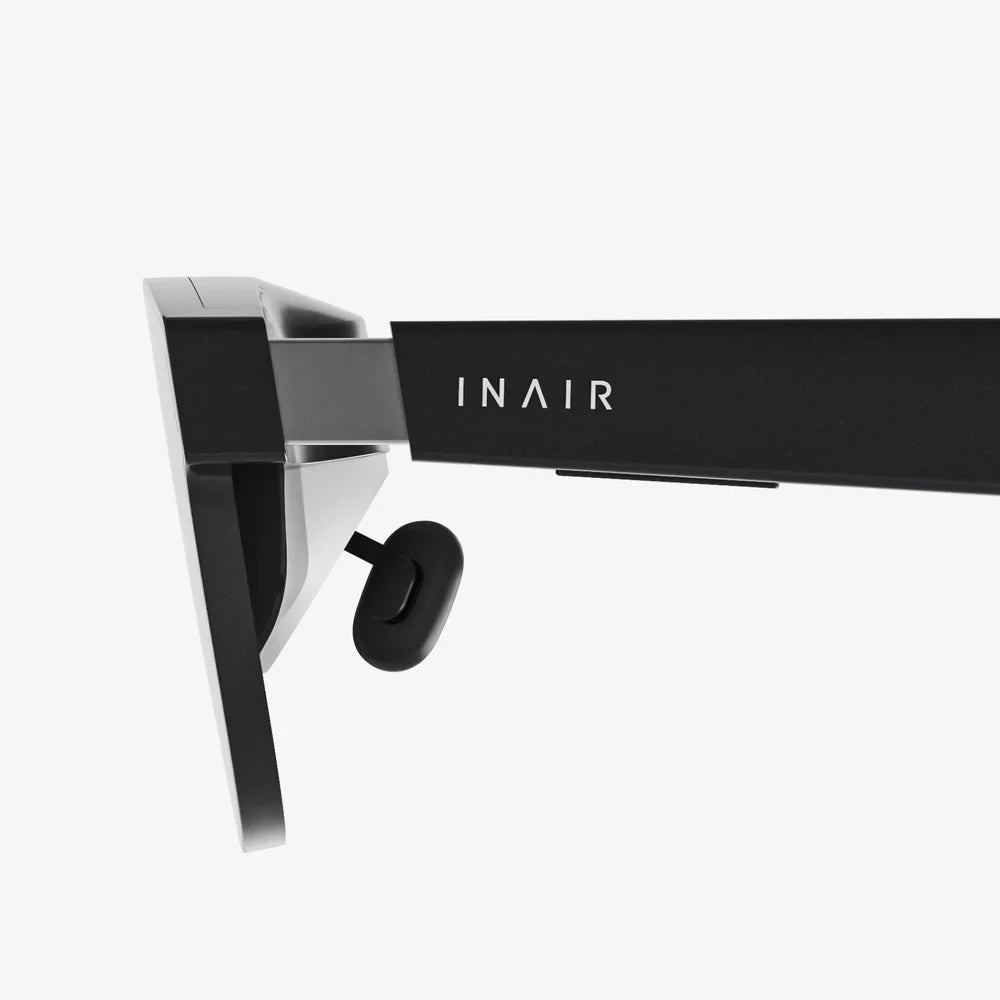
Spatial computing is quietly reshaping how we work, play, and communicate, and most people have barely noticed it happening. Yet the same shift that moved us from typewriters to smartphones is now pushing us toward a world where digital information lives all around us, mapped onto the physical spaces we inhabit. If you have ever wondered what comes after the touchscreen era, spatial computing is the answer waiting just beyond the frame of your current screen.
What Is Spatial Computing?
Spatial computing refers to technologies and systems that understand, represent, and interact with the physical world in three dimensions. Instead of confining digital content to flat screens, spatial computing anchors it in real or virtual space, allowing people to see, touch, and manipulate information as if it were part of their environment.
At its core, spatial computing combines several technological pillars:
- 3D sensing and mapping to understand the geometry and layout of real-world environments.
- Real-time tracking of head, hand, and body movement in space.
- 3D graphics and rendering to display virtual objects that appear solid and correctly lit.
- Interaction models that use gaze, gesture, voice, controllers, or physical tools.
Instead of treating the screen as the primary canvas, spatial computing treats the world itself as the interface. Walls can become dashboards, tables can become collaborative workspaces, and empty rooms can transform into immersive learning environments.
How Spatial Computing Differs From VR, AR, And MR
Spatial computing is often mentioned alongside virtual reality and augmented reality, but it is a broader concept that encompasses and extends them.
- Virtual reality (VR) immerses users in fully digital environments, blocking out the physical world.
- Augmented reality (AR) overlays digital elements onto the real world, often through phones, tablets, or head-worn displays.
- Mixed reality (MR) blends digital and physical content so they can interact with each other in believable ways.
Spatial computing uses all of these techniques but focuses on one unifying idea: computers that understand space. A spatial computing system knows where you are, what you are looking at, and how you are moving, and can adapt content accordingly. It turns the environment into a living, responsive interface rather than a static backdrop.
The Core Technologies Behind Spatial Computing
Several foundational technologies make spatial computing possible. Understanding them reveals why this shift is happening now and how it will accelerate in the coming years.
3D Sensing And Environment Mapping
To place digital objects convincingly in the real world, devices must perceive depth and structure. Common sensing and mapping techniques include:
- Depth cameras that emit infrared light and measure how long it takes to bounce back, building a depth map.
- Stereo vision that uses two cameras to approximate how human eyes perceive depth.
- LiDAR and time-of-flight sensors that create detailed 3D point clouds of surroundings.
- Simultaneous localization and mapping (SLAM) algorithms that track device position while constructing a map of the environment.
These tools allow spatial computing systems to recognize floors, walls, tables, and objects, and to anchor digital content so it appears stable and realistic.
Spatial Tracking And Motion Understanding
Spatial computing demands precise tracking of user movement. This is typically achieved through:
- Inside-out tracking using cameras on the device to track its position relative to the environment.
- Inertial measurement units that combine accelerometers and gyroscopes to detect motion and orientation.
- Hand and body tracking using computer vision to recognize joints, gestures, and poses.
With accurate tracking, digital objects behave as if they share the same physical space as the user. A virtual model placed on a table stays fixed even as the user walks around it.
3D Graphics, Rendering, And Lighting
Convincing spatial experiences rely on high-quality, low-latency graphics. Key elements include:
- Real-time 3D rendering engines that can display complex scenes at high frame rates.
- Physically based rendering to simulate realistic materials and lighting.
- Occlusion handling so real objects can block or partially hide virtual ones.
- Foveated rendering that prioritizes resolution where the user is looking to save processing power.
As hardware improves, spatial computing will deliver visuals that feel increasingly natural and comfortable for extended use.
Natural Interaction: Hands, Voice, And Gaze
Spatial interfaces work best when they feel intuitive. Instead of relying solely on keyboards, mice, or touchscreens, spatial computing emphasizes:
- Hand tracking and gestures for grabbing, pointing, and manipulating objects.
- Voice commands for quick actions and complex queries.
- Eye tracking to understand attention and enable gaze-based selection.
- Haptic feedback through controllers or wearables to simulate touch sensations.
The goal is to let people interact with digital content the way they interact with physical objects, reducing friction and cognitive load.
Why Spatial Computing Matters Now
Spatial computing is not just another tech buzzword; it is a response to real limitations in current computing models. Traditional interfaces are constrained by flat screens, limited real estate, and indirect input methods. As the volume and complexity of digital information grow, these constraints become more obvious.
Spatial computing offers several advantages:
- More natural interfaces that align with human perception and movement in 3D space.
- Expanded workspace with virtual screens and objects that are not limited by physical displays.
- Context-aware experiences that adapt to the user’s environment and activities.
- Enhanced collaboration through shared spatial environments, even across great distances.
As devices become lighter, more powerful, and more affordable, spatial computing is poised to move from niche applications into mainstream daily use.
Real-World Applications Transforming Industries
Spatial computing is already reshaping multiple sectors, often in ways that are invisible to end users but highly impactful behind the scenes.
Design, Architecture, And Construction
In architecture and construction, spatial computing enables professionals to step inside their designs before breaking ground. Common uses include:
- Immersive walkthroughs of buildings and spaces at full scale, catching design issues early.
- On-site visualization that overlays planned structures onto existing landscapes.
- Collaborative design reviews where stakeholders can annotate and modify 3D models together.
This reduces costly changes during construction and helps non-technical stakeholders understand complex plans.
Manufacturing And Industrial Operations
Factories and industrial sites benefit from spatial computing through:
- Guided assembly and maintenance with step-by-step instructions overlaid onto machinery.
- Remote expert assistance where specialists see what on-site workers see and provide real-time guidance.
- Digital twins of equipment and facilities that mirror real-time conditions and performance.
These tools improve efficiency, reduce downtime, and lower training costs.
Healthcare And Medical Training
Healthcare is emerging as one of the most promising domains for spatial computing, with applications such as:
- Anatomy exploration using detailed 3D models that students can inspect from any angle.
- Surgical planning where patient-specific scans are turned into interactive 3D representations.
- Simulation-based training that allows practitioners to rehearse procedures in safe, controlled environments.
By making complex information spatial and interactive, medical professionals can gain deeper understanding and practice without risk to patients.
Education And Training
Spatial computing can transform learning by turning abstract concepts into tangible experiences.
- Virtual laboratories let students conduct experiments that would be too dangerous, expensive, or impractical in real life.
- Historical reconstructions allow learners to walk through ancient cities or pivotal events.
- Interactive simulations help people grasp physics, chemistry, and engineering principles through hands-on exploration.
When learners can move, manipulate, and inhabit information, it becomes more memorable and engaging.
Retail, Commerce, And Customer Experience
Shopping is evolving through spatial computing as well:
- Virtual try-on experiences that let customers see how items might look or fit in context.
- Room-scale visualization to preview furniture, decor, or layouts in actual spaces.
- Immersive showrooms where customers can explore product ranges in rich, interactive environments.
These experiences reduce uncertainty, increase confidence, and can significantly influence purchasing decisions.
Entertainment, Gaming, And Social Presence
Entertainment has been a proving ground for spatial computing, from immersive games to shared virtual venues. Key developments include:
- Room-scale games that let players physically move through virtual worlds.
- Immersive storytelling where narratives unfold around the viewer, not just in front of them.
- Social spaces that recreate a sense of presence with friends or colleagues across distances.
As social and entertainment experiences blend, spatial computing will define new forms of digital gathering and expression.
Spatial Computing At Work: The Future Of Productivity
Workplaces are likely to be among the earliest environments where spatial computing becomes routine. The shift from laptops and monitors to spatial workspaces can be profound.
Infinite Desktops And Virtual Screens
Imagine replacing a cluttered desk of monitors with a lightweight device that projects as many virtual screens as you need. Spatial computing can provide:
- Adjustable virtual displays arranged around you in 3D space.
- Contextual dashboards that appear only when relevant to the task at hand.
- Flexible layouts that adapt to different work modes, from focus to collaboration.
This frees workers from the constraints of physical hardware and allows them to tailor their environment dynamically.
Remote Collaboration In Shared Spatial Spaces
Spatial computing can make remote meetings feel more like being in the same room. Teams can:
- Co-annotate 3D models as if they were gathered around a shared table.
- Use spatial whiteboards that persist over time and across sessions.
- Maintain presence cues such as gaze direction and body orientation, which are often lost in traditional video calls.
This can strengthen team cohesion and make distributed work more natural and effective.
Designing For Spatial Computing: New UX Principles
Designing interfaces for spatial computing requires a shift in mindset. Traditional 2D design patterns do not always translate well into 3D environments.
Thinking In Volume, Not Just Surface
In spatial computing, designers must consider height, depth, and distance. Questions include:
- Where should content appear relative to the user’s body and field of view?
- How far away should objects be placed for comfortable viewing and interaction?
- How should digital content relate to physical landmarks and furniture?
Effective spatial interfaces feel anchored and coherent within the user’s surroundings.
Minimizing Cognitive And Physical Load
Because spatial experiences can be intense, designers must avoid overwhelming users. Best practices involve:
- Limiting clutter by showing only essential information at any given moment.
- Using spatial grouping to organize related content in zones.
- Reducing unnecessary motion that can cause discomfort or motion sickness.
Comfort and clarity are critical for long-term adoption.
Guidance, Onboarding, And Discoverability
Many users will encounter spatial interfaces for the first time. To ease adoption, applications should:
- Provide subtle onboarding that teaches gestures and interactions through use.
- Use contextual hints that appear when users hesitate or look confused.
- Offer multi-modal feedback through visuals, audio, and haptics.
When done well, users quickly develop spatial literacy and feel empowered rather than intimidated.
Challenges And Limitations Of Spatial Computing
Despite its promise, spatial computing faces significant hurdles that must be addressed for widespread adoption.
Hardware Comfort And Accessibility
Many spatial computing devices are still relatively bulky or expensive. Challenges include:
- Ensuring lightweight, ergonomic designs suitable for long-term wear.
- Accommodating prescription lenses and diverse facial structures.
- Balancing performance, battery life, and heat in compact form factors.
Progress is steady, but comfort and accessibility remain key barriers.
Health, Safety, And Well-Being
Extended use of spatial computing raises questions about:
- Eye strain and fatigue from prolonged focus on near-field displays.
- Motion sickness from mismatches between visual and physical movement.
- Physical safety when users are partially or fully immersed in digital content.
Thoughtful design, ergonomic guidelines, and user education are essential to mitigate these concerns.
Privacy, Security, And Ethical Use
Spatial computing devices often capture detailed information about environments, people, and behavior. This raises important issues:
- Environmental scanning can reveal sensitive information about homes and workplaces.
- Biometric data such as gaze patterns and gestures may be collected and analyzed.
- Location and context data can reveal routines and habits.
Clear policies, robust security, and transparent user controls will be critical to maintaining trust.
The Role Of Artificial Intelligence In Spatial Computing
Artificial intelligence and spatial computing reinforce each other in powerful ways. AI enhances spatial systems by:
- Recognizing objects and scenes to provide contextual information and interactions.
- Interpreting hand gestures and body language for more natural input.
- Adapting interfaces to user preferences and behavior patterns.
- Generating content such as environments, assets, and guidance on the fly.
As AI models become more capable, spatial computing experiences will feel increasingly intelligent, personalized, and responsive.
Skills And Tools For The Spatial Computing Era
Professionals who want to participate in the spatial computing ecosystem can start building relevant skills today. Useful areas of focus include:
- 3D modeling and animation to create assets and environments.
- Real-time 3D development using game engines and related tools.
- Interaction design with a focus on spatial user experience.
- Computer vision and graphics programming for advanced applications.
Those who understand both human-centered design and the technical foundations of spatial computing will be especially well positioned.
How Spatial Computing Could Change Everyday Life
Beyond specialized industries and professional contexts, spatial computing has the potential to reshape ordinary routines.
- Navigation could evolve from flat maps to arrows and guides embedded in the environment.
- Home organization might involve virtual labels and reminders attached to real objects.
- Fitness and wellness experiences could become interactive coaching sessions in your living room.
- Creative hobbies such as art, music, and storytelling could gain new dimensions through spatial tools.
As interfaces become more ambient and less device-centric, the boundary between online and offline life will continue to blur.
Trends Shaping The Future Of Spatial Computing
Several trends suggest where spatial computing is heading over the next decade.
- Miniaturization of hardware will push devices toward lighter, more glasses-like form factors.
- Integration with everyday objects will bring spatial capabilities into cars, appliances, and public spaces.
- Standardization of formats and protocols will make spatial content more portable across platforms.
- Convergence with the internet of things will allow digital interfaces to control and respond to physical devices in real time.
As these trends mature, spatial computing will feel less like a separate category and more like a natural extension of computing itself.
Preparing Yourself And Your Organization
Whether you are an individual professional or part of a larger organization, there are practical steps you can take to prepare for the rise of spatial computing.
- Experiment with prototypes and small pilots to understand what works in your context.
- Map spatial opportunities by asking where 3D visualization, guidance, or collaboration could add value.
- Invest in skills across design, development, and content creation.
- Consider governance and ethics early, especially around data and privacy.
Those who start exploring now will be better equipped to shape how spatial computing unfolds in their domain.
The Coming Shift In How We Relate To Technology
Spatial computing is more than a new category of devices; it represents a fundamental shift in how humans and computers relate to each other. Instead of bending our posture, attention, and habits around static screens, we are moving toward a world where digital content bends around us, integrating with our spaces, our movements, and our intentions.
The most compelling spatial experiences will not simply recreate existing apps in 3D; they will invent new ways of thinking, working, and connecting that were not possible before. As this shift accelerates, the question is not whether spatial computing will matter, but how quickly you choose to engage with it and what role you will play in shaping the next interface revolution.
Aktie:
ars deruta italy vase secrets of timeless italian ceramic artistry
Chinese Food Sherwood AR Guide to Flavor, Buffets, and Takeout Gems