


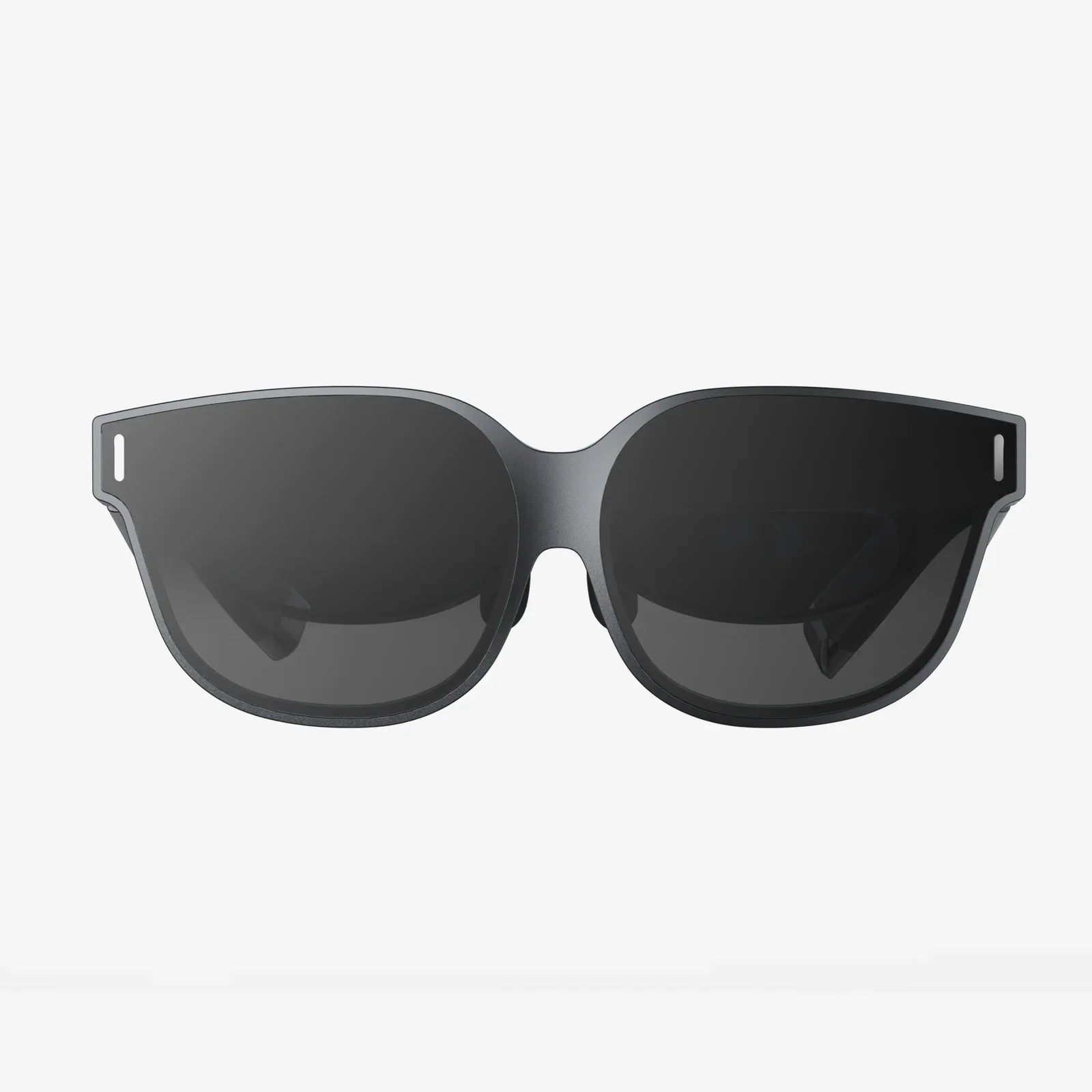
- von wangfred
unreal ar glasses and the Future of Everyday Immersion
- von wangfred
Imagine slipping on a lightweight pair of unreal ar glasses and watching your living room walls transform into an interactive data hub, your coffee table into a gaming arena, and your morning commute into a guided tour of invisible information. This is not just a sci-fi fantasy anymore; it is the direction everyday computing is heading, and those who understand it early will be better prepared to thrive in a world where digital and physical reality blend seamlessly.
Most people still interact with digital content through flat screens: phones, laptops, and TVs. Unreal ar glasses redefine this by projecting digital objects into your field of view so they appear anchored to the real world. Instead of staring down at a phone, you look around and see data, interfaces, and virtual objects coexisting with your surroundings.
The key difference is spatial context. A traditional screen separates you from information; unreal ar glasses surround you with it. You do not open an app to see a calendar; you might glance at your wall and see your schedule hovering next to the door. You do not tap a weather widget; you look out the window and see real-time weather data floating above the skyline.
This shift from flat screens to spatial interfaces changes how you think, work, and communicate. It can reduce context switching, unlock new forms of creativity, and create more natural interactions with digital tools.
To understand the potential of unreal ar glasses, it helps to know what is happening behind the scenes. Several core technologies work together to create the illusion of digital objects living in your physical space.
The magic begins with the optics. Unreal ar glasses typically use one or more of the following approaches:
The challenge is balancing brightness, clarity, field of view, and comfort. Unreal ar glasses must be bright enough to see outdoors, sharp enough to read text, and wide enough to feel immersive, all without becoming bulky or heavy.
For digital objects to appear anchored in your room, the glasses need to understand the shape and layout of your environment. This is where spatial mapping comes in. Using cameras and depth sensors, unreal ar glasses scan your surroundings to build a 3D model of surfaces, edges, and objects.
With this model, the system can:
Environment understanding also enables safety features, such as alerting you when you approach obstacles while immersed in a virtual experience.
Immersion depends on precise tracking. Unreal ar glasses continuously track your head position so digital content remains stable in your view. If you turn your head, a virtual object on your desk should stay on the desk, not move with your gaze.
Hand tracking allows you to interact with virtual buttons, sliders, and objects using natural gestures. Eye tracking can be used to:
Unreal ar glasses often rely on a mix of onboard processing and external computing power. Some models include small processors in the frames, while others connect to a smartphone, PC, or cloud service to handle demanding tasks like 3D rendering or AI-driven scene understanding.
Low-latency connectivity is crucial. If the system takes too long to respond to your movements, you will notice lag, which can break immersion and even cause discomfort. Advances in wireless standards and edge computing are making it possible to deliver fluid AR experiences without tethering users to bulky hardware.
Unreal ar glasses are not just for tech enthusiasts. They have practical uses across everyday life, from the moment you wake up to the time you fall asleep. The most compelling applications are those that subtly enhance your environment without overwhelming it.
Imagine starting your day by putting on unreal ar glasses and seeing your schedule, reminders, and messages arranged around your room in a way that makes sense to you. You might place your calendar near your closet, your to-do list above your desk, and your fitness goals next to the mirror.
Key productivity benefits include:
By blending digital information into your physical workflow, unreal ar glasses can reduce the friction of switching between devices and apps.
Entertainment is one of the most intuitive use cases. With unreal ar glasses, your living room can become a cinema, a gaming arena, or a stage for interactive performances.
Some possibilities include:
Unlike traditional gaming or video platforms, unreal ar glasses can make entertainment feel physically present, blurring the line between watching and participating.
Navigation is dramatically more intuitive when directions are overlaid on the real world. Unreal ar glasses can project arrows on sidewalks, highlight building entrances, and label landmarks as you walk or drive.
Use cases include:
By integrating spatial navigation with real-time data, unreal ar glasses can reduce travel stress and make exploring new places more engaging.
Education may be one of the most transformative areas for unreal ar glasses. Instead of reading about complex concepts in textbooks, learners can see them come to life in 3D.
Examples of educational applications include:
Because information is anchored in space and action, retention can improve. Learners are not just reading; they are experiencing concepts in context.
In professional settings, unreal ar glasses can reduce the gap between remote and in-person collaboration. Instead of staring at static video grids, teams can work around shared virtual objects, diagrams, and documents.
Potential applications across industries include:
By making digital artifacts feel physical, unreal ar glasses can improve communication and reduce misunderstandings that arise from abstract diagrams or text descriptions.
Despite their potential, unreal ar glasses face significant challenges. Understanding these limitations is important for setting realistic expectations and recognizing where innovation is still needed.
For unreal ar glasses to become everyday devices, they must be comfortable enough to wear for hours. This means:
Integrating batteries, processors, sensors, and displays into a slim frame is a complex engineering challenge. As components shrink and become more efficient, the user experience will improve, but current devices may still feel bulkier than traditional glasses.
Field of view is a critical metric. It refers to how much of your vision can be filled with digital content. If the field of view is narrow, virtual objects may appear as if they are visible only through a small window in front of you.
Developers of unreal ar glasses must balance field of view with optical clarity and power consumption. A wider field of view is more immersive but requires more advanced optics and processing. Visual realism also depends on brightness, contrast, color accuracy, and how well virtual objects blend with real lighting conditions.
AR experiences are computationally intensive. Spatial mapping, tracking, rendering, and connectivity all consume power. Unreal ar glasses must manage this while maintaining acceptable battery life.
Strategies to improve performance and battery life include:
Users should expect that early generations of devices may require regular recharging and may not support all-day continuous use without breaks.
Designing interfaces for unreal ar glasses is fundamentally different from designing for phones or laptops. Traditional UI elements like buttons and menus must be reimagined for 3D space and natural interactions.
Common challenges include:
Successful AR interfaces feel almost invisible. Users should focus on their tasks, not on learning complex controls.
Unreal ar glasses raise important questions about privacy and ethics. Because they rely on cameras, microphones, and sensors, they can capture a great deal of information about users and their surroundings.
When someone wears unreal ar glasses, it may not be obvious whether they are recording. This can make bystanders uncomfortable and raise concerns about surveillance in public and private spaces.
Responsible design and usage practices might include:
Users should be aware of local laws regarding recording and respect the privacy expectations of others.
Unreal ar glasses can collect highly detailed data: where you look, what you interact with, where you go, and how you move. This data can be valuable for improving experiences but also poses risks if misused.
Key concerns include:
Users should pay attention to privacy settings, data retention policies, and whether they can opt out of certain types of data collection.
When digital content follows you everywhere, it can become difficult to disconnect. Unreal ar glasses could amplify the constant stream of notifications and information that many people already struggle with.
Potential psychological impacts include:
Healthy use patterns will be crucial. Features such as focus modes, time limits, and transparent usage metrics can help users maintain balance.
As unreal ar glasses become more common, they will influence not just technology but also social behavior and norms. The way people interact in public and private spaces may change in subtle and significant ways.
Just as smartphones led to new norms around texting, notifications, and camera use, unreal ar glasses will require new etiquette. Some emerging questions include:
Communities, workplaces, and institutions will likely develop guidelines to address these concerns, balancing convenience with respect and transparency.
Unreal ar glasses can overlay digital avatars, accessories, and information onto people. This raises questions about identity and self-expression. You might present yourself differently to different groups by changing how you appear through AR filters or overlays.
This flexibility can be empowering but also complicated. It may become easier to curate multiple personas, which can enrich self-expression but also make authenticity harder to gauge. Social platforms built around AR could redefine what it means to "show up" as yourself.
Used thoughtfully, unreal ar glasses can enhance accessibility. They can provide live captions for conversations, translate text in real time, or highlight obstacles for people with visual impairments.
Inclusive design considerations include:
If access to unreal ar glasses becomes widespread, they could help reduce certain barriers. However, if they remain expensive or limited, they could also deepen digital divides. Ensuring broad accessibility will be important for equitable adoption.
Even if you do not plan to buy unreal ar glasses immediately, this technology is likely to influence the tools, services, and environments you encounter. Preparing now can help you adapt smoothly and take advantage of emerging opportunities.
Spatial interfaces require you to think in terms of 3D layouts, not just 2D screens. You can start building spatial thinking skills by:
The more comfortable you are with thinking spatially, the more natural AR interfaces will feel.
Because unreal ar glasses collect sensitive data, it is important to understand how to manage privacy and security. When you eventually use such devices, you will want to:
Developing good privacy habits now will pay off as more devices become sensor-rich and always-connected.
Early adopters of unreal ar glasses are already experimenting with new forms of content and interaction. You can explore this ecosystem by:
This exploration can inspire ideas for how you might use AR in your own life or work, whether as a creator, professional, or informed user.
When personal computers emerged, they transformed offices. When smartphones spread, they reshaped everyday communication and entertainment. Unreal ar glasses have the potential to be the next major interface shift, moving computing from screens into the very space around us.
The reasons are clear:
Of course, adoption will not happen overnight. It will depend on improvements in hardware, software, design, and social acceptance. But the trajectory is unmistakable: as devices become lighter, more capable, and more affordable, the appeal of having a persistent, customizable layer of digital intelligence over your world will be hard to ignore.
If you are curious about where personal technology is heading, unreal ar glasses are a lens into that future. They hint at a world where the boundary between online and offline nearly disappears, where your surroundings are always context-aware, and where information finds you at the exact moment and place you need it. The question is not whether this shift will happen, but how ready you will be when digital reality steps out of the screen and into your everyday life.