


How to Upgrade My Rokid Max: Moving Beyond Screen Mirroring
How do I upgrade my Rokid Max?
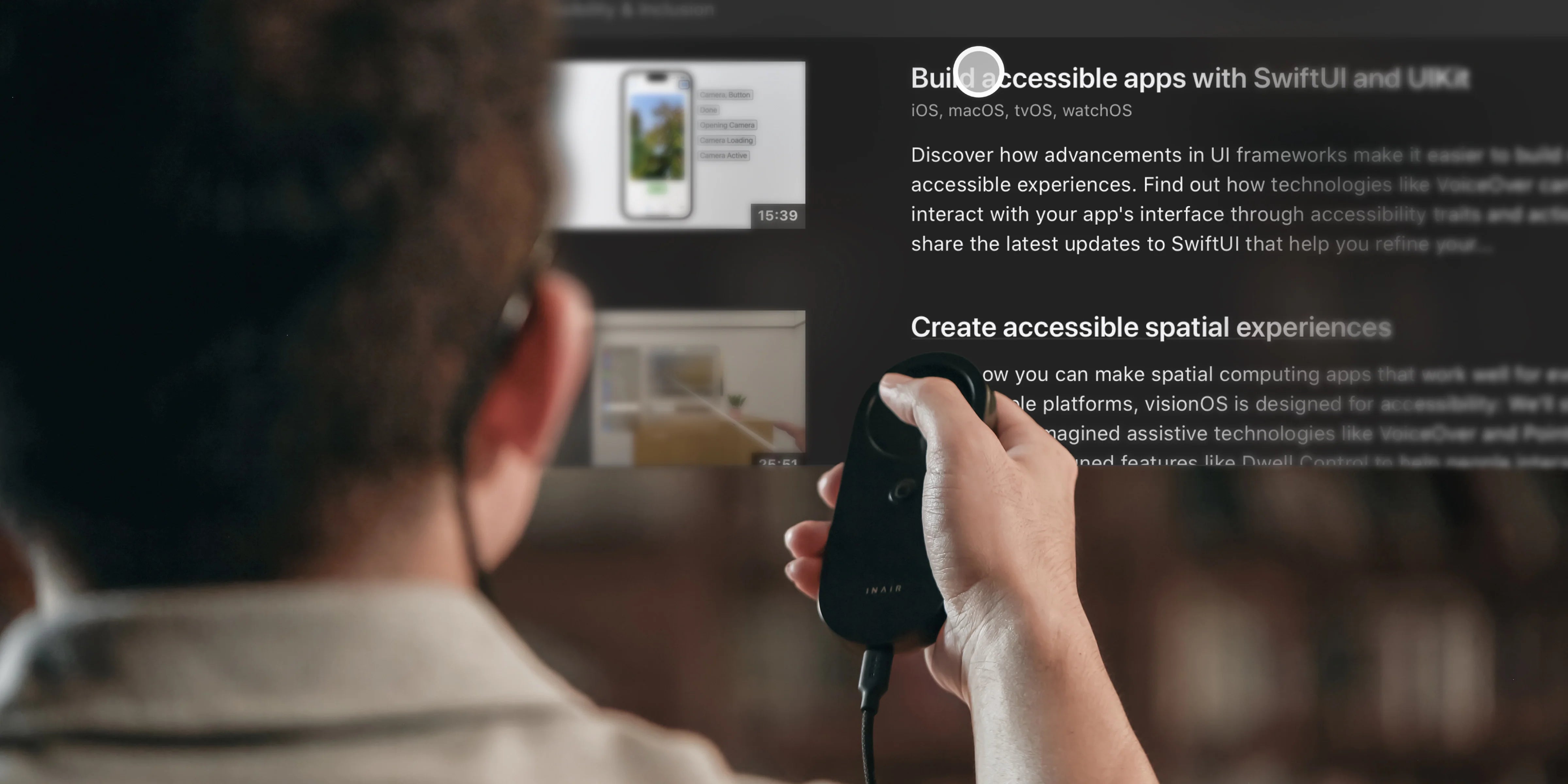
While the Rokid Max AR glasses feature an incredible 120Hz micro-OLED display, upgrading your experience requires a more powerful computing host. Instead of relying on screen mirroring from your phone or the basic media-focused Rokid Station, the best upgrade is pairing your Rokid Max with a dedicated spatial computer like the INAIR Pod. This instantly unlocks the native Google Play Store, a 6-window spatial OS, and real-time AI 2D-to-3D conversion.
The Rokid Station Dilemma: Entertainment vs. Productivity
The Rokid Max glasses are brilliant pieces of hardware. Many users initially pair them with the Rokid Station, which runs Android TV.
While Android TV is great for streaming Netflix or YouTube on a couch, it is not a spatial computer. You are stuck with a single, flat, TV-style interface. You can't open a web browser next to a Word document, and you can't use it for true mobile office work. It’s a closed media ecosystem, not an open computing platform.
Unleashing the True Power of Rokid Max
If you search for "best host for third-party AR glasses," you'll find that the future belongs to open, decoupled architectures.
The INAIR Pod is built to be the ultimate brain for top-tier displays like the Rokid Max. By connecting your Rokid Max to the INAIR Pod, you achieve a massive paradigm shift:
- From Android TV to Native Android: The INAIR Pod runs INAIR OS, giving you full access to the standard Google Play Store. Download your favorite mobile games, secure enterprise apps, or VPNs without restriction.
- From 1 Screen to 6 Screens: Transform your Rokid Max into a multi-monitor workstation. Open up to 6 virtual apps and arrange them around you.
- No Proprietary Lock-In: We champion an open vs closed AR ecosystem. You bought great glasses; you shouldn't be forced to use limited companion apps. The INAIR Pod is brand-agnostic and universally powerful.

Embrace the Open AR Ecosystem
Your Rokid Max lenses are capable of displaying a limitless spatial workplace. Give them the computing power they deserve. [Upgrade your setup with the INAIR Pod] and experience true AR independence today.
Aktie:
Why Is My AR Screen Drifting? (And How to Fix It)
How Does AI 2D to 3D Work in AR Glasses?