


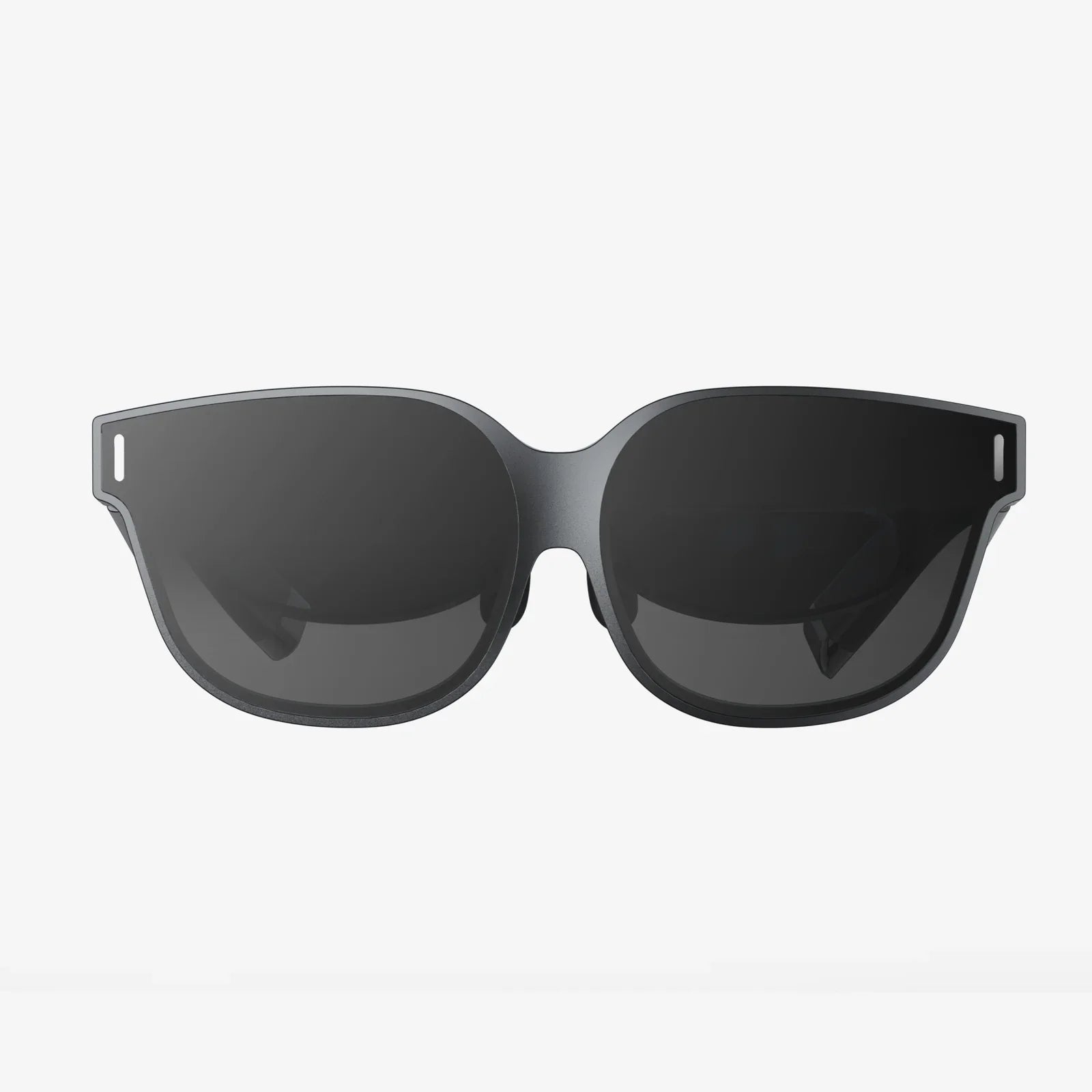
- von wangfred
Virtual Reality Headset Demonstration Strategies That Instantly Wow Any Audience
- von wangfred
Few tech experiences stop people in their tracks like a well-executed virtual reality headset demonstration. When someone slips on a headset and suddenly gasps, laughs, or reaches out to touch an object that is not really there, everyone watching leans in. That moment of pure immersion is powerful, and if you know how to design and run a demonstration properly, you can turn casual observers into passionate advocates for the experience you are showcasing.
A virtual reality headset demonstration is more than just handing a device to someone and loading an app. It is an orchestrated experience that combines technical preparation, environmental control, clear communication, safety awareness, and thoughtful storytelling. Whether you are demonstrating VR at a trade show, in a classroom, at a corporate training session, or in a living room, the way you structure the demonstration will determine whether people walk away impressed or indifferent.
This guide walks through every stage of an effective virtual reality headset demonstration: planning, setup, user onboarding, live facilitation, troubleshooting, and post-demo engagement. You will learn how to avoid motion sickness, keep lines moving smoothly, wow first-timers, and create a sense of spectacle that draws a crowd and keeps them talking long after the headset comes off.
Technical specifications are important, but they rarely inspire emotion on their own. Frame rates, resolution, and tracking accuracy matter, yet most people will not remember those details. What they will remember is how the experience made them feel: amazed, transported, challenged, or delighted.
A strong virtual reality headset demonstration does three critical things:
When you get these three elements right, the headset becomes more than a gadget. It becomes a doorway. Your job as the demonstrator is to be the guide on the other side of that door.
Successful demonstrations begin long before the first person puts on a headset. Careful planning ensures that you have the right content, the right environment, and the right flow to keep people engaged and safe.
Start by asking what you want people to walk away with after the demonstration. Different goals will shape the content and structure of the experience.
Once you have a clear purpose, you can reverse-engineer the rest of the demonstration around it.
A virtual reality headset demonstration for school children will look very different from one for senior executives or casual event attendees. Consider:
Tailoring your content to your audience increases the chance that they will feel confident and impressed rather than overwhelmed.
Not all VR content is equally suited for public demonstrations. For a smooth virtual reality headset demonstration, prioritize experiences that are:
Prepare at least two or three experiences so you can adapt on the fly. For example, if someone looks nervous, you can offer a calm, seated experience instead of an intense action scene.
The physical environment can make or break a virtual reality headset demonstration. A cluttered, noisy, or unsafe space will distract users and increase the risk of accidents.
Even if you are running mostly seated experiences, you should create a clear zone around the user. Consider:
Lighting affects tracking performance, and noise affects communication and immersion.
Remember that VR isolates users from their surroundings. They rely heavily on your voice and gentle physical guidance to stay oriented and safe.
Nothing kills excitement faster than a tangled mess of cables or a headset that takes forever to reset between users. For a smooth virtual reality headset demonstration, prepare:
When your equipment looks organized and professional, people trust the experience more and feel more comfortable participating.
Safety and comfort are central to any virtual reality headset demonstration. A single bad experience can turn someone off VR for years, while a comfortable, well-supported session can turn skeptics into fans.
Before anyone puts on a headset, communicate a few simple rules:
Keep your language friendly and reassuring. The goal is not to scare people but to show that you take their safety seriously.
Motion sickness is one of the most common concerns in VR. Reduce the risk by:
If someone reports discomfort, pause the experience and gently remove the headset. Offer water, a place to sit, and reassurance that their reaction is normal and temporary.
A poorly fitted headset can cause blurry visuals, headaches, and frustration. Take a moment to adjust:
As you adjust the headset, narrate what you are doing so the user feels informed and respected rather than handled.
Many people are nervous the first time they try VR. They worry about looking silly, getting sick, or breaking something. A thoughtful onboarding process turns that anxiety into curiosity.
Before you put the headset on someone, briefly describe the experience in plain language:
Set expectations about duration and intensity. Let them know they can stop at any time and that you will be right beside them.
It is much easier to learn controls while still in the real world. Quickly show:
Once they are in VR, reinforce the same instructions with calm, simple prompts. Avoid overwhelming them with advanced features on their first try.
As the user explores, keep a light commentary going:
Your voice becomes an anchor that keeps them oriented and reassured, especially in crowded or noisy environments.
In many settings, you will be running a virtual reality headset demonstration for groups, not just individuals. Managing the flow of participants and observers is crucial to maintaining energy and interest.
People dislike confusion and uncertainty. Make the process simple:
This structure reduces frustration and gives you time to reset the headset between users.
Observers are not just bystanders; they are future participants. Keep them engaged by:
When observers see others laughing, gasping, or reaching out in amazement, their curiosity intensifies. The demonstration becomes a shared spectacle, not just an individual activity.
The ideal length for a public virtual reality headset demonstration is usually between three and seven minutes per person. This window is long enough for users to feel immersed but short enough to:
When time is up, gently guide the user to a natural stopping point. Let them know they did well and invite them to ask questions or try a different experience later if possible.
Even in a short demonstration, storytelling can transform a random sequence of actions into a memorable journey. Think of your virtual reality headset demonstration as a mini narrative with a beginning, middle, and end.
You do not need a complex plot. A basic structure works:
As the facilitator, you can guide this arc with your commentary: "Now that you understand the controls, let us see what happens if you activate that switch" or "Take a few steps forward to the edge and look down at the city below."
Use your demonstration to highlight aspects of VR that flat screens cannot deliver:
Point these moments out as they happen. When users realize that they can lean, crouch, or walk around an object, the experience becomes far more impactful.
Even the best-prepared virtual reality headset demonstration will encounter hiccups. Knowing how to handle them quickly and calmly keeps the atmosphere positive.
If the view drifts, controllers jitter, or objects do not line up correctly:
Explain briefly to the user what you are doing. Most people understand that minor technical glitches are part of working with advanced technology.
Some participants will feel nervous, especially if they have never tried VR before. Watch for signs such as stiff posture, shallow breathing, or hesitant movements. Respond by:
Make it clear that there is no pressure to continue. Respecting boundaries builds trust and positive word-of-mouth.
VR can disrupt a user’s sense of balance. To reduce the risk of falls:
Having a sturdy chair nearby is always a good idea, even for demos designed for standing.
The core principles of a virtual reality headset demonstration stay the same, but the details change depending on where and why you are demonstrating.
Public events are noisy, high-traffic environments where attention is scarce. To stand out:
Staffing is critical. Ideally, one person handles equipment and onboarding while another manages the queue and engages the crowd.
In education, the goal is learning as much as wow factor. For these demonstrations:
Encourage students to share their observations after the demo. This turns the VR session into a shared discussion rather than a solitary adventure.
In professional environments, a virtual reality headset demonstration often serves as a proof of concept for training, simulation, or collaboration. Emphasize:
Be prepared to answer practical questions about setup requirements, safety protocols, and scalability.
To improve over time, treat each virtual reality headset demonstration as a learning opportunity. Gather feedback and observe patterns.
Right after the demo, ask a few simple questions:
If appropriate, provide a short survey form or digital feedback link. Over time, you will see common themes that can guide improvements.
Even informal metrics can be useful:
These numbers help you understand whether your demonstration is capturing attention and converting curiosity into participation.
Every demonstration you run is a chance to refine your craft. You will learn which explanations resonate, which experiences consistently delight, and which small adjustments dramatically improve comfort and safety. Over time, you will develop an instinct for reading body language, anticipating problems, and choreographing the flow of people and equipment.
The real magic of a virtual reality headset demonstration is not the hardware alone; it is the human connection you create around it. You are not just showing people a screen strapped to their face. You are inviting them into worlds they have never visited, perspectives they have never considered, and possibilities they may have never imagined. When someone lifts the headset off, eyes wide and mind racing, that is your cue that the demonstration worked.
If you design your demonstrations with care, attention, and empathy, you will do more than showcase a technology. You will spark stories that people retell to friends, colleagues, and students: "You have to try this. I put on a headset, and suddenly I was somewhere else entirely." That lingering sense of wonder is the true measure of a powerful virtual reality headset demonstration—and it is within your reach every time you power on the device and invite someone to step inside.