


- von wangfred
vr lentes For Immersive Experiences: A Complete 2025 Buyer’s Guide
- von wangfred
vr lentes are no longer futuristic gadgets reserved for tech enthusiasts. They have become the secret doorway to immersive games, breathtaking travel experiences, and next-level learning that many people still underestimate. If you have ever wondered whether virtual reality is worth your time or money, understanding how vr lentes actually work, what to look for before buying, and how to avoid eye strain can completely change your perception of this technology.
Whether you want to step into intense gaming worlds, explore virtual museums, train for your career, or simply watch movies on a massive virtual screen, the right pair of vr lentes can make the difference between a dizzy, blurry experience and a sharp, comfortable, unforgettable one. This guide walks you through everything that matters: lens types, display specs, comfort, safety, and what to expect in the near future.
At the heart of every virtual reality headset are the lenses that sit between your eyes and the screens. These vr lentes bend and focus light so that flat images on a display appear as a deep, three-dimensional world surrounding you. Even if a headset has a powerful processor and sharp screens, poor lenses can ruin the entire experience with blur, eye strain, or distorted visuals.
Good vr lentes do three critical things:
Because your eyes sit so close to the lenses, even small imperfections become obvious. That is why understanding lens design, adjustment options, and compatibility with your vision is essential before you invest in any headset.
Immersion is the feeling that you are inside the virtual environment rather than just watching it. vr lentes play a central role in creating this illusion. They work together with the screens, sensors, and tracking systems in several ways:
When all of these elements are tuned correctly, you forget that you are wearing a headset at all. When they are not, you notice blur, shimmering edges, or discomfort within minutes.
Different headsets use different vr lentes designs, each with trade-offs in clarity, cost, and complexity. Understanding these can help you interpret marketing claims and spec sheets more realistically.
Fresnel lenses are among the most common types used in consumer VR. They consist of concentric rings that approximate a thicker lens while staying lightweight and relatively thin.
Advantages:
Drawbacks:
Pancake lenses are a newer design that uses folded optical paths and multiple elements to reduce headset thickness and improve clarity.
Advantages:
Drawbacks:
Some vr lentes use aspheric surfaces or hybrid combinations of elements to reduce distortion and improve clarity.
Advantages:
Drawbacks:
When comparing headsets, you will often see references to lens type in reviews even if marketing materials do not emphasize it. Pay attention to feedback about clarity, god rays, glare, and sweet spot size, as these directly reflect the quality of the vr lentes.
Lens design is only part of the story. Several technical specifications work together with the lenses to determine how good the experience feels.
Field of view describes how much of the virtual world you can see at once, usually measured in degrees. A larger FOV feels more natural and immersive.
Lens design and distance from your eyes strongly influence FOV. Some headsets allow you to adjust how close the lenses sit to your face; reducing this distance can slightly increase FOV but may affect comfort.
IPD is the distance between the centers of your pupils. Because everyone’s eyes are spaced differently, vr lentes must be positioned so each eye looks through the optical center of its lens.
Look for headsets that offer:
If the IPD is misaligned, you may experience blur, double vision, or headaches. Before buying, check whether the supported IPD range matches your own. Many adults fall between 60 and 70 mm, but it is worth measuring or using an online tool.
Resolution is often advertised as the number of pixels per eye, but what matters more for perceived clarity is pixels per degree of FOV. vr lentes magnify the display, spreading those pixels across your visible area.
Higher resolution and higher PPD mean:
However, even with high resolution, poorly designed lenses can blur the image or create artifacts. Look for balanced combinations of resolution, FOV, and lens quality.
Refresh rate, measured in hertz (Hz), indicates how many times per second the display updates. While this is a display spec, vr lentes affect how smooth motion appears because they magnify any flicker or motion artifacts.
Higher refresh rates (such as 90 Hz or more) usually provide:
When combined with good optics and accurate tracking, a higher refresh rate contributes significantly to comfort.
Even the sharpest vr lentes will not help if you cannot wear the headset comfortably for more than a few minutes. Comfort depends on several factors beyond just total weight.
A slightly heavier headset with excellent weight distribution can feel better than a lighter one that presses on your face. Look for:
The foam or fabric that touches your face can influence both comfort and how close the vr lentes sit to your eyes. Thicker padding may feel softer but can reduce FOV, while thinner padding increases FOV but might be less forgiving.
Consider:
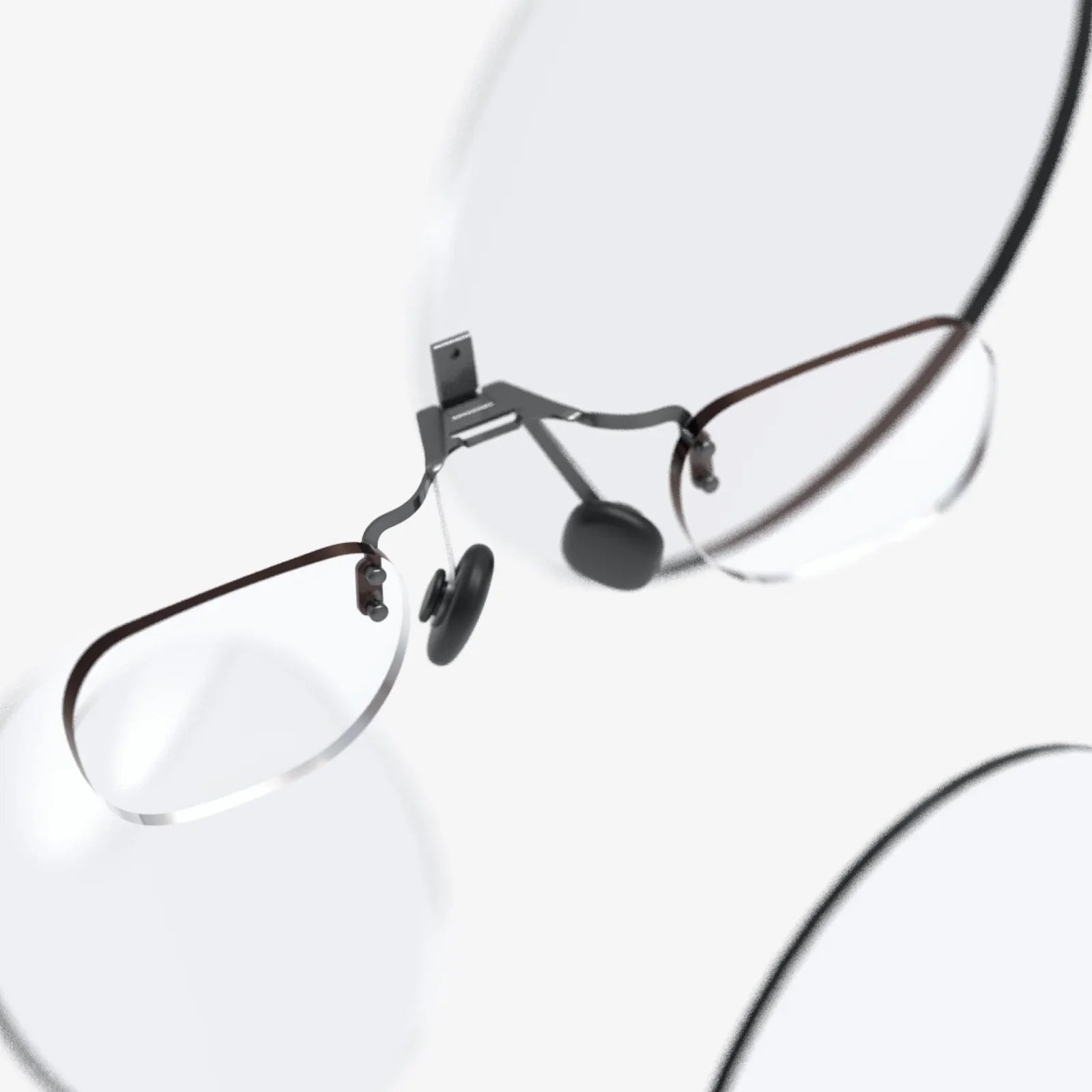
If you wear glasses, you should confirm whether the headset accommodates them comfortably. Some vr lentes are designed with enough eye relief to fit glasses frames, while others rely on prescription inserts that sit directly on the lenses.
When using vr lentes with glasses:
Because vr lentes place screens very close to your eyes, many people worry about long-term eye health. Current research suggests that VR, when used responsibly, is generally safe for most people, but there are important guidelines to follow.
Eye strain usually comes from improper focus, IPD misalignment, or extended sessions without breaks. To reduce it:
Some users experience motion sickness when the visuals do not match their inner sense of balance. While this is more about tracking and software design than the vr lentes themselves, lens clarity and FOV still play a role.
To minimize motion sickness:
Many manufacturers provide age recommendations, often around 12 or 13 years and older. Children’s eyes are still developing, and headsets may not fit smaller faces properly, leading to misalignment of the vr lentes.
If children use VR under supervision:
Even high-quality vr lentes can look disappointing if they are dirty, misaligned, or paired with incorrect settings. Small adjustments can dramatically improve clarity and comfort.
Fingerprints, dust, and smudges scatter light and reduce contrast. Always clean your vr lentes carefully:
The sweet spot is the area where the image appears sharpest and most comfortable. To find it:
Once you discover the ideal position, it becomes much easier to enjoy longer sessions without constantly adjusting the headset.
Many platforms and games offer settings that affect how your vr lentes perform:
vr lentes are not just for games. Their ability to transport you into realistic or imaginative environments opens possibilities across many fields.
For gamers, vr lentes provide:
Lens quality is particularly important in gaming because fast motion and fine details quickly reveal blur and distortion.
Watching movies or videos through vr lentes can feel like sitting in a private theater. Large virtual screens, 3D content, and 360-degree videos all benefit from high resolution and clear optics.
For media consumption, you may prioritize:
Students and professionals use vr lentes to practice skills, explore complex concepts, and simulate real-world environments without risk.
Examples include:
In these cases, clarity, text readability, and comfort during extended sessions become especially important.
Many people are discovering that vr lentes can make exercise more engaging by turning workouts into games or adventures. From boxing and dancing to guided meditation in serene virtual environments, VR can help motivate movement and relaxation.
For fitness use, consider:
When choosing vr lentes, you also need to consider the type of headset they are built into. Two main categories dominate the market: standalone and PC-connected.
Standalone devices contain their own processors, storage, and tracking systems. They do not require a separate computer or console.
Advantages:
Lens considerations:
PC-connected headsets rely on an external computer to render graphics, often delivering higher fidelity experiences.
Advantages:
Lens considerations:
Your choice depends on how you plan to use VR. If you mainly want quick, casual experiences, a well-designed standalone headset may be ideal. If you aim for the highest visual quality and already own a powerful computer, a PC-connected headset with premium vr lentes could be more satisfying.
Prices for VR headsets vary widely. While it is tempting to chase the most impressive specifications, you can get excellent value without overspending if you know what matters most to you.
With a modest budget, you can access standalone headsets that deliver solid experiences for games, media, and casual use. At this level:
Mid-range devices often offer the best balance between cost and quality for most users.
If you are serious about VR but do not need the absolute cutting edge, this range is often the sweet spot.
Premium headsets target enthusiasts, professionals, and specialized training environments.
Before investing at this level, be sure that your computer or ecosystem can take full advantage of the hardware, and that your use cases justify the cost.
VR is evolving rapidly, and the vr lentes of tomorrow will likely be thinner, lighter, and more advanced than what we see today. Several trends are already shaping the next generation of headsets.
As pancake lenses and other compact designs mature, headsets are becoming slimmer, making them feel more like regular eyewear than bulky goggles. This shift is crucial for mixed reality, where you can see and interact with both the real and virtual worlds.
Improved lenses will help:
Eye tracking technology allows headsets to know exactly where you are looking. Combined with vr lentes, this enables foveated rendering, where the system renders full detail only where your gaze is focused.
This approach can:
Research is underway into lenses that can adapt to different prescriptions or focus distances electronically. Such vr lentes could automatically adjust to each user’s eyesight, reducing the need for separate prescription inserts.
In the longer term, this could lead to:
With so many options and specifications, making a decision can feel overwhelming. A simple framework can help you narrow down your choices.
Ask yourself what you care about most:
Decide how much you are willing to spend, then allocate that budget to the features that matter most. For example, if you mainly watch movies, you may accept a slightly smaller FOV if it means higher resolution and better lenses.
Even the best vr lentes will not work well if the headset does not fit your head or match your IPD. Look for:
Specifications cannot capture everything. User reviews and in-depth tests often reveal how vr lentes perform in everyday use, including:
Look for patterns across multiple reviews rather than relying on a single opinion.
Stepping into VR for the first time can feel like discovering a new dimension, but the difference between a magical experience and a frustrating one often comes down to the quality and setup of your vr lentes. By understanding lens types, key specs like FOV and IPD, and practical comfort factors, you can choose a headset that matches your eyes, your habits, and your favorite activities instead of settling for whatever happens to be popular.
If you take the time to clean the lenses properly, dial in the fit, and fine-tune your software settings, you will unlock the full potential of immersive worlds, cinematic screens, and interactive training tools. Instead of worrying about blur or discomfort, you will be free to focus on what VR does best: transporting you into experiences that feel vivid, personal, and unforgettable. With the right vr lentes in front of your eyes, the line between reality and virtual worlds becomes thinner than ever, and every session has the potential to surprise you in the best possible way.
Share:
xr glasses and the Future of Immersive Everyday Computing
xr glasses and the Future of Immersive Everyday Computing