


- by wangfred
creating ar glasses from concept to immersive reality
- by wangfred
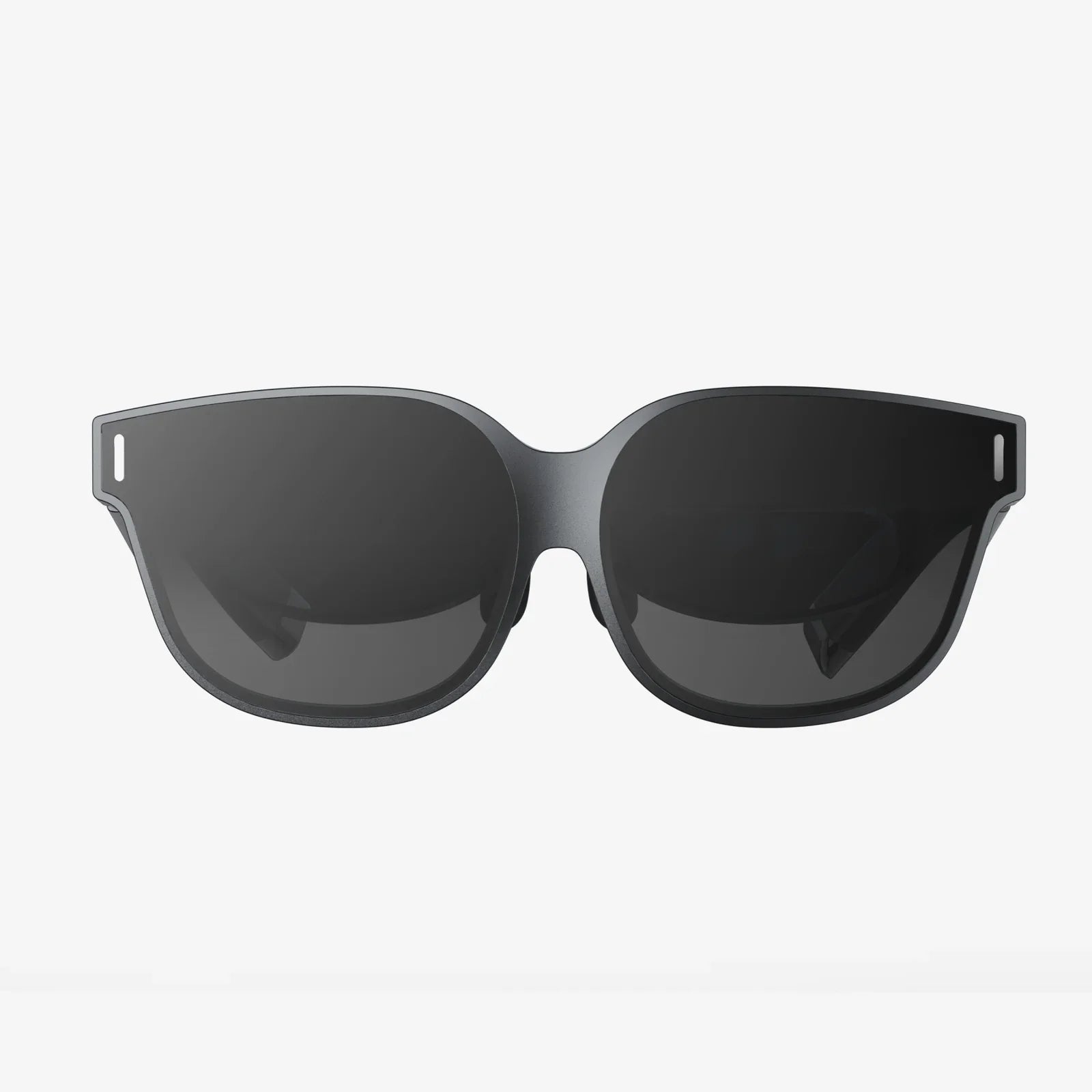
Creating AR glasses is no longer a distant sci-fi fantasy; it is a practical challenge that ambitious developers, designers, and hardware enthusiasts are tackling right now. If you have ever imagined digital information floating in front of your eyes, navigation cues overlaying the real world, or immersive training guides appearing on physical objects, then understanding how to build AR glasses from the ground up is your gateway into that future. This guide walks you through the full journey of creating AR glasses, from core principles and component choices to prototyping, user experience, and long-term evolution, so you can move from curiosity to a concrete roadmap.
At its core, creating AR glasses means merging the physical and digital worlds in a comfortable, wearable format. That sounds simple, but it requires careful coordination of optics, sensors, processors, power systems, and software. Each decision you make affects not just technical performance, but also comfort, safety, and long-term usability. Whether you are a hobbyist building a one-off prototype or a professional planning a product line, understanding the building blocks and trade-offs will help you avoid dead ends and design something people will actually want to wear.
Before touching a single component, you need a clear understanding of what “creating AR glasses” really means. Augmented reality glasses are wearable devices that overlay digital content onto the user’s view of the real world. Unlike virtual reality headsets, which replace reality with a fully digital environment, AR glasses must preserve the user’s ability to see and interact with their surroundings while adding relevant information on top.
There are a few fundamental questions you should answer at the concept stage:
The answers to these questions will shape every technical decision you make, from the type of display to the sensors and processing architecture.
Creating AR glasses involves integrating a set of core hardware components into a compact, comfortable frame. These components must work together seamlessly to provide a responsive, stable, and visually pleasing AR experience.
The optical system is the heart of AR glasses. It determines how digital images are projected into the user’s field of view and how well those images blend with the real world. Key display and optical options include:
The micro-display itself can be based on several technologies:
When creating AR glasses, you must consider:
To align digital content with the real world, AR glasses require sensors that understand the environment and track the user’s movements. Common sensors include:
The complexity of your sensor suite will depend on your goals. A minimal prototype might rely on a basic IMU and a single camera, while advanced AR glasses will integrate multiple cameras and depth sensors for robust spatial mapping.
Creating AR glasses requires a processing platform capable of handling graphics rendering, sensor fusion, computer vision, and networking in real time. There are three main architectural options:
Key considerations for processing hardware include:
Power is one of the most challenging aspects of creating AR glasses. Users expect several hours of operation, yet battery size is heavily constrained by weight and form factor.
Key design choices include:
Designing for low power consumption from the start—choosing efficient displays, sensors, and processors—will pay off later when you evaluate real-world battery performance.
AR glasses rarely operate in isolation. They often need to connect to smartphones, cloud services, or other devices. Connectivity options typically include:
When creating AR glasses, consider how much you want to rely on external devices. A tightly integrated smartphone companion model can reduce hardware complexity, but it also limits the user experience if the phone is unavailable.
Even the most advanced AR technology fails if the glasses are uncomfortable or unattractive. Industrial design and ergonomics are crucial to adoption.
Weight is not just about the total number of grams; it is about how that weight is distributed. Concentrating too much mass at the front causes nose and neck strain, while heavy arms may lead to slippage or discomfort around the ears.
To improve comfort:
Creating AR glasses that people will wear in public requires attention to aesthetics and social context. Bulky, conspicuous designs may be acceptable in industrial or training environments but less so in everyday life. Subtle frames, minimal protrusions, and neutral colors can make the glasses more socially acceptable.
Additionally, visible cameras and sensors can raise privacy concerns. Clear indicators when cameras are active and thoughtful placement can help mitigate user and bystander discomfort.
Hardware is only half the story. The software stack is what transforms sensors and displays into a coherent AR experience. When creating AR glasses, you need to plan for the operating system, AR engine, and application layer.
Your AR glasses will need a base operating system to manage hardware, security, and applications. Common approaches include:
At this layer, you handle:
The AR engine is responsible for understanding the environment and placing digital content in 3D space. It typically includes:
You can either build your own AR engine or integrate existing frameworks where compatible. For embedded AR glasses, you may need to optimize or customize algorithms to fit performance constraints.
Rendering for AR glasses is different from rendering for traditional screens. You must maintain low latency to avoid motion sickness and misalignment between digital and real-world content.
Key rendering considerations include:
Efficient rendering is essential to keep both the user experience and the battery life acceptable.
Creating AR glasses requires rethinking user interfaces. Traditional 2D menus and windows do not translate directly into a 3D, hands-free environment.
Important UI and interaction considerations include:
Prototyping interaction flows early and testing them with real users will help you refine the experience before you lock in hardware and software decisions.
Turning the vision of AR glasses into a working device is a multi-stage process. While every project is unique, a structured path can help you avoid common pitfalls.
Start by writing a clear specification document that outlines:
This document will serve as your north star when trade-offs arise later.
Based on your requirements, select an optical system and display technology. For an early prototype, you might choose a bulkier but easier-to-implement design, such as a birdbath optical setup, to validate concepts before investing in custom waveguides.
At this stage, you may create basic optical mock-ups to evaluate:
Next, decide on the sensor suite and processing hardware. For example, you might pair an IMU and a front-facing camera with a mobile-class processor capable of running a lightweight AR engine. If your use case requires precise spatial mapping, add depth sensing and consider more powerful processing or a tethered architecture.
At this stage, evaluate:
Design and assemble a first-generation electronics prototype. This might consist of separate boards connected by flexible cables, mounted on a test rig or a non-final frame. The goal is to validate:
At this stage, you can also start building the low-level software stack, including drivers and basic sensor fusion.
With hardware prototypes in hand, focus on the AR engine and user experience. Implement SLAM, plane detection, and simple anchoring. Create demo applications aligned with your target use cases, such as:
Use these demos to test performance, stability, and usability, iterating on sensor fusion and rendering optimizations as needed.
Once your core hardware and software are functioning, begin integrating everything into a wearable frame. This stage involves close collaboration between mechanical engineers, industrial designers, and electrical engineers.
Key tasks include:
Expect multiple iterations as you discover alignment issues, comfort problems, or integration challenges.
Real-world testing is essential when creating AR glasses. Recruit users that reflect your target audience and have them perform tasks while wearing your prototype.
Gather feedback on:
Use this feedback to refine both hardware and software. You may discover the need for better brightness, different interaction methods, or simplified interfaces.
Safety and privacy are non-negotiable aspects of creating AR glasses. Consider:
Rigorous testing at this stage will help you avoid issues later when scaling production or deploying in sensitive environments.
Even with a solid plan, creating AR glasses comes with recurring challenges that many teams face. Being aware of them early can help you design more resilient solutions.
Users expect AR glasses to run for hours, yet high brightness displays, multiple cameras, and continuous processing can drain batteries quickly. Strategies to mitigate this include:
Accept that you may need to compromise between performance, visual fidelity, and battery life, especially in early prototypes.
Excessive heat near the face is uncomfortable and potentially unsafe. Thermal management techniques include:
Testing under worst-case conditions is essential to ensure comfort across different user scenarios.
Even small misalignments in the optical system can cause eye strain, blurred images, or double vision. Common issues include:
Address these with careful optical design, calibration routines, and per-user adjustments where possible.
It is tempting to pack AR glasses with many features and controls, but this can overwhelm users and reduce adoption. Focus on:
Usability testing should guide you toward a streamlined, intuitive experience.
The field of AR glasses is evolving rapidly, and designing with future developments in mind can extend the relevance of your work. Several trends are shaping the next generation of devices.
Emerging display technologies promise higher brightness, better efficiency, and larger fields of view in smaller packages. Improvements in waveguide manufacturing and freeform optics are making it possible to approach the look and feel of everyday eyewear while maintaining high-quality AR visuals.
As these technologies mature, creating AR glasses that are both fashionable and functional will become more achievable. Designing modular systems that can upgrade displays or optics later may help future-proof your platform.
As on-device AI becomes more capable, AR glasses will move beyond simple overlays to truly context-aware assistants. Future devices may:
When creating AR glasses today, you can lay the groundwork for these capabilities by designing flexible software architectures and robust data pipelines.
AR glasses will increasingly function as part of a broader ecosystem that includes smartphones, watches, earbuds, and connected environments. This ecosystem approach allows you to:
Designing with open communication protocols and flexible APIs will help your AR glasses integrate smoothly into these multi-device experiences.
Creating AR glasses from scratch is one of the most challenging and rewarding projects you can undertake in modern hardware and software development. It combines optics, electronics, industrial design, computer vision, and user experience into a single, tightly integrated product. While the path is complex, it is also full of opportunities to innovate in how people see and interact with the world.
If you are serious about creating AR glasses, start by defining a focused use case and building a simple, testable prototype that demonstrates your core idea. From there, iterate relentlessly on comfort, clarity, and usability. Each prototype will teach you something new about what works, what breaks, and what truly delights users. With persistence, thoughtful design, and a willingness to learn from each iteration, you can move from a sketch on paper to a functional pair of AR glasses that captures attention, solves real problems, and offers a glimpse into the future of everyday computing.