


INAIR 2 Pro 3-Piece Set

Buy Now,30 Days Price Guaranteed!
30 Days Price Guaranteed!
If our price drops within 30 days of purchase, we'll refund the difference.
If our price drops within 30 days of purchase, we'll refund the difference.
Guarantee Period
- The guarantee applies to eligible orders placed during the promotion period.
- Price protection is valid for 30 days from the date your order is placed.
- The promotion is available through the end of our Black Friday sale.
How to Claim
If you see a lower eligible price on the website, simply email our Customer Support team with your order number and details of the lower price.
- Our team will verify your request.
- Once approved, we'll refund the difference.
Refund Method
Approved price adjustments will be refunded to your original payment method.
- Credit card → refunded to the original credit card
- PayPal → refunded to the original PayPal account
- Other payment methods → refunded through the original payment method where supported
• 30 days from your order date.
• Refund to your original payment method.
• Email us with your order number to claim.
• Valid through the end of Black Friday.
World's First And Finest AI Spatial Computer
"Great!!Good quality and first impression is it'sa great product."

Free Shipping

30-Day Return

1-Year Warranty

Pay with Ease


Recommended accessories
Pairs well with
Description
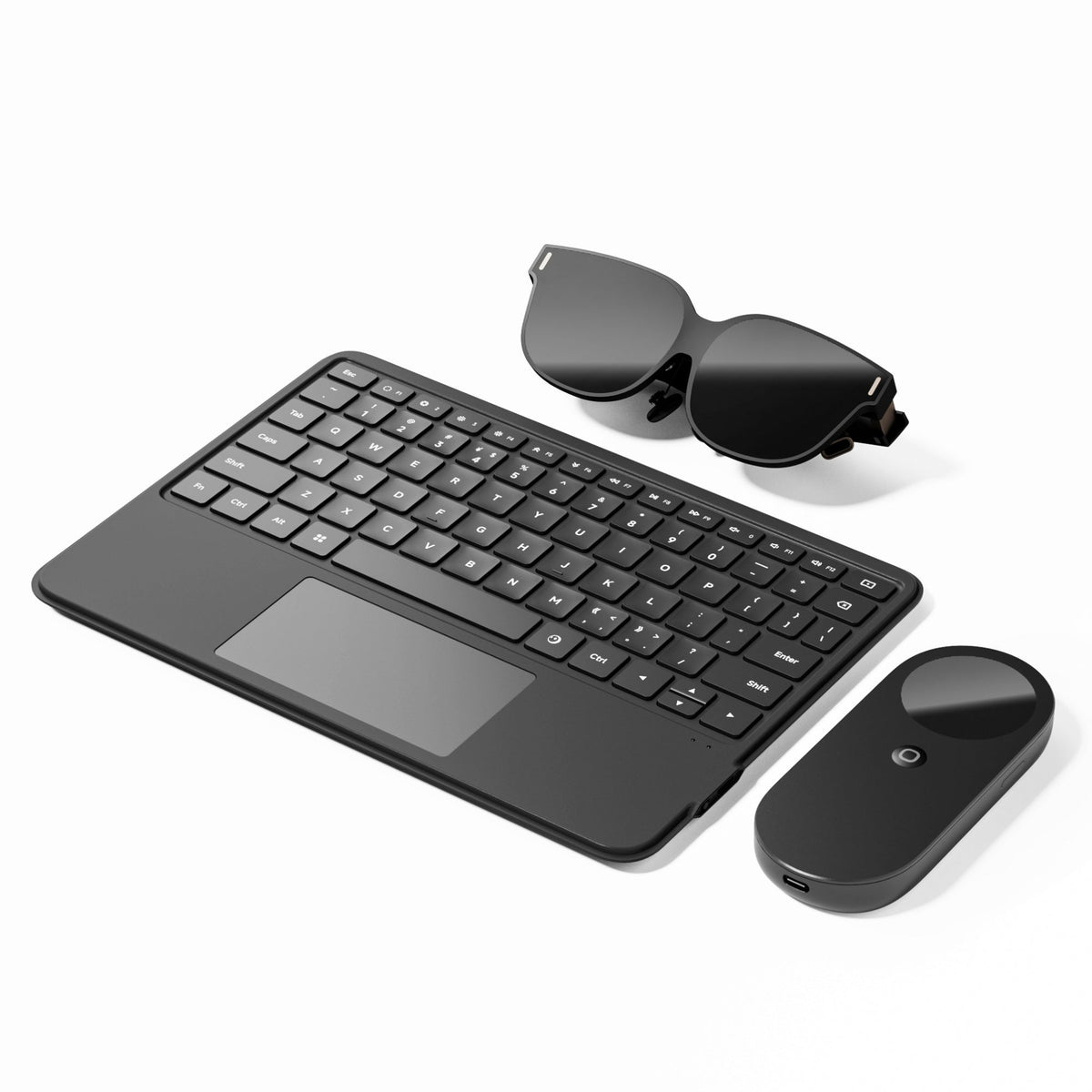
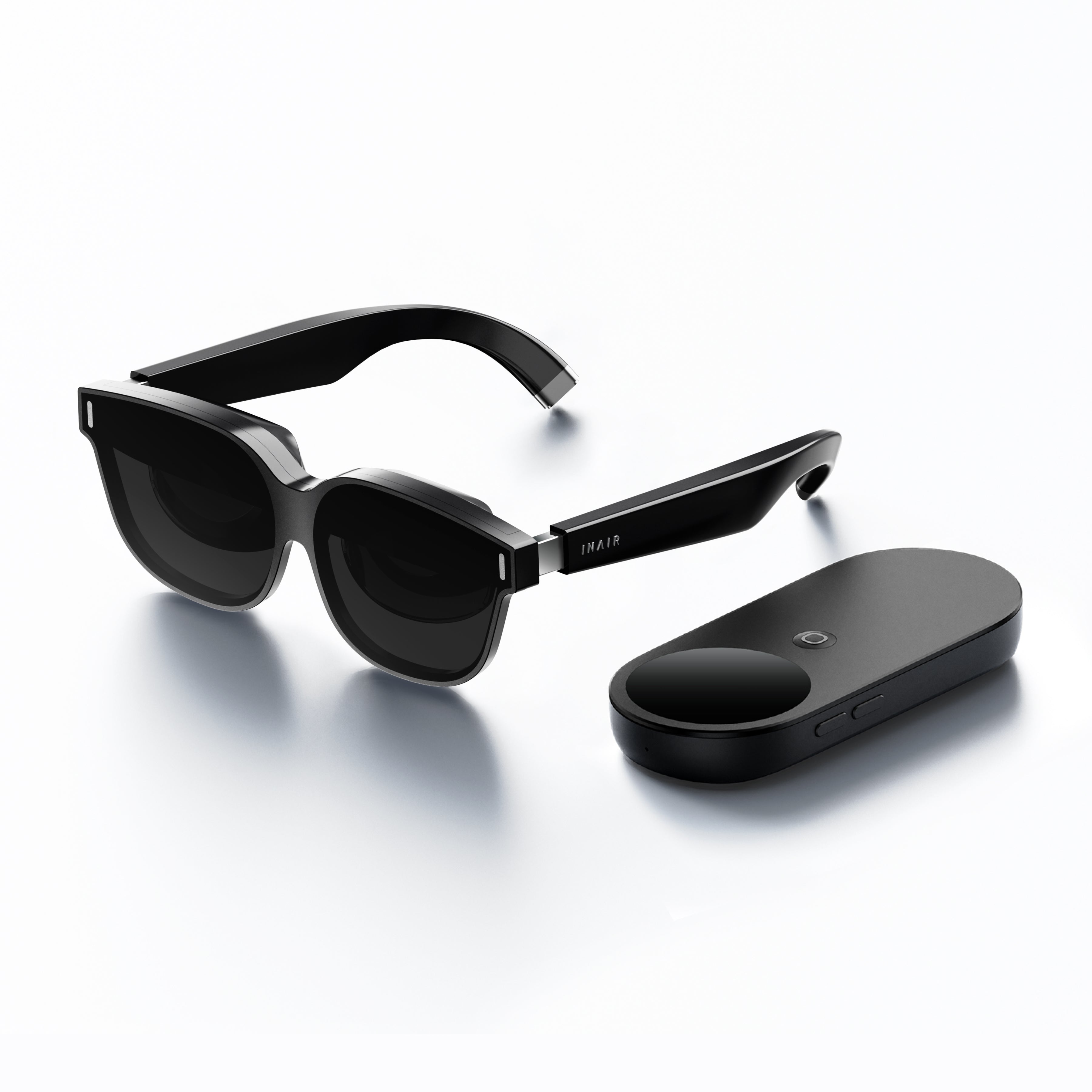
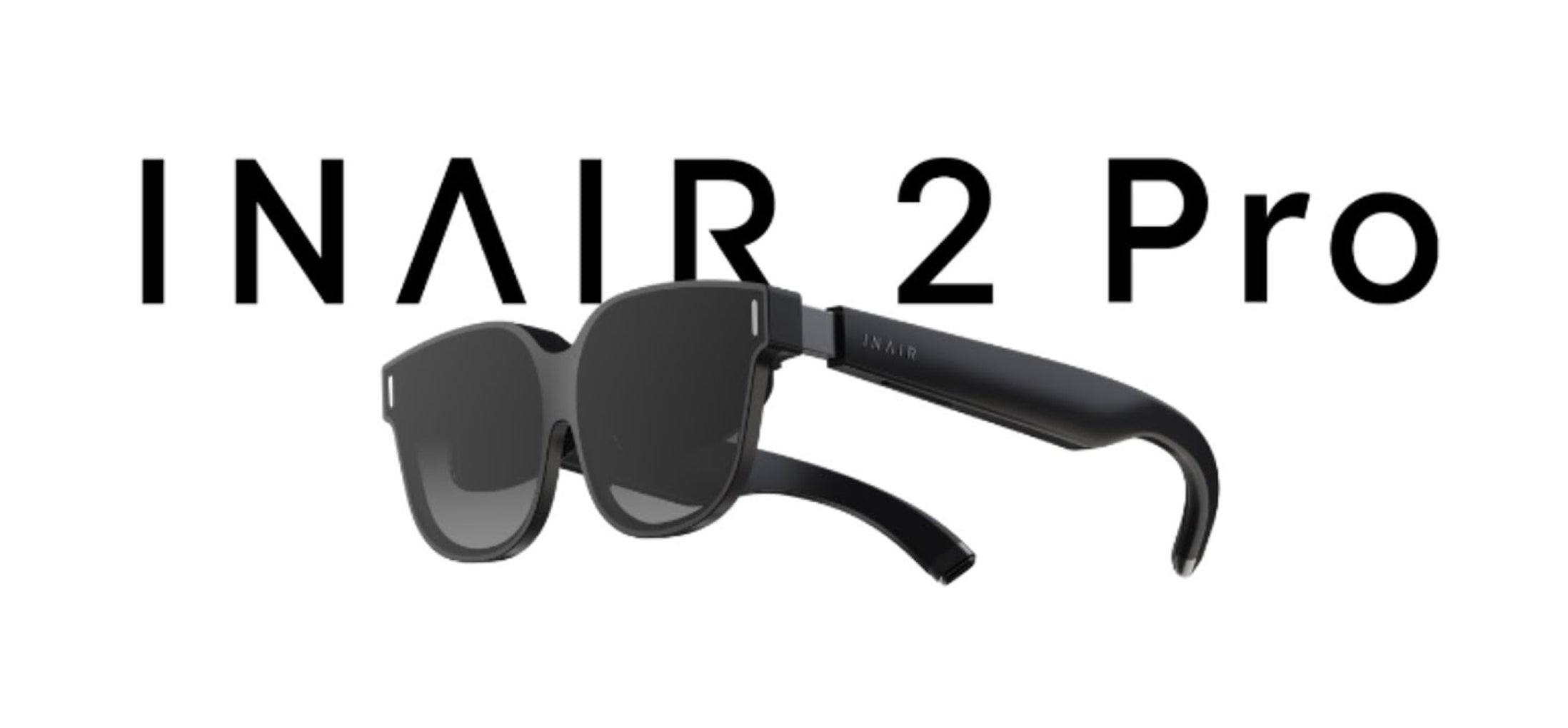
- The INAIR 2 Pro 3-Piece Set includes everything you need to step into immersive spatial computing—INAIR 2 Pro Glasses, INAIR Pod, and INAIR Touchboard. Built for work, entertainment, and everyday mobility, this all-in-one bundle turns any place into your private theater, portable workstation, or multi-screen digital space.
- At the center of the experience is the INAIR Pod Cooling Edition, designed for stable, uninterrupted AR performance. Powered by a Qualcomm 8-core processor, 8GB RAM, and 128GB storage, it handles multitasking, streaming, and spatial apps with ease. The built-in active cooling fan helps maintain continuous heat dissipation, so your experience stays smooth even during extended use.
- Experience a new way to work and play with INAIR’s self-developed 3D Spatial OS. Open and arrange up to 6 virtual windows in your personal AR environment, whether you're watching videos, browsing apps, or building a focused workflow. Choose 3DoF Hover Mode to keep screens anchored in space, or 0DoF Follow Mode for a display that moves naturally with you.
- The INAIR ecosystem is designed to connect effortlessly with how you already use your devices. Enjoy wireless streaming from Windows and Mac, access Android apps in AR, and experience immersive content through USB-C plug-and-play or HDMI output with DLP-Link support. From short-form videos and 3D content to gaming and remote work, INAIR brings your digital world into a larger, more immersive display.
- Ultra-Slim Touchboard for Precise Spatial Control
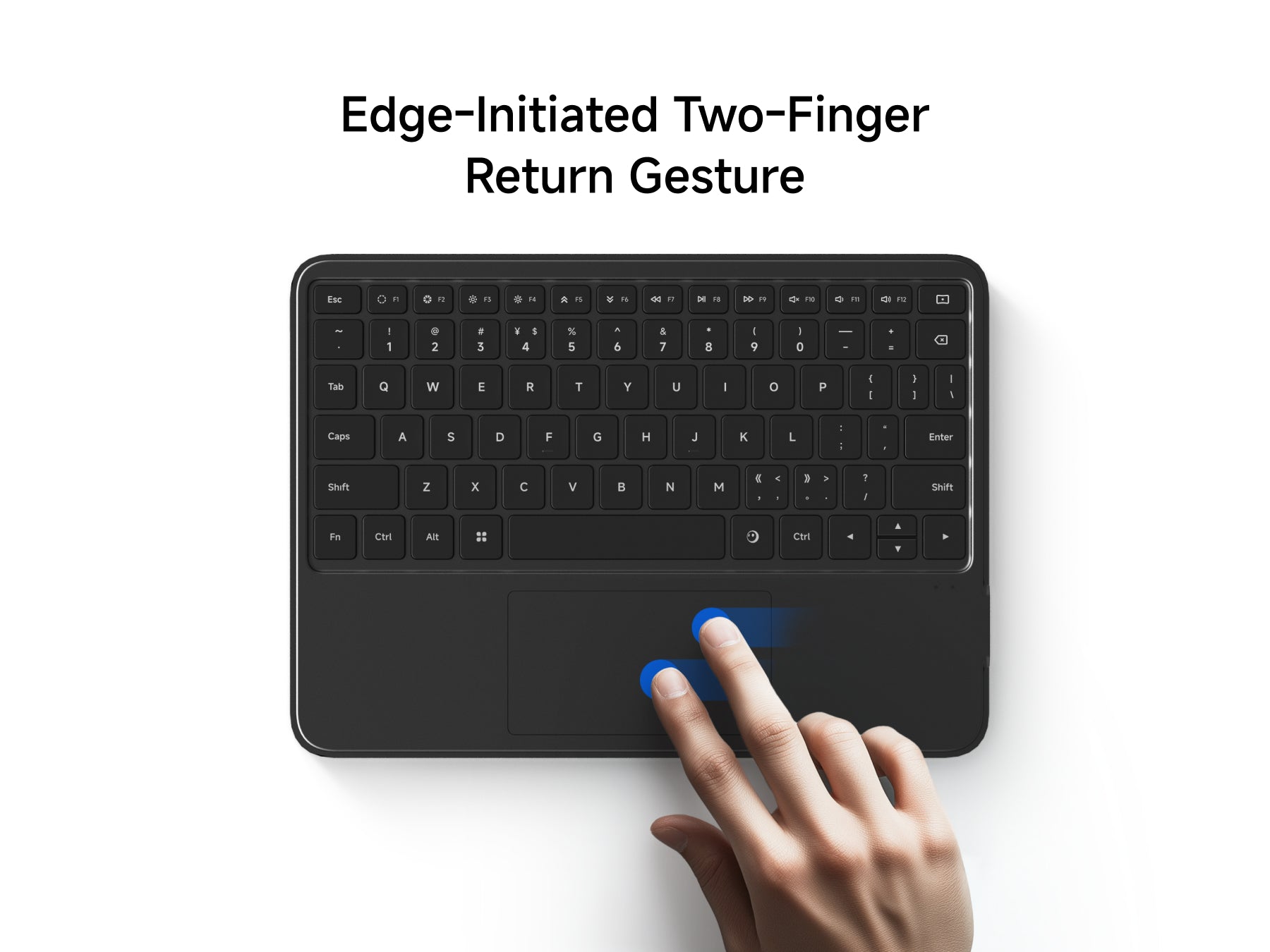
The included INAIR Touchboard is more than a keyboard—it’s your dedicated controller for spatial interaction. With a 5mm ultra-slim unibody design, it’s easy to carry and comfortable to use anywhere. Intuitive gesture controls let you move windows, adjust screen distance, and navigate your AR workspace with precision, while Bluetooth connectivity, AR hotkeys, and long battery life make it a powerful everyday companion.
What's Included
INAIR 2 Pro Glasses X 1
INAIR Pod X 1
INAIR Touchboard X 1
Compatibility
INAIR 2 Pro Compatibility
Android Devices with USB-CDP Port
Android phones/tablets equipped with a USB-C port that supports DisplayPort (DP) output can directly connect to INAIR2/INAIR2Pro.
Brand Models:
HUAWEI: Mate60 Pro, Mate50, Mate50 Pro, P50 Pro, P50E, P50 Pocket, Mate 40, Mate40 Pro, P40, P40 Pro, Mate30, Mate30E 5G, Mate30 Pro 5G, P30, P30 Pro, Mate20, Mate20 Pro, Mate20X, P20, P20 Pro, MateX, MateX2, MateXs, P60 Pro, Pocket S, Pocket 2, Pura 70, Pura 70 Pro, Pura 70 Pro+, Pura 70 Ultra, Pura 80 Ultra
HONOR: Magic5 Pro, Magic5 Pro+ Ultimate Edition, Magic 4, Magic4 Pro, Magic5 Pro+ Ultimate Edition, MagicV, MagicVs, MagicVs Ultimate Edition, Magic3, Magic3 Pro, Magic3 Pro+ Ultimate Edition
vivo: X80 Pro, X Find, X90 Pro+, XNOTE
OPPO: FindX6 Pro, FindX5, FindX5 Pro, FindX3, FindX3 Pro, FindX2, FindX2 Pro
SAMSUNG: Galaxy Z Fold4, Galaxy Z Fold3 5G, Z Fold2 5G, Galaxy S23, Galaxy S23+, Galaxy S23 Ultra, Galaxy S22, Galaxy S22+ 5G, Galaxy S22 Ultra 5G, Galaxy S21 5G, Galaxy S21+ 5G, Galaxy S21 Ultra 5G, Galaxy S20 5G, Galaxy S20+, Galaxy S20 Ultra 5G, Galaxy W22 5G, Galaxy S10, Galaxy S10+, Galaxy S9, Galaxy S9+, Galaxy S8, Galaxy S8+, Galaxy Note20, Galaxy Note20 Ultra 5G, Galaxy Note 10, Galaxy Note10+, Galaxy Note 9, Galaxy Note 8, Galaxy Fold, Galaxy A90, Galaxy S23 FE, Galaxy S24, Galaxy S24+, Galaxy S24 Ultra, Galaxy S24 FE, Galaxy S25, Galaxy S25+, Galaxy S25 Ultra, Galaxy S25 Edge, Galaxy Z Fold5, Galaxy Z Fold6, Galaxy Z Fold7, Galaxy Z Flip7, Galaxy Z TriFold
LG: V50S ThinQ 5G, V60 ThinQ 5G, V20, V35 ThinQ, V40 ThinQ, V50 ThinQ 5G, V30, V30S+ ThinQ, Wing 5G, G8X ThinQ
SONY: Xperia 10 II, Xperia 5, Xperia 5 II, Xperia 5 III, Xperia 5 IV, Xperia 1, Xperia 1 II, Xperia 1 III, Xperia 1 IV, Xperia Pro, Xperia Pro-I
OnePlus: 9, 9 R, 9 Pro, 8, 8T, 8 Pro, 7, 7T, 7 Pro
ASUS: ROG Phone 5, ROG Phone 5s, ROG Phone, ROG Phone III, ROG Phone 3, ZenFone 3 Ultra, ZenFone AR
MOTOROLA: Edge X30, Edge S30, Edge S Pro, G200
ZTE: ZTE Axon 30 Pro 5G, ZTE Axon 40 Pro, ZTE Axon 40 Ultra
Xiaomi flagship series:
- Includes: Xiaomi 14 / 15 / 17 series
- Excludes: most Redmi / POCO models
Apple Devices with USB-CDP Port
Brand Models:
iPad mini:
- iPad mini 6
- iPad mini A17 Pro
- Excludes: iPad mini 5 and earlier
iPad Air:
- iPad Air 4
- iPad Air 5
- iPad Air 11-inch / 13-inch M2
- iPad Air 11-inch / 13-inch M3
- Excludes: iPad Air 3 and earlier
iPad Pro 11-inch:
- 11-inch iPad Pro 1st generation
- 11-inch iPad Pro 2nd generation
- 11-inch iPad Pro 3rd generation
- 11-inch iPad Pro 4th generation
- 11-inch iPad Pro M4
- Excludes: older Lightning-port iPad Pro models
iPad Pro 12.9-inch / 13-inch:
- 12.9-inch iPad Pro 3rd generation
- 12.9-inch iPad Pro 4th generation
- 12.9-inch iPad Pro 5th generation
- 12.9-inch iPad Pro 6th generation
- 13-inch iPad Pro M4
- Excludes: 12.9-inch iPad Pro 1st / 2nd generation
iPhone 15 / 16 / 17 series(Excludes: iPhone 14 and earlier, iPhone SE, iPhone 16e, iPhone Air)
Apple MacBook DevicesMacBook series models with M-seriesor newer Apple Silicon chips chips can directly connect to INAIR2/INAIR2Pro
Brand Models:
- Includes: MacBook Air, MacBook Pro, Mac mini, iMac, Mac Studio
- Excludes: older Macs without USB-C / Thunderbolt video output
Gaming Devices:
- Handheld Gaming Consoles: Steam Deck and Windows handheld gaming consoles can directly connect to INAIR2/INAIR2Pro.
- Gaming Consoles: Nintendo Switch requires an INAIR Hub adapter to connect to INAIR2/INAIR2Pro.
Brand Models:
- Handheld Gaming Console: Steam Deck
- Gaming Consoles: Nintendo Switch, Switch OLED
- PC
Windows Laptops
Windows laptops equipped with a USB-C DP output port can directly connect to INAIR2/INAIR2Pro.
Brand Models:
- Windows Laptops (with DP-enabled USB-C port)
INAIR Pod Compatibility
Seamless Device Integration
- Supports Bluetooth keyboards, mice, and game controllers, enabling smooth control across various scenarios.
Extensive App Ecosystem
- Powered by an Android-based system, INAIR Pod is compatible with a wide range of Android applications for entertainment, productivity, and gaming.
Remote Streaming Notes
- If you experience connection or pairing issues, try switching to another mobile or Wi-Fi carrier network.
- Our R&D team is continuously enhancing global network adaptation, and broader remote streaming compatibility will roll out in future updates.
Tech Specification
INAIR 2 Pro
- Field Of View: 46° FOV
- Clarity: 49 PPD / 120 Hz Refresh Rate
- Display: Immersive 135-Inch Virtual Screen
- Weight: 80 G Lightweight Design
- Interaction: Adjustable Temples And Nose Pads
- Comfort: SGS Low Visual Fatigue Certified
INAIR Pod
- Processor: Qualcomm Snapdragon 8-Core
- Interaction: Touch Display + Spatial Pointing + Haptic Feedback
- Power & Battery: 5000 mAh, up to 20 Days Standby (high-performance host)
- Memory: 8GB RAM + 128GB Storage
- Privacy: Fingerprint Unlock, Secure User Data
INAIR Touchboard
· Battery Capacity:≤999mAh
· Power Supply Method:Rechargeable Battery
· Connectivity:Bluetooth
· Number of Keys:71-80 keys
· Compatible Systems:Windows, macOS, Android
· Simultaneous Connections:1 device
Shipping, Duties & Returns
Delivery & Shipping
Worldwide Shipping available. Enjoy Shipping(2-8 Business Days)after shipped out, and shipping time depends on your Destination.
Notes: Customized lenses ship separately and arrive in 6–12 business days. Please note: Customized products are non-refundable and non-exchangeable.
Duties
Import duties and taxes are determined by each country's customs authority and may vary by region.
• International Orders: Additional duties or taxes may apply and are collected by local customs authorities if required.
• We are continuously working to expand duty-included shipping to more regions.
Returns
- Free 30-Day Returns for your peace of mind.
- For complete details, please refer to our full Shipping & Return Policy.
Why Settle For Less? Go Spatial
3D Spatial Mega Displays
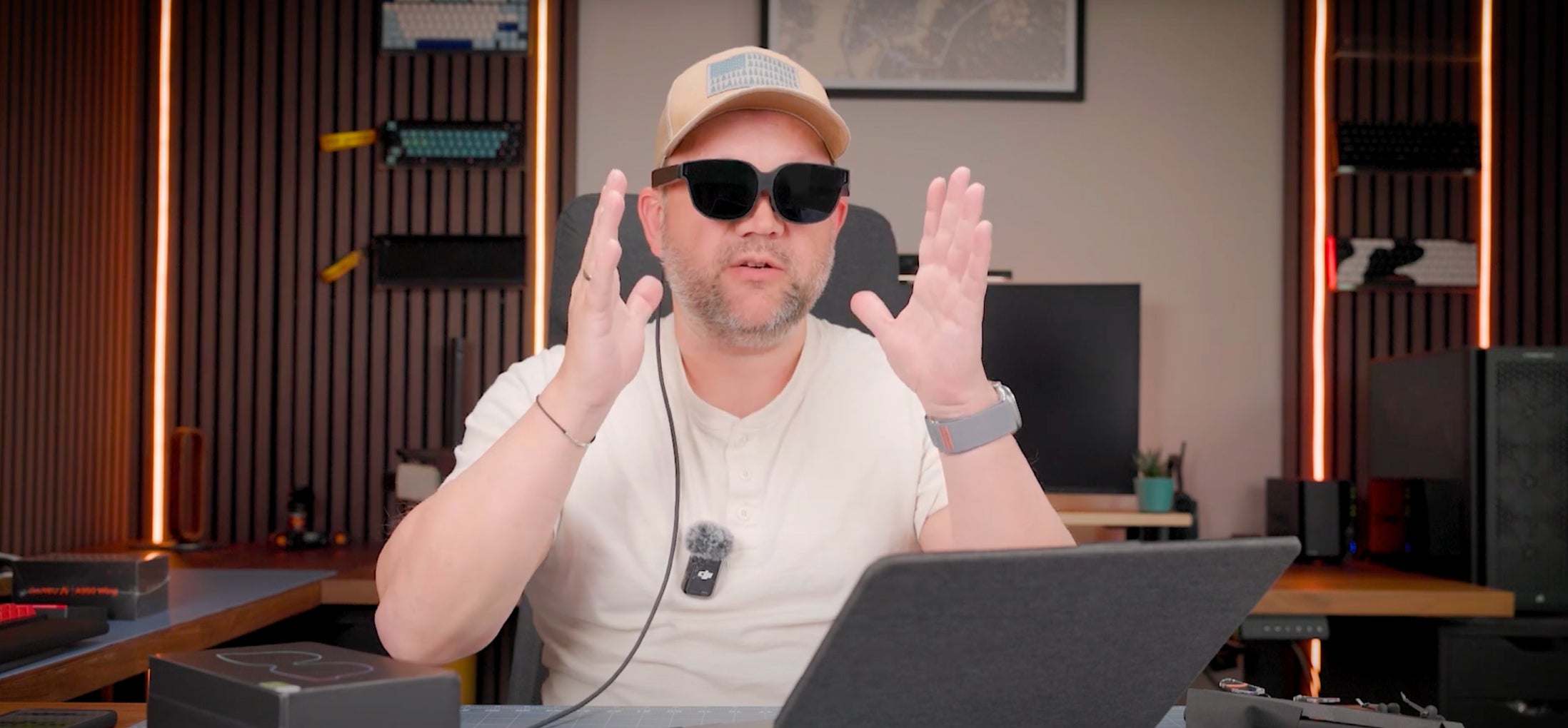
Expand your workspace into a 135-inch virtual display with immersive 3D content.
Limited Physical Screen
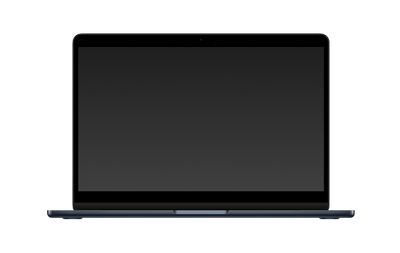
13-inch / 15-inch / external display
6-Screen Multi-Window Display
Adjustable screen distance from 1–9m.
Supports up to six windows displayed simultaneously.
Multi-Window Overlay
Toggle Between Multiple Windows on a Single Screen
Spatial Computer System
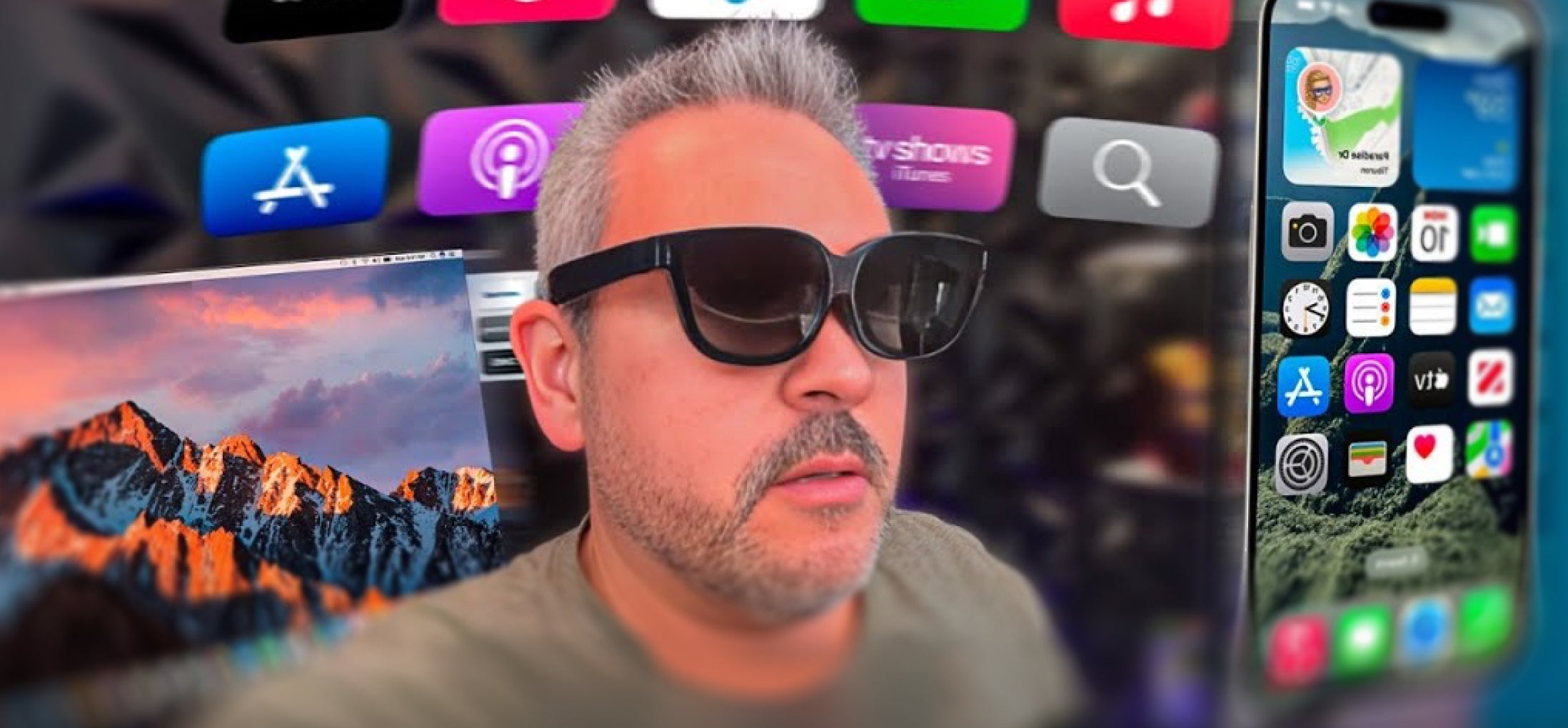
INAIR OS+Android+Your Phone+Mac/Win
Computer System
MAC / WIN
Portable Carrying Case
Flexible Carrying. Lighter to transport, even without the case.
Hard to Carry
Non-modular, not pocket-friendly.


Look To Ask
Look To Ask
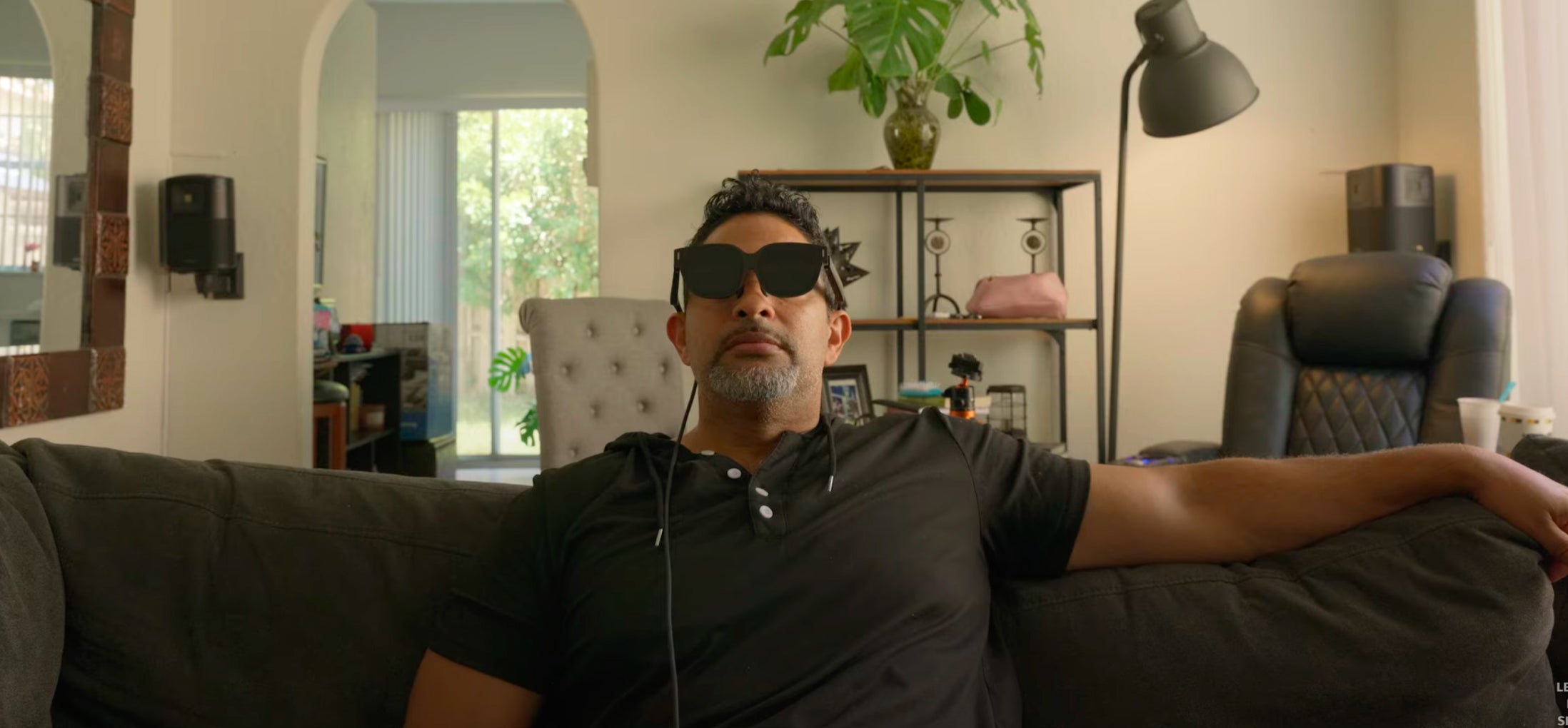
Just look at something and speak
your question naturally no more
complex prompts or typing
Just look at something and speak your question naturally no more complex prompts or typing

ForeSight
ForeSight
ForeSight senses your context, offering
real-time suggestions and assistance
seamlessly. It' s like AI can read your mind.
ForeSight senses your context, offering
real-time suggestions and assistance
seamlessly. It' s like AI can read your mind.



FAQs
Is the INAIR INAIR 2 Pro 3-Piece Set compatible with my phone or computer?
The INAIR 2 Pro 3-Piece Set includes the INAIR Pod, which runs on its own Android-based system. You can use it directly with the glasses — no phone or computer required — and it supports a wide range of Android apps for an all-in-one AR experience.
If you want to use the INAIR 2 Pro glasses alone, they can connect to a phone or computer that supports Type-C video output. Since compatibility may vary depending on brand and model, we recommend checking your device’s specifications on the official website or with the manufacturer before connecting.
Can I use Claude, Steam, Epic Games, or other applications on the Pod?
Yes! The Pod runs on Android and supports a wide range of Android applications. If the software, like Claude, has an Android version, you can install and use it directly on the Pod just like on any regular Android device.
For applications that don’t have an Android version, such as Epic Games PC apps, you can use the Pod’s streaming feature to run the software on your computer and control it from the Pod, giving you a full AR experience.
Can I use multiple screens when streaming a remote PC?
Currently, remote PC streaming supports only a single screen when connecting across different networks. Multi-screen setups are only available when both devices are on the same local network.
Why can’t I use remote cross-network streaming in my area?
Due to limitations from different regional carrier environments, remote cross-network streaming may not be supported on certain carrier networks in specific areas. If you encounter the same issue, you can try switching to another carrier network. Our R&D team is also working on adapting to networks in different regions, and remote streaming will become more widely supported in the future.
How’s the battery life?
No Built-in Battery in the Glasses Themselves. The INAIR 2 Pro AR Glasses do not have their own internal battery. They require a connection to a compatible device that can supply both power and video output. To use them, you'll need a device that supports DisplayPort over USB-C.
When paired with the Pod, a full charge provides approximately 4 hours of use. For extended use, you can also connect a compatible hub to charge the Pod while using the glasses, ensuring your experience is never interrupted.
How to use INAIR Pod?
Check here the user manual.
Is remote software supported?
Yes. Our AR Spatial Computing Set supports remote PC streaming. By installing our INAIR Space software on your computer, you can wirelessly and remotely control your PC anytime.
Can I close my laptop lid while wireless streaming?
By default, most laptops enter sleep mode when the lid is closed, which shuts down applications and disconnects the network—making PC streaming unavailable. To continue streaming with the lid closed, you need to adjust your laptop settings to disable sleep mode when the lid is closed.
If you are using INAIR Wakey, it can wake your computer remotely, allowing you to stream even with the lid closed. For the best experience, we recommend using Wakey in combination with this setting.
Does the Pod support wireless streaming?
Yes. INAIR Pod supports wireless streaming via the internet (IP address) to remotely stream from your PC/Mac. Once connected, it can wirelessly link to your glasses and allow you to control your computer through the Pod.