


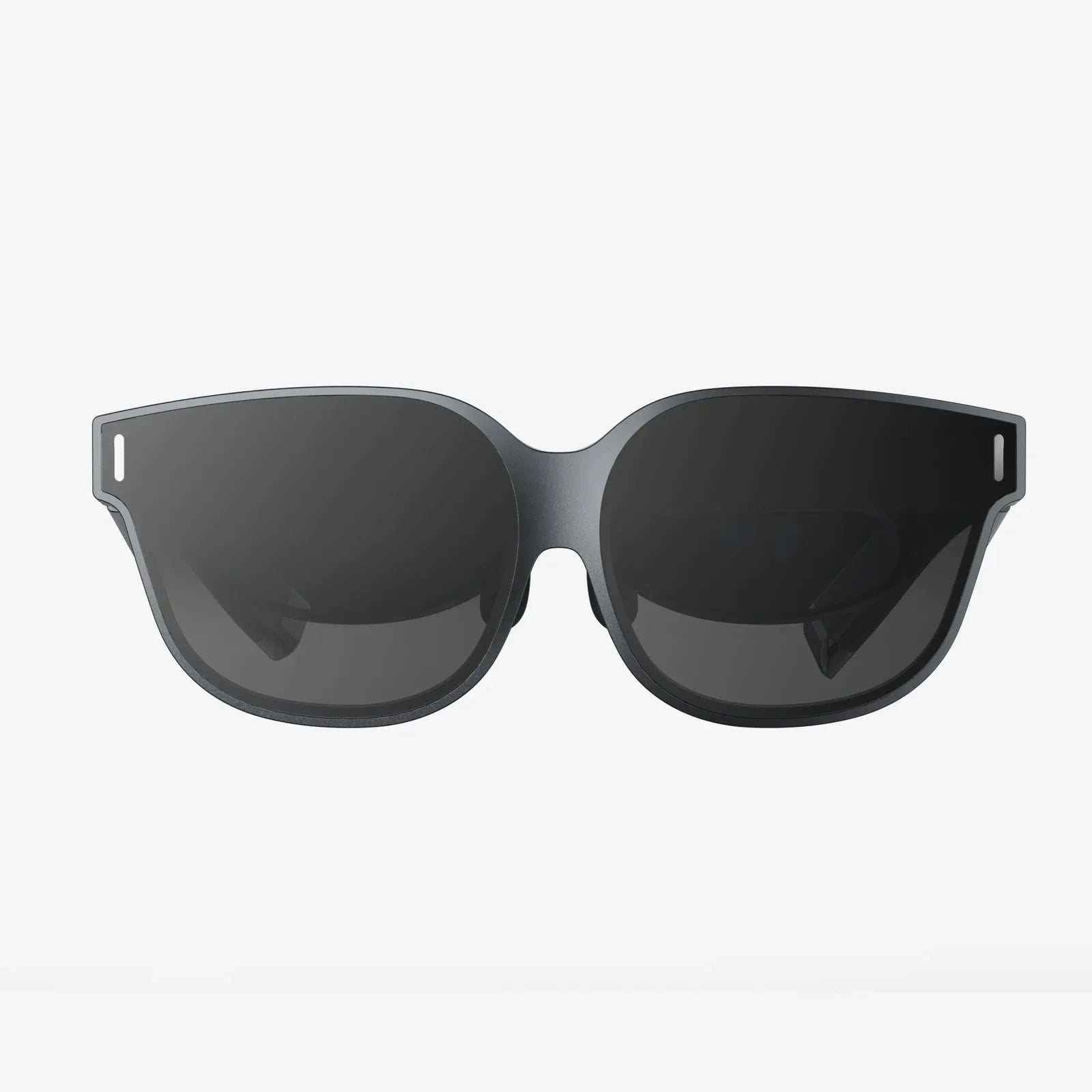
- by wangfred
Glasses To Protect Eyes From Phone And Computer Screen: A Complete Guide
- by wangfred
If you spend hours scrolling, streaming, or working online, glasses to protect eyes from phone and computer screen might be the quiet upgrade that completely changes how your eyes feel by the end of the day. Many people accept burning, dry, or tired eyes as the price of modern life, but the right lenses and a few smart habits can make your screen time far more comfortable and protect your vision over the long term.
This guide walks you through what these glasses actually do, how they differ from regular eyewear, who benefits most, and how to choose a pair that truly helps instead of just looking trendy. You will also find practical tips to use your phone, laptop, and tablet in ways that are kinder to your eyes without giving up the digital world you rely on.
Before deciding whether glasses to protect eyes from phone and computer screen are worth it, it helps to understand why screens cause so much discomfort. The problem is rarely just one thing; it is a combination of light, focus, posture, and habits.
Digital screens emit a spectrum of visible light that includes a high proportion of short-wavelength blue light. This type of light:
While the science is still evolving on how much blue light directly harms eye structures, there is stronger evidence that it affects comfort and sleep patterns. Glasses that filter specific wavelengths aim to reduce this visual noise and make screen viewing less taxing.
Human eyes are built to shift focus between near and far objects. Staring at a close screen for hours forces the focusing muscles to stay contracted. Over time, this can lead to:
Glasses designed for computer use can ease this focusing effort, especially if they include a prescription optimized for the distance between your eyes and your screen.
When people concentrate on screens, they blink less often and less completely. This means the tear film that protects and lubricates the surface of the eye is not refreshed as frequently. The result can be:
Certain coatings on glasses to protect eyes from phone and computer screen can reduce reflections, making it easier to blink naturally and more frequently because you are not squinting or straining to see through glare.
Overhead lighting, daylight from windows, and reflections on glossy screens all add layers of glare that your eyes must work to ignore. This reduces contrast and makes text harder to read, which increases effort. Anti-reflective coatings on lenses can dramatically reduce this problem and are one of the most valuable features in computer eyewear.
Not all protective glasses are the same. Some are purely cosmetic, while others are carefully engineered to address specific issues caused by digital screens. Understanding their features helps you avoid paying for marketing instead of real benefits.
Blue light filtering lenses are designed to reduce the amount of short-wavelength blue light that reaches your eyes. They typically work in two ways:
Depending on the strength of the filter, lenses may look almost clear or noticeably tinted. Strong filters tend to be more effective at night for reducing sleep disruption, while lighter filters are more suitable for daytime use when color accuracy matters.
Anti-reflective (AR) coatings reduce reflections on the front and back surfaces of the lens. This provides several advantages:
For glasses to protect eyes from phone and computer screen, an AR coating is often more immediately noticeable in comfort than blue light filtering alone.
If you already wear prescription glasses, you might find that normal lenses are designed primarily for distance (driving, walking) or for reading very close objects. Computer screens usually sit at an intermediate distance, which can fall between these zones.
Specialized computer lenses can be tailored to this intermediate range, which can:
Some designs include a gentle progression of power from the top to the bottom of the lens to support both screen viewing and closer tasks like reading documents or using a phone.
Subtle tints can improve comfort and clarity, especially in environments with harsh lighting. Common options include:
The best tint depends on your sensitivity, the type of work you do, and how important accurate color perception is for your tasks.
While almost anyone who uses screens regularly can experience more comfort with the right eyewear, some people benefit more than others.
People who spend most of their day in front of a computer are prime candidates. Common complaints include:
Glasses to protect eyes from phone and computer screen that combine blue light filtering, anti-reflective coating, and an optimized intermediate prescription can significantly improve comfort and productivity.
Students of all ages now rely heavily on laptops, tablets, and phones for reading, research, and assignments. Long study sessions often mean:
Protective glasses can help reduce strain during intense reading, particularly in the evening when blue light exposure can interfere with sleep quality and next-day alertness.
Gamers, designers, editors, and other creative professionals frequently spend hours on visually demanding tasks. They often need:
For these users, glasses to protect eyes from phone and computer screen should balance blue light filtering with minimal color distortion, and always include high-quality anti-reflective coatings.
Some individuals are especially sensitive to bright light, flicker, or certain color wavelengths. For them, even moderate screen time can trigger:
Specialized tints and filters can help reduce these triggers. In these cases, it is wise to consult an eye care professional who can recommend specific lens characteristics based on your symptoms.
With so many options available, choosing the right pair can be confusing. Focusing on a few key factors will help you find glasses that offer real protection and comfort.
Start by asking yourself:
If the answer to any of these is yes, an eye examination is a smart first step. You may need a prescription updated or tailored specifically for screen distance. Non-prescription blue light glasses can help with glare and some discomfort, but they cannot correct underlying focusing issues.
Blue light filtering is often advertised with percentages. Higher percentages mean more blue light is blocked, but this can come with more noticeable tinting. Consider your typical environment:
It can be helpful to have different pairs or lens options for work and evening relaxation if your budget allows.
For most people, anti-reflective coating provides one of the biggest improvements in comfort. When comparing options, look for lenses that:
High-quality coatings are especially important if you work under bright overhead lights or near windows, or if you use multiple screens.
Comfort is not just about lenses. Poorly fitting frames can create their own problems, including:
For dedicated computer glasses, look for frames that:
Lightweight materials can reduce fatigue if you wear them for many hours at a time.
Your age and visual needs influence the best lens design:
Multifocal designs for computer use differ from standard progressive lenses because they give more space to intermediate and near zones, which are more relevant for screen work.
Even the best glasses cannot overcome poor habits or an unhealthy workspace. Combining protective eyewear with smart usage patterns yields the best results.
A simple habit can significantly reduce eye strain: every 20 minutes, look at something at least 20 feet away for about 20 seconds. This allows your focusing muscles to relax and reduces fatigue.
To make this automatic, you can:
Your glasses are most effective when your screen is placed correctly. Aim for:
This position allows computer-specific lenses to work as intended and reduces neck and shoulder strain.
Even with glasses to protect eyes from phone and computer screen, an overly bright or harsh display can be uncomfortable. Consider these adjustments:
Many devices include built-in settings or modes that automatically adjust these parameters based on time of day or ambient light.
Glasses can reduce glare, but they work best when combined with good lighting choices:
Balanced lighting reduces the contrast between your screen and surroundings, easing the workload on your eyes.
Make a conscious effort to blink fully and regularly, especially during intense tasks like editing, gaming, or reading dense text. You can also:
Glasses reduce strain but do not replace the need for a healthy tear film and good blinking habits.
As glasses to protect eyes from phone and computer screen have become more popular, several myths have spread. Clearing them up helps you set realistic expectations.
Protective glasses can reduce discomfort and help manage exposure to certain types of light, but they are not a magic shield. Poor posture, excessive screen time, lack of breaks, and uncorrected vision issues can still cause problems. Think of these glasses as one important tool in a larger eye-care strategy.
Blue light plays a role, especially in sleep disruption and visual comfort, but it is not the only factor. Constant near focus, poor lighting, glare, and reduced blinking are equally important contributors. This is why some people feel dramatically better with improved ergonomics and habits even without strong blue light filtering.
Quality matters. Differences in lens materials, coatings, and design can affect:
While you do not need the most expensive option, it is worth choosing glasses from a reputable source and, when possible, consulting an eye care professional.
Children often use screens at very close distances and for long periods, sometimes without breaks. Their visual systems are still developing, and habits formed early can last a lifetime. Glasses to protect eyes from phone and computer screen, combined with limits on screen time and plenty of outdoor play, can support healthier visual development.
If you decide to seek professional guidance, going into your appointment prepared will help you get the most value from it.
Before the visit, make notes about:
This information helps the professional understand your visual demands and suggest appropriate lenses and coatings.
Consider asking:
Clear questions lead to clear recommendations, so you leave with a solution tailored to your needs instead of a generic option.
Glasses to protect eyes from phone and computer screen are most powerful when combined with a broader approach to eye health. Think beyond today and consider how your habits will affect your vision years from now.
Even if you feel your vision is fine, routine checkups can detect early signs of strain, prescription changes, or other conditions. Early intervention often means simpler solutions and better outcomes.
Spending time outdoors gives your eyes the chance to focus at long distances and experience more natural light. This is particularly important for children and teenagers, but adults benefit as well. Aim to:
Small adjustments can have a large impact over years of daily use. Consider:
When your body is aligned and supported, your eyes are not forced to compensate as much.
Every day you look at screens is another day your eyes are working overtime, but that does not mean you have to accept constant strain, headaches, or restless nights. Glasses to protect eyes from phone and computer screen offer a practical, low-effort way to make your digital life more comfortable, and when paired with simple, lasting habits, they can transform how you feel at the end of every workday and late-night browsing session.
Take a moment to assess your current setup, your symptoms, and your daily routines. Then decide on one concrete step you can take today: maybe it is booking an eye exam, choosing a pair of dedicated computer glasses, or simply adjusting your screen height and following the 20-20-20 rule. Small, smart changes add up quickly, and your future self will thank you every time you close your laptop and realize your eyes still feel clear, relaxed, and ready for whatever comes next.