


- by wangfred
Head-Mounted Display Technology: The Complete Guide to VR, AR and Beyond
- by wangfred
Head-mounted display devices are rapidly turning science fiction into everyday reality, and if you are not paying attention to them now, you may miss one of the biggest shifts in how humans interact with digital information. From immersive games to life-saving medical training, these compact screens strapped to your head are quietly rewriting the rules of work, learning, and entertainment.
Understanding how a head-mounted display works, why it matters, and where it is headed can give you a powerful advantage, whether you are a curious consumer, a professional planning the next step of your career, or a business leader looking for the next wave of innovation. This guide walks you through the key concepts in clear, practical language so you can make smart decisions about when and how to embrace this technology.
A head-mounted display (often shortened to HMD) is a wearable device that positions one or more screens directly in front of your eyes. Unlike traditional monitors or televisions, a head-mounted display moves with your head, creating the feeling that you are inside or surrounded by a virtual scene. The device is typically worn like a helmet, visor, or pair of goggles, and it may completely or partially block your view of the real world.
Head-mounted displays are the core hardware behind virtual reality and a major component of many augmented reality and mixed reality systems. They combine optics, sensors, and computing to track your head movements and adjust the image in real time, so the digital world appears stable and believable as you look around.
The term head-mounted display covers several categories of experiences. The main ones are:
All three rely on a head-mounted display as the window into the experience, but they differ in how much of the real world you see and how the digital content behaves.
Even though designs vary, most head-mounted displays share a common set of hardware components. Understanding these parts helps you evaluate devices and anticipate their strengths and limitations.
The display panels are the screens inside the headset. Common technologies include:
Key display specifications include resolution, refresh rate, and field of view, all of which dramatically affect immersion and comfort.
Because the screens sit so close to your eyes, lenses are essential. They magnify and reshape the image so your eyes can focus comfortably. Common lens types include:
Some head-mounted displays provide physical or software-based adjustments for interpupillary distance (IPD), which is the distance between your pupils. Proper IPD alignment is crucial for visual comfort and clear stereoscopic depth.
Head-mounted displays must track your head movements with high precision and low latency. To achieve this, they typically combine several sensor types:
Some systems use external base stations or markers for more precise tracking, especially in room-scale VR setups.
A head-mounted display can be powered in several ways:
As processors become more efficient, standalone head-mounted displays are becoming increasingly capable, especially for casual gaming, training, and productivity tasks.
Audio is a critical part of immersion. Many head-mounted displays include:
Spatial audio, where sounds appear to come from specific locations in 3D space, enhances realism and helps users orient themselves in virtual environments.
To interact with virtual or augmented content, head-mounted displays rely on various input methods:
The combination of these input methods can make head-mounted displays feel intuitive and powerful, especially as software becomes more refined.
When comparing head-mounted displays, several technical metrics significantly impact the user experience.
Resolution refers to the number of pixels on the display, usually measured per eye. Higher resolution reduces the "screen door" effect, where individual pixels or gaps between them become visible. Pixel density, often expressed as pixels per degree (PPD), indicates how sharp the image appears at a given field of view.
A high-resolution head-mounted display can make text easier to read, improve realism, and reduce eye strain, especially during long sessions or productivity tasks.
Field of view describes how much of the virtual world you can see at once, typically measured in degrees. A wider FOV feels more natural and immersive because it fills more of your visual field. Narrow FOV can feel like looking through binoculars and may break immersion.
Most consumer head-mounted displays offer a horizontal FOV somewhere between about 90 and 120 degrees, though specialized devices may go wider.
Refresh rate, measured in hertz (Hz), indicates how many times per second the display updates. Common values are 60 Hz, 72 Hz, 90 Hz, and 120 Hz.
Latency, the delay between your movement and the updated image, is equally important. High latency can make the virtual world feel sluggish and increase discomfort. Modern head-mounted displays aim to keep motion-to-photon latency below about 20 milliseconds.
Even the most advanced head-mounted display is useless if you cannot wear it comfortably. Key comfort factors include:
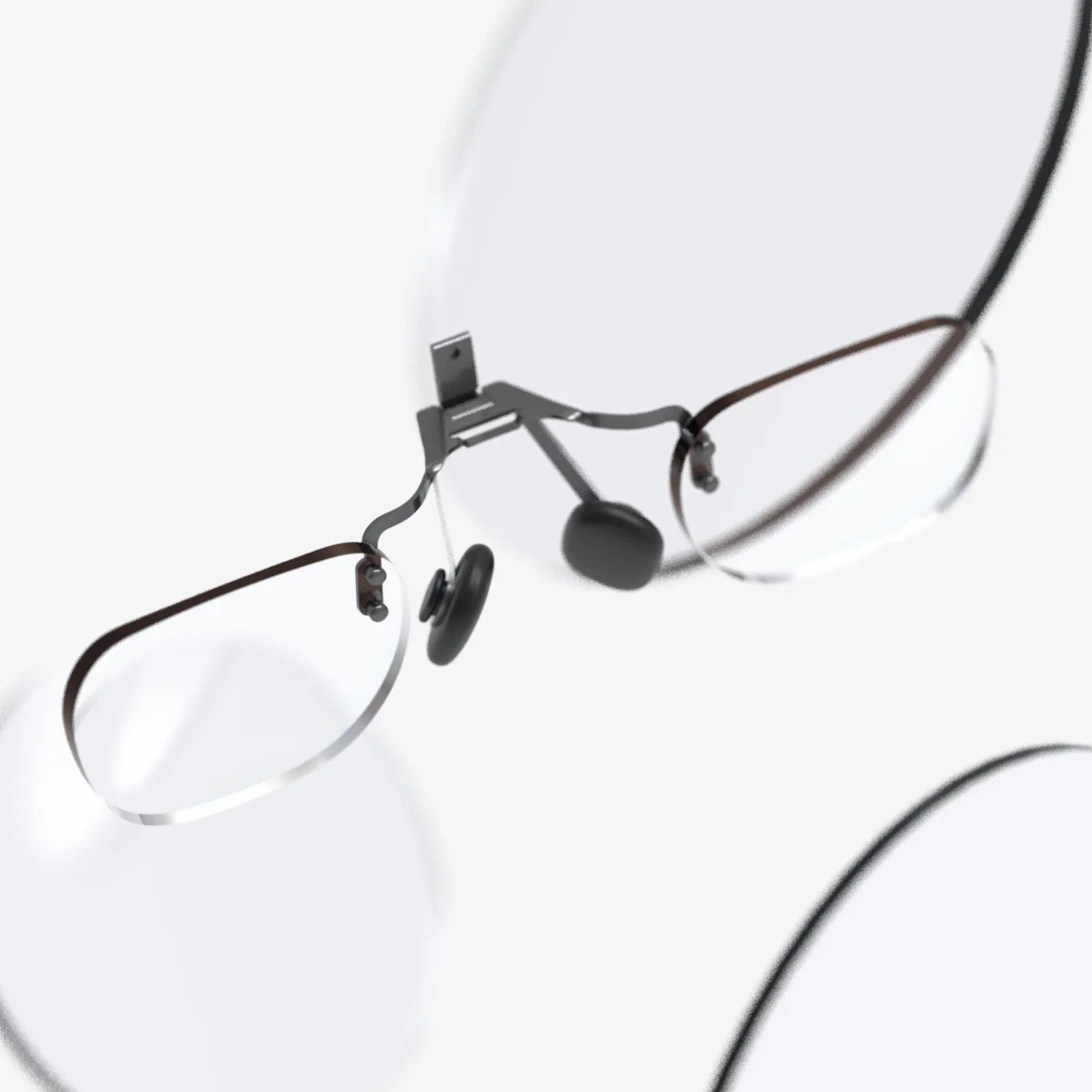
People with glasses should also consider whether the head-mounted display accommodates frames or offers prescription inserts.
Head-mounted display technology is not just about gaming. It is transforming multiple sectors, often in ways that are less visible but more impactful than consumer entertainment.
Gaming remains the most widely recognized application of head-mounted displays. Immersive experiences allow players to:
Beyond games, head-mounted displays support virtual concerts, interactive storytelling, 360-degree videos, and social hangouts where users meet as avatars in shared virtual spaces.
Many industries use head-mounted displays for training because they can simulate complex or hazardous scenarios safely and cost-effectively. Examples include:
Because head-mounted displays can track performance and repeat scenarios on demand, they support consistent training standards and data-driven improvement.
In healthcare, head-mounted displays are emerging as powerful tools for both professionals and patients. Use cases include:
As head-mounted displays improve in resolution and precision, their role in medical visualization and telemedicine is likely to grow.
In industrial settings, augmented reality head-mounted displays help workers access information without taking their hands off the job. Typical applications include:
Because these head-mounted displays free workers from paper manuals or handheld devices, they can improve productivity and safety in demanding environments.
Head-mounted displays are reshaping how people learn and collaborate at a distance. In education, they enable:
For remote collaboration, head-mounted displays allow teams to meet in shared virtual spaces, review 3D models, or work on virtual whiteboards. This can make distributed work feel more natural and engaging than traditional video calls.
Adopting a head-mounted display can bring several advantages, depending on how it is used.
The most obvious benefit is immersion. When the virtual or augmented world dominates your field of view and responds instantly to your movements, your brain begins to treat it as a place rather than a screen. This sense of presence can:
Head-mounted displays can present critical information in your line of sight while your hands remain free. This is especially valuable in industrial, medical, and field service contexts, where stopping to consult a manual or tablet can slow work and introduce errors.
Simulated environments delivered through a head-mounted display can replace or supplement physical mock-ups, travel, and equipment. For example:
This reduces costs, shortens development cycles, and supports rapid experimentation.
Head-mounted displays open up new creative possibilities. Artists, designers, and developers can build experiences that are spatial, interactive, and multi-sensory. From virtual sculptures to immersive data visualizations, the medium encourages thinking beyond flat screens.
Despite their promise, head-mounted displays are not perfect. Being aware of the current limitations helps set realistic expectations.
Some users experience discomfort, including nausea, dizziness, or eye fatigue, especially during prolonged sessions. Contributing factors include:
Modern head-mounted displays mitigate these issues with higher refresh rates, better tracking, and improved optics, but individual sensitivity still varies.
Wearing a head-mounted display for long periods can be tiring, particularly if the device is heavy or poorly balanced. Users with certain physical or visual conditions may find some devices difficult to use. Adjustable straps, lighter materials, and ergonomic design improvements are making progress, but comfort remains a key buying consideration.
Head-mounted displays can collect sensitive data, including:
This raises questions about how data is stored, processed, and shared. Organizations deploying head-mounted displays should pay close attention to privacy policies, data security, and regulatory compliance, especially in healthcare and enterprise environments.
The value of a head-mounted display depends heavily on the content available for it. Different platforms may have incompatible ecosystems, and specialized professional applications can be expensive or limited in number. While the library of VR and AR experiences is growing, potential buyers should verify that the applications they need are supported on their chosen device.
If you are considering purchasing or deploying a head-mounted display, a structured approach can help you select the right device.
Start by defining what you want to do:
Consider whether you prefer a standalone head-mounted display or one connected to a powerful computer:
Your existing hardware and environment will often guide this decision.
Whenever possible, test the device in person. Pay attention to:
If you wear glasses, confirm that the head-mounted display accommodates them comfortably or offers an alternative solution.
Compare key specs such as:
Remember that real-world performance depends on software optimization and your hardware environment, not just raw numbers.
Before committing, investigate:
A strong ecosystem ensures that your head-mounted display remains useful as your needs evolve.
The head-mounted display you buy today is part of a rapidly evolving landscape. Several trends are shaping the next generation of devices.
Advances in optics, such as pancake lenses and waveguides, are enabling thinner, lighter head-mounted displays. Combined with more efficient processors and batteries, these innovations aim to make extended wear more practical for everyday work and social use.
Future devices are pushing toward near-retina resolution, where individual pixels become indistinguishable at typical viewing distances. To render such detail efficiently, many head-mounted displays will rely on eye tracking and foveated rendering, which concentrates graphical power where you are looking and reduces detail in peripheral vision.
As sensors and computer vision algorithms improve, mixed reality experiences will become more convincing. Head-mounted displays will better understand room geometry, lighting, and objects, allowing digital content to integrate seamlessly with the physical world. This will be especially transformative for design, training, and collaborative workflows.
Head-mounted displays are likely to move beyond specialized use into more general computing tasks. Instead of multiple physical monitors, workers might have virtual screens arranged around them. Productivity applications will adapt to spatial interfaces, and new interaction paradigms will emerge that blend keyboard, voice, gesture, and gaze.
As manufacturing scales and technologies mature, head-mounted displays are expected to become more affordable. Combined with better accessibility features, this could open immersive computing to a much wider audience, from small businesses to schools and individual creators.
If you are ready to step into the world of head-mounted displays, a few practical habits can help you get the most out of your device.
Clear a space free of obstacles, pets, and fragile objects. Many head-mounted displays include boundary systems that warn you when you approach the edge of your safe area. Use these features to avoid accidental collisions and ensure a comfortable experience.
Especially in the beginning, limit your sessions and take short breaks to rest your eyes and body. Gradually increase your usage as you become more accustomed to the experience. This can reduce discomfort and help you identify your personal tolerance levels.
Spend time fine-tuning the fit of your head-mounted display. Adjust straps, IPD, and lens distance to achieve a clear, comfortable image. Explore software settings for brightness, text size, and comfort modes, which can make long sessions more pleasant.
Try different types of experiences to understand the full potential of your head-mounted display. Mix active games with educational apps, creative tools, and social environments. This variety helps you discover what resonates with you and where the technology delivers the most value.
Head-mounted displays often gain new features and performance improvements through software updates. Keep your device and applications up to date, and follow official documentation or community resources to learn about new capabilities as they arrive.
For years, head-mounted display technology was treated as a niche for enthusiasts and early adopters. That era is ending. As devices become more comfortable, content libraries expand, and real-world use cases multiply, head-mounted displays are quietly becoming a serious platform for work, learning, creativity, and connection.
Whether you are considering your first purchase, planning a training program, or exploring new ways to collaborate, understanding the fundamentals of head-mounted displays gives you a strategic edge. The next wave of digital transformation will not just happen on flat screens; it will unfold all around you, anchored in the space you occupy. Taking the time now to learn how head-mounted displays work, what they can do, and how to choose the right one positions you to step confidently into that emerging world, instead of watching it pass you by.
Share:
Tempered Glass Phone Screen Protector Benefits, Myths, and Buying Guide
AR MR Future: How Mixed and Augmented Reality Are Transforming Daily Life