


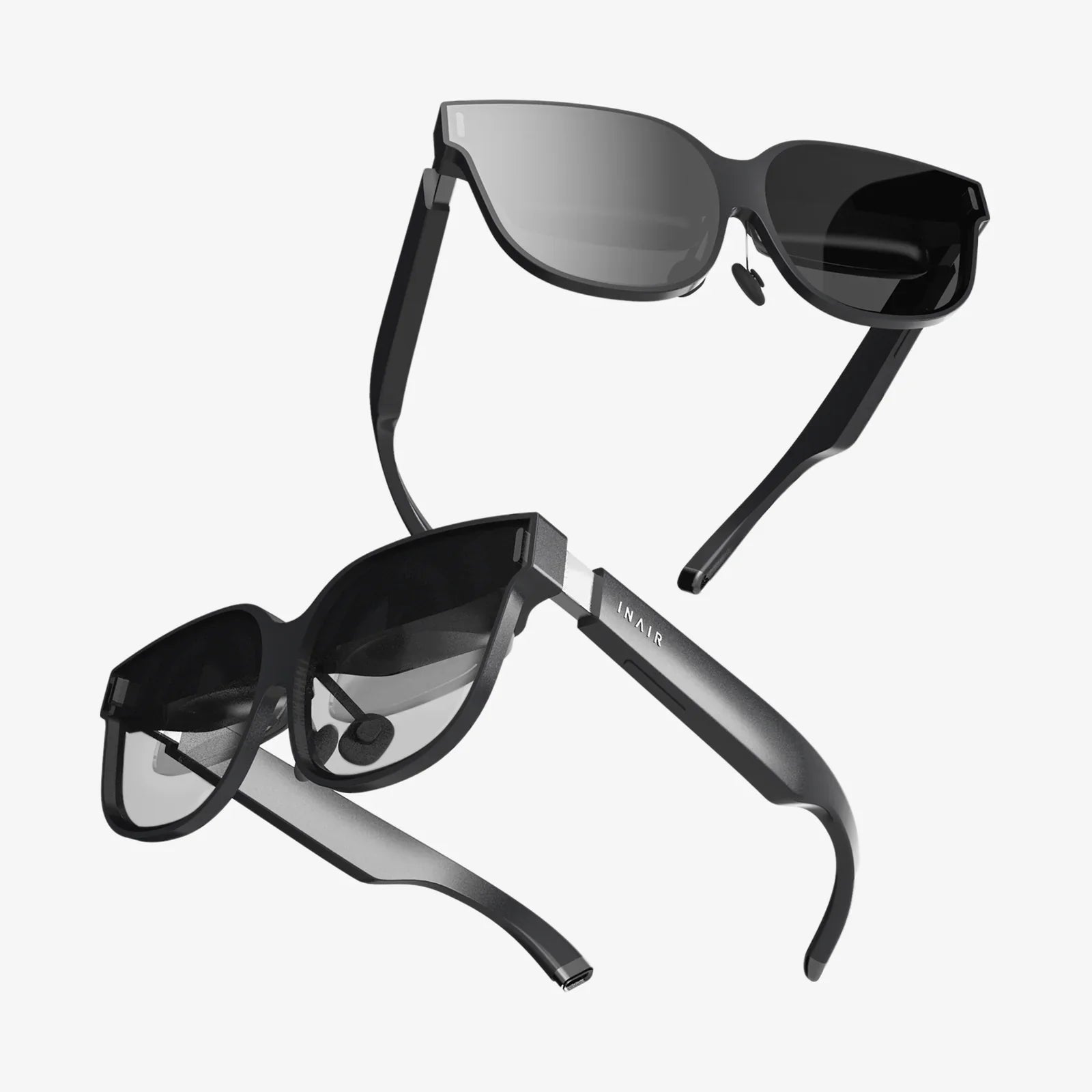
If you spend hours every day staring at a screen, laptop spectacles might be the single most underrated upgrade to your digital life. From subtle headaches that creep in by afternoon to blurry text and burning eyes at night, the impact of unprotected screen time is often dismissed as “normal” – until it starts affecting your productivity, sleep, and long-term comfort. Understanding how the right pair of laptop spectacles can transform your daily routine is the first step toward working smarter, seeing clearer, and feeling better at the end of every day.
What Are Laptop Spectacles?
Laptop spectacles are glasses specifically designed to make screen use more comfortable and less damaging to your eyes. While they may look similar to regular glasses, their purpose and optical features are different. Instead of primarily correcting distance or reading vision, these spectacles are optimized for the mid-range distance where most laptop screens sit.
Typically, laptop spectacles focus on three main goals:
- Reducing digital eye strain and fatigue during prolonged screen use
- Filtering or managing blue light emitted by digital displays
- Improving contrast and visual clarity at typical laptop viewing distances
Even if you have perfect vision and do not normally wear glasses, laptop spectacles can still be beneficial. They are often available with non-prescription lenses that incorporate coatings and optical designs specifically tuned to the demands of digital work.
Understanding Digital Eye Strain
Before deciding whether laptop spectacles are right for you, it helps to understand digital eye strain, sometimes called computer vision syndrome. This is a collection of symptoms that occur when your eyes and brain are overworked by prolonged screen use.
Common symptoms include:
- Dry, irritated, or burning eyes
- Headaches, especially around the eyes or forehead
- Blurred or fluctuating vision
- Difficulty refocusing when looking away from the screen
- Neck and shoulder pain from leaning forward to see more clearly
- Increased sensitivity to light
Digital eye strain is not just about brightness or glare. It is also about how our visual system struggles with the way screens present text and images. Unlike printed paper, which has sharp edges and stable contrast, digital text is made of pixels that constantly refresh. Your eyes must work harder to maintain focus, especially at close and mid-range distances.
Another factor is blink rate. When people use laptops, they tend to blink less often and more incompletely, which reduces the tear film that protects the surface of the eye. This leads to dryness and discomfort, especially in air-conditioned or heated environments.
The Role Of Blue Light And Why It Matters
Blue light has become a major topic in discussions about laptop spectacles, and for good reason. Digital screens emit a high proportion of blue wavelengths, which are shorter and higher in energy than other visible light. While blue light is not inherently harmful in normal amounts, excessive exposure at close distances and late at night can contribute to several problems.
There are two key concerns:
- Visual discomfort and potential long-term stress: Blue light scatters more inside the eye, which can reduce contrast and make focusing more demanding. Over long periods, this can contribute to fatigue and discomfort.
- Disruption of sleep patterns: Blue light plays a major role in regulating the body’s internal clock. Exposure to bright blue-rich light in the evening can suppress melatonin production, making it harder to fall asleep and reducing sleep quality.
Laptop spectacles often include blue light filtering technology to address these issues. However, not all filters are the same. Some lenses have a subtle coating that reflects a portion of blue light, while others incorporate special materials that selectively absorb certain wavelengths. The goal is to reduce the most disruptive blue light without making the world look unnaturally yellow or distorted.
Key Features To Look For In Laptop Spectacles
When choosing laptop spectacles, it is important to look beyond the style of the frame and pay attention to the technical features of the lenses. The right combination can dramatically improve your comfort and clarity during screen use.
1. Blue Light Management
Most laptop spectacles advertise some degree of blue light filtering. When evaluating this feature, consider:
- Balanced filtering: Excessive filtering can shift colors too much, which might be distracting for tasks like design or video editing. A balanced approach reduces the most disruptive wavelengths while preserving natural color perception.
- Day vs night use: For daytime work, mild to moderate filtering is often enough. For night-time use, stronger filtering can be helpful, especially if you work late or use your laptop before bed.
2. Anti-Reflective Coating
An anti-reflective coating is essential for laptop spectacles. Screens, overhead lighting, and windows can create reflections on your lenses that interfere with clear vision and cause eye strain.
A good anti-reflective coating will:
- Minimize reflections from both the front and back surfaces of the lenses
- Improve contrast and clarity, especially in dim or mixed lighting
- Reduce the halo effect around bright objects on the screen
3. Lens Power And Design
If you already wear glasses, laptop spectacles may require a different prescription or lens design. Typical reading glasses are optimized for close distances, while distance glasses are designed for far vision. Laptop screens usually sit at an intermediate distance between these two.
Options include:
- Single-vision lenses tuned for screen distance: These are set specifically for the distance at which you normally use your laptop, often between 50 and 70 centimeters.
- Occupational or office lenses: These lenses have zones optimized for near and intermediate distances, making them ideal if you frequently shift between a laptop, documents, and a slightly more distant monitor.
- Non-prescription lenses: If you have no refractive error but still experience digital eye strain, non-prescription lenses with blue light filtering and coatings can still be beneficial.
4. Lens Material And Durability
Laptop spectacles are often worn for many hours each day, so lens material matters. Lightweight, impact-resistant materials are usually preferred because they are comfortable and safe for everyday use.
Look for lenses that offer:
- Scratch-resistant coatings to withstand frequent cleaning
- High optical clarity for crisp, distortion-free vision
- Optional smudge-resistant coatings to reduce fingerprints and dust buildup
5. Frame Fit And Comfort
Even the best lenses will not help if the frames are uncomfortable. Since laptop spectacles are often worn for long stretches, a proper fit is crucial.
Consider:
- Weight: Lightweight frames reduce pressure on the nose and ears.
- Nose pads: Adjustable pads can help customize the fit and prevent slipping.
- Temple length and flexibility: Properly sized temples keep the glasses stable without squeezing.
- Frame shape: A design that provides adequate vertical coverage helps ensure you are always looking through the optimal part of the lens while using your laptop.
How Laptop Spectacles Improve Comfort And Productivity
The benefits of laptop spectacles go beyond simply “protecting your eyes.” When properly selected and used, they can significantly improve how you feel and perform during long work sessions.
Reduced Eye Strain And Fatigue
By optimizing focus at screen distance, reducing reflections, and managing blue light, laptop spectacles help your eyes work more efficiently. This means less squinting, fewer headaches, and a reduced tendency to lean forward or hunch over to see clearly.
Many people notice:
- More comfortable vision during long meetings and extended workdays
- Less burning or dryness toward the end of the day
- A smoother transition when shifting focus between screen and surroundings
Improved Visual Clarity
When your lenses are tuned for the exact distance of your laptop, text appears sharper and more stable. This improves reading speed and reduces the effort required to process visual information, especially in dense documents or complex spreadsheets.
Sharper vision also helps reduce cognitive load. When your brain does not have to work as hard to interpret slightly blurred or low-contrast text, you can dedicate more mental energy to the task itself.
Better Posture And Physical Comfort
Eye strain and poor vision often lead to poor posture. If you find yourself leaning closer to the screen, tilting your head, or craning your neck to see better, your eyes might be compensating for less-than-ideal focus or glare.
Laptop spectacles that provide clear vision at a comfortable distance allow you to sit back in your chair and maintain a more natural posture. Over time, this can reduce neck, shoulder, and upper back tension that frequently accompanies intensive computer work.
Potential Support For Healthier Sleep
If you work on a laptop late into the evening, blue light filtering can help reduce the impact on your sleep-wake cycle. While laptop spectacles are not a cure-all for insomnia, they can be part of a broader strategy to protect your sleep, especially when combined with good screen hygiene and a consistent bedtime routine.
Who Should Consider Laptop Spectacles?
Almost anyone who spends significant time on a laptop can benefit from laptop spectacles, but certain groups may find them especially helpful.
Remote Workers And Office Professionals
If your workday revolves around emails, documents, spreadsheets, and video calls, you are a prime candidate. Even mild visual discomfort can accumulate over time, affecting productivity and overall well-being.
Students And Researchers
Long study sessions, online courses, and digital textbooks place heavy demands on the visual system. Laptop spectacles can make marathon reading and writing sessions more comfortable, especially during exam periods or project deadlines.
Creative Professionals
Designers, writers, editors, and content creators often spend long hours fine-tuning details on screen. Comfort and color perception are both important, so choosing lenses with balanced blue light filtering and high clarity is crucial.
Gamers And Multimedia Users
Extended gaming or streaming sessions on a laptop can be visually intense. Laptop spectacles can help reduce fatigue, improve contrast, and make long sessions more comfortable, especially in dimly lit rooms.
People Over 40
As the eyes age, focusing at near and intermediate distances becomes more challenging. Laptop spectacles designed for mid-range vision can help reduce strain and compensate for changes in focusing ability, especially for those who find themselves constantly adjusting their screen distance or increasing font size.
How To Use Laptop Spectacles Effectively
Simply buying laptop spectacles is not enough; how you use them matters. Combining them with healthy screen habits will give you the best results.
Optimize Your Screen Distance And Position
For most people, the ideal laptop distance is slightly beyond arm’s length, with the top of the screen roughly at or slightly below eye level. This allows your eyes to look slightly downward, which is more natural and less drying than staring straight ahead or upward.
When you get your laptop spectacles, adjust your workspace so that your screen sits at the distance for which your lenses are optimized. If you are unsure, a vision professional can help you determine the ideal working distance and incorporate it into your lens design.
Follow The 20-20-20 Rule
Even with laptop spectacles, your eyes still need breaks. A simple guideline is the 20-20-20 rule:
- Every 20 minutes
- Look at something at least 20 feet away
- For at least 20 seconds
This gives your focusing muscles a chance to relax and helps reduce fatigue. Setting a reminder or using a break timer can make this habit easier to maintain.
Manage Screen Brightness And Contrast
Your laptop brightness should match the ambient lighting in your room. If the screen is significantly brighter than your surroundings, your eyes have to work harder to adapt. Adjust contrast and text size so that reading feels easy and relaxed rather than strained.
Many operating systems offer built-in settings to reduce blue light in the evening. Using these settings in combination with laptop spectacles can provide an added layer of comfort for late-night work.
Stay Hydrated And Blink Consciously
Since screen use reduces blink rate, it is helpful to consciously remind yourself to blink more fully and frequently. This helps maintain the tear film and reduce dryness. Drinking enough water throughout the day also supports overall eye comfort.
If you still experience dryness, you can discuss additional options with an eye care professional, such as lubricating eye drops or adjustments to your environment.
Addressing Common Myths About Laptop Spectacles
There are several misconceptions about laptop spectacles that can make people hesitant to try them. Understanding the reality behind these myths can help you make an informed decision.
Myth 1: They Are Only For People With Poor Vision
Many assume that if they do not need prescription glasses, they have no use for laptop spectacles. In reality, even people with perfect distance vision can experience digital eye strain, dry eyes, and sleep disruption from heavy screen use. Non-prescription laptop spectacles can still provide blue light management and anti-reflective benefits.
Myth 2: Blue Light Is Always Bad
Blue light is not inherently harmful; it is a natural part of daylight and plays a role in regulating mood and alertness. The problem arises from prolonged, close-range exposure to blue-rich light, especially at night. Laptop spectacles aim to manage and balance this exposure, not eliminate blue light entirely.
Myth 3: Any Tinted Glasses Will Work
Not all tinted or colored lenses are designed for digital use. Some tints may reduce brightness but distort colors or reduce clarity. Laptop spectacles are specifically engineered to support screen tasks, balancing comfort, color accuracy, and optical performance.
Myth 4: They Can Replace Good Screen Habits
Laptop spectacles are a powerful tool, but they are not a substitute for healthy work habits. Poor posture, inadequate breaks, and overly bright screens can still cause discomfort, even with the best lenses. Think of laptop spectacles as one part of a comprehensive strategy for visual well-being.
How To Choose The Right Laptop Spectacles For Your Needs
Selecting the right pair starts with understanding your typical screen habits and environment. Consider the following questions:
- How many hours per day do you use a laptop?
- Do you also use other screens, such as external monitors or tablets?
- Is your main work time during the day, at night, or both?
- Do you currently wear prescription glasses?
- Do you experience headaches, eye strain, or sleep difficulties?
Based on your answers, you can prioritize features. For example:
- If you work primarily in the evening, stronger blue light filtering may be useful.
- If you frequently shift between documents and screens, consider lenses designed for both near and intermediate distances.
- If you work in a bright office with overhead lights, a high-quality anti-reflective coating is essential.
It is also wise to have a comprehensive eye examination before investing in laptop spectacles. A vision professional can check for underlying issues, update your prescription if needed, and recommend lens designs tailored to your specific tasks and workspace.
Integrating Laptop Spectacles Into A Healthy Digital Lifestyle
Laptop spectacles are most effective when combined with a broader approach to digital wellness. By making small, sustainable changes to how you work and relax, you can amplify their benefits and support long-term eye health.
Consider these strategies:
- Create a dedicated workspace: Position your laptop, chair, and lighting to support good posture and comfortable viewing distances.
- Use multiple viewing modes: Adjust text size, contrast, and background colors for different tasks to reduce visual effort.
- Build in micro-breaks: Stand up, stretch, and look away from the screen regularly to reset your body and eyes.
- Set screen boundaries before bed: Combine laptop spectacles with a habit of reducing screen use at least some time before sleep.
- Monitor your symptoms: Pay attention to how your eyes feel with and without your spectacles, and adjust your habits accordingly.
Over time, you will likely notice patterns, such as certain tasks or times of day that are more visually demanding. You can then fine-tune your setup, lens features, and routines to address these specific challenges.
Ultimately, laptop spectacles are not just another accessory; they are a practical investment in your comfort, focus, and long-term visual well-being. In a world where screens dominate work, study, and leisure, giving your eyes the support they deserve can make every digital moment clearer, calmer, and more sustainable. If you are ready to turn endless hours at the laptop from a source of strain into a more effortless experience, the right pair of laptop spectacles can be the quiet, powerful upgrade that changes how you see your day.
共有:
replacement screen door for sliding glass door: A Complete Homeowner Guide
Glasses For Windows: Transform Light, Privacy, And Energy In Your Home