


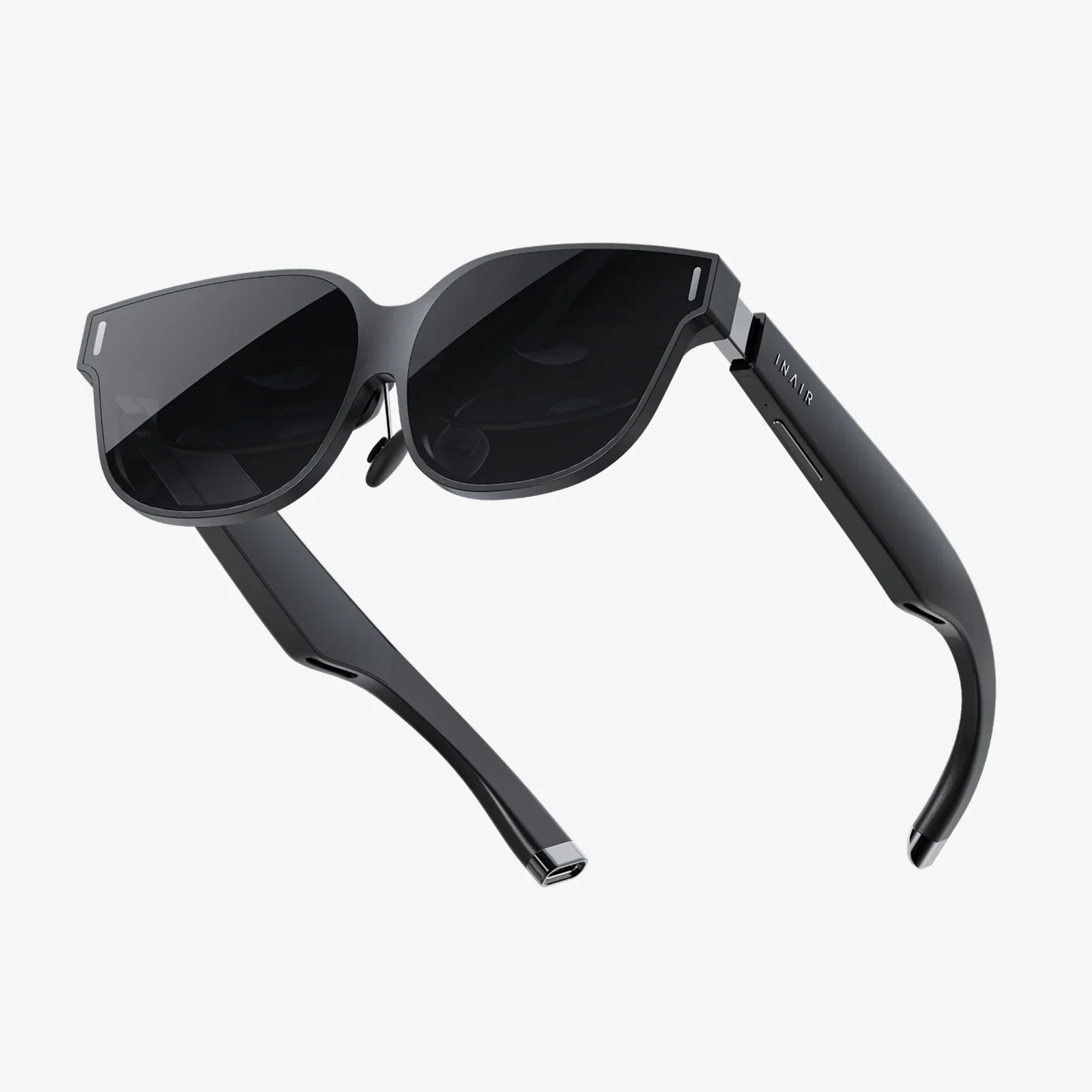
If you have ever typed “prescription computer glasses near me” into a search bar after a long, eye-straining day at your screen, you are not alone. As work, entertainment, and even social life have moved online, our eyes are under more pressure than ever before. The right pair of computer glasses can turn that pressure into comfort, clarity, and productivity, but only if you know what to look for and where to get them.
This guide walks you through everything you need to know before you walk into a local optical shop or book an appointment with an eye care professional. From understanding digital eye strain to choosing lens coatings, frame shapes, and the right provider, you will be ready to make confident decisions instead of guessing in front of a wall of frames.
Why Searching for Prescription Computer Glasses Near Me Matters
Prescription computer glasses are not just regular eyeglasses with a different name. They are specifically optimized for the mid-range distance between your eyes and your screen, typically 20 to 28 inches away. That difference matters more than many people realize.
Most standard distance prescriptions are designed for far-away objects, like road signs or presentations at the front of a room. Reading glasses are optimized for close-up tasks, such as books or phones held at about 14 to 16 inches. Computer work sits between these distances. If your lenses are not tuned for that middle zone, your eyes have to work harder to keep the screen in focus, which leads to fatigue and discomfort.
When you look for prescription computer glasses near you, you gain access to eye care professionals who can measure your exact working distance, evaluate your current prescription, and adjust your lenses to match your real-life environment. Local providers can also help you troubleshoot issues in person, which is invaluable if you are sensitive to lens changes or have a complex prescription.
Understanding Digital Eye Strain and Why It Happens
Digital eye strain, sometimes called computer vision syndrome, is a collection of symptoms that appear after extended screen use. Recognizing these symptoms is the first step toward choosing the right computer glasses.
Common Symptoms of Digital Eye Strain
- Dry, irritated, or burning eyes
- Blurred or fluctuating vision while using screens
- Headaches, especially around the eyes or forehead
- Neck and shoulder pain from leaning forward to see better
- Difficulty focusing when switching from screen to distance
- Increased sensitivity to light or glare
These symptoms often worsen as the day goes on and may improve after you take a prolonged break from screens. If you experience these regularly, it is a strong sign that prescription computer glasses may help.
Why Screens Are So Hard on Your Eyes
Several factors combine to make digital screens uniquely demanding:
- Constant focus at one distance: Your eyes are designed to shift focus between near, intermediate, and far objects. Hours spent staring at a single distance forces the focusing muscles to work continuously.
- Reduced blinking: People blink less frequently when concentrating on screens, which leads to dryness and irritation.
- Glare and reflections: Bright screens, overhead lighting, and reflections on lenses or monitors increase visual stress.
- Blue light exposure: High-energy visible blue light from screens can contribute to visual discomfort and may disrupt sleep patterns when used late at night.
Prescription computer glasses are designed to address many of these factors by optimizing focus, reducing glare, and sometimes filtering specific wavelengths of light.
What Makes Prescription Computer Glasses Different
When you search for prescription computer glasses near you, you will encounter a range of options that can be confusing at first glance. Understanding the core features will help you ask better questions and avoid paying for features you do not need.
Optimized Intermediate Focal Distance
The most important difference between computer glasses and regular glasses is the focal distance. Computer lenses are set to keep objects at your typical screen distance in sharp focus with minimal effort from your eye muscles.
During your eye exam, the provider may ask you about your workspace, measure how far you sit from your screen, or even recommend you bring photos or measurements of your setup. This information allows them to fine-tune your prescription for the exact distance you use daily.
Single Vision vs. Multifocal Computer Lenses
Computer lenses can be designed in different ways to fit your age, prescription, and visual needs:
- Single vision computer lenses: These are set for one distance, usually the screen distance. They are ideal if your primary task is computer work and you do not need to constantly shift focus between near and far objects.
- Office or occupational lenses: These lenses provide a wider intermediate zone for computer use and a near zone for reading documents or phones, with less emphasis on far distance. They are popular for people who spend most of their day indoors.
- Progressive lenses with enhanced intermediate zone: Some progressive designs prioritize the intermediate area for computer work while still offering near and far vision. These can be helpful if you need an all-day pair but want more comfort at the screen.
Your eye care provider can guide you through these choices based on your age, daily tasks, and whether you prefer one dedicated pair for computer use or a versatile lens that can handle multiple distances.
Lens Coatings and Treatments That Matter
Beyond the prescription itself, lens treatments can dramatically improve comfort and visual quality. When you visit a provider offering prescription computer glasses near you, ask about:
- Anti-reflective coating: This reduces reflections from overhead lights, windows, and the screen itself, improving contrast and reducing glare-induced eye strain.
- Scratch-resistant coating: Essential for maintaining clear vision and extending the life of your lenses, especially if you clean them frequently.
- Blue light filtering: Some lenses include filters that reduce a portion of high-energy blue light emitted by screens. This can help decrease visual discomfort for some users and may support more comfortable evening screen use.
- Anti-smudge or hydrophobic coatings: These make lenses easier to clean and less likely to attract dust, fingerprints, and moisture.
Not every feature is necessary for everyone, but anti-reflective coating is considered a near-essential for computer work because of its impact on glare and overall clarity.
How to Prepare Before Visiting a Provider Near You
Walking into an optical shop or clinic prepared will save you time and ensure you get lenses that truly fit your needs. Before you make your appointment, gather information about your daily habits and workspace.
Measure Your Screen Distance
Use a measuring tape to find the distance from your eyes to your primary monitor. Note this distance in inches or centimeters and bring it with you. If you use multiple screens or often work on a laptop, consider measuring those setups as well.
Knowing your exact working distance helps your provider adjust the focal point of your lenses so you are not forced to lean forward or backward to see clearly.
List Your Daily Visual Tasks
Think about how you use your eyes throughout a typical day and write down your main tasks, such as:
- Typing and reading documents on a desktop monitor
- Video conferencing and presentations
- Graphic design, coding, or data analysis
- Gaming at a fixed distance
- Switching between screen, printed papers, and whiteboards
Share this list with your eye care provider so they can recommend the most suitable lens type and design.
Note Any Symptoms You Experience
Make a brief list of symptoms you notice during or after screen use. Include details such as when they start, how long they last, and what seems to make them better or worse. This helps your provider determine whether your issues are primarily related to focusing strain, dry eye, glare, or a combination of factors.
Finding the Right Eye Care Professional Near You
Typing “prescription computer glasses near me” into a search engine will give you a list of options, but not all providers focus equally on digital eye strain and occupational lenses. Choosing the right professional is as important as choosing the right frames.
What to Look For in a Local Provider
Consider these factors when evaluating eye care practices in your area:
- Experience with computer vision issues: Check whether the clinic mentions digital eye strain, computer vision syndrome, or occupational lenses in their services.
- Comprehensive eye exams: Make sure they offer full exams that include refraction, eye health evaluation, and discussion of your work habits, not just a quick prescription check.
- Lens customization options: Ask whether they provide different types of computer lenses and coatings, including office lenses and blue light filters.
- Clear communication: Look for providers who take time to explain lens options, trade-offs, and pricing in straightforward terms.
Questions to Ask During Your Appointment
When you meet with your eye care professional, consider asking:
- Which lens design would best match my screen distance and daily tasks?
- Do I need a dedicated pair of computer glasses, or can we optimize a multifocal lens?
- What coatings do you recommend specifically for my work environment?
- How will these lenses help reduce my particular symptoms?
- What adjustment period should I expect with this type of lens?
These questions encourage a two-way conversation and help you understand exactly what you are getting.
Choosing Frames for Comfort and Performance
Frames are more than a fashion statement when it comes to computer use. The right fit can make hours at your screen feel easier, while a poor fit can cause headaches, pressure marks, and constant slipping.
Frame Size and Fit
When selecting frames for prescription computer glasses near you, pay attention to:
- Bridge fit: The bridge should rest comfortably on your nose without pinching or sliding down. A secure bridge keeps your lenses aligned with your eyes.
- Temple length: Temples should extend straight back and curve gently around your ears without pressing too tightly.
- Lens height and width: For multifocal or office lenses, you may need a slightly taller frame to accommodate different viewing zones.
- Weight: Lightweight materials reduce pressure on the nose and ears, which is important if you wear your glasses all day.
Frame Shape and Screen Use
Consider how you position your head and eyes when using your computer. If you tend to look slightly downward at your screen, frames that sit comfortably at that angle and offer a wide field of view will be more comfortable.
For office or progressive lenses, avoid frames that are too narrow vertically, as they may limit the usable area of your intermediate zone and make it harder to find the “sweet spot” for screen viewing.
Adapting to Your New Prescription Computer Glasses
Even if your new glasses are perfectly designed, your brain and eyes may need time to adapt. Understanding this process can prevent unnecessary worry and help you judge whether your glasses are working correctly.
Typical Adjustment Period
For many people, single vision computer lenses feel comfortable almost immediately. However, if you are switching from no glasses or from a different type of lens, you might notice:
- Slight differences in depth perception
- Minor distortion at the edges of the lenses
- A period of learning where to position your head for the clearest view
These effects usually diminish over several days of regular wear. If discomfort or distortion persists beyond two weeks, or if you experience headaches or nausea, contact your provider for an adjustment.
Fine-Tuning Your Workspace
Once you have your new glasses, small changes to your workspace can maximize their benefits:
- Monitor height: Position the top of your screen at or slightly below eye level so you can look slightly downward.
- Screen distance: Place your monitor at the distance your lenses were optimized for, usually around arm’s length.
- Lighting: Reduce harsh overhead lighting, avoid direct glare on the screen, and consider using task lighting for documents.
- Breaks: Follow the 20-20-20 rule: every 20 minutes, look at something 20 feet away for 20 seconds to relax your eye muscles.
Special Considerations for Different Users
Not everyone uses screens in the same way. Your profession, hobbies, and age can influence the type of prescription computer glasses that will work best for you.
Office Professionals and Remote Workers
If you spend most of your day at a desk with one or two monitors, office or occupational lenses may be ideal. They provide a broad intermediate zone for screens and a comfortable near zone for reading, with less emphasis on distance vision.
When you search for prescription computer glasses near you, mention that you work primarily at a desk and ask whether office-style lenses are an option. They can provide a wider usable area than traditional progressives for screen-focused work.
Students and Lifelong Learners
Students often switch rapidly between laptops, textbooks, and classroom boards or projectors. Depending on your age and prescription, a well-designed progressive lens or a dedicated pair of computer glasses for study sessions may be helpful.
Discuss your typical study environment with your provider, including how often you need clear distance vision during the day.
Gamers and Creative Professionals
Gamers, designers, editors, and other creative professionals may spend many hours focused on a single screen at a fixed distance. Single vision computer lenses set precisely to that distance, combined with anti-reflective and blue light filtering options, can provide sharp, comfortable vision for extended sessions.
If color accuracy is critical for your work, discuss this with your provider; some blue light filters can subtly shift color perception, and there may be specific options better suited to color-sensitive tasks.
Older Adults and Presbyopia
As the eye naturally loses near focusing ability with age, many people over 40 notice increasing difficulty with both reading and computer work. Traditional reading glasses may place the clear zone too close for comfortable screen viewing, forcing you to lean in or tilt your head.
Computer-specific lenses for presbyopia can provide a more natural posture and clearer vision at the intermediate distance. When you look for prescription computer glasses near you, be sure to mention if you already use reading glasses or progressives so the provider can design a lens that complements your existing eyewear.
Cost, Value, and When to Invest in a Dedicated Pair
Many people hesitate to invest in a separate pair of computer glasses, especially if they already own general-purpose eyeglasses. However, the value of a dedicated pair often becomes clear after a few weeks of more comfortable work.
Factors That Influence Cost
The price of prescription computer glasses can vary depending on:
- Lens type (single vision, office, or progressive)
- Lens material (standard plastic, thinner high-index options)
- Coatings (anti-reflective, blue light filtering, scratch resistance)
- Frame quality and material
When comparing options near you, it can be helpful to ask for a breakdown of costs so you understand what each feature adds. This allows you to prioritize features that directly impact comfort and performance, such as anti-reflective coating and correct lens design for your work distance.
Signs It Is Time to Invest
You are likely ready to invest in dedicated prescription computer glasses if:
- You experience daily headaches or eye strain during or after screen use
- You lean forward or adjust your posture to see your screen clearly
- Your reading glasses feel too strong or too weak for your monitor
- You notice blurred vision or difficulty refocusing after long computer sessions
Improved comfort, better posture, and higher productivity often justify the cost of a specialized pair, especially if you rely on screens for your livelihood.
How to Get the Most From Your Search for Prescription Computer Glasses Near Me
Finding the right pair of computer glasses is not just about clicking on the first search result or choosing the cheapest option. It is about matching your visual needs, work habits, and comfort preferences with the expertise of a local provider.
Start by gathering details about your workspace and symptoms, then use your search for “prescription computer glasses near me” to identify clinics that understand digital eye strain and offer a range of lens options. During your appointment, be open about how you use your screens, ask clear questions, and do not hesitate to request adjustments if something feels off after a reasonable adaptation period.
The payoff is more than just sharper text on your monitor. With the right prescription computer glasses, you can work longer with less fatigue, enjoy gaming or creative projects without constant discomfort, and protect your visual comfort in a world where screens are not going away anytime soon. Your eyes do a lot for you every day; taking the time to find the right local solution is a smart way to return the favor.
共有:
apple iphone 12 glass screen protector complete buyer and installation guide
Glass Computer Trolley Ideas To Transform Your Modern Workspace