


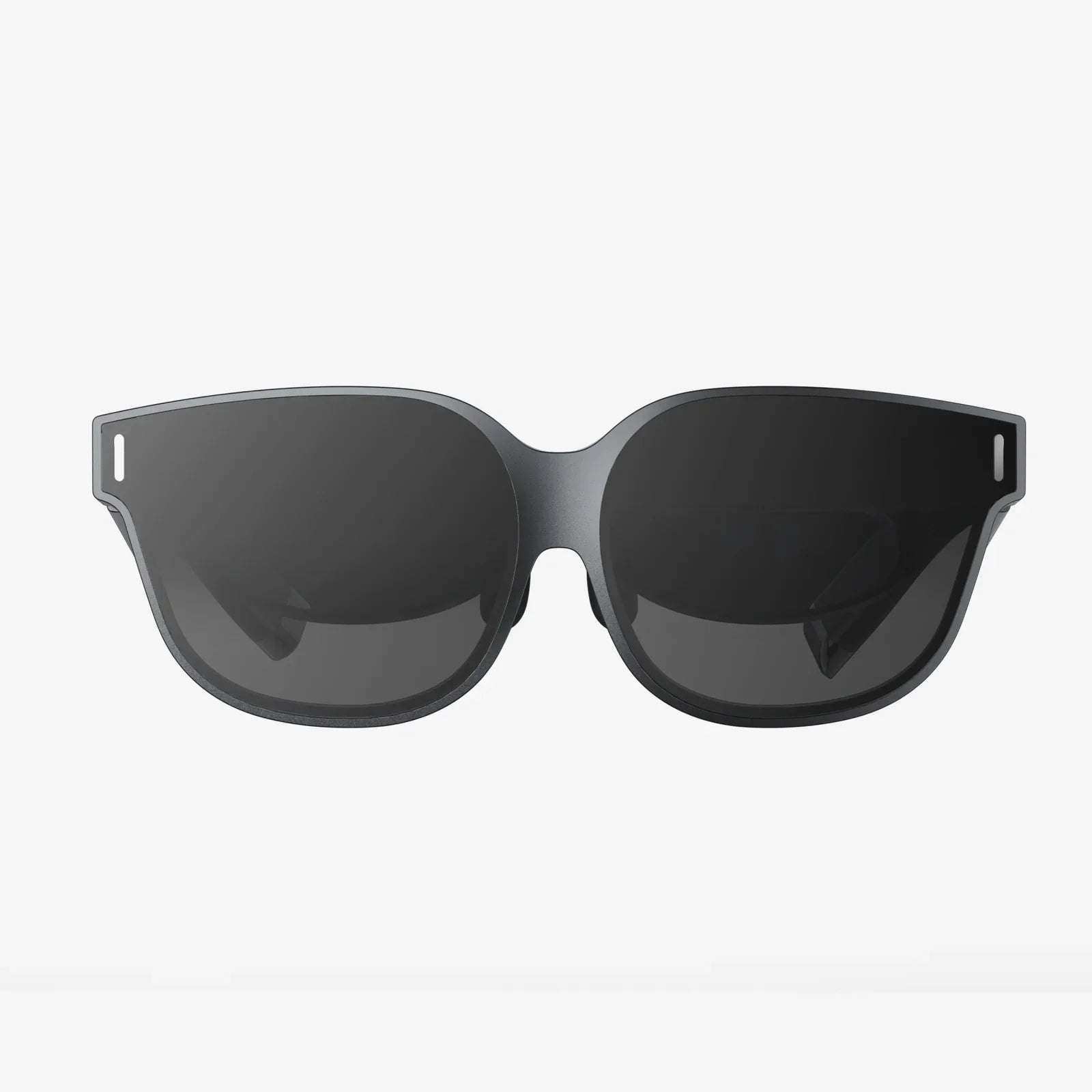
Spatial computer technology is quietly becoming the next big leap in how we use digital devices, and those who understand it early will have a serious advantage. Imagine your apps leaving the flat screen, floating around your room, responding to your gaze, your hands, and your voice as naturally as a conversation. That is the promise of the spatial computer: a system that understands space, context, and your intentions well enough to blend the digital world with the physical one in ways that feel almost magical.
Yet behind the wow factor is a deep shift in how computing itself works. Instead of staring down at a phone or hunching over a laptop, you interact with information at life-size scale, in 3D, anchored to your environment. Workflows change. Creativity changes. Even how we think about privacy, focus, and productivity begins to evolve. If you have ever wondered what comes after smartphones and traditional PCs, the spatial computer is one of the clearest answers on the horizon.
What Is A Spatial Computer?
A spatial computer is a computing system that understands and interacts with the 3D space around you. It tracks your position, your environment, your hands, and often your eyes, then places digital content into your real-world surroundings in a way that looks and feels physically present. Instead of apps living on a flat display, they live in your room, your office, your factory floor, or your classroom.
At its core, a spatial computer combines several technologies:
- 3D environmental sensing – Cameras, depth sensors, and other hardware scan your surroundings to build a live 3D map of the environment.
- Head and hand tracking – The system tracks how you move, where you look, and how you gesture, enabling natural interaction.
- Spatial mapping and anchoring – Digital objects can be “anchored” to real-world locations so they stay in place as you move around.
- Immersive displays – Headsets, glasses, or large displays show 3D content that blends with your physical space.
- Context-aware software – Apps adapt to your environment, tasks, and focus, not just to a screen size.
While related to virtual reality and augmented reality, the spatial computer is more than a headset. It is a full computing platform, designed to replace or complement traditional laptops and desktops, with a focus on spatial interaction rather than flat windows and icons.
How A Spatial Computer Differs From Traditional Devices
Traditional computers assume a rectangle: a screen with a fixed resolution and a pointer or touch input. A spatial computer assumes a room. This change in assumption leads to several key differences:
- From 2D to 3D interfaces – Instead of windows stacked on a single monitor, you can place panels, dashboards, and tools around your physical space. A design board might float on one wall while your messaging app hovers near your desk.
- From mouse clicks to natural gestures – You can grab, rotate, and resize virtual objects with your hands. You can look at a control and select it with a subtle gesture. This reduces the cognitive friction of translating intention into clicks.
- From fixed layouts to adaptive environments – The system can adapt to your room size, lighting, and furniture. A small apartment, a large studio, or a factory floor all become canvases for digital content.
- From isolated screens to shared spaces – Multiple people can see and interact with the same digital content in the same physical space, enabling new forms of collaboration.
This shift is not just cosmetic. It reshapes how tasks are organized, how attention is managed, and how information is consumed. A spatial computer can turn any surface into a potential display and any space into a potential workspace.
Core Technologies Powering The Spatial Computer
To understand why spatial computers are becoming feasible now, it is useful to look at the underlying technologies that make them possible.
1. Spatial Mapping And Localization
At the heart of a spatial computer is the ability to know where it is and what is around it. This is often achieved through a process known as simultaneous localization and mapping (SLAM). The device uses cameras and depth sensors to:
- Detect surfaces, such as walls, floors, tables, and objects.
- Build a 3D map of the environment in real time.
- Track its own position and orientation within that map.
This mapping allows digital objects to appear stable and anchored, even as you move your head or walk around. Without accurate spatial mapping, virtual objects would drift or jitter, quickly breaking immersion.
2. Advanced Sensing And Tracking
A spatial computer typically includes multiple sensors:
- RGB cameras for capturing the real world visually.
- Depth sensors for understanding distance and geometry.
- Inertial measurement units (accelerometers and gyroscopes) for tracking motion and orientation.
- Eye-tracking systems to know where you are looking.
- Hand-tracking systems to detect gestures, pinches, and grabs.
Combined, these sensors allow the spatial computer to interpret your body language and environment with surprising precision. You can reach out and grab a floating window, and the system understands what you meant.
3. Real-Time 3D Graphics And Rendering
To make virtual content look believable, a spatial computer must render 3D graphics at high frame rates with low latency. This involves:
- Rendering separate views for each eye to create stereoscopic depth.
- Adjusting visuals based on head movement to maintain the illusion of stable objects.
- Integrating lighting, shadows, and reflections that match the real environment.
Advances in mobile graphics processors, power-efficient rendering, and optimization techniques have made it possible to deliver these visuals in wearable devices rather than just on powerful desktop machines.
4. Spatial Audio
Sound is a crucial part of immersion. Spatial audio techniques allow the spatial computer to place sounds at specific locations in space. For example:
- A notification might sound like it is coming from the floating window behind you.
- A virtual teammate’s voice might appear to come from where their avatar is standing.
- A virtual machine in a factory simulation might emit sounds that change as you walk around it.
By aligning sound with visuals, spatial audio makes digital content feel more real and easier to locate and understand.
5. Artificial Intelligence And Context Awareness
Artificial intelligence plays a growing role in spatial computing. AI models can:
- Recognize objects and surfaces in your environment.
- Interpret gestures, voice commands, and gaze patterns.
- Adapt the interface based on your behavior and preferences.
- Provide intelligent assistance, such as summarizing information or guiding you through a complex task.
A spatial computer with intelligent software can become more than a display; it becomes a partner that understands what you are doing and offers help at the right moment, in the right place.
Key Use Cases For The Spatial Computer
The impact of spatial computing will not be limited to one industry. It has the potential to reshape how we work, learn, create, and play. Here are some of the most promising areas where a spatial computer can make a difference.
1. Productivity And Knowledge Work
Many knowledge workers live inside a web browser and a handful of apps. A spatial computer can expand this environment dramatically:
- Unlimited virtual monitors – Instead of buying more physical screens, you can create as many virtual displays as you need and arrange them around your workspace.
- Task-specific work zones – You might have a “research wall” with articles and references, a “communication corner” for messaging and calls, and a “focus zone” for writing or coding.
- Context switching with space – Walking to a different part of your room could bring up a different set of tools, helping your brain separate tasks physically.
Remote collaboration also becomes more natural. Instead of staring at a grid of tiny faces, you can sit in a shared virtual room where documents, whiteboards, and 3D models are present, and where colleagues appear at life-size scale. This can reduce fatigue and increase the sense of presence and engagement.
2. Design, Engineering, And Architecture
Designers and engineers already work in 3D software, but usually view their models on 2D screens. A spatial computer allows them to step inside their designs:
- Full-scale visualization – Architects can walk through a building before it exists, checking sightlines, room proportions, and lighting.
- Interactive prototyping – Product designers can hold virtual prototypes in their hands, test variations quickly, and see how components fit together.
- Collaborative reviews – Teams in different locations can gather around the same virtual model, point to specific parts, and annotate in real time.
This level of immersion can reveal design flaws earlier, speed up iteration, and reduce the cost of physical prototypes. It also makes it easier to communicate complex designs to non-experts, such as clients or stakeholders.
3. Education And Training
Education is one of the fields most likely to be transformed by spatial computing. A spatial computer can turn abstract concepts into tangible experiences:
- Interactive simulations – Students can explore the solar system at scale, manipulate molecules, or watch historical events unfold around them.
- Skill training – Trainees in fields like medicine, aviation, or manufacturing can practice procedures in realistic simulations without risk.
- Personalized learning environments – The system can adapt the difficulty and presentation of content to each learner, presenting hints and guidance in their immediate surroundings.
By engaging multiple senses and leveraging spatial memory, a spatial computer can help learners retain information more effectively. It can also make remote learning feel less isolating and more interactive.
4. Healthcare And Medicine
Healthcare professionals can benefit from spatial computing in both training and practice:
- Surgical planning – Surgeons can examine 3D scans of a patient’s anatomy in detail, viewing them from any angle and planning procedures more precisely.
- Guided procedures – A spatial computer can overlay guidance, annotations, or vital information onto the real-world view during certain procedures.
- Rehabilitation – Patients recovering from injuries can engage in gamified rehabilitation exercises that track their movements and provide real-time feedback.
Beyond clinical settings, mental health applications may use immersive environments to support therapy, stress reduction, and exposure treatments in a controlled, adaptive way.
5. Retail, Commerce, And Real Estate
Buying decisions often depend on how something looks and feels in your own space. A spatial computer can bridge the gap between imagination and reality:
- Virtual showrooms – Shoppers can view life-size 3D representations of products in their homes, offices, or other environments.
- Interactive store experiences – Physical stores can use spatial computing to layer digital information, recommendations, and interactive content on top of real products.
- Property visualization – Real estate agents can offer tours of properties that are under construction or located far away, letting clients walk through them virtually.
This reduces uncertainty and can shorten decision cycles, while also opening up new ways for brands and sellers to tell stories around their offerings.
6. Entertainment And Gaming
Entertainment has been one of the earliest adopters of immersive technologies, and the spatial computer takes this further:
- Room-scale games – Games can use your physical environment as part of the experience, turning your living room into a dynamic level that adapts to your furniture and layout.
- Immersive storytelling – Films, series, and interactive narratives can unfold around you, with characters and scenes appearing in your space rather than on a distant screen.
- Social experiences – Friends can meet in shared virtual spaces that feel tangible, playing games, watching content, or just hanging out in environments that defy physical limits.
Because the spatial computer understands your space, it can design experiences that feel tailored and personal, rather than generic.
Design Principles For Spatial Computer Experiences
Designing for spatial computing requires a different mindset than designing for phones or desktops. The following principles are essential for creating effective and comfortable experiences on a spatial computer.
1. Respect The Physical Environment
A spatial computer experience must coexist with the real world. Designers should:
- Avoid placing critical information where it is physically uncomfortable to look for long periods.
- Ensure that virtual elements do not obstruct important real-world objects, such as doorways or people.
- Consider lighting and contrast so content remains legible in different environments.
The goal is not to overwhelm reality with digital noise, but to add meaningful layers that enhance the environment without dominating it.
2. Use Natural Interactions Thoughtfully
While hand and gaze interactions are powerful, they can also be tiring if overused. Good spatial computer interfaces:
- Combine gestures, voice commands, and simple controllers where appropriate.
- Minimize the need for large or repetitive arm movements.
- Offer clear feedback when an action is recognized, so users do not feel uncertain.
Designers should build on familiar physical metaphors, such as grabbing, pinching, and pointing, while avoiding gimmicky gestures that do not align with real-world behavior.
3. Manage Depth And Visual Comfort
Depth is a powerful dimension, but it can also cause discomfort if misused. Effective spatial computer designs:
- Keep most interface elements at comfortable viewing distances.
- Avoid rapid, unnecessary changes in depth that can strain the eyes.
- Use depth cues like shadows and occlusion to make objects feel stable and grounded.
Subtlety is often more effective than spectacle. The best experiences feel natural rather than overwhelming.
4. Support Focus And Reduce Cognitive Load
When information can appear anywhere, it is easy to create clutter. Designers should:
- Limit the number of simultaneous elements in view.
- Use spatial organization to separate tasks and information types.
- Provide clear ways to hide, minimize, or move content quickly.
By using space as a structuring tool, a spatial computer can help users stay focused rather than distracted.
5. Prioritize Safety And Accessibility
Because users are moving in physical space, safety is a critical concern. Good spatial computer experiences:
- Provide boundaries or alerts when users approach real-world obstacles.
- Offer settings for people with different visual, auditory, or mobility needs.
- Allow quick transitions between immersive and passthrough views of the real world.
Accessibility in spatial computing is not just a legal requirement; it is an opportunity to design inclusive systems that work for a wider range of users.
Challenges Facing The Spatial Computer
Despite its promise, the spatial computer faces significant challenges before it becomes as mainstream as smartphones or laptops.
1. Hardware Comfort And Social Acceptance
Many spatial computers today rely on headsets or glasses, and these must be comfortable enough for extended use. Challenges include:
- Weight and balance on the head.
- Heat and battery life limitations.
- Fit for different head shapes, hairstyles, and eyewear.
Beyond comfort, there is the social factor: people must feel comfortable wearing a device in public or around others. Design, size, and cultural norms all play a role in how quickly spatial computers are adopted.
2. Motion Sickness And Visual Fatigue
If the virtual world does not match physical motion accurately, users can experience discomfort or motion sickness. To minimize this, spatial computers must maintain:
- Low latency between head movement and visual updates.
- Smooth frame rates and stable tracking.
- Careful design of movement in virtual environments.
Visual fatigue can also arise from prolonged focus at fixed distances or from poorly designed depth effects. Hardware and software both need to evolve to reduce these issues.
3. Privacy And Data Security
A spatial computer collects highly sensitive data, including:
- Detailed maps of your home, office, or other personal spaces.
- Information about your body language, gaze, and behavior.
- Audio from your surroundings and conversations.
Protecting this data is essential. Systems must provide clear controls over what is collected, how it is used, and who can access it. On-device processing, encryption, and transparent privacy policies will be crucial to building trust.
4. Content Ecosystem And Standards
For spatial computers to thrive, there must be a rich ecosystem of applications, tools, and content. Challenges include:
- Developing common standards for spatial interfaces and interactions.
- Making it easy for developers to create spatial experiences without deep 3D expertise.
- Ensuring interoperability between different devices and platforms.
Without compelling use cases and a wide range of useful apps, even the most advanced hardware will struggle to gain mainstream traction.
5. Cost And Accessibility
Advanced sensors, displays, and processors make spatial computers relatively expensive compared to basic smartphones or laptops. Over time, economies of scale and component advances should reduce costs, but in the near term:
- High prices may limit adoption to professionals and enthusiasts.
- Organizations may adopt spatial computers first for specialized tasks.
- Lower-cost devices with fewer features may emerge as stepping stones.
Ensuring that spatial computing does not become a technology only available to a small group will require deliberate efforts around pricing, education, and access.
How To Prepare For A Spatial Computer Future
Whether you are an individual user, a professional, or part of an organization, there are practical steps you can take now to be ready for the rise of spatial computers.
1. Learn The Basics Of 3D Thinking
You do not need to become a 3D artist, but understanding basic concepts such as coordinates, scale, and perspective will help. Consider:
- Exploring simple 3D tools or visualizations.
- Studying how games and simulations use space to guide attention.
- Paying attention to how you arrange physical objects in your own environment.
Thinking in three dimensions makes it easier to imagine how your work or hobbies might translate into spatial experiences.
2. Experiment With Early Spatial Experiences
If possible, try out existing spatial computing devices or applications. Even early experiences can reveal:
- What feels natural and what feels awkward in 3D interaction.
- Which tasks benefit most from immersion and spatial organization.
- How long you can comfortably use immersive devices.
Hands-on exposure will give you a more grounded sense of the possibilities and limitations than any description alone.
3. Identify Spatial Opportunities In Your Field
Look at your current workflows and ask where a spatial computer could add value. For example:
- Could complex data be easier to understand in 3D?
- Could training or onboarding benefit from interactive simulations?
- Could remote collaboration be improved with shared virtual spaces?
By mapping opportunities early, you can position yourself or your organization to move quickly when the tools become more accessible.
4. Develop Spatial-Friendly Content And Processes
If you create content, consider formats that translate well to spatial computing:
- 3D models of products or environments.
- Modular information that can be arranged in space rather than fixed layouts.
- Interactive elements that respond to user movement or attention.
Even if you continue to work primarily in 2D for now, designing with spatial flexibility in mind can make future transitions easier.
5. Stay Informed About Privacy And Ethics
Spatial computing raises new questions about surveillance, consent, and digital rights. As the technology evolves, it will be important to:
- Understand what data your devices collect and why.
- Advocate for transparent, user-centric policies.
- Consider the ethical implications of deploying spatial systems in workplaces, schools, or public spaces.
Being informed will help you make better choices about which spatial computer platforms to trust and how to use them responsibly.
The Road Ahead For Spatial Computer Experiences
The spatial computer sits at the intersection of many technological trends: advanced sensors, powerful mobile processors, artificial intelligence, and increasingly sophisticated 3D graphics. Together, these ingredients are enabling experiences that only a few years ago belonged firmly in science fiction.
As hardware becomes lighter, more comfortable, and more affordable, and as software ecosystems mature, spatial computing will move from niche applications into everyday life. Workspaces will no longer be limited by the size of a desk or the number of physical monitors. Classrooms will extend beyond walls. Entertainment will surround us rather than sit in a frame.
For those willing to explore it early, the spatial computer offers more than novelty. It offers a chance to rethink how information should be arranged, how collaboration should feel, and how technology can fit more naturally into human spaces. The shift from screens to spaces will not happen overnight, but it is already underway, and the most compelling experiences are still waiting to be imagined and built.
共有:
Rokid max 2 and the Future of Wearable Displays for Everyday Life
smart sunglass trends reshaping vision, fashion, and everyday technology