


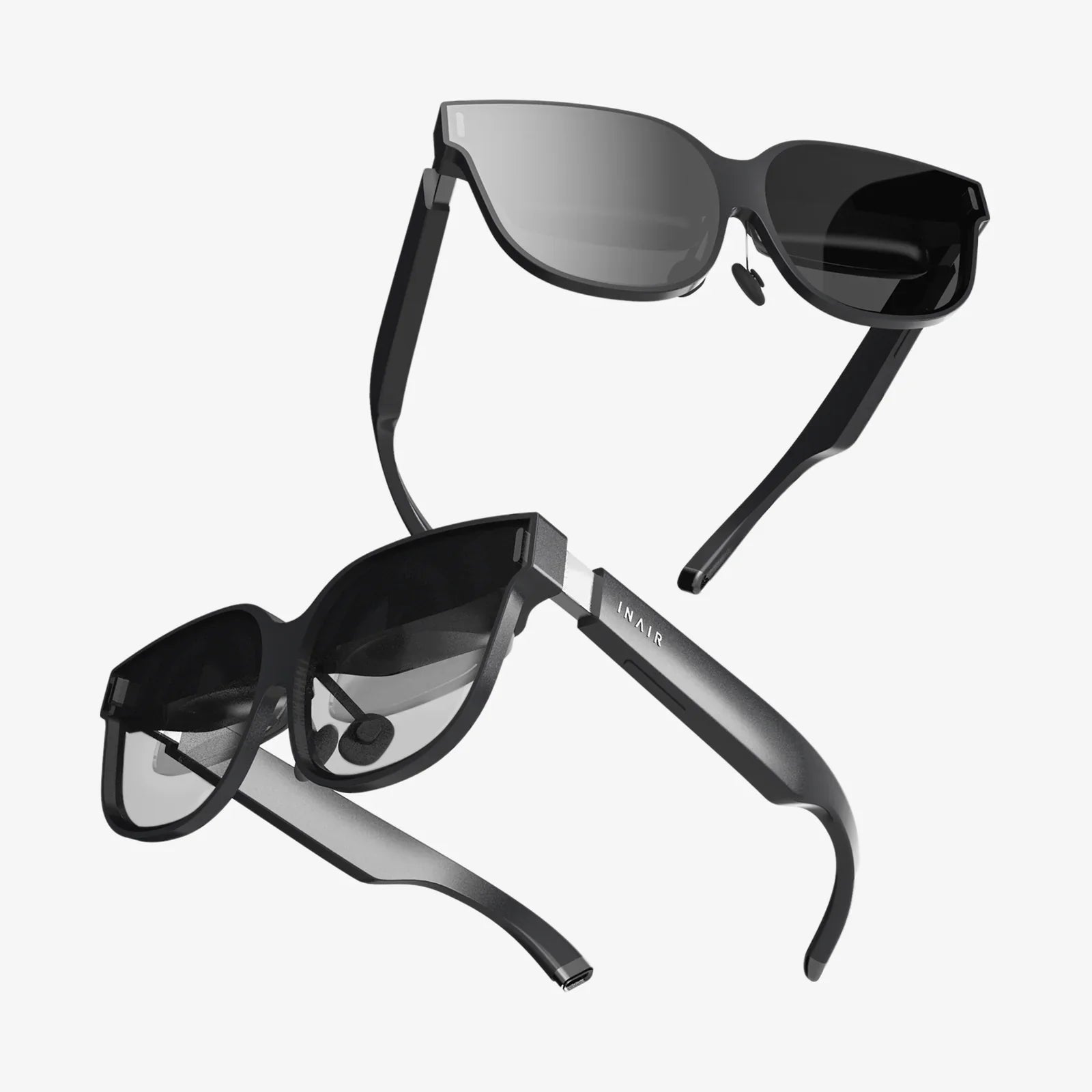
If you are dreaming of stepping into lifelike worlds, exploring distant galaxies from your chair, or working inside 3D design spaces, a vr capable desktop is the key that unlocks the door. But with so many technical terms, conflicting advice, and fast-moving hardware, it is very easy to overspend on the wrong parts or build a system that struggles the moment you put on a headset. This guide walks you through everything that matters for a powerful, comfortable, and future-ready VR experience.
What Makes a Desktop Truly VR Capable?
Not every gaming PC is automatically a vr capable desktop. Virtual reality has stricter requirements than traditional gaming because it needs to render two perspectives (one for each eye), maintain high frame rates, and keep latency extremely low. When those conditions are not met, you feel motion sickness, stutter, or blurry visuals instead of immersion.
To understand what makes a desktop VR ready, think in terms of four pillars:
- Graphics performance powerful enough to handle dual high-resolution displays at high frame rates
- CPU speed and cores to feed the graphics card and handle physics, AI, and background tasks
- Memory and storage to keep games and apps loading quickly and running smoothly
- Connectivity and power to support headsets, sensors, and stable long-term operation
When all of these are balanced correctly, you get a smooth, comfortable VR experience that feels natural instead of demanding.
Understanding VR Performance Requirements
Virtual reality is more demanding than playing the same game on a monitor because of its unique technical requirements. Before choosing a vr capable desktop, it helps to understand what those requirements look like.
The main performance targets for consumer VR headsets usually include:
- High frame rate typically 90 frames per second or higher
- Low latency the time between your movement and the image updating should be minimal
- Dual rendering the system must render a separate image for each eye
- High resolution modern headsets often use resolutions well above standard 1080p per eye
These targets push both the graphics card and processor harder than a typical gaming setup. That is why many older or budget desktops that run regular games fine may struggle with VR, especially in newer titles or simulation-heavy experiences.
The Graphics Card: Heart of a VR Capable Desktop
The graphics card, or GPU, is the most critical component in a vr capable desktop. It is responsible for rendering the high-resolution, high-frame-rate images that your headset displays. If you cut corners here, you will feel it immediately in the form of stutter, reduced visual quality, or restricted game settings.
When evaluating a GPU for VR use, consider these factors:
- Raw performance look for a GPU that is at least in the mid-range of current generations for smooth VR in modern titles
- Video memory (VRAM) aim for enough VRAM to handle high-resolution textures and complex scenes comfortably
- Supported technologies ensure your GPU supports modern graphics APIs and VR-specific optimizations
- Port selection make sure it has the right mix of DisplayPort and HDMI outputs for your headset and monitors
For light VR experiences and older titles, a mid-range GPU can be sufficient, especially if you are willing to reduce some visual settings. For high-end VR gaming, simulation racing, or flight simulators, a more powerful graphics card is strongly recommended.
Choosing the Right CPU for VR
While the GPU does most of the heavy lifting in VR, the processor still plays a crucial role. A weak CPU can bottleneck a strong graphics card, causing inconsistent frame times and performance dips that are particularly noticeable in VR.
Consider the following when selecting a CPU for a vr capable desktop:
- Core count modern VR games and applications benefit from multiple cores, but you do not always need the maximum possible number
- Clock speed strong single-thread performance and high boost clocks help maintain smooth frame rates
- Platform longevity choose a CPU platform that will allow future upgrades without replacing the entire system
For most users, a mid to upper mid-range processor with a solid balance of cores and frequency will be enough for VR gaming and creative work. Only very heavy simulation workloads or professional VR content creation typically require top-tier processors.
How Much RAM Does a VR Desktop Need?
System memory, or RAM, affects how many applications you can run at once and how smoothly large games and environments load. VR titles tend to use more memory than simple games, especially open-world experiences or creative tools that work with large assets.
As a general guideline:
- 16 GB of RAM is a practical minimum for a vr capable desktop used primarily for gaming
- 32 GB of RAM is recommended if you stream, run multiple background apps, or do VR content creation
Fast memory can offer small performance improvements, but capacity matters more than minor speed differences for most VR users. Make sure to use dual-channel or higher configurations to avoid limiting bandwidth.
Storage: Fast Loading and Plenty of Space
VR games and applications are often large, and long loading times break immersion. A vr capable desktop should prioritize fast storage and enough capacity to keep your library accessible.
Key storage considerations include:
- Solid state drives (SSDs) use an SSD as your primary drive to speed up boot times and game loading
- NVMe vs SATA NVMe SSDs offer higher speeds than SATA, which can be beneficial for large VR environments
- Secondary storage consider a larger secondary drive for storing less frequently used titles and media
Many users choose a smaller, very fast SSD for the operating system and favorite VR titles, plus a larger, more affordable drive for the rest of their library.
Motherboard and Connectivity for VR
The motherboard is often overlooked, but it determines what you can connect and how easily you can upgrade your vr capable desktop later. It also affects stability and the quality of power delivery to your CPU and other components.
When choosing a motherboard for VR use, pay attention to:
- Expansion slots ensure there is enough space for your graphics card and any additional cards you might add
- USB ports VR headsets and accessories often require multiple USB ports, some of which may need to be high speed
- Front panel connectors easy access to USB ports on the front of your case is convenient for VR headsets
- Networking consider whether you need wired networking only or want built-in wireless options
While the motherboard does not directly boost frame rates, a well-chosen board ensures your system is stable, compatible with your components, and ready for future upgrades.
Power Supply and Case: Supporting Stable VR Performance
A vr capable desktop can draw significant power under load, especially if you are using a high-end graphics card. A reliable power supply is essential for stability and component longevity.
Consider the following when choosing a power supply:
- Wattage select a unit with enough headroom above your estimated system draw
- Efficiency rating higher efficiency can mean lower heat and quieter operation
- Quality a well-built power supply helps protect your components from voltage spikes and instability
The case also matters more than many people realize for VR use. You want a case that offers:
- Good airflow to keep your GPU and CPU cool during long VR sessions
- Front panel ports especially USB and audio connectors within easy reach
- Cable management to keep the interior tidy and maintain airflow
A well-ventilated, thoughtfully designed case paired with a quality power supply helps your vr capable desktop remain stable and quiet, even during demanding VR experiences.
Cooling and Noise: Comfort During Extended VR Sessions
VR gaming and creative work often involve long sessions, and nothing ruins immersion like loud fans or thermal throttling. Adequate cooling is essential to keep performance consistent and noise under control.
There are two main aspects to consider:
- CPU cooling choose a cooler that can handle your processor under sustained load, whether air or liquid based
- Case airflow ensure your case has enough intake and exhaust fans to move air across hot components
Additionally, think about noise levels. Larger, slower-spinning fans tend to be quieter than small, high-speed ones. Many modern cases include fan mounts that allow you to use larger fans for better acoustics. A quiet vr capable desktop helps you stay immersed in your virtual world without the distraction of constant fan noise.
Ports and Cable Management for VR Headsets
VR headsets and their accessories need a mix of ports and thoughtful cable routing. A vr capable desktop should make connecting and using your headset as painless as possible.
Key considerations include:
- Video outputs ensure your GPU has the right combination of DisplayPort and HDMI for your headset and monitors
- USB ports many headsets require multiple USB connections, often including at least one high-speed port
- Front panel access having a compatible port on the front of your case can make connecting the headset easier
- Cable routing plan where the headset cable will run to avoid tangles and accidental disconnections
Some users mount their desktop in a location that keeps the headset cable away from their feet, while others use ceiling-mounted cable systems. Regardless of your approach, a well-planned port layout and cable strategy make VR much more enjoyable.
Prebuilt vs Custom VR Desktop: Which Is Better?
One of the biggest decisions you will make is whether to buy a prebuilt vr capable desktop or assemble a custom system. Each approach has advantages and trade-offs.
Prebuilt systems offer:
- Convenience and faster setup
- Single-point warranty and support
- No need to research component compatibility in detail
However, they may come with compromises such as less balanced components, limited upgrade options, or higher prices for the same performance level.
Custom-built systems offer:
- Full control over component selection and balance
- Potentially better performance per dollar
- Easier future upgrades if planned well
Building a custom vr capable desktop requires more research and effort, but it allows you to tailor the system exactly to your needs and budget. If you are comfortable assembling hardware or willing to learn, this route often yields the most satisfying results.
Balancing Your Budget for a VR Capable Desktop
Spending money wisely is crucial when building or buying a vr capable desktop. Overspending on one component while neglecting another can lead to an unbalanced system that does not perform as well as its price suggests.
A sensible budget distribution might look like this:
- Graphics card a significant portion of the budget, since it has the greatest impact on VR performance
- CPU a solid mid to high-range choice that does not bottleneck the GPU
- RAM and storage enough capacity to avoid slowdowns and constant uninstalling of games
- Power supply and case reliable but not extravagant, focusing on quality over unnecessary extras
Think about your main VR uses as well. Fast-paced action games, simulations, and professional content creation all place slightly different demands on the system. Align your spending with what you will actually do most.
Upgrading an Existing Desktop for VR
If you already own a desktop, you may not need to start from scratch. Many systems can be turned into a vr capable desktop with targeted upgrades. The most common upgrade paths include:
- Graphics card upgrade often the single most impactful change for VR readiness
- Adding more RAM to reach at least 16 GB
- Switching to an SSD for faster loading and smoother overall responsiveness
- Power supply replacement if your current unit cannot handle a stronger GPU
Before upgrading, check your case dimensions, power supply connectors, and motherboard compatibility to avoid surprises. Also verify that your system has the necessary ports for your intended VR headset.
Software Optimization for VR Performance
Even the strongest hardware can underperform if your system is poorly configured. A vr capable desktop benefits from some basic software optimization to maintain smooth performance.
Useful steps include:
- Keeping graphics drivers up to date
- Disabling unnecessary startup programs that consume CPU and memory
- Using performance modes in your operating system and GPU control panel
- Tuning in-game settings to balance image quality and frame rate
Many VR platforms also provide tools for adjusting render resolution and motion smoothing. Experimenting with these settings can help you find the sweet spot between clarity and performance for your particular hardware.
Future-Proofing Your VR Desktop
VR technology evolves quickly, with new headsets, higher resolutions, and more demanding applications arriving regularly. When designing a vr capable desktop, it is wise to think ahead so that your system remains viable for several years.
Strategies for future-proofing include:
- Choosing a motherboard that supports upcoming processors and additional RAM
- Selecting a power supply with enough headroom for future GPU upgrades
- Leaving space in your case for better cooling or additional storage
- Opting for a slightly stronger GPU than you strictly need today, if budget allows
No system is completely future-proof, but a bit of foresight can extend the useful life of your vr capable desktop and reduce the cost of future upgrades.
Comfort, Safety, and Space Considerations
A powerful vr capable desktop is only part of the equation. Your physical environment matters as well. To enjoy VR safely and comfortably, consider:
- Play area clear enough space to move without hitting furniture or walls
- Cable safety route headset cables to minimize tripping hazards
- Ventilation ensure the room is not too hot, as both you and the PC generate heat
- Seating options for experiences that work best sitting down, choose a stable chair that allows easy rotation
Combining the right hardware with a thoughtful play space transforms your vr capable desktop from a powerful machine into a gateway to comfortable, long-lasting immersion.
Putting It All Together: Building Your Ideal VR Setup
Choosing or building a vr capable desktop is about more than chasing the highest numbers. It is about balancing performance, comfort, budget, and future flexibility so that your system serves you well over time.
Start by defining what you want from VR. Are you focused on fast-paced games, realistic simulators, social experiences, or creative tools? Use those goals to guide your component choices, aiming for a strong graphics card, a capable CPU, sufficient memory, and fast storage. Support those core parts with a reliable power supply, a cool and quiet case, and enough ports for your headset and accessories.
With a thoughtful approach, your vr capable desktop becomes more than a box of parts. It becomes a platform for exploration, learning, and entertainment that can grow with you as VR continues to evolve. The right system lets you step into virtual worlds with confidence, knowing that performance, comfort, and reliability are already taken care of so you can focus on the experience itself.
共有:
Touch Screen Lighting Control Systems For Smarter, Simpler Illumination
Turn Off AirPod Pro Touch Control Easily With This Complete Guide