


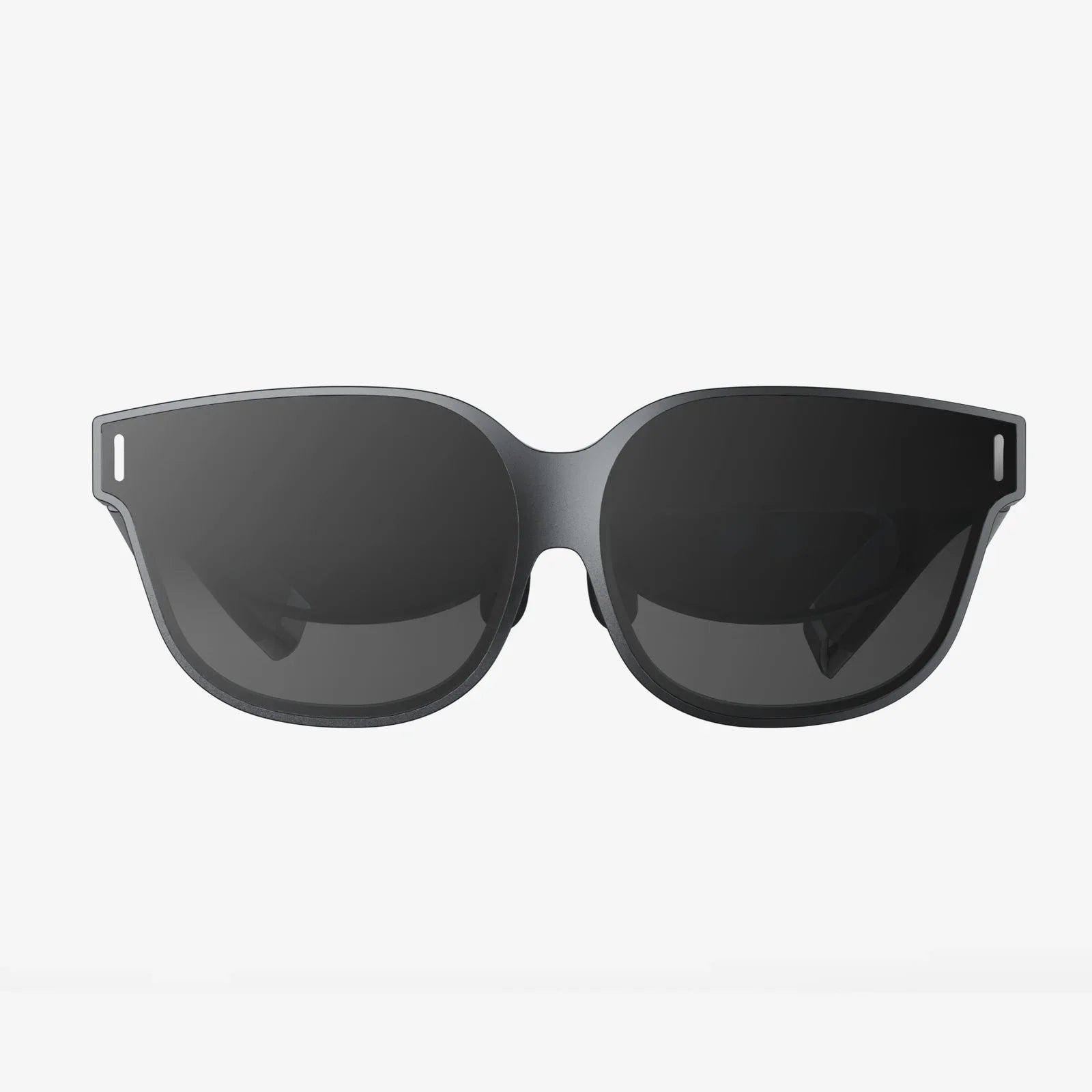
- by wangfred
vr react development guide for immersive web experiences
- by wangfred
vr react is quietly transforming how we think about the web, turning ordinary pages into immersive 3D spaces you can step inside instead of just scroll through. If you have ever wondered how to move beyond flat interfaces and build interactive virtual worlds right in the browser, combining VR and React is one of the most powerful paths you can take. This guide walks you through the mindset, tools, patterns, and performance tricks that make vr react development not only possible, but genuinely enjoyable and scalable.
Before you start writing code, it is worth understanding why vr react matters. The web has always been about documents and apps, but immersive computing adds a new dimension: presence. Instead of simply reading content, users inhabit it. When you merge React’s component-driven architecture with VR rendering, you gain a way to structure complex 3D interfaces using familiar patterns, turning scenes, objects, and interactions into reusable components. That makes VR development more maintainable and opens the door for teams that already know React to step into 3D without starting from scratch.
When people say "vr react," they usually mean building VR experiences that are:
Under the hood, vr react typically combines several layers:
The magic of vr react is that you do not have to manage all these pieces directly. Instead, you think in terms of components: a scene component, a controller component, a teleportation component, and so on. This mirrors how you build traditional web apps, but the output is a virtual environment instead of a flat layout.
There are many ways to build VR experiences, including native engines and custom WebGL code. vr react stands out for several reasons:
React’s component model maps naturally to 3D scenes. You can think of each object in your world as a component:
<Room /> component that defines walls, floor, and lighting<ControlPanel /> with buttons and sliders floating in space<Avatar /> that represents the user’s body or handsThis structure makes it easier to reason about complex worlds, reuse elements, and collaborate across teams.
VR scenes are rarely static. Objects move, UI panels open and close, interactions trigger animations. React’s state and props provide a clear way to manage these changes. For example:
Instead of manually mutating objects, you describe how the scene should look for a given state, and React handles the updates.
If you already know React, vr react lets you reuse your knowledge of hooks, context, and component patterns. You can also integrate with existing tooling:
This lowers the barrier to entry and helps teams move faster compared to learning an entirely new engine.
To build effective vr react experiences, you need to internalize a few core concepts: scenes, cameras, interaction models, and performance constraints.
A VR scene is a 3D environment that contains objects, lights, and cameras. In vr react, you often treat the scene as a top-level component that contains nested components representing objects in the world. A typical structure might look like this conceptually:
The key is to think hierarchically, just like a DOM tree, but in three dimensions. Transformations (position, rotation, scale) are often relative to parent components, which makes it easier to move entire subtrees of objects.
In VR, the camera represents the user’s head. WebXR provides head tracking, and your vr react setup connects that data to the virtual camera. You might also support non-VR modes, such as:
React components can encapsulate camera behavior, letting you swap modes or configure settings using props.
vr react supports several interaction patterns, each suited to different devices:
In React, you can abstract these into reusable components: a <Raycaster /> that detects intersections, a <GazeButton /> that activates when looked at, or a <GrabInteraction /> that binds hand gestures to object movement.
VR requires high frame rates to feel comfortable, typically 72 frames per second or higher. That means your vr react app must be extremely efficient. Key considerations include:
You should treat performance as a core design constraint, not an afterthought. A visually simple but smooth experience beats a detailed world that stutters.
While there are multiple ways to bootstrap a vr react project, the general setup involves:
Think of your main entry point as responsible for:
From there, you treat the 3D scene as a React subtree, where each component describes part of the world.
Building vr react experiences is not just about getting 3D objects on the screen; it is about designing comfortable, intuitive environments that users want to stay in. VR introduces unique UX challenges that you need to account for from the start.
Movement in VR can easily cause discomfort if handled poorly. Common locomotion patterns include:
In vr react, you can encapsulate these behaviors into separate components and allow users to choose their preferred mode. For example, a <TeleportControls /> component might handle raycasting, destination markers, and fade transitions.
Objects that look fine on a monitor can feel wrong in VR. You need to consider:
React components can encode these best practices. For example, you might create a <VRText /> component that enforces minimum font sizes and contrast ratios by default, so designers do not have to think about it every time.
In VR, users need clear feedback to know what they can interact with and what actions are happening. Effective vr react interfaces provide:
Encapsulate these behaviors in components such as <InteractiveObject /> that automatically handle highlighting and click effects, so you can reuse them across your world without repeating logic.
To visualize how vr react comes together, imagine building a simple virtual gallery. The experience requirements are:
You might structure the components like this:
Each InfoPanel could accept props like title, description, and media source, while TeleportPoint might take a position and label. React’s props and state allow you to define the entire gallery with data structures, mapping arrays of content into panels and teleport locations. This data-driven approach is one of the biggest advantages of vr react compared to hand-crafted scenes.
As your VR experience grows, state management becomes a central concern. You may need to track:
Common patterns for vr react state management include:
For simple components, useState and useEffect are often enough. For example, a button that toggles a menu or a panel that tracks whether it is expanded.
Use React context to provide VR-wide settings like locomotion mode, dominant hand, or theme. A VRSettingsProvider can wrap your app and supply values to any component that needs them.
For large vr react applications, a dedicated state library can help manage complex interactions, multiplayer synchronization, and persistent user data. The key is to keep performance in mind: avoid triggering full-scene re-renders when only a few objects need updates.
Performance can make or break a VR experience. Here are concrete strategies to keep your vr react projects smooth and responsive.
VR scenes update every frame, but not every frame needs a React re-render. Techniques include:
Do not render what the user cannot see. Implement:
These optimizations are often provided by the underlying 3D engine, but you must structure your vr react components to take advantage of them, for instance by grouping objects logically.
Large models and textures can quickly overload a headset. Best practices include:
Asset pipelines for vr react should include tools for compression and optimization as a standard step, not an afterthought.
VR is still evolving in terms of accessibility, but as a vr react developer, you can already take meaningful steps to support a wider range of users.
Some users cannot use motion controllers or may experience discomfort with certain locomotion styles. Offer options such as:
These options can be exposed via a settings panel implemented with React components, and stored in context or global state so they apply across the experience.
Consider users with visual impairments by providing:
Implementing a VRThemeProvider in React makes it easier to switch themes and propagate visual changes across components.
For users with hearing impairments, provide captions or visual indicators for important sounds. For example:
In vr react, you can bind audio events to UI components that display these cues in the user’s field of view.
Debugging VR can be more challenging than traditional web apps, but a disciplined approach makes it manageable.
Many issues can be reproduced without a headset. Provide a non-VR mode where the user can navigate the scene with mouse and keyboard. This allows you to use familiar browser dev tools to inspect components, check console logs, and profile performance.
When testing on headsets, establish a repeatable workflow:
Automated tests can cover non-visual logic, such as state management and data transformations, while manual testing focuses on comfort, interaction feel, and visual quality.
Many developers encounter similar problems when they first dive into vr react. Being aware of these pitfalls helps you sidestep them early.
Just because you can place dozens of objects in the user’s field of view does not mean you should. Cluttered scenes are overwhelming and can even cause discomfort. Instead, use:
Fast camera movements, sudden acceleration, and inconsistent scale are common causes of motion sickness. Always respect comfort guidelines:
It is easy to build a scene that looks great on a powerful desktop but fails on standalone headsets. To avoid this:
Once you are comfortable with basics, vr react opens the door to more advanced and ambitious experiences.
Shared VR spaces allow users to collaborate, socialize, or learn together. In vr react, this often involves:
React’s state patterns help keep the UI consistent across clients, while the 3D layer visualizes each user’s presence in the world.
VR offers unique opportunities for data visualization, turning charts into spatial experiences. Examples include:
vr react lets you bind data directly to 3D components, making it straightforward to update visualizations in response to filters or real-time streams.
Not all UI needs to be fully three-dimensional. Many vr react applications combine:
This hybrid approach allows you to reuse existing web UI patterns where they work well, while adding 3D elements only where they add real value.
If you are ready to start building with vr react, a thoughtful plan will save you time and frustration. Consider these steps:
By approaching vr react as both a technical and design challenge, you will create experiences that feel intentional rather than experimental prototypes.
As VR hardware becomes more accessible and web standards mature, vr react sits at a powerful intersection of technologies. The same skills you use to build modern web apps can now drive immersive training simulations, virtual showrooms, collaborative workspaces, and entirely new kinds of digital experiences.
The most compelling vr react projects will not simply recreate flat interfaces in 3D; they will leverage spatial layout, embodied interaction, and presence to solve problems that traditional screens struggle with. By mastering the principles outlined in this guide—component-driven 3D design, thoughtful interaction models, strict performance discipline, and user-centered comfort—you position yourself to build VR experiences that people will actually want to return to.
If you are looking for the next frontier in frontend development, vr react offers a rare combination: cutting-edge immersion with familiar tools. Start small, experiment with scenes and interactions, and iterate quickly. The sooner you put a headset on and step into your own code, the faster you will understand what works, what does not, and how to shape the virtual worlds that others will be eager to explore.
Share:
what wireless headphones are best for streaming music and immersive listening
Smart Touch Interactive Experiences Reshaping the Way We Live and Work