


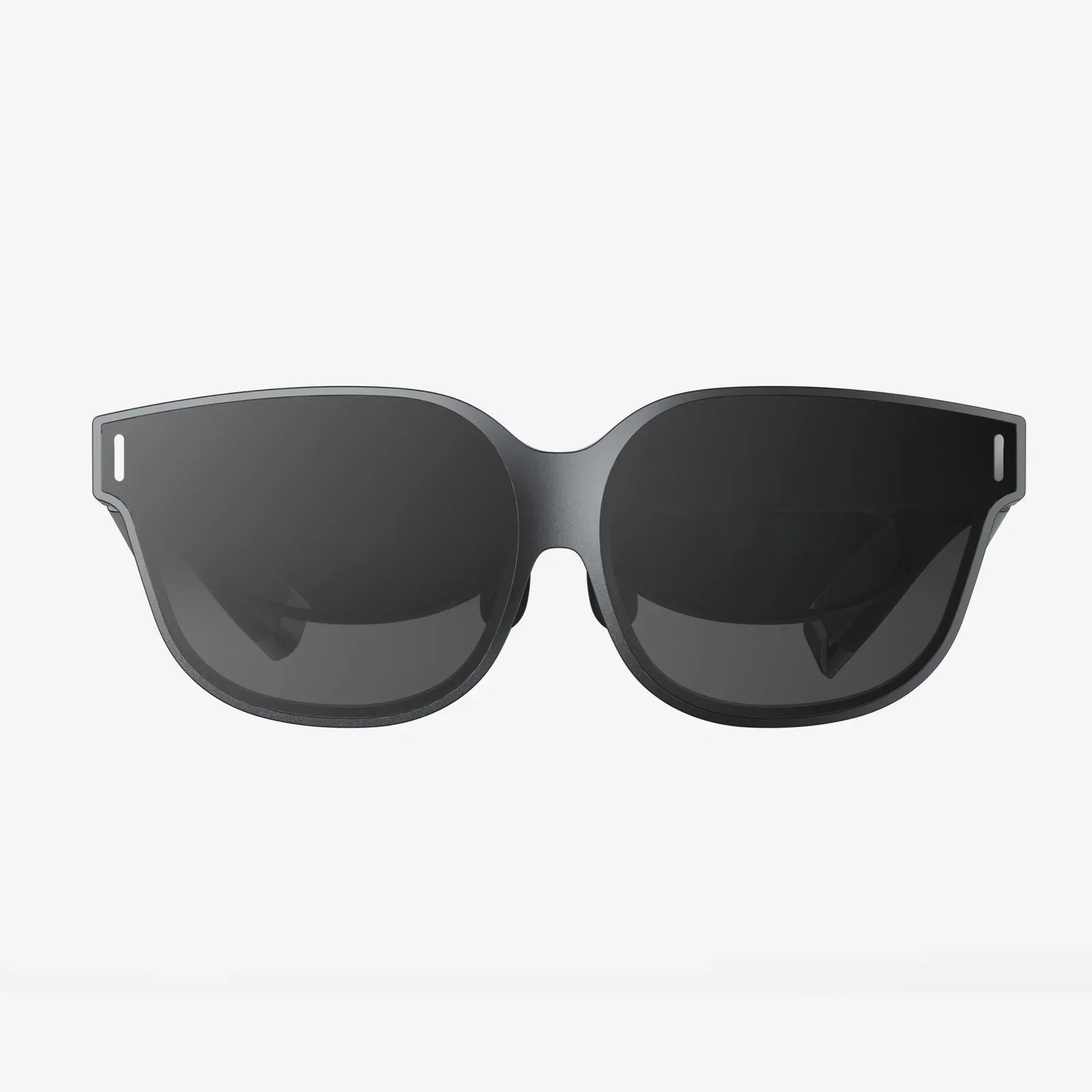
If you are planning a new website, app, or digital experience, a well-crafted vr section can instantly separate you from the crowd. Instead of just telling users about your ideas, you can let them step inside them. Whether you are a creator, educator, marketer, or developer, understanding how to design, structure, and optimize a vr section can dramatically increase engagement, time-on-page, and user satisfaction.
This guide walks you through everything you need to know: how to define the purpose of your vr section, how to structure the content, how to think about user experience, what technical choices matter, and how to keep people coming back. By the end, you will have a detailed blueprint you can adapt to your own project, even if you are not a VR expert yet.
What Is a vr section and Why It Matters
A vr section is a dedicated part of a website, app, or platform that offers users immersive, three-dimensional experiences. It might be a page showcasing 360-degree tours, a portal into interactive simulations, a hub for training modules, or a storytelling space where users explore virtual worlds.
Unlike static pages, a vr section is designed around interaction and presence. Users do not just read or watch content; they move through it, explore it, and often manipulate it. This shift from passive consumption to active participation has several powerful benefits:
- Higher engagement: Users spend more time exploring immersive environments than scrolling through text or images.
- Better retention: Information experienced in 3D is often easier to remember than information read in 2D.
- Emotional impact: Virtual environments can trigger stronger feelings of excitement, curiosity, or empathy.
- Differentiation: A polished vr section makes your project stand out in a world of similar-looking sites and apps.
Because of these advantages, vr sections are showing up in education, training, marketing, architecture, tourism, entertainment, and more. If your audience can benefit from seeing, exploring, or rehearsing something in 3D, a vr section is worth serious consideration.
Clarifying the Purpose of Your vr section
Before you design anything, define the main purpose of your vr section. This will drive every decision: layout, interactions, content, and metrics. Ask yourself:
- What problem does this vr section solve for users?
- What decisions or actions do I want users to take after visiting?
- How will I measure success?
Here are some common purposes a vr section can serve:
1. Education and Training
A vr section can simulate complex processes, hazardous environments, or delicate procedures safely and repeatedly. Think of:
- Virtual labs for science learning
- Practice scenarios for customer service or leadership skills
- Step-by-step walkthroughs of machinery or equipment
Your goal might be to improve knowledge retention, reduce training costs, or shorten the time it takes to reach proficiency.
2. Exploration and Discovery
Some vr sections are built to let users explore spaces they cannot easily visit in real life. Examples include:
- Virtual museum exhibits or historical reconstructions
- Tours of real estate, campuses, or industrial facilities
- Interactive product showrooms with detailed 3D models
Here, the goal might be to inspire curiosity, increase understanding, or support decision-making (such as choosing a venue or layout).
3. Storytelling and Entertainment
A vr section can become the heart of an interactive narrative or experience. This might include:
- Short immersive stories where users choose paths or perspectives
- Experiential marketing campaigns that let people "live" a message
- Gamified experiences that reward exploration and problem solving
Success here is often measured in repeat visits, social sharing, and emotional impact.
4. Visualization and Planning
For fields like architecture, engineering, or urban planning, a vr section can visualize ideas long before they exist physically. Users might:
- Walk through future buildings or interiors
- Explore multiple design options in real time
- Collaborate on spatial decisions with stakeholders
The aim is usually to reduce misunderstandings, speed up approvals, and improve design quality.
Structuring the Content of Your vr section
Once you know the purpose, you can design the structure of your vr section. A clear structure helps users understand what is available, how to navigate, and why they should stay.
Core Components of a vr section
Most effective vr sections include a combination of the following elements:
- Introductory overview: A clear explanation of what users can do, how to start, and what they need.
- Experience library or hub: A grid, list, or gallery of available VR experiences, scenes, or modules.
- Individual experience pages: Detailed pages for each VR experience, with descriptions, controls, and access options.
- Support and instructions: Guides, FAQs, and troubleshooting tips for new users.
- Feedback and engagement: Forms, surveys, or comment areas where users can respond and suggest improvements.
Think of your vr section as a small site within your site. Users should be able to discover, understand, and return to experiences without confusion.
Example Layout for a vr section
Here is a simple layout you can adapt:
- Hero area: A bold headline and short description explaining the value of the vr section, plus a primary call-to-action button such as "Enter the VR Hub".
- Quick-start panel: A short checklist: device requirements, controls overview, and a "Start with a guided tour" link.
- Experience categories: Sections such as "Training", "Exploration", "Stories", or "Showcase", each with a few featured experiences.
- Featured experience of the week: A spotlight area that encourages users to try something new.
- Help and support: Links to guides, compatibility info, and contact or feedback forms.
- Updates and news: A small area highlighting new scenes, improvements, or upcoming releases.
Use headings, visual separation, and concise text to keep the structure clean and inviting.
User Experience Principles for a vr section
Good VR is not just about impressive visuals. It is about comfort, clarity, and control. A poorly designed vr section can cause confusion, frustration, or even motion discomfort. These UX principles will help you avoid common pitfalls.
Make Onboarding Effortless
Many users will be new to VR. Your vr section should guide them gently into their first experience. Consider including:
- A clear "Start Here" area: Offer a beginner-friendly experience that requires minimal interaction.
- Simple instructions: Use short bullet points or icons to explain navigation and controls.
- Device detection: If possible, detect whether the user is on a desktop, mobile device, or headset and tailor instructions accordingly.
Keep technical jargon to a minimum. Instead of complex terms, use language like "Look around by moving your head" or "Use your controller to point and click".
Prioritize Comfort and Safety
Comfort is essential. If users feel dizzy or disoriented, they will not return to your vr section. Some key practices include:
- Stable movement: Favor teleportation or short, controlled movements over fast, continuous motion.
- Reference points: Include stable elements like a horizon line or a static frame of reference.
- Adjustable settings: Allow users to adjust movement speed, rotation style, or comfort options.
- Session length cues: Suggest breaks or offer natural stopping points in longer experiences.
Add a short note about taking breaks and stopping if users feel discomfort. This builds trust and signals that you care about their well-being.
Design for Accessibility and Inclusion
A truly effective vr section should be accessible to as many people as possible. Consider:
- Multiple input methods: Support gaze-based selection, controllers, and keyboard or mouse where possible.
- Subtitles and captions: Provide text for audio content and important sound cues.
- Color and contrast: Use high contrast and avoid relying solely on color to convey meaning.
- Alternative views: Offer non-VR or 2D versions of key content for users who cannot use VR.
Accessibility is not just a legal or ethical requirement. It also expands your audience and increases the impact of your vr section.
Maintain Clear Navigation and Orientation
Users should never feel lost inside your vr section. Help them stay oriented with:
- Consistent menus: A persistent menu or home button that works the same way across all experiences.
- Location indicators: Subtle labels or maps that show where the user is within a scene.
- Exit options: A clear way to leave the experience or return to the main hub at any time.
When users know they can leave or reset easily, they feel more comfortable exploring.
Technical Considerations for Building a vr section
The technical side of a vr section can seem daunting, but you can break it down into manageable pieces: platform, performance, compatibility, and content pipeline.
Choosing Platforms and Delivery Methods
Decide where and how users will access your vr section. Common options include:
- Web-based VR: Experiences that run in a browser, often using WebGL and related technologies. These are accessible on desktops and some headsets.
- Mobile VR: Experiences designed for mobile devices, sometimes with optional head-mounted viewers.
- Dedicated headset apps: Native applications for specific VR headsets, offering higher performance but requiring installation.
For a general audience, web-based VR is often the most accessible starting point. It allows you to embed VR content directly into a vr section on your site and reach users without asking them to install additional software.
Performance and Optimization
Performance can make or break your vr section. Low frame rates or long loading times can ruin the experience. Focus on:
- Efficient 3D assets: Use optimized models with reasonable polygon counts and compressed textures.
- Level of detail: Adjust detail based on distance from the user to save resources.
- Asynchronous loading: Load scenes or assets in the background to avoid freezing or long delays.
- Testing on multiple devices: Check performance on mid-range hardware, not just high-end systems.
Provide visual feedback during loading, such as progress indicators or short tips, so users know the experience is working.
Cross-Device Compatibility
Your vr section will likely attract visitors using a wide range of devices. To accommodate them:
- Responsive design: Ensure the surrounding page layout adapts to different screen sizes, from phones to large monitors.
- Fallback modes: Offer a 2D or 360-degree view for users without VR hardware.
- Input abstraction: Design interactions that can map to different controllers or input methods.
Clearly label which experiences are best suited to which devices, so users know what to expect before they launch them.
Content Management and Updates
A vr section is more powerful when it evolves over time. Plan a content pipeline that lets you:
- Add new scenes or modules: Introduce fresh experiences regularly to encourage repeat visits.
- Update existing content: Fix issues, improve visuals, or refine interactions based on user feedback.
- Track versions: Keep records of changes so you can roll back if needed.
Consider using a content management system or internal tools to handle metadata, descriptions, and thumbnails for your VR experiences. This makes your vr section easier to maintain at scale.
Designing Compelling Content for a vr section
Even the best structure and technology will not help if the content itself is dull. To keep users engaged, your VR experiences should be purposeful, interactive, and emotionally resonant.
Start with Strong Concepts
Ask yourself why a particular idea belongs in VR rather than as a video or article. Good candidates for VR include:
- Spatial experiences: Anything where size, distance, or layout matter.
- Procedural tasks: Processes that benefit from practice in a realistic environment.
- Emotional journeys: Scenarios where presence and perspective shape the message.
If an idea does not gain something from immersion or interaction, it may be better suited to traditional media instead of your vr section.
Use Interaction Thoughtfully
Interaction is a core strength of VR, but too much complexity can overwhelm users. Focus on:
- Simple, intuitive actions: Pointing, grabbing, pushing, and teleporting are easy to understand.
- Meaningful choices: Let users make decisions that change the experience, such as choosing paths or tools.
- Clear feedback: Provide visual or audio responses when users interact with objects or controls.
Build short, focused interactions before attempting very complex systems. You can always expand later once you understand how users behave in your vr section.
Guide Users with Subtle Cues
In VR, users can look anywhere, which is both a strength and a challenge. Use environmental design to guide attention:
- Lighting: Highlight important areas or objects with brighter or warmer light.
- Sound: Use directional audio to draw users toward points of interest.
- Motion: Subtle animations can catch the eye and suggest where to go next.
- Landmarks: Distinctive shapes or structures help users orient themselves.
These cues should feel natural and integrated, not like flashing arrows or intrusive messages, unless you are designing a tutorial.
Balance Freedom and Structure
Users enjoy freedom in VR, but they also appreciate guidance. In your vr section, aim for:
- Clear objectives: Briefly state what users can try or discover in each experience.
- Optional exploration: Allow curious users to wander while still providing a core path.
- Short sessions: Design experiences that can be completed in manageable time blocks, with the option to continue.
This approach keeps your vr section approachable for newcomers while still rewarding power users who want to explore deeper.
Integrating a vr section into Your Overall Experience
A vr section works best when it is integrated into your broader digital ecosystem, not isolated. Think about how users discover it, how it supports your goals, and how it connects with other content.
Discovery and Promotion
To ensure your vr section is actually used, make it easy to find and appealing to try:
- Prominent navigation: Add the vr section to your main menu or homepage.
- Teaser content: Use short clips, screenshots, or interactive previews to spark curiosity.
- Contextual links: Place links to relevant VR experiences within related articles, lessons, or product pages.
Highlight the benefits clearly: what users will gain, how long it takes, and what they need to get started.
Connecting VR with Other Content
Your vr section should complement, not replace, other formats. Consider:
- Pre- and post-experience materials: Provide articles, videos, or quizzes that prepare users for VR or help them reflect afterward.
- Downloadable resources: Offer summaries, diagrams, or checklists related to the VR content.
- Cross-format learning paths: Design sequences that combine reading, watching, and VR for a richer journey.
By weaving VR into a broader narrative or curriculum, you increase its value and make it easier to justify the investment.
Analytics and Continuous Improvement
To refine your vr section over time, track how users interact with it. Valuable metrics include:
- Number of launches per experience
- Average session length
- Completion rates for guided scenarios
- Drop-off points within experiences
- User feedback and ratings
Use this data to identify which experiences are most successful, where users struggle, and what types of content to create next. Small, iterative improvements can dramatically increase the impact of your vr section over time.
Monetization and Business Models for a vr section
If you are building a vr section as part of a commercial project, you may want to generate revenue directly or indirectly. Several models are possible, depending on your audience and goals.
Subscription or Membership Access
For ongoing educational or training content, a subscription model can work well. Users pay recurring fees for access to:
- A growing library of VR experiences
- Progress tracking and personalized recommendations
- Premium support or live sessions
Your vr section becomes a key value driver for the subscription, especially if you update it regularly.
One-Time Purchases and Bundles
Another option is to sell individual VR experiences or bundles. For example:
- Specialized training modules for specific roles or scenarios
- Premium guided tours or in-depth visualizations
- Exclusive story experiences with high production value
Your vr section can serve as the storefront and delivery platform, showcasing previews and explaining benefits.
Lead Generation and Indirect Revenue
In some cases, the vr section is not monetized directly but supports other business goals, such as:
- Attracting new leads or clients through impressive demos
- Shortening sales cycles by clarifying complex offerings
- Enhancing brand perception through innovation
You can integrate forms, calls to action, or contact options around your VR content to convert interest into tangible opportunities.
Partnerships and Sponsored Content
If your vr section attracts a strong audience, you can collaborate with partners to create sponsored experiences or co-branded modules. This can help offset production costs and expand your reach, as long as you maintain quality and relevance for your users.
Future-Proofing Your vr section
VR technology is evolving quickly, and your vr section should be flexible enough to adapt. While you cannot predict everything, you can design with future growth in mind.
Modular Architecture
Build your vr section as a collection of modules rather than one monolithic experience. This makes it easier to:
- Add or remove experiences without breaking the whole system
- Experiment with new interaction patterns or visual styles
- Update individual scenes as hardware and software improve
A modular approach also supports personalization, allowing you to recommend different modules to different users based on their interests or progress.
Standards and Interoperability
Where possible, rely on widely adopted standards and formats. This increases the chances that your vr section will remain compatible with future devices and platforms. Consider:
- Using common 3D formats for models and scenes
- Following best practices for web-based VR when applicable
- Keeping your content separate from platform-specific code when you can
This does not mean avoiding innovation, but it does mean planning for portability and longevity.
Iterative Roadmap and User Involvement
Finally, treat your vr section as a living project. Create a roadmap that includes:
- Short-term improvements based on current feedback
- Medium-term goals like new content categories or features
- Long-term experiments with emerging technologies or devices
Invite users to participate in this evolution. Ask for suggestions, run small tests, and share updates on what you are building next. When users feel heard and see their feedback reflected in the vr section, they are more likely to stay engaged and recommend it to others.
Your Next Steps Toward a High-Impact vr section
A thoughtfully designed vr section can transform how people learn, explore, and connect with your work. It is more than a technical showcase; it is a new way to tell stories, explain ideas, and let users experience what you offer instead of just reading about it.
To move from ideas to action, start with a simple plan:
- Define the primary purpose of your vr section and the audience it serves.
- Sketch a clear structure with an inviting hub, intuitive navigation, and a few focused experiences.
- Choose accessible platforms and prioritize comfort, clarity, and performance.
- Launch with a small but polished set of VR experiences and gather detailed feedback.
- Iterate, expand, and refine based on real user behavior and evolving goals.
By following these steps, you can turn a simple vr section into a signature part of your digital presence, one that keeps visitors exploring, learning, and returning for more. The sooner you begin building and testing, the sooner you will discover how powerful immersive experiences can be for your audience and your objectives.
共有:
Virtual Reality Combo Experiences That Transform How You Play And Learn
ar glasses for gaming supplier strategies to dominate the immersive market