


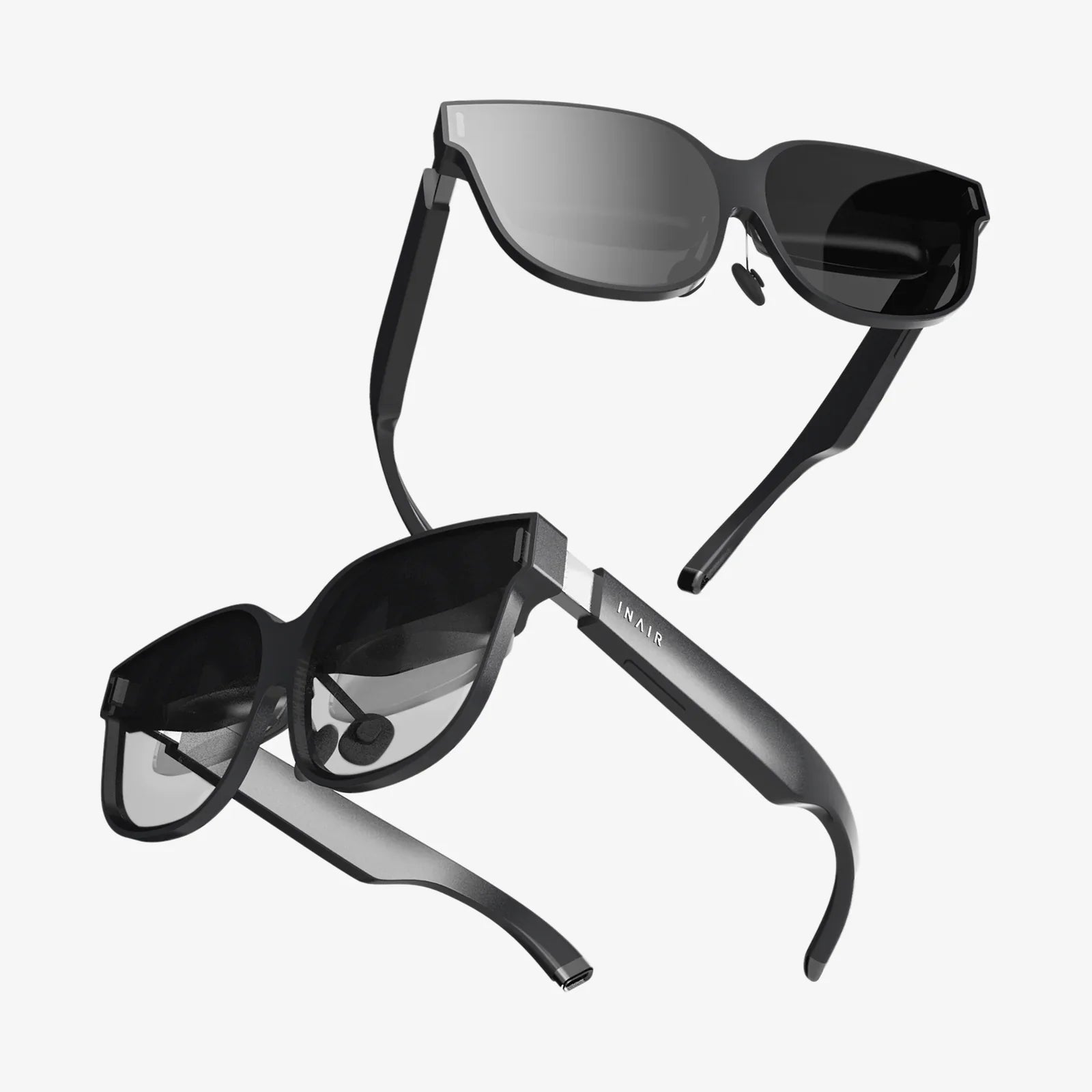
3D immersive collaboration is no longer science fiction; it is rapidly becoming the competitive edge that separates forward-thinking teams from those that struggle to keep up. As organizations search for ways to cut travel costs, speed up decision-making, and keep distributed teams engaged, immersive collaboration is emerging as the next major shift after email, video conferencing, and cloud-based tools. If you have ever felt that traditional meetings and screen shares are not enough for complex work, this technology may be exactly what your team has been missing.
At its core, 3D immersive collaboration combines real-time communication with a shared virtual environment, allowing people to interact as if they were in the same physical space. Instead of staring at a grid of faces in a video call, participants stand side by side around a virtual model, manipulate data in three dimensions, and communicate through spatial cues that feel surprisingly natural. This article dives deep into what 3D immersive collaboration is, how it works, where it is already delivering value, and how you can start preparing your team for this new way of working.
What 3D Immersive Collaboration Really Means
Many people hear the term and immediately think of video games or entertainment, but 3D immersive collaboration is fundamentally about work. It refers to the use of virtual or mixed reality environments where multiple users can join, interact, and collaborate in real time, using 3D content and spatial communication.
Instead of sharing flat slides or static documents, teams share:
- 3D models of products, buildings, or systems
- Spatial data such as maps, floor plans, or digital twins
- Virtual whiteboards and sticky notes placed in 3D space
- Simulated environments for training and rehearsal
Participants are typically represented by avatars or mixed-reality presence, and they can point, gesture, walk around objects, and occupy different vantage points. This creates a sense of co-presence that traditional tools struggle to replicate.
Core Technologies Behind 3D Immersive Collaboration
3D immersive collaboration is not a single technology but a stack of complementary components. Understanding these layers makes it easier to see what is required to adopt the approach in your organization.
Extended Reality Devices
Immersive collaboration usually relies on one or more of the following device types:
- Virtual reality headsets: Fully immersive devices that block out the physical world and place the user inside a digital environment.
- Augmented reality glasses: Transparent or semi-transparent displays that overlay digital content onto the real world, allowing users to see both simultaneously.
- Mixed reality headsets: Devices that anchor digital objects into the physical environment, allowing users to walk around and interact with virtual content as if it were part of the real world.
- Standard computers and mobile devices: Many platforms allow participation via laptops, tablets, or phones, offering a less immersive but more accessible experience.
Real-Time 3D Engines
Behind the scenes, real-time 3D engines render environments, objects, lighting, and physics. These engines support:
- High-fidelity 3D models and textures
- Real-time lighting and shadows
- Physics-based interactions, such as grabbing, dropping, or colliding objects
- Animation of avatars and objects
They are responsible for making the virtual environment feel convincing and responsive, which is crucial for collaboration to feel natural.
Networking and Multiuser Synchronization
Immersive collaboration depends on low-latency communication. Networking layers synchronize:
- User positions, head and hand movements
- Voice communication
- Object states, such as the position of a model or annotations
- Shared tools like whiteboards and menus
The goal is to ensure that every participant sees the same environment and actions with minimal delay, which is essential for effective teamwork.
Content Management and Integration
To be useful for business, 3D immersive collaboration must connect with existing data and workflows. This includes:
- Importing 3D models from design and engineering tools
- Connecting to project management or documentation systems
- Storing recordings, screenshots, and annotations from sessions
- Managing user access, roles, and permissions
Organizations that treat immersive collaboration as part of their broader digital ecosystem see the greatest benefits.
Why 3D Immersive Collaboration Matters Now
Several trends are converging to make immersive collaboration not just possible but increasingly necessary:
- Remote and hybrid work: Distributed teams are now the norm, but video calls and chat can only go so far.
- Complex, spatial problems: Many industries deal with 3D products, infrastructure, or environments that are hard to understand on a flat screen.
- Pressure to reduce travel: Organizations are cutting travel budgets for cost, time, and sustainability reasons.
- Advances in hardware: Devices are becoming more affordable, comfortable, and easier to deploy.
3D immersive collaboration directly addresses these trends by providing a way to meet, think, and create together in a shared digital space that feels much closer to a real-world workshop or site visit.
Key Benefits of 3D Immersive Collaboration
Adopting immersive collaboration is not just about novelty. It delivers tangible advantages across several dimensions of work.
1. Deeper Understanding of Complex Information
Humans are spatial thinkers. When teams can walk around a virtual building, disassemble a product, or explore a simulated environment, they often spot issues and opportunities that would be invisible in 2D.
This leads to:
- Earlier detection of design flaws
- Better alignment on requirements and constraints
- More informed decisions about trade-offs
For example, a cross-functional team can gather in a virtual model of a facility and immediately see whether equipment layouts, safety clearances, and maintenance access points are practical, rather than relying on abstract drawings.
2. Stronger Engagement and Presence
Traditional video meetings often lead to multitasking and disengagement. In a 3D immersive space, participants are more likely to stay focused because the environment demands their attention and provides more ways to participate.
Benefits include:
- Higher participation in discussions
- More natural turn-taking and social cues
- A greater sense of “being there” with colleagues
This sense of presence can strengthen relationships within distributed teams and reduce the isolation that some remote workers feel.
3. Faster Iteration and Decision-Making
In many workflows, design changes or strategy decisions require multiple rounds of documents, emails, and meetings. 3D immersive collaboration compresses these cycles by bringing everyone into the same space with the same information.
Teams can:
- Review and adjust designs together in real time
- Test different scenarios by manipulating models and data
- Reach consensus more quickly because misunderstandings are reduced
This accelerated feedback loop can shorten project timelines and reduce costly rework.
4. Reduced Travel and Environmental Impact
Site visits, design reviews, and training sessions often require people to fly across the country or around the world. While some travel will always be necessary, immersive collaboration can replace a significant portion of it.
Replacing physical visits with virtual ones can:
- Cut travel expenses
- Reduce carbon emissions
- Free up time for deep work instead of transit
Over time, these savings can more than offset the cost of deploying immersive tools.
5. Safer and More Effective Training
Training in high-risk environments or on complex equipment is often expensive, logistically complicated, and potentially dangerous. 3D immersive collaboration allows teams to simulate these environments in a controlled way.
Advantages include:
- Practice of emergency procedures without real-world risk
- Step-by-step guidance in operating machinery or systems
- Ability to repeat scenarios until competence is achieved
Because trainees learn by doing, retention and confidence often improve compared to traditional classroom or video-based methods.
Real-World Use Cases Across Industries
3D immersive collaboration is versatile. Here are some of the most impactful ways organizations are using it today.
Design and Engineering Reviews
Design teams can import 3D models of products, vehicles, or structures into a shared virtual environment. Stakeholders from engineering, manufacturing, operations, and marketing join the same session to evaluate the design from every angle.
Typical activities include:
- Walking around and inside models at true scale
- Exploding assemblies to inspect internal components
- Marking issues directly on the model for follow-up
- Comparing design variants side by side
This approach helps catch problems early and ensures that different departments align on what is being built.
Architecture, Construction, and Real Estate
Architects, builders, and clients can meet inside virtual representations of buildings long before construction begins. This allows them to experience spaces as they will actually feel, not just as 2D drawings.
Teams can:
- Evaluate sightlines, lighting, and circulation
- Test furniture layouts and interior finishes
- Identify clashes between structural, mechanical, and electrical systems
- Walk clients through multiple design options in a single session
For real estate, potential buyers or tenants can tour properties remotely, reducing the need for in-person visits until they are truly serious.
Operations, Maintenance, and Field Support
Operations and maintenance teams can use immersive collaboration to understand complex systems and coordinate interventions. For example, a remote expert can join a session with field technicians, guiding them through a 3D model that matches the equipment they are servicing.
This can involve:
- Highlighting components that need inspection or replacement
- Demonstrating disassembly and reassembly steps
- Simulating different failure scenarios for troubleshooting
By combining immersive collaboration with live data from sensors, teams can even explore digital twins of operational assets, improving situational awareness and decision-making.
Training and Simulation
Immersive training scenarios can be built for a wide range of roles, from technical operators to customer-facing staff. In a shared virtual environment, trainees can practice together, observe each other, and receive real-time feedback from instructors.
Examples include:
- Emergency response drills in simulated facilities
- Onboarding tours of virtual workplaces
- Soft skills training, such as handling difficult conversations in realistic settings
- Complex procedure rehearsals with step-by-step guidance
Because scenarios are reusable and scalable, organizations can train more people more consistently than with traditional methods.
Strategic Planning and Data Visualization
3D immersive collaboration is not limited to physical objects. It can also be used to visualize abstract data and strategic plans in spatial ways. For instance, teams can explore:
- Geospatial data on interactive maps
- Network topologies or system architectures
- Customer journeys mapped across virtual environments
- Timelines and roadmaps represented as navigable 3D spaces
This can make patterns and relationships easier to grasp, especially for cross-functional teams who do not share the same technical background.
Design Principles for Effective Immersive Collaboration Spaces
Simply placing people in a virtual environment is not enough. To make 3D immersive collaboration productive, the spaces themselves must be thoughtfully designed.
Clarity and Simplicity
Overly complex environments can distract from the work at hand. Effective spaces:
- Use clear visual hierarchies to highlight important content
- Provide obvious places for specific activities, such as review zones or breakout areas
- Minimize unnecessary decoration that does not support the task
The goal is to support focus, not to impress users with visual spectacle.
Intuitive Interaction
Participants should not need extensive training to move, point, grab, or annotate. Good interaction design:
- Uses familiar gestures, such as reaching and pointing
- Provides visual and auditory feedback for actions
- Avoids complex menus buried in multiple layers
When interactions feel natural, participants can concentrate on collaboration rather than on the tools.
Support for Multiple Roles
Different participants have different needs. A well-designed immersive space accounts for roles such as:
- Facilitators who manage the flow of the session
- Subject matter experts who manipulate content
- Observers who primarily watch and listen
- Note-takers who capture decisions and action items
Features like spotlighting speakers, controlling access to tools, and organizing content areas help these roles work together smoothly.
Accessibility and Comfort
Immersive collaboration should be inclusive. Considerations include:
- Providing non-headset options for those who cannot or prefer not to use VR or AR
- Allowing users to adjust scale, locomotion, and comfort settings
- Supporting seated and standing modes
- Designing for short, focused sessions with breaks to reduce fatigue
Comfort is critical to ensuring that people are willing to participate regularly.
Challenges and Limitations to Address
While 3D immersive collaboration offers major benefits, it is not without obstacles. Being aware of these challenges helps organizations plan realistic adoption strategies.
Hardware Costs and Logistics
Outfitting a team with immersive devices requires upfront investment and ongoing management. Organizations must consider:
- Device procurement, distribution, and maintenance
- Sanitation and sharing policies for shared devices
- Replacement cycles and upgrades
However, starting with a small pilot group and mixing device types can reduce initial costs while still demonstrating value.
Learning Curve and User Adoption
Not everyone is immediately comfortable with immersive technology. Some users may experience motion discomfort or feel self-conscious using headsets. To ease adoption:
- Provide simple onboarding sessions focused on basic navigation and interaction
- Offer alternative participation methods, such as desktop access
- Choose early use cases where the benefits are obvious and compelling
Over time, familiarity tends to increase, and resistance often fades as people experience real productivity gains.
Content Creation and Management
Immersive environments need content to be valuable. Creating and maintaining 3D models, scenarios, and data visualizations can be resource-intensive.
Strategies to handle this include:
- Reusing existing 3D assets from design, engineering, or visualization teams
- Standardizing formats and workflows for importing content
- Building a shared library of reusable environments and components
As libraries grow, the cost per use case drops, and the value of the immersive ecosystem increases.
Security and Privacy
Collaborative sessions often involve sensitive information, whether it is product designs, operational data, or strategic plans. Organizations must ensure that:
- Access to environments and content is properly controlled
- Data in transit and at rest is protected
- Recordings and analytics are handled in line with privacy and compliance requirements
Security considerations should be addressed early, especially in regulated industries.
Integration with Existing Workflows
If immersive collaboration is isolated from other tools, it risks becoming a novelty rather than a core capability. To avoid this, organizations should plan for:
- Integration with project and task management systems
- Export of session outcomes, such as notes and annotated models, into existing repositories
- Clear processes for scheduling, running, and following up on immersive sessions
When immersive collaboration fits naturally into how teams already work, adoption is smoother and value is easier to demonstrate.
Practical Steps to Get Started with 3D Immersive Collaboration
Moving from curiosity to implementation does not require a massive transformation. The most successful organizations start small, learn quickly, and scale thoughtfully.
1. Identify High-Impact Use Cases
Begin by asking where your current collaboration methods fall short. Look for situations where:
- Teams struggle to understand complex spatial information
- Miscommunication leads to rework or delays
- Travel is frequent and expensive for meetings or reviews
- Training is risky, costly, or difficult to coordinate
Choose one or two use cases where immersive collaboration could make a visible difference within a few months.
2. Assemble a Cross-Functional Pilot Team
Bring together a small group that includes:
- Business owners who feel the pain of current workflows
- Technical experts who can manage devices and integrations
- End users who will participate in sessions
- Change champions who can communicate results
This team will design, execute, and evaluate the pilot, ensuring that both technical and business perspectives are represented.
3. Select Tools and Devices for the Pilot
For an initial pilot, you do not need to standardize on a single device type. Instead:
- Provide headsets to a subset of users who will benefit most from full immersion
- Allow others to join via desktop or mobile to maximize participation
- Choose a platform that supports multiuser sessions and basic integration with your content sources
The goal is to test workflows and user experience, not to finalize long-term infrastructure decisions.
4. Prepare Content and Scenarios
For each pilot session, prepare content that is directly relevant to real work. This could include:
- Existing 3D models or layouts
- Digital representations of training environments
- Data visualizations transformed into spatial formats
Design scenarios that mirror actual tasks: a design review, a training exercise, or a strategic planning workshop. Clear objectives make it easier to evaluate success.
5. Run Structured Pilot Sessions
Approach early sessions as experiments. For each one:
- Define the goals and expected outcomes
- Assign roles, such as facilitator, content owner, and observer
- Provide a brief orientation to controls and interaction methods
- Capture feedback immediately after the session
Look for both quantitative outcomes (time saved, issues identified) and qualitative feedback (user comfort, perceived value).
6. Measure Impact and Iterate
After several sessions, review the results with your pilot team. Consider:
- Where immersive collaboration clearly outperformed traditional methods
- Where it added complexity without clear benefit
- Which user groups were most enthusiastic and why
- What technical or process changes would improve the experience
Use these insights to refine your approach, expand to additional use cases, or adjust your technology choices.
7. Plan for Scaling and Governance
Once you have proven value in one or two areas, you can begin to scale. This involves:
- Defining standards for devices, platforms, and content formats
- Establishing guidelines for security, privacy, and data retention
- Creating training materials and support structures for new users
- Integrating immersive collaboration into formal processes and playbooks
At this stage, 3D immersive collaboration shifts from experiment to core capability.
The Future Trajectory of 3D Immersive Collaboration
While current tools are already powerful, the next few years will bring even more significant advances that will broaden adoption and deepen impact.
Improved Devices and Comfort
Headsets and glasses are becoming lighter, more comfortable, and more visually impressive. Future devices are likely to feature:
- Higher resolution and wider fields of view
- Longer battery life and better wireless performance
- More natural input methods, such as eye tracking and hand tracking
These improvements will make longer sessions more feasible and broaden the range of tasks that can be comfortably performed in immersive environments.
More Intelligent Environments
As artificial intelligence continues to advance, immersive environments will become more adaptive and helpful. Possibilities include:
- Automated transcription and summarization of sessions
- Context-aware recommendations for content and tools
- Virtual assistants that help users navigate, annotate, or analyze data
- Real-time translation for global teams
These capabilities will reduce friction and allow participants to focus more on problem-solving and creativity.
Deeper Integration with Enterprise Systems
Immersive collaboration will increasingly connect to core business systems, such as:
- Product lifecycle management and design repositories
- Asset management and operational monitoring platforms
- Human resources and learning management systems
- Customer relationship and support tools
This will enable seamless transitions between planning, execution, and review, with immersive sessions becoming just another part of the digital workflow.
Normalization of Spatial Workflows
As more people gain experience in 3D environments, spatial workflows will feel less like a novelty and more like a normal way of working. New generations entering the workforce, already familiar with interactive 3D from entertainment and education, will expect similar capabilities in their professional tools.
Organizations that invest early will have the advantage of mature practices and institutional knowledge when immersive collaboration becomes an everyday expectation.
3D immersive collaboration is poised to reshape how teams think, communicate, and create together. Whether you are designing complex products, orchestrating global operations, training the next generation of experts, or simply trying to make distributed teamwork more human, immersive environments offer a powerful new medium. The organizations that move first will not just gain efficiency; they will redefine what collaboration can be, turning distance and complexity into opportunities for richer, more insightful work. Now is the moment to explore how this emerging capability can elevate your own projects and set your team apart.
Share:
Apps for AR Glasses That Are Quietly Transforming Daily Life
Computer Vision AI Technology: The Eyes of the Machine and the Future They See