


Imagine pointing your phone at a city street and seeing historical facts float above the buildings, or visualizing a new sofa perfectly in your living room before you buy, or battling digital creatures hiding in your local park. This isn't science fiction; it's the reality offered by AR compatible Android phones, and it's a technological revolution waiting in your pocket. The line between our physical world and the digital realm is blurring, and the key to unlocking this new dimension is choosing the right device. This deep dive will explore everything you need to know about Android phones that are ready for augmented reality, from the essential hardware under the hood to the breathtaking applications that are changing how we work, play, and learn.
The Engine of Illusion: Core Hardware for AR
Not all smartphones are created equal when it comes to delivering a seamless AR experience. The magic of overlaying digital content onto the real world requires a sophisticated suite of hardware components working in perfect harmony.
The Mighty Processor (SoC)
The System on a Chip (SoC) is the brain of the operation. AR applications are incredibly demanding, requiring the processor to handle complex computer vision algorithms, high-fidelity graphics rendering, and precise motion tracking simultaneously. A powerful CPU and, more importantly, a robust GPU (Graphics Processing Unit) are non-negotiable. Mid-range and older chipsets often struggle with the intense computational load, leading to lag, jittery animations, and a broken sense of immersion. For a truly smooth and responsive AR experience, a device equipped with a modern, high-performance processor is essential. This processing power ensures that the digital dragon sitting on your desk doesn't stutter as you walk around it.
Vision and Perception: Cameras and Sensors
If the processor is the brain, the cameras and sensors are the eyes and the inner ear. A high-resolution primary camera is important for capturing the real world clearly, but it's only part of the story. For AR to feel locked in place, the phone must understand the geometry of its environment. This is achieved through a combination of technologies:
- High-Resolution Cameras: Multiple cameras, including wide-angle and telephoto lenses, help with depth perception and spatial mapping.
- Time-of-Flight (ToF) Sensor: This specialized sensor fires infrared light points into a room and measures how long they take to bounce back, creating a incredibly detailed depth map of the environment. This allows digital objects to accurately occlude behind real-world furniture and interact with the geometry of a space.
- Gyroscope and Accelerometer: These sensors track the phone's orientation and movement with extreme speed and precision, ensuring the AR content stays aligned with your perspective as you move the device.
The Software That Binds: ARCore and Beyond
Powerful hardware is useless without sophisticated software to orchestrate it. For the Android ecosystem, this software foundation is provided by ARCore, a platform developed to enable AR experiences.
Understanding ARCore
ARCore is essentially the AR operating system for compatible Android phones. It does the heavy lifting by using the phone's cameras and sensors to perform three critical tasks:
- Motion Tracking: It understands and tracks the phone's position in the world relative to its starting point.
- Environmental Understanding: It detects horizontal surfaces like floors and tables, and vertical surfaces like walls, allowing apps to place objects on them.
- Light Estimation: It analyzes the ambient light in the room and adjusts the lighting and shadows of the digital object to match its surroundings, making it look believably integrated.
When a phone is certified as "ARCore compatible," it means it has passed a series of tests proving its hardware is capable of running this software smoothly and reliably. This certification is the single most important indicator that a device is truly ready for augmented reality.
A World of Possibilities: Applications of AR
The true value of an AR compatible Android phone is revealed through its applications. The use cases extend far beyond simple games and filters, penetrating numerous aspects of daily life.
Gaming and Entertainment
This is the most well-known arena for AR. Games transform your entire environment into a playground. You can defend your home from alien invasions, solve puzzles that unfold on your kitchen table, or play a digital board game with a friend thousands of miles away, both seeing the same game pieces on your respective tables. It creates a social, active, and deeply immersive form of entertainment that is impossible to replicate on a flat screen.
Practical Utilities and Shopping
AR is a powerful tool for visualization and decision-making. Shopping apps allow you to project life-sized models of furniture, electronics, or appliances into your home to check for fit, style, and color before purchasing. Measurement apps turn your phone into a digital tape measure, allowing you to quickly and accurately measure rooms, furniture, or anything else by simply pointing the camera. Navigation apps can overlay directional arrows and information onto a live view of the street, making it intuitive to find your way in a new city.
Education and Learning
AR brings learning to life. Students can dissect a virtual frog, explore the solar system in the middle of their classroom, or watch historical events play out on their desk. Anatomy apps can project a detailed, interactive human body for medical students to study. This interactive, visual form of learning enhances engagement and improves information retention.
Choosing Your AR Companion: A Buyer's Guide
With so many options on the market, selecting the right AR compatible Android phone can be daunting. Focus on these key aspects to make an informed decision.
Checking for ARCore Compatibility
Your first and most crucial step is to consult the official list of ARCore supported devices. This list is maintained and regularly updated. Never assume a phone supports ARCore; always verify. While some uncertified phones might run AR apps, the experience will often be subpar, buggy, or completely unavailable.
Prioritizing Key Specifications
Once you've narrowed your search to certified devices, consider these specs:
- A Recent, Powerful Processor: Don't cut corners here. Opt for a device with a flagship or high-tier processor from the last two generations.
- Ample RAM: 6GB is a good starting point, but 8GB or more will ensure smoother multitasking within demanding AR applications.
- A High-Quality Display: A bright, high-resolution OLED or AMOLED screen with a high refresh rate (90Hz or 120Hz) will make the AR visuals crisp, vibrant, and buttery smooth.
- Sensor Suite: Look for phones that mention a ToF sensor or advanced depth-sensing capabilities for the most immersive object occlusion.
- Battery Life: AR is a power-intensive activity. A large capacity battery is essential for prolonged AR sessions without being tethered to an outlet.
The Future is Augmented
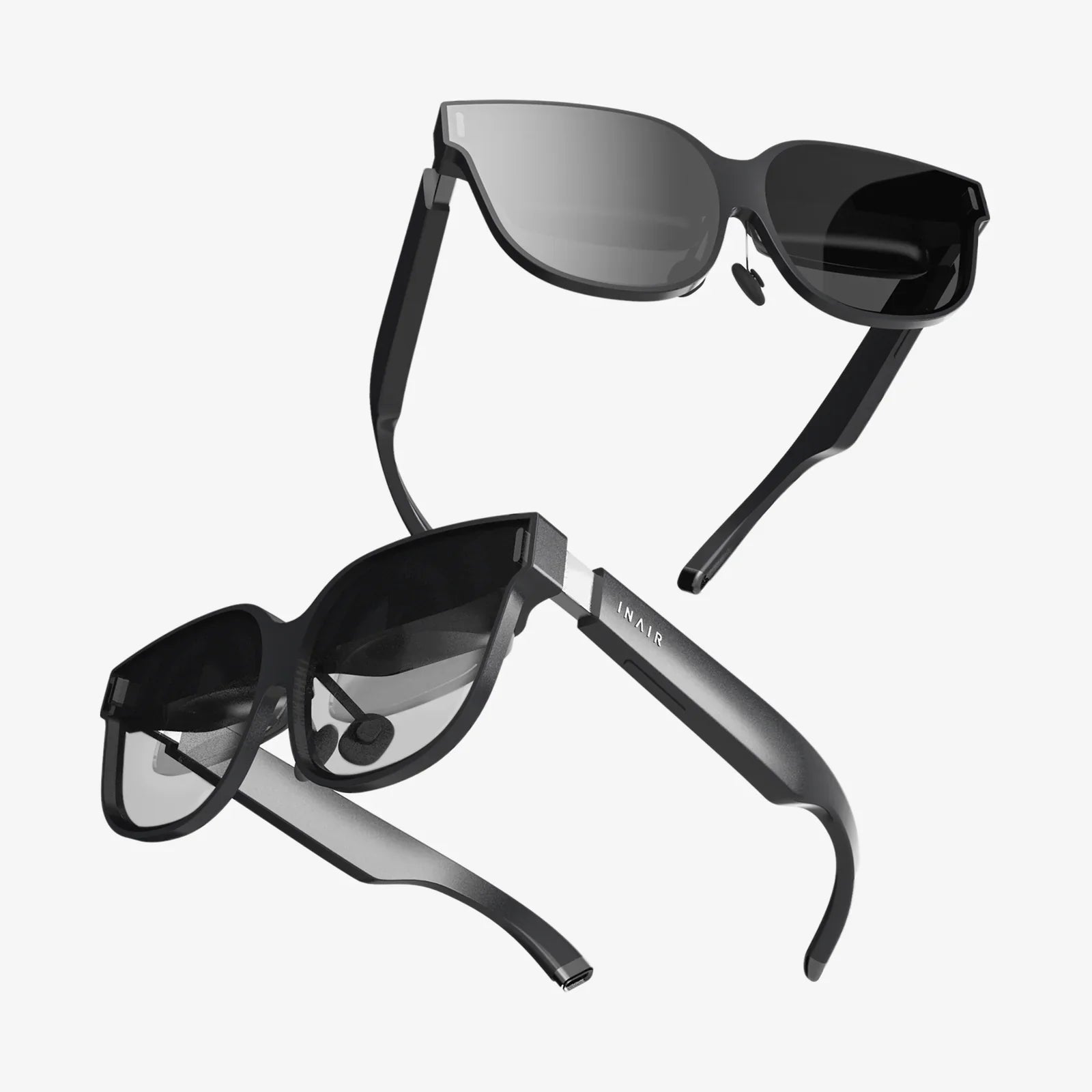
The trajectory of AR is pointing towards even deeper integration into our lives. The future may involve lighter AR glasses that use your phone as a compute pack, or even more advanced sensors that can understand and interact with the world on a semantic level. The evolution of 5G connectivity will also enable cloud-based AR, offloading complex processing from the device itself and enabling even more detailed and persistent experiences. The phone in your pocket is the training ground for this future, the first step into a world where digital information doesn't just live on a screen, but is woven into the very fabric of our reality.
Your next Android phone is more than a communication device; it's a lens through which to see a richer, more interactive world. By prioritizing the right blend of processing muscle, sophisticated sensors, and official software support, you aren't just buying a phone—you're investing in a key to the next digital frontier. The promise of AR is no longer a distant dream; it’s a downloadable app away, waiting for you to point your camera and say, "What if?"
Share:
What Is The Best VR Headset For iPhone: A Deep Dive Into Mobile Immersion
What Is The Best VR Headset For iPhone: A Deep Dive Into Mobile Immersion