


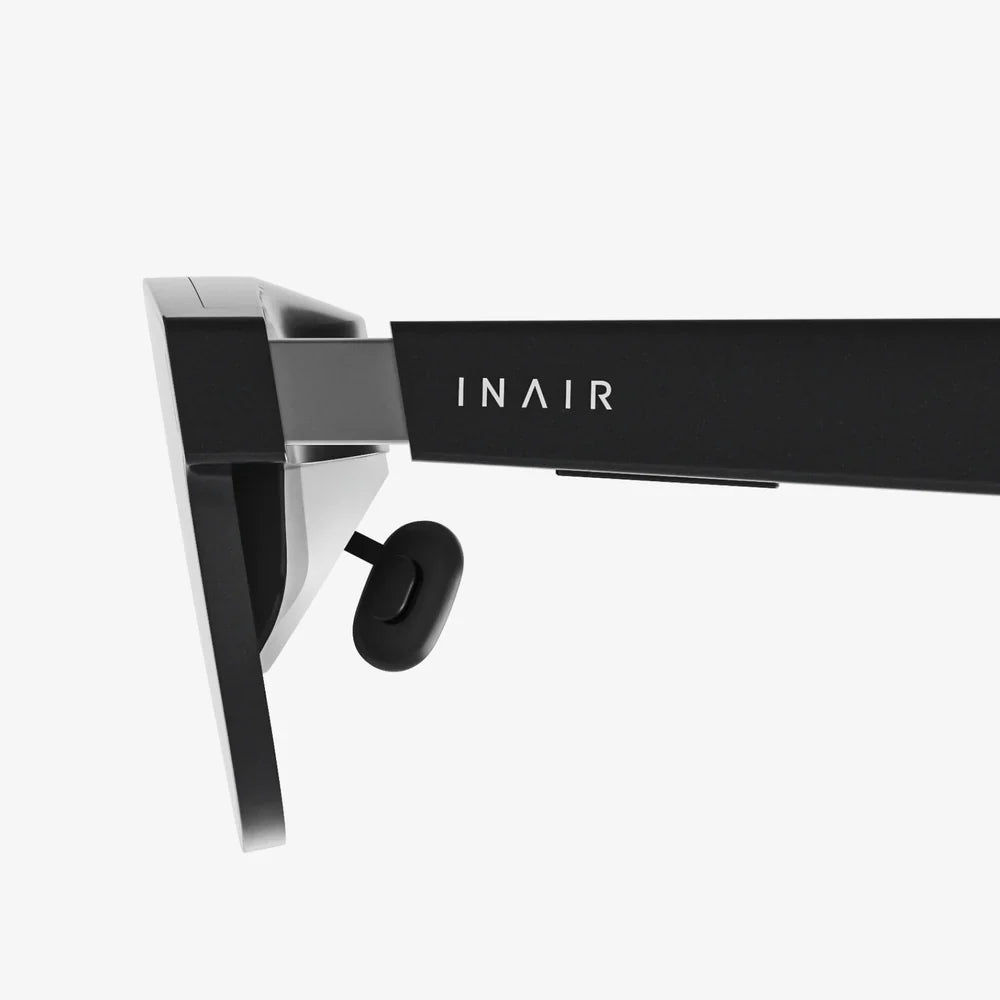
Imagine carrying a 100-inch high-definition monitor in your pocket, ready to transform any quiet corner into a commanding, private, and intensely focused command center. This is no longer the realm of science fiction but the tangible promise held by the latest generation of augmented reality glasses designed specifically for monitor replacement. The quest for the perfect portable workstation is driving a technological revolution, moving beyond clunky hardware to sleek, wearable displays that project vast digital landscapes directly onto your retina. For digital nomads, coders, multi-tasking professionals, and hardcore gamers, this represents nothing short of a paradigm shift in how we interact with the digital world.
The Rise of the Virtual Workspace
The traditional multi-monitor setup, once the pinnacle of productivity, is showing its age. It's stationary, cable-ridden, and inherently limiting. The modern professional, however, is increasingly mobile. The demand for a seamless, large-screen experience that can be accessed from anywhere—a coffee shop, a hotel room, or a home office without the permanent footprint—has catalyzed the development of AR glasses as monitor replacements. This technology leverages advanced micro-OLED or similar high-resolution displays, paired with sophisticated optics, to project a crystal-clear virtual screen that appears to float in your field of vision. It’s not about overlaying digital information on the real world in a complex way; it’s about creating a pristine, isolated virtual display that feels as real and sharp as any physical panel.
What Truly Defines the "Best" AR Glasses for This Purpose?
Not all AR glasses are created equal, especially when the primary use case is replacing your primary monitor. The "best" contenders in this emerging category excel across several critical dimensions that directly impact usability, comfort, and performance.
Visual Fidelity: The Non-Negotiable Core
The most crucial factor is, without a doubt, image quality. A virtual monitor that is pixelated, dim, or distorted is worse than useless—it's a hindrance.
- Resolution and PPD: Look beyond the raw panel resolution. Pixels Per Degree (PPD) is a more meaningful metric, indicating the angular resolution and thus the perceived sharpness. A high PPD (above 45 is excellent, with higher being better) ensures text is crisp and edges are smooth, eliminating the "screen door effect" and making long coding or writing sessions strain-free.
- Color Accuracy and Contrast: For designers, video editors, and anyone who relies on true-to-life color, a wide color gamut (e.g., covering sRGB or DCI-P3) and deep contrast ratios are essential. Micro-OLED technology often leads here, offering perfect blacks and vibrant colors.
- Brightness: The display must be bright enough to remain clear and legible in various lighting environments, from a dimly lit room to a sunlit café.
Form Factor and Wearability
You'll be wearing these glasses for hours. They must disappear on your face.
- Weight and Balance: The best designs are lightweight and distribute weight evenly to avoid pressure on the nose or ears. Materials like magnesium alloy are often used for their strength and lightness.
- Comfort: This includes adjustable nose pads, flexible temples, and often, the option for prescription lens inserts so users don't need to wear contact lenses.
- Design: A low-profile, near-normal-eyewear look is increasingly preferred over a bulky, futuristic goggle design for everyday use.
Software and Connectivity: The Seamless Experience
The hardware is only half the battle. The software ecosystem determines how effortlessly the glasses integrate into your workflow.
- Plug-and-Play vs. Companion Apps: The ideal scenario is a true plug-and-play experience via a single USB-C cable that handles both video signal and power. Some models may require a lightweight companion app for settings adjustment or advanced features, but this should not hinder core functionality.
- Virtual Desktop Management: How does the software handle multiple virtual screens? Can you resize them, position them at a fixed depth in your environment, or curve them for a more immersive experience? This flexibility is a key productivity booster.
- Compatibility: Broad compatibility across operating systems (Windows, macOS, ChromeOS, Linux) and devices ( laptops, smartphones, gaming consoles) is a major advantage.
The Tangible Benefits of Ditching Physical Monitors
The advantages of adopting AR glasses as your primary display extend far beyond simple portability.
Unmatched Portability and Space Saving
This is the most obvious benefit. Your entire multi-monitor setup collapses into a sleek case that fits in a laptop bag. It liberates you from a fixed desk and declutters your physical space, promoting a minimalist and flexible work environment. Your office truly becomes anywhere.
3Deep, Unbreakable Focus
By design, these glasses create a personal immersive viewing experience. They block out peripheral distractions in your environment, allowing you to fall into a state of deep focus. Unlike a physical monitor where someone can look over your shoulder, the display is completely private, making it ideal for working on sensitive information in public spaces.
Ergonomic Potential
When used correctly, AR glasses can foster better posture. Instead of hunching over a laptop screen or craning your neck to see a secondary monitor, you can position your virtual screens optimally in your field of view. You can sit back in a chair, look straight ahead with a neutral spine, and even use a wireless keyboard and mouse for a truly relaxed setup. The ability to pin a screen at a farther virtual distance can also help reduce eye strain associated with staring at a close physical monitor for extended periods.
Navigating the Current Limitations
While the technology is incredibly promising, it's important to be aware of its current evolving-state limitations.
The Field of View (FOV) Conversation
The diagonal Field of View is often compared to a physical monitor size (e.g., "equivalent to a 120-inch screen at 10 feet"). However, a more practical way to think about it is how much of your vision the virtual screen occupies. A narrower FOV can feel like looking through a mail slot, requiring more head movement to see the edges of your virtual desktop. The best devices are constantly pushing FOV wider while maintaining high PPD, but it remains a key engineering trade-off.
Battery Life and Power Consumption
High-resolution displays are power-hungry. Many glasses draw power from the host device (laptop, phone), which can drain its battery faster. Some models include an external battery pack to alleviate this, but it's another item to carry and manage. All-day battery life for the glasses themselves is a hallmark of a mature product.
The Social and Practical Learning Curve
Typing on a physical keyboard while looking at a virtual display floating in front of you has a slight learning curve, though most users adapt within minutes. Furthermore, working in public with AR glasses on, while offering privacy, can draw curious looks, a social factor some may need to acclimatize to.
Who Stands to Gain the Most?
This technology is a game-changer for specific user profiles:
- The Digital Nomad: The ultimate user. They can work from anywhere with a view identical to their home office setup.
- Software Developers and Coders: The ability to have multiple terminal windows, code editors, and documentation browsers open in a vast, focused space is a significant productivity multiplier.
- Financial Analysts and Data Scientists: Spreading out complex spreadsheets, charts, and dashboards across virtual screens allows for unparalleled data comprehension without constant tab-switching.
- Content Creators and Designers: A high-fidelity, color-accurate portable monitor is invaluable for on-the-go photo and video editing.
- Hardcore Gamers: Experiencing games on a massive, immersive private screen with high-quality audio is a compelling mobile gaming setup.
The journey to find the best AR glasses for monitor replacement is about more than just buying a gadget; it's about investing in a new philosophy of work. It's a commitment to ultimate flexibility, profound focus, and breaking the physical chains that have traditionally defined our digital workspaces. The technology is now at a tipping point where the visual clarity is genuinely comparable to high-end monitors, the form factor is approaching everyday eyewear, and the software is becoming intuitive enough for all-day use. While compromises around field of view and battery life still exist, the benefits for the mobile professional are so profound that they often render these limitations trivial. We are witnessing the very early stages of the monitor's extinction, soon to be replaced by elegant, personal, and infinitely adaptable windows into our digital lives, worn right on our faces. The future of productivity isn't on your desk; it's on your nose.
Share:
Best Budget VR Headset 2025: The Ultimate Buyer's Guide to Affordable Immersion
AR Headset News Today 2025: The Year the Digital and Physical Worlds Fully Merged