


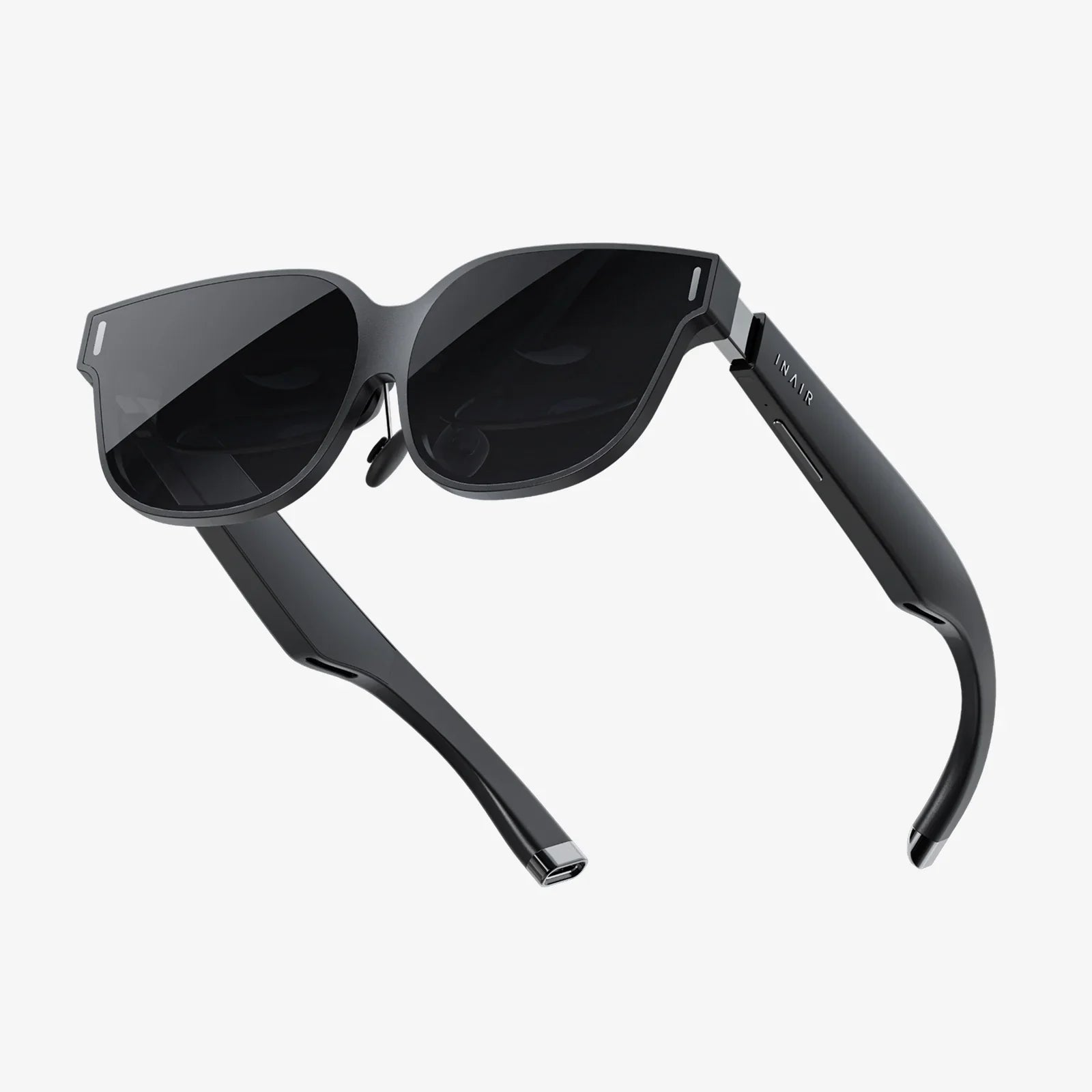
Imagine strapping on a headset and instantly being transported to a virtual concert, a thrilling game world, or a faraway museum—all without emptying your wallet. The dream of affordable virtual reality is no longer a fantasy. For countless curious newcomers and tech enthusiasts on a tight budget, finding the best low budget VR headset is the golden ticket to experiencing this digital revolution. The market is brimming with options, but navigating it requires savvy insight. This definitive guide will cut through the noise, equipping you with the knowledge to choose a headset that delivers breathtaking immersion without the breathtaking price tag. Let's embark on a journey to unlock the incredible world of VR, proving that you don't need a fortune to experience the future.
Demystifying VR: Understanding the Technology Behind the Price
Before diving into specific recommendations, it's crucial to understand what you're buying. A VR headset is more than just a screen you strap to your face; it's a sophisticated portal to another dimension. The core components that define the experience—and the cost—are its display, tracking capabilities, and processing power.
The Display: Your Window to Another World
The quality of the lenses and screens inside the headset is paramount. Key specifications to consider are:
- Resolution: Measured in pixels per eye (e.g., 1832 x 1920). Higher numbers mean a sharper, clearer image with less visible "screen door effect" (the faint grid-like lines between pixels).
- Refresh Rate: Measured in Hertz (Hz), this indicates how many times the image updates per second. A higher refresh rate (90Hz and above) is essential for smooth, comfortable gameplay and significantly reduces motion sickness.
- Field of View (FoV): This is how much of the virtual world you can see at once, measured diagonally in degrees. A wider FoV (around 100 degrees is common) enhances the feeling of immersion.
Tracking: How the Headset Knows You're Moving
This is how the headset translates your real-world movements into the virtual space. There are two primary systems:
- Inside-Out Tracking: Cameras on the headset itself scan your environment to track its position and the controllers. This is typically more convenient and budget-friendly as it requires no external hardware.
- Outside-In Tracking: External sensors or base stations placed around your room track the headset and controllers. This method is often praised for its pinpoint accuracy, especially for competitive gaming, but it adds cost and setup complexity.
Standalone vs. Tethered: The Power Source Dilemma
This is the most significant divide in the VR landscape and a major factor in pricing.
- Standalone Headsets: These are all-in-one devices with a built-in processor, storage, and battery. They are wireless, incredibly convenient, and usually represent the best low budget VR headset option for beginners. Their computing power is self-contained, meaning they cannot match the graphical fidelity of high-end tethered systems.
- Tethered Headsets: These headsets act as a display and sensor hub, but must be connected via a cable to a powerful external computer or game console that does the actual processing. This allows for vastly superior graphics and performance but comes with a much higher total cost when you factor in the price of the capable PC.
Defining "Low Budget" in the VR Market
The term "budget" is relative. In the VR space, we can break it down into clear tiers:
- Entry-Level/Budget (Under $300): This is the domain of capable standalone headsets and older-generation tethered models. The focus here is on accessibility and a solid introduction to VR.
- Mid-Range ($300 - $600): This range often features previous-generation flagship standalone headsets, offering a fantastic balance of performance and value as their prices drop.
- High-End ($600+): Reserved for the latest tethered and standalone hardware pushing the boundaries of technology, far beyond our budget-focused scope.
For this guide, we are focusing primarily on the first tier: true budget-conscious options that provide a fantastic gateway into virtual reality.
Key Features to Prioritize When Shopping on a Budget
With limited funds, you must be strategic. You won't get every bell and whistle, so knowing what to prioritize is key to satisfaction.
Non-Negotiable: Comfort is King
A headset that is uncomfortable after fifteen minutes is a paperweight. Look for:
- Adjustable Straps: A rigid, one-size-fits-all approach is a disaster. A good budget headset will have adjustable straps for the head and, ideally, a dial for tightening the fit.
- Weight Distribution: Lighter is generally better, but how the weight is balanced across your head and face matters more. Poor distribution leads to neck strain and pressure on the cheeks.
- Interpupillary Distance (IPD) Adjustment: This physically or digitally moves the lenses to match the distance between your pupils. Proper IPD adjustment is critical for visual clarity and preventing eye strain. Physical adjustment is superior but less common on budget devices.
The Controllers: Your Hands in the Virtual World
Don't overlook the devices you'll hold. Good budget controllers feature:
- Ergonomic Design: They should feel natural to hold for extended periods.
- Quality Tracking: They should be reliably tracked by the headset's system without frequent loss of tracking or jittery movements.
- Essential Inputs: Analog sticks, triggers, grip buttons, and menu buttons are standard and should be responsive.
Software & Ecosystem: The Games and Apps You'll Actually Use
The hardware is useless without software. Investigate:
- Content Library: Does the headset have access to a robust store with a wide variety of games, experiences, and productivity apps?
- Exclusive Titles: Some platforms have must-play exclusive games that might sway your decision.
- Media Consumption: If you plan to watch VR movies or videos, check the available media players and streaming services.
Navigating the Trade-Offs: What You Give Up for a Lower Price
Choosing a budget option means accepting compromises. Being aware of them upfront prevents disappointment.
- Graphical Fidelity: Budget standalone headsets use mobile processors. While impressive, they cannot produce the photorealistic graphics of a headset powered by a top-tier gaming PC. Expect simpler, more stylized visuals.
- Performance: You may encounter lower frame rates in more demanding games or applications, which can impact immersion.
- Build Quality and Materials: To hit a low price point, manufacturers often use more plastic and less premium materials like metal and leather-like padding.
- Advanced Features: Don't expect eye-tracking, facial expression capture, or haptic feedback in the controllers at this price range. These are reserved for premium devices.
Maximizing Your Investment: Essential Tips and Tricks
Your journey doesn't end at the purchase. Here’s how to get the absolute most out of your new headset.
Optimizing Your Play Space
Even with inside-out tracking, your environment matters.
- Lighting: Ensure your room is well-lit, but avoid direct sunlight on the headset's lenses, as it can permanently damage the screens. Avoid pure darkness, as the tracking cameras need light to see.
- Clutter: Clear a safe play area free of obstacles, pets, and low-hanging light fixtures. Your virtual adventures should not end with a trip to the emergency room.
- Reflective Surfaces: Large mirrors or glass tables can confuse the headset's tracking cameras. Cover them or play in a different room if you experience issues.
Accessorizing on a Budget
A few small purchases can dramatically improve the experience.
- Rechargeable Batteries: VR controllers chew through batteries. A good set of rechargeable AA or AAA batteries is a must-have, saving you money and frustration in the long run.
- Aftermath Facial Interfaces: The standard foam padding can absorb sweat and become unhygienic. For a small fee, you can often purchase silicone or pleather covers that are easier to clean and more comfortable.
- Link Cable (For Standalone): If you have a gaming PC, some standalone headsets offer an optional cable to tether to your computer, unlocking a library of high-end PC VR games. This effectively gives you two headsets in one.
Finding Great, Affordable Content
You don't need to spend $40 on every game.
- Free-to-Play Gems: Platforms are filled with amazing free experiences, from social hubs to full-fledged games.
- Sales and Bundles: Wishlist the games you want and wait for frequent digital sales. Sites often bundle multiple VR games together at a deep discount.
- App Lab & SideQuest: For some platforms, services like SideQuest provide access to a huge catalogue of indie games, demos, and experimental apps that aren't on the official store, many of which are free or very cheap.
The Future of Budget VR: Where Are We Headed?
The trajectory for affordable virtual reality is incredibly exciting. We are moving towards a future where the compromises of today will be barely noticeable tomorrow. Advancements in chip design will bring PC-level graphics to standalone devices. Pancake lenses are becoming more common, allowing for slimmer, lighter, and more comfortable headsets without sacrificing visual quality. As competition intensifies, the value proposition of the best low budget VR headset will only improve, pushing more innovation and content into the hands of consumers. We are on the cusp of VR becoming as ubiquitous and accessible as the smartphone, transforming not just entertainment, but education, social connection, and remote work.
The door to immersive virtual worlds is now open wider than ever, and the key doesn't require a massive financial investment. By understanding the technology, wisely prioritizing features, and embracing the vibrant ecosystem of affordable content, your first—or next—VR headset can be both a budget-friendly purchase and a passport to endless adventure. The question is no longer if you can afford to step into the metaverse, but which incredible experience you'll choose first.
Share:
Computer VR Headset Cheap: Your Ultimate Guide to Affordable Virtual Reality
Why Won't My VR Headset Charge? A Comprehensive Troubleshooting Guide