


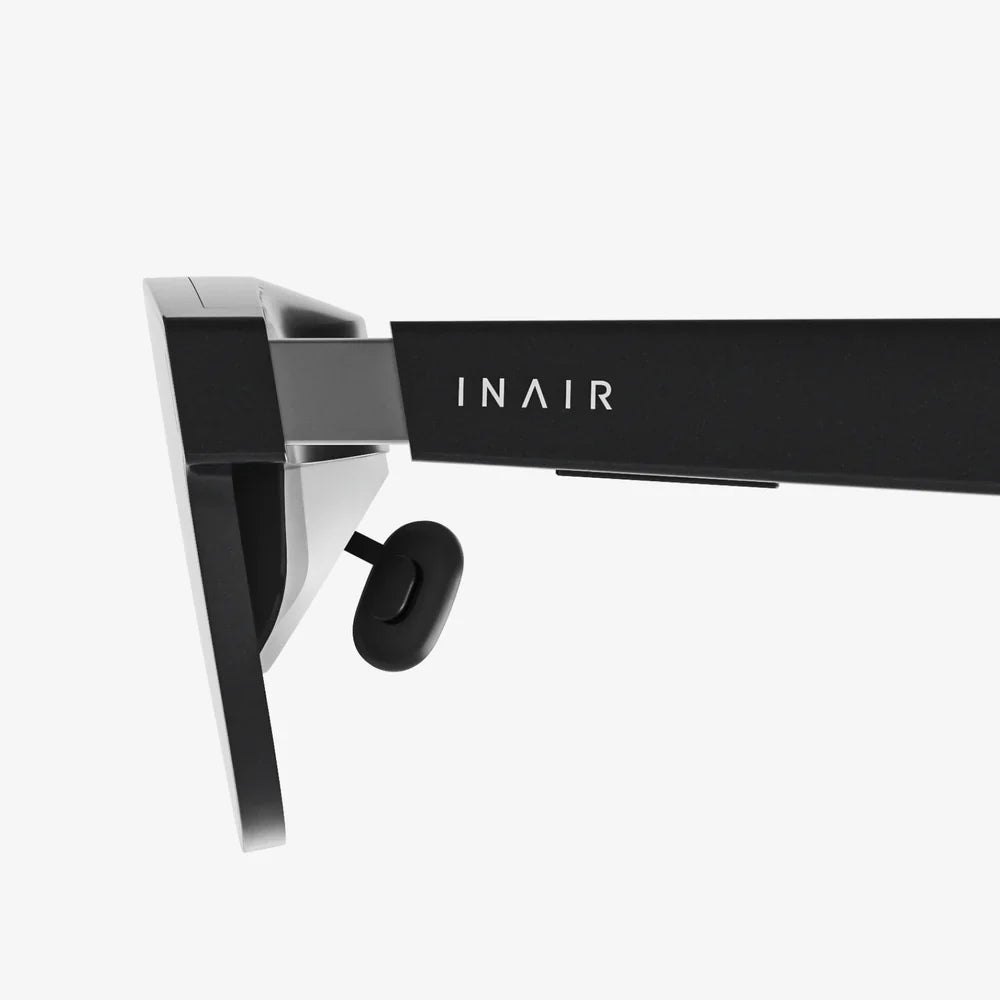
Imagine slipping a portal to another universe into your pocket, ready to be unleashed at a moment's notice. This isn't science fiction; it's the reality offered by the powerful computer you already own—your Android phone—when paired with the right virtual reality headset. The quest for the best VR headset for an Android phone is about more than just a purchase; it's about unlocking a new dimension of entertainment, education, and exploration, all powered by the device you use every day. The potential is staggering, and the journey to find your perfect window into these digital worlds starts right here.
Understanding the Mobile VR Landscape
The world of virtual reality can be broadly divided into two categories: standalone headsets, which have all the necessary computing power built-in, and mobile VR headsets, which utilize a smartphone as both the brain and the display. For Android users, the mobile VR path offers an incredibly accessible and cost-effective entry point into immersive experiences. While high-end standalone devices offer unparalleled performance, they come with a significant price tag. Mobile VR, by contrast, leverages your existing investment in a high-quality Android device to deliver compelling experiences without breaking the bank. This approach democratizes VR, making it available to a much wider audience.
The concept is elegantly simple yet powerful. The headset itself is essentially a sophisticated housing comprising high-quality lenses, a comfortable strap system, and often an integrated controller. Your Android phone slots into the front of the headset, its high-resolution screen divided to create a stereoscopic 3D image for each eye. The lenses then focus and reshape this image, creating a wide field of view that sells the illusion of being inside the virtual environment. The phone's internal gyroscope, accelerometer, and magnetometer track your head movements with remarkable precision, allowing you to look around the digital space naturally. This synergy between everyday hardware and specialized design is what makes mobile VR so compelling.
Key Features to Look For in a Mobile VR Headset
Not all headsets are created equal. To identify the best VR headset for your Android phone, you need to become familiar with the critical features that separate a good experience from a great one. Ignoring these factors can lead to discomfort, poor visual quality, and a library of incompatible apps.
Phone Compatibility and Fit
This is the single most important consideration. Your headset is useless if your phone doesn't fit. You must check two things:
- Physical Dimensions: Measure your phone's screen size (diagonally) and its overall body dimensions. Headsets have a stated maximum phone size they can accommodate. Exceeding this will mean you can't close the latch or the phone will be pressing against the internal components.
- Field of View (FoV): A wider field of view is more immersive, making you feel like you're actually inside the world rather than looking through a pair of binoculars. Look for headsets that offer an FoV of at least 90 degrees, with higher numbers being preferable.
Lens Quality and Focus
The lenses are the windows to your virtual world. Cheap, plastic lenses can cause distortion, blurriness, and a dreaded "screen door effect" (where you can see the lines between pixels). The best VR headsets for Android phones use high-quality, precision-ground optical glass lenses. These provide a sharper, clearer, and more comfortable image by reducing aberrations and providing a larger "sweet spot"—the area where the image is perfectly in focus.
Additionally, look for headsets with an Interpupillary Distance (IPD) adjustment. This mechanism allows you to physically move the lenses closer together or further apart to match the distance between your eyes. This ensures the image is sharp across the entire field of view and drastically reduces eye strain. Some headsets also offer a focus dial for users who wear glasses, allowing them to dial in clarity without needing their frames.
Comfort and Build Quality
Immersion breaks the second you become aware of a heavy, uncomfortable weight on your face. A well-designed headset distributes weight evenly across your head, not just your face. Look for these comfort features:
- Strap System: A rigid, three-point strap system (over the top and on both sides) is far superior to a simple elastic strap. It provides stability and allows you to tighten the headset without uncomfortable pressure.
- Weight Distribution: The center of gravity should be as close to your face as possible. A front-heavy headset will constantly feel like it's slipping down and will strain your neck during longer sessions.
- Materials: Padded, breathable foam around the eye relief and on the forehead pad is essential. It should feel soft against your skin and allow for air circulation to prevent the lenses from fogging up.
Input Methods: The Remote Control
While some simple experiences can be controlled by looking at a button and tapping the side of the headset, a dedicated controller is non-negotiable for a proper VR experience. The best headsets come bundled with a wireless motion controller. A good controller will have:
- A touchpad or joystick for navigation.
- Trigger buttons for interaction.
- Internal sensors to track its position and orientation in 3D space (3DoF - 3 Degrees of Freedom).
This allows you to point, grab, shoot, and interact with the virtual world intuitively, completing the sense of presence.
Ventilation and Fog Prevention
This is an often-overlooked feature. When your face warms up the interior of the headset, moisture from your skin can condense on the cool lenses, causing fogging. Some advanced headsets design specific ventilation channels that allow air to circulate passively without letting external light leak in, significantly reducing this annoying problem.
Setting Up Your Android Phone for the Best VR Experience
Owning a great headset is only half the battle. Preparing your Android phone is crucial to ensuring a smooth and immersive journey.
- Performance Check: VR is demanding. For a stutter-free experience, you need a powerful processor (a high-end Snapdragon chip or equivalent is recommended) and at least 4GB of RAM, though 6GB or more is ideal.
- Screen: A high-resolution Quad HD (1440x2560) or higher display is essential. The screen is magnified greatly by the lenses, so a 1080p screen will look noticeably pixelated. An OLED screen is preferable for its deep blacks and high contrast ratio, which enhances the sense of depth.
- Storage Space: VR apps and especially 360-degree videos are large. Clear out space or consider a microSD card if your phone supports it.
- Close Background Apps: Before launching VR, close any unnecessary applications running in the background. This frees up precious RAM and CPU cycles, preventing lag and ensuring the best performance.
- Enable Developer Options (Optional): For advanced users, enabling Developer Options on your Android phone can allow you to force higher rendering resolutions in some apps, potentially improving visual fidelity at the cost of battery life and performance.
- Clean Your Screen! Every smudge and fingerprint on your phone's screen will be magnified by the lenses. Use a microfiber cloth to give it a perfect clean before inserting it into the headset.
The Software Ecosystem: Where to Find VR Content
Your hardware is a gateway, but the software is the destination. The primary portal for VR content on Android is the Play Store and, more specifically, Google Play Movies & TV for video content. While the dedicated VR app section has evolved, a wealth of content is available. Here’s what to look for:
- VR Games: From simple roller coaster rides and horror experiences to more complex puzzle games and shooters. Titles like "VR Noir" and "End Space" showcase what's possible.
- 360-Degree Videos: Platforms like YouTube have vast libraries of 360-degree videos. You can explore travel destinations, witness live concerts, or experience thrilling POV videos as if you were there.
- Educational Apps: Travel to ancient Rome, explore the human body from the inside, or stand on the surface of Mars. VR is a powerful educational tool.
- Cinematic Experiences: Apps dedicated to playing 2D and 3D movies on a giant virtual screen, perfect for private viewing.
Beyond Entertainment: Practical Uses for Mobile VR
While gaming and videos are the headline attractions, the utility of a mobile VR headset extends further.
- Virtual Tourism: Before booking a trip, take a 360-degree tour of a hotel, a city street, or a national park. It's the next best thing to being there.
- Design and Visualization: Architects and designers can use VR apps to walk clients through 3D models of buildings or products, all powered from a phone.
- Meditation and Mindfulness: Numerous apps are designed to create peaceful, immersive environments for guided meditation and stress relief, offering a profound escape from everyday life.
- Real Estate: Virtual property tours are becoming standard, and a mobile VR headset offers an incredibly easy way for potential buyers to explore listings from anywhere.
The Future of Mobile VR and What to Expect
The landscape of mobile VR is in a state of flux. While the technology remains incredibly viable, the industry's focus has shifted towards more advanced standalone headsets. However, this doesn't mean mobile VR is dead. It means the bar for quality is higher than ever. The best VR headsets for Android phones today are refined, comfortable, and designed for discerning users who want the best possible experience from their existing hardware.
Looking ahead, we can expect the line between mobile and standalone to blur. Technologies like 5G could enable cloud-based VR streaming directly to mobile headsets, offloading the intense processing to remote servers. Furthermore, as smartphone screens continue to improve with higher refresh rates and resolutions, the visual quality achievable in a mobile headset will only get better. The device in your pocket is a powerhouse, and the right headset is the key to unlocking its full immersive potential.
Your Android phone is a ticket to explore the depths of the ocean, the surface of distant planets, and the intricacies of human history, all from your living room. The journey begins not with a complex setup or a massive investment, but with a single, crucial choice: selecting the perfect headset to serve as your guide. The worlds you can discover are limited only by your curiosity and the quality of the lens you choose to look through. The adventure into virtual reality is waiting, and it’s more accessible than you ever thought possible.
Share:
How to Connect VR to iPhone: The Ultimate Setup and Experience Guide
VR Headset Comfort and Fit Comparison 2025: The Ultimate Guide to Ergonomic Design