


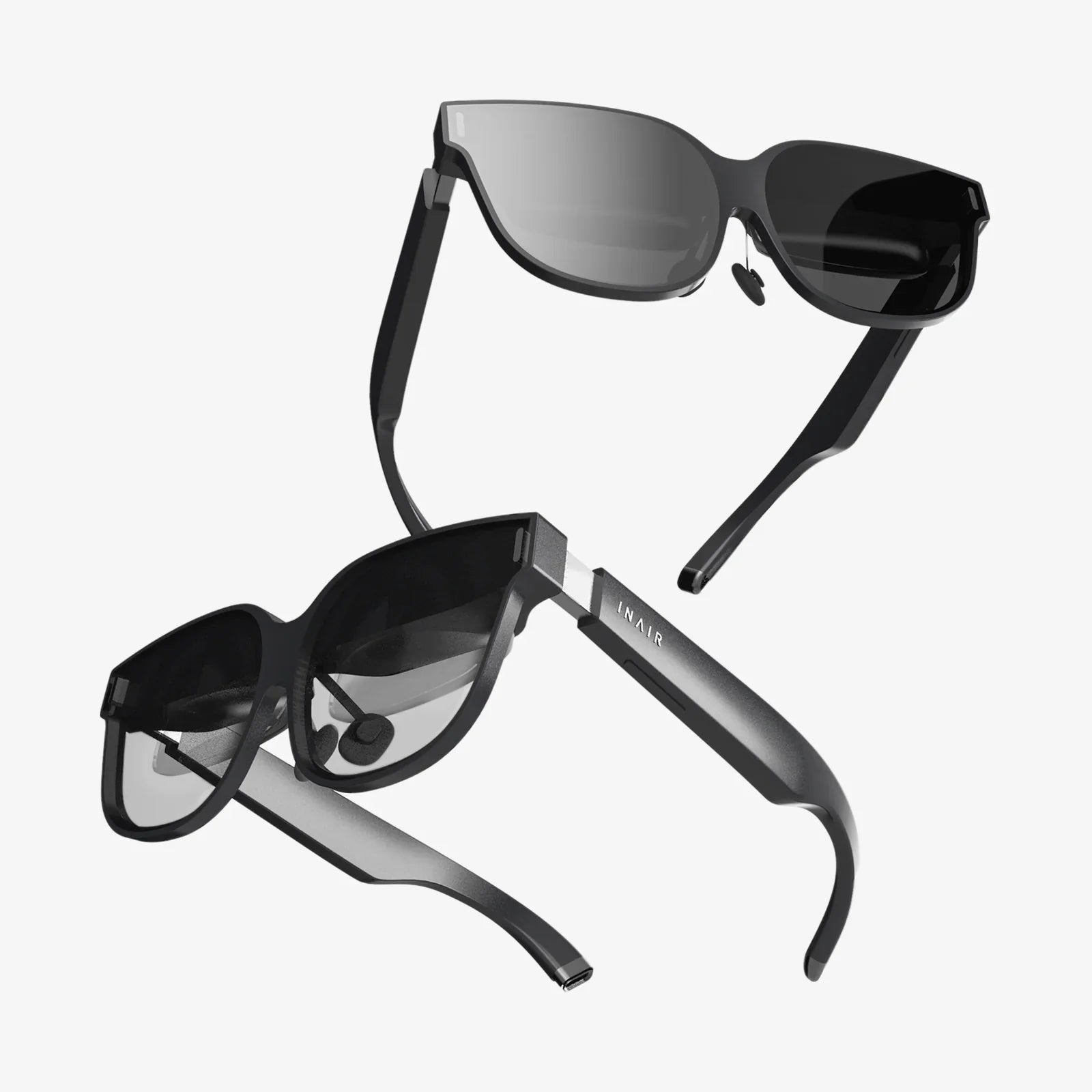
Imagine stepping through a portal into another world, your heart pounding as you duel with laser swords, explore alien planets, or solve intricate puzzles with your own two hands—all without emptying your wallet. The dream of premium PC VR gaming is now astonishingly accessible, thanks to a growing market of budget-friendly headsets that deliver breathtaking immersion without the premium price tag. This isn't a distant fantasy; it's the reality for a new generation of gamers ready to dive in.
Defining the "Budget" VR Landscape for PC Gaming
When we talk about a budget VR headset for PC gaming, we're typically referring to devices that sit in a specific price bracket, often significantly lower than the flagship models from major manufacturers. It's crucial to understand what "budget" means in this context. We are not discussing standalone, all-in-one headsets that use mobile processors. Our focus is strictly on tethered headsets that connect to a personal computer, leveraging its raw processing power to deliver high-fidelity experiences.
This distinction is vital because it separates the entry-level PC VR experience from the mobile-based one. A budget PC VR headset is a window into a world powered by your computer's graphics card and CPU, offering vastly superior visuals, physics, and game complexity compared to standalone alternatives. The headset itself is just the display and tracking interface; the real magic happens inside your PC.
What Can You Realistically Expect?
Entering the VR arena with a limited budget requires managed expectations. You are making calculated trade-offs, but not on the core experience of immersion.
- Visual Fidelity: Don't expect the absolute highest resolution displays or pixel-perfect clarity. Budget headsets often use LCD screens (which are more cost-effective) instead of OLED, which can impact contrast and black levels. However, the resolution is often more than sufficient for a compelling and clear experience, frequently matching or exceeding older premium models.
- Build Materials: To hit a lower price point, manufacturers might use more plastic and less premium materials like metal or leather. The focus is on functionality and comfort over luxury.
- Tracking Technology: Many budget options utilize "inside-out" tracking, where cameras on the headset itself track the controllers. This is cheaper to manufacture and easier to set up than external base stations ("outside-in" tracking), though the latter can offer marginally higher precision for competitive esports.
- Accessories: The included controllers are functional and get the job done, but they may lack advanced features like individual finger tracking found on more expensive kits.
The key takeaway is this: the games you play will be the same ones enjoyed by users of high-end headsets. You'll still feel the same thrill in Half-Life: Alyx, the same adrenaline rush in Beat Saber, and the same awe in Skyrim VR. The immersion, presence, and fun factor remain intact.
Key Features to Prioritize When Shopping
Not all budget headsets are created equal. Knowing which features have the biggest impact on your experience will guide you to the right choice.
Display Resolution and Refresh Rate
This is arguably the most important spec. A higher resolution means a sharper image with less "screen door effect" (the visible lines between pixels). Look for a per-eye resolution of at least 1600x1400 or higher. The refresh rate, measured in Hz, determines how smooth the motion appears. 90Hz is the standard for a comfortable VR experience, preventing motion sickness for most users. Some headsets may offer 72Hz or 80Hz modes, which are acceptable, or higher 120Hz modes for smoother motion.
Tracking System: Inside-Out vs. External Sensors
For a budget-conscious buyer, inside-out tracking is a godsend. Systems like Windows Mixed Reality tracking or Oculus Insight tracking use cameras on the headset to map your room and follow the controllers. The benefits are huge:
- Simplified Setup: No need to mount external sensors around your play area. Just plug in the headset and you're almost ready to go.
- Portability: Easily pack up your system to use in a different room or even at a friend's house.
- Cost: It's simply cheaper to produce.
The tracking volume is generally excellent for most games, though it can lose sight of controllers if you hold them directly behind your back or too close to the headset for extended periods.
Comfort and Adjustability
You'll wear this device for potentially hours at a time. Comfort is non-negotiable. Look for a headset with a good weight distribution system. Many use a halo-style strap that circles the head, redistributing weight from the face to the forehead. Others use a traditional strap system. Adjustable IPD (Interpupillary Distance)—the physical adjustment of the lenses to match the distance between your eyes—is a critical feature for image clarity and comfort. Without it, the world can look blurry and cause eye strain.
Controllers
The standard for budget PC VR has become a pair of 6DOF (Six Degrees of Freedom) controllers. They have an analog stick, buttons, triggers, and grip buttons, allowing you to interact naturally with the virtual world. Ensure they are included in the box, as buying them separately can destroy any budget savings.
The Hidden Costs: Your PC and Software
The headset is only one part of the equation. The true foundation of your budget VR headset for PC gaming setup is the computer itself.
PC Hardware Requirements
VR gaming is demanding. Before you purchase a headset, you must verify your PC meets the minimum, and ideally the recommended, specifications. The most important component is the Graphics Processing Unit (GPU).
- Minimum: An older generation mid-range card. This will run simpler VR titles but will struggle with more complex games, often requiring you to lower graphical settings significantly.
- Recommended: A modern mid-range GPU or a previous-generation high-end card. This is the sweet spot, allowing you to enjoy the vast majority of VR games at good fidelity with stable framerates.
- Ideal: A current-generation GPU. This will provide headroom for super-sampling (rendering at a higher resolution for a cleaner image) and maxing out settings in the most demanding titles.
You'll also need a sufficient number of USB ports (often specific versions like USB 3.0) and a free DisplayPort or HDMI port on your GPU. Don't forget to check the software platform requirements (like SteamVR or Oculus PC app) for CPU and RAM minimums.
The Cost of Games
While there are free experiences and mods, the best VR games are commercial products. Budget for your software library. Wishlist games on platforms like Steam and Humble Bundle and snap them up during major sales events. The depth and quality of PC VR gaming are immense, but building a library is an ongoing investment.
Setting Up Your Budget VR Rig
Once you've made your choice, the setup process is straightforward.
- Prepare Your PC: Install the necessary software (e.g., SteamVR, Windows Mixed Reality for SteamVR, or the Oculus app). Update your GPU drivers to the latest version.
- Define Your Play Space: VR requires physical space. Clear an area of at least 2m x 1.5m free of obstacles. The inside-out tracking will ask you to trace the boundary of this play area, creating a virtual wall (called a Guardian or Chaperone system) that appears when you get too close to the real-world boundaries.
- Connect the Headset: Plug the headset into the appropriate ports on your PC and GPU. Modern headsets often use a single cable that combines video and data.
- Pair Controllers: Insert the required batteries into your motion controllers and pair them with the headset via Bluetooth, a process typically guided by the setup software.
- Calibrate: Follow the on-screen instructions to adjust the headset for your IPD, set your floor height, and calibrate the tracking.
Within minutes, you'll be standing in a virtual home environment, ready to launch your first game.
Must-Play Games for the New VR Adventurer
Your new headset is a ticket to countless worlds. Here are some foundational experiences that showcase the power of VR, many of which go on deep discount during sales:
- The Lab (Free): A collection of mini-games and experiences built by Valve. It's the perfect, and completely free, introduction to VR.
- Beat Saber: The quintessential VR rhythm game. Slash blocks to the beat of an incredible soundtrack. It's intuitive, incredibly fun, and a great workout.
- Half-Life: Alyx: Arguably the most immersive and polished AAA game in VR. It's a masterpiece that demonstrates the narrative potential of the medium.
- Superhot VR: A mind-bending shooter where time moves only when you move. It turns you into an action movie hero.
- Skyrim VR / Fallout 4 VR: Massive, open-world RPGs ported to VR. The immersion of being inside these beloved worlds is a dream come true for many fans.
The Future is Affordable and Immersive
The trajectory of VR technology is one of rapid improvement and simultaneous cost reduction. Features that were once exclusive to thousand-dollar kits are trickling down into the budget segment. Higher resolutions, better lenses, and improved ergonomics are becoming the new standard. Choosing a budget VR headset for PC gaming today no longer means you're getting a subpar experience; you're getting a incredibly capable gateway into a medium that is constantly evolving and becoming more welcoming to everyone.
You stand at the threshold of a new dimension of play, where the only limit is your imagination. The barrier to entry has crumbled, replaced by a simple cable connecting a capable PC to an affordable portal on your head. The library of incredible experiences is vast and growing, waiting for you to take the first step. Your journey into virtual worlds doesn't require a king's ransom—it just requires the courage to jump in and the savvy to know where to look.
Share:
Smart Vision AI Powered Glasses: The Invisible Revolution Reshaping Human Experience
Smart Vision AI Powered Glasses: The Invisible Revolution Reshaping Human Experience