


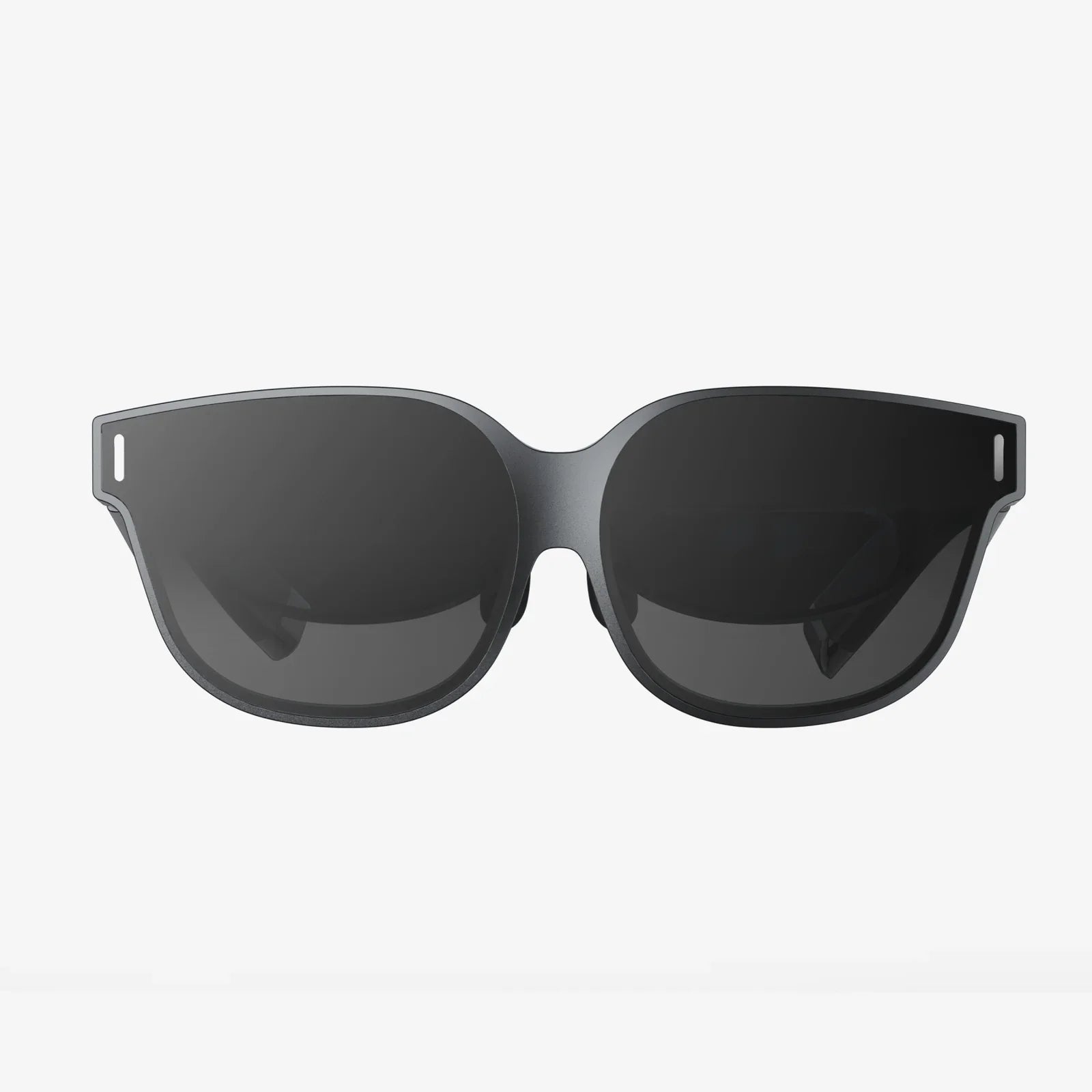
You're deep into an epic virtual quest, the fate of a digital universe resting on your shoulders, when that dreaded low-battery warning flashes across your immersive view. The instinct to grab the charger and plug in is powerful, a lifeline to keep the adventure alive. But a nagging question halts you: is it actually safe, or even possible, to use your portal to another world while it's tethered to the wall? The intersection of high-performance computing, immersive reality, and basic electrical safety is a complex web, and the answer is far more nuanced than a simple yes or no.
The Heart of the Matter: Battery Chemistry and Power Management
To understand the core of this issue, we must first look at the technology powering the experience: the lithium-ion battery. These power cells are the unsung heroes of modern portable electronics, prized for their high energy density and rechargeability. However, they operate within a delicate balance.
When you use a VR headset, you are essentially running a powerful computer mere inches from your eyes. The processor, displays, and numerous sensors all draw a significant amount of current, generating heat as a byproduct. Simultaneously, charging a battery is also an exothermic process—it creates heat. The act of pushing electrons back into the battery cells causes internal resistance, which manifests as thermal energy.
The real question isn't just about connecting a cable; it's about how the device's internal power management system handles these two intense workloads—running the device and charging the battery—at the same time. Sophisticated electronics are designed with integrated circuits (ICs) that act as traffic controllers for power. Their job is to prioritize where the incoming electricity from the wall adapter goes. In many modern designs, when the device is under heavy load and plugged in, the power management system can bypass the battery entirely, powering the device directly from the outlet while simultaneously trickle-charging the battery. This is often referred to as pass-through power.
The Form Factor Divide: Tethered vs. Standalone Headsets
Not all VR headsets are created equal, and their design philosophy plays a critical role in answering our central question. The market is broadly split into two categories, each with its own power paradigm.
Tethered or PC-Connected Headsets
These devices function primarily as high-resolution displays and sensor suites. Their core processing power is supplied by an external computer connected via a thick cable. These headsets themselves have a smaller, less powerful internal battery (or sometimes no battery at all) that is dedicated to running the sensors, tracking cameras, and onboard electronics. They are designed to be used while plugged into both the computer and a power outlet for the duration of a play session.
For these devices, using while charging is not just possible; it is the intended and primary mode of operation. Their power systems are engineered to handle continuous AC power input indefinitely, with minimal stress on any small internal battery. The risk of overheating in this scenario is generally low, as the primary heat generator—the computer's CPU and GPU—is located far away from the user's head.
Standalone or All-in-One Headsets
This is where the question becomes most relevant and the answers most varied. These headsets are marvels of miniaturization, packing a full Android-based computer system, a high-resolution display, speakers, and a battery into a single wearable unit. They are designed for freedom and wireless operation, but this comes with the constraint of battery life.
Whether you can use a standalone headset while charging depends almost entirely on the manufacturer's design choices and the safeguards they have implemented:
- Software Lockouts: Some models may simply not allow it. The software may display a message stating the device must be charged to a certain level before use, or it may refuse to boot up while connected to power as a safety precaution.
- Performance Throttling: Other models may permit operation but will dramatically reduce performance. The processor may be underclocked, and screen brightness dimmed to reduce the total thermal load and prevent the device from becoming dangerously hot.
- Full Operation: A number of headsets are designed to support full operation while plugged in. Their thermal and power systems are robust enough to manage the heat, often using passive cooling designs like heat pipes or active cooling with small, quiet fans.
The Elephant in the Room: Heat and User Safety
Heat is the arch-nemesis of electronics and the primary safety concern when considering using a VR headset while charging. Excessive heat accelerates the degradation of lithium-ion batteries, reducing their overall lifespan and capacity—a process known as capacity fade. In extreme and very rare cases, it can lead to thermal runaway, a condition where the battery overheats to the point of catching fire or exploding.
Now, consider the environment of a VR headset. It is strapped tightly to your face, covering a significant portion of your skin. This intimate contact means any heat generated by the device is not only a problem for the electronics but also a potential comfort and safety issue for the user. Prolonged exposure to excessive heat can be uncomfortable and could potentially cause skin irritation or, in worst-case scenarios, a minor burn.
Reputable manufacturers build in multiple layers of protection to mitigate these risks:
- Thermal Sensors: Multiple temperature sensors constantly monitor the battery, processor, and other key components.
- Automatic Shutdown: If temperatures exceed a pre-defined safe threshold, the device will automatically and abruptly shut down to prevent damage. This is a critical failsafe.
- Charging Rate Regulation: The power management IC will intelligently reduce or halt the charging current if the device is under heavy use, prioritizing device operation and cooling over quickly replenishing the battery.
The Practical Experience: Convenience vs. Compromise
Even if a headset technically allows you to play while charging, the experience may be far from ideal. The most immediate drawback is the return of the dreaded "tethered" experience. One of the greatest joys of a standalone headset is the freedom of wireless movement. Plugging in a charging cable immediately reintroduces a physical leash, creating a potential trip hazard and limiting your ability to turn and move freely, which can break immersion and even be dangerous during active games.
Furthermore, the charging cable is often short, forcing you to remain uncomfortably close to a wall outlet. The weight and drag of a power brick and cable dangling from the headset can also be distracting and add strain to your neck during long sessions. From a purely practical standpoint, it often makes more sense to simply take a break, let the device charge fully, and then return to your virtual world untethered and with the device running at its peak performance and coolest temperature.
Best Practices for the Power-Conscious VR User
To maximize both your playtime and the longevity of your hardware, consider these guidelines instead of defaulting to the plug-and-play approach:
- Consult the Official Manual: This is the most authoritative source. The manufacturer's documentation will explicitly state if using the device while charging is supported and if there are any specific warnings or limitations.
- Prioritize Breaks: View low battery warnings as a built-in reminder to hydrate, rest your eyes, and take a necessary break from immersion. These pauses are good for both you and the device.
- Use the Right Charger: Always use the official charger and cable provided. Third-party chargers may not regulate voltage and current correctly, which can lead to overheating and damage, especially under load.
- Monitor Temperature: Be acutely aware of how the headset feels on your face. If it becomes uncomfortably warm to the touch, stop using it immediately and let it cool down, regardless of the battery level.
- Charge from a Full Shutdown: For the fastest and most efficient charge that generates the least heat, power the device down completely before plugging it in.
- Mind Your Environment: Charge and use your headset in a cool, well-ventilated room. Avoid placing it in direct sunlight or on soft surfaces like beds or couches that can trap heat.
The flashing red battery icon doesn't have to signal the end of your journey. For many, the ability to plug in and continue is a testament to modern engineering, a clever workaround for our seemingly insatiable appetite for digital experiences. Yet, this convenience is not without its caveats—a dance between thermal dynamics, power management, and raw processing power happening just millimeters from your skin. Understanding this complex interplay is the key to making an informed decision that protects your investment and, most importantly, your safety. So the next time that warning appears, you'll know exactly what to do: weigh the options, feel the temperature, and choose wisely between a temporary tether or a well-earned respite.
Share:
Best VR Headset for Kids Under $200: A Parent's Guide to Safe and Affordable Immersion
Next PC VR Headset: The Future of Immersive Computing is Closer Than You Think