


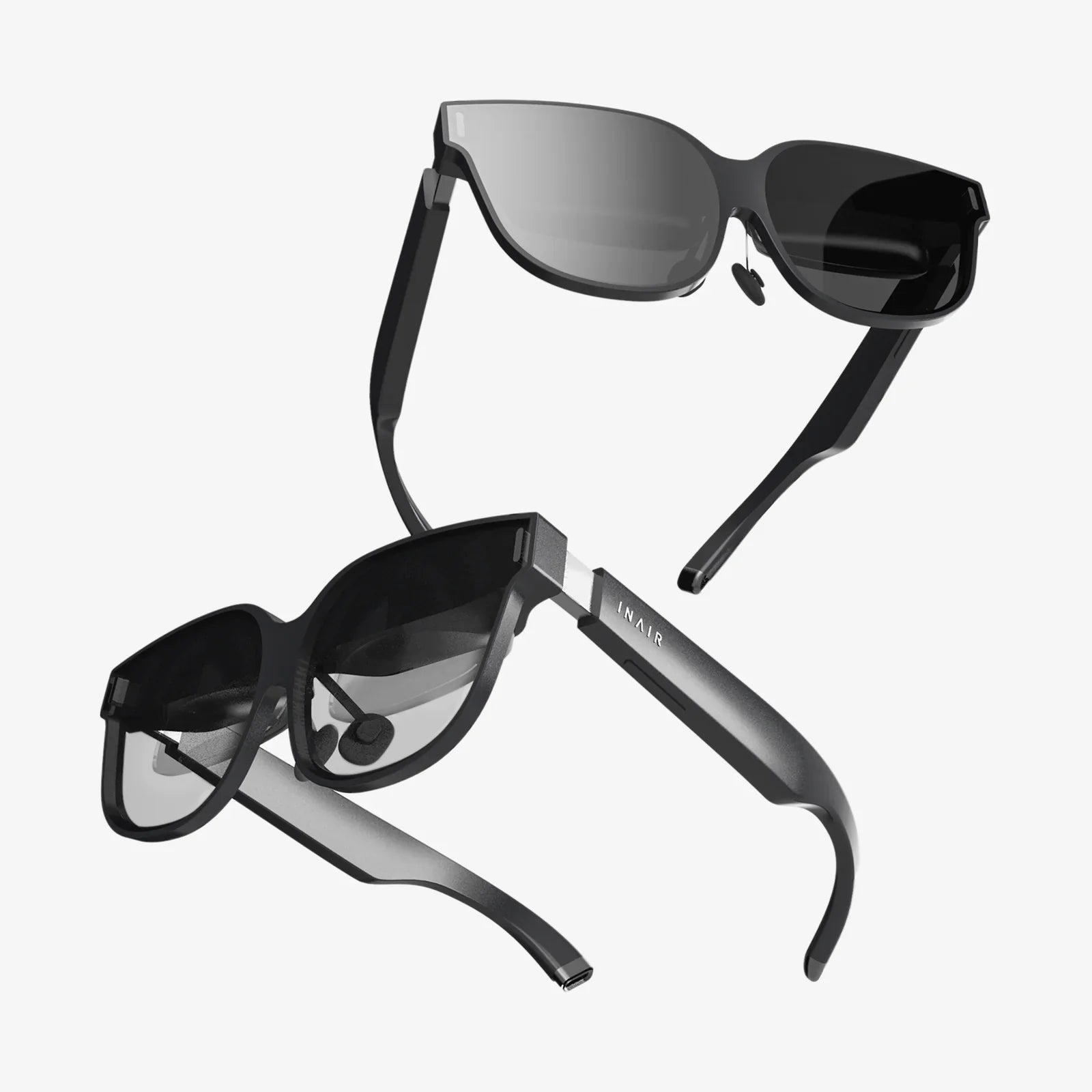
You’ve invested in the future—a sophisticated pair of AI glasses that overlay digital information onto your physical world, enhance your productivity, and connect you to a seamless stream of data. But with great technology comes great responsibility, and nothing disrupts the immersive experience faster than a smudged, dirty, or foggy lens. The intricate dance of sensors, cameras, and micro-projectors that make these devices so revolutionary also makes them incredibly vulnerable to improper cleaning techniques. A single wrong move could mean the difference between a pristine view of the digital frontier and a costly repair. This isn’t just about wiping glass; it’s about preserving a complex optical computer you wear on your face.
Why Cleaning AI Glasses Demands Special Attention
Unlike regular eyeglasses or sunglasses, AI glasses are a fusion of advanced optics and sophisticated electronics. The lenses are often coated with multiple layers of anti-reflective, anti-fog, and oleophobic (oil-repelling) treatments designed to enhance clarity and durability. Surrounding these lenses are delicate sensor arrays, including cameras for computer vision, infrared projectors for depth sensing, and ambient light sensors. These components are not just add-ons; they are the eyes of the AI, and any obstruction, residue, or damage can severely impair the device's core functionality.
Using harsh chemicals, abrasive materials, or excessive moisture isn’t merely a risk to lens coatings; it’s a direct threat to the sensitive electronic elements housed within the frame. Liquids can seep into microscopic seams, damaging internal circuitry and leading to malfunctions. Therefore, a methodical and informed approach to cleaning is not a suggestion—it is an absolute necessity for protecting your investment.
The Essential Toolkit for Safe and Effective Cleaning
Before you begin, assembling the right tools is half the battle. Avoid the temptation to use whatever is within reach, like your shirt sleeve, paper towels, or window cleaner. Instead, keep these items dedicated to your AI glasses care routine:
- Microfiber Cloths: These are the gold standard. Look for high-quality, lint-free microfiber cloths, preferably stored in a clean, sealed pouch to prevent dust accumulation. The ultra-fine fibers are excellent at trapping dust and oils without scratching.
- Compressed Air: A can of compressed air is invaluable for dislodging dry, particulate matter like sand or dust from crevices and around sensors before any wiping occurs.
- Lens-Safe Cleaning Solution: Use a solution specifically formulated for coated lenses. Isopropyl alcohol (70% concentration or less) or distilled water can be acceptable alternatives if used sparingly. Critical: Never spray liquid directly onto the lenses. Always apply it to the cloth first.
- Dry Lens Wipes: Pre-moistened, alcohol-free lens wipes can be a convenient on-the-go option, but ensure they are approved for anti-reflective coatings.
- Soft-Bristled Brush: A clean, soft brush (like a makeup brush or lens brush) can gently sweep away debris from the frame and hard-to-reach areas.
The Step-by-Step Deep Cleaning Protocol
For a thorough clean, follow this detailed process in a clean, well-lit environment. Always power down the device completely before beginning.
Step 1: The Pre-Cleaning Blowout
Hold your glasses by the frame and use short, controlled bursts of compressed air to blow away any loose grit or dust from the lenses, sensors, cameras, and the inner edges of the frame. This step prevents you from grinding abrasive particles into the lens coatings during wiping. Angle the glasses downward so the debris falls away from the device.
Step 2: The Initial Dry Wipe
Using your clean, dry microfiber cloth, gently wipe the lenses in a circular motion. Start from the center and move outward. Apply minimal pressure. The goal here is to remove any remaining surface dust and the majority of light oil smudges. If the cloth becomes visibly dirty, fold it to a fresh section or use a new one to avoid reapplying grime.
Step 3: The Damp Clean (When Necessary)
If a dry wipe isn’t sufficient, lightly dampen a corner of your microfiber cloth with one or two drops of your chosen cleaning solution. Gently wipe the lenses, again using circular motions. Pay special attention to the areas around the sensors and cameras, but be extra cautious not to apply pressure on these more vulnerable components. Immediately follow with a dry section of the microfiber cloth to buff the lens to a streak-free shine.
Step 4: Cleaning the Frame and Sensors
Use the soft-bristled brush to gently remove dust from the nose pads, arms, and any vents or ports. For the camera lenses and sensors, use a dedicated, clean microfiber cloth—perhaps a smaller one reserved for this purpose. Gently wipe these components with extreme care, as they can be even more delicate than the main display lenses.
Step 5: The Final Inspection
Hold your glasses up to a light source and inspect them from multiple angles. Look for any remaining smudges, streaks, or dust particles. If you spot any, repeat the damp and dry process only on that specific area. Once satisfied, allow the glasses to air-dry for a minute or two before powering them back on.
Common Pitfalls and What to Avoid at All Costs
Knowing what not to do is just as important as knowing the correct procedure. These mistakes can lead to irreversible damage.
- Household Cleaners: Ammonia, bleach, Windex, and other glass or household cleaners are far too abrasive and will permanently degrade anti-reflective coatings, often creating a hazy, cracked appearance.
- Paper Products: Paper towels, tissues, and napkins may feel soft, but they are made from wood pulp and can contain microscopic scratches that will mar your lenses over time.
- Breathing and Wiping: The old trick of fogging lenses with your breath and wiping them introduces microscopic particles from your saliva onto the lens, potentially scratching them.
- Excessive Moisture: Submerging the glasses or allowing liquid to pool around the frame seams is a direct invitation for internal corrosion and electrical failure.
- Rubbing Too Hard: Pressure will not remove a stubborn smudge more effectively; it will only risk damaging the coatings and dislodging delicate components. Let the proper tools and solutions do the work.
Integrating Cleaning into Your Daily Routine
Consistent, gentle cleaning is far better than infrequent, aggressive scrubbing. Make it a habit to give your AI glasses a quick once-over with a dry microfiber cloth every time you take them off. Store them in their provided protective case when not in use to minimize exposure to dust and potential impacts. If you wear them in environments with high humidity, lotions, or sprays (like a gym or kitchen), a slightly more frequent damp cleaning may be necessary to remove oil and residue buildup.
Your AI glasses are a portal to a new layer of reality, blending the physical and digital in ways that were once the realm of science fiction. Their lenses are your window, and their sensors are their eyes. Treating them with the meticulous care they deserve isn’t just maintenance; it’s a commitment to ensuring that your view into the future remains perfectly clear, sharp, and uninterrupted. A few minutes of proper care can save you from the frustration of dim visuals, faulty sensors, and the high cost of replacement, guaranteeing that your smartest wearable continues to perform at its absolute best every time you put it on.
Share:
Augmented Reality Pros and Cons: A Deep Dive into Our Digitally Enhanced Future
Augmented Reality Advancements: Bridging Our Digital and Physical Worlds