


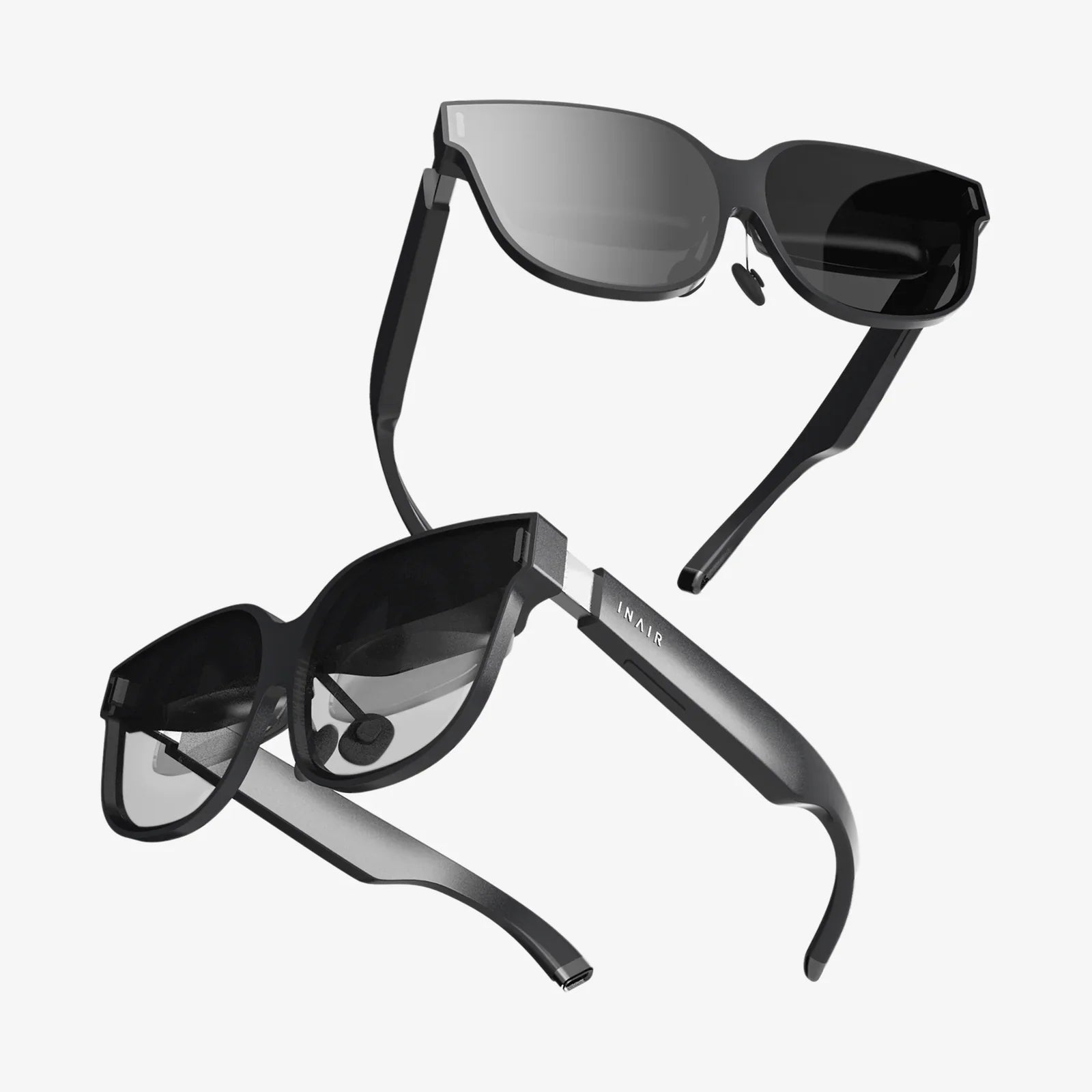
In a world saturated with static images and one-way communication, the human brain craves something more. It yearns for a dialogue, a chance to participate, to touch, to influence. This innate desire is the secret engine behind the most powerful marketing, educational, and artistic tools of our time. To truly stand out and make a lasting impression, you must move beyond showing and start involving. You must learn to create interactive display experiences that don't just speak to an audience, but speak with them.
The Fundamental Shift: From Passive Viewing to Active Participation
The traditional display—a poster, a banner, a screen looping a video—operates on a one-way street. Information flows from the creator to the viewer, with no avenue for response or engagement. An interactive display, however, turns this model on its head. It transforms the viewer into a participant, the observer into a user. This shift is profound because it taps into core psychological principles.
Interactivity fosters a sense of agency. When individuals can control the flow of information—by touching a screen, moving their body, or making a choice—they become invested in the outcome. This active participation dramatically increases cognitive retention. Studies consistently show that people remember a much higher percentage of what they do compared to what they simply see or hear. Furthermore, interaction creates an emotional connection. The experience becomes personal, memorable, and shareable, generating a level of buzz that passive advertising can only dream of.
Blueprint for Engagement: Core Components of a Successful Interactive Display
Building an effective interactive experience is not about simply adding a touchscreen to a monitor. It requires a strategic blend of hardware, software, and creative design, all working in harmony toward a clear objective.
1. Defining Your Objective and Audience
Before a single line of code is written, you must answer the fundamental questions: Why are we doing this? and Who is it for? The goal could be to educate visitors in a museum, generate leads at a trade show, streamline a retail checkout process, or create an artistic public installation. Your objective will dictate every subsequent decision.
Similarly, understanding your audience is non-negotiable. An interactive display for children at a science center will look and function entirely differently from one designed for engineers at a professional conference. Consider their tech-savviness, what motivates them, and the context in which they will encounter your display.
2. Choosing the Right Technology Stack
The technology you select is the skeleton of your project. It must be robust enough to handle the intended use and intuitive enough to feel magical, not cumbersome.
- Touchscreens: The most common form of interaction. Ranges from simple infrared frames to large-format projective capacitive screens. Ideal for kiosks, information points, and detailed data exploration.
- Gesture and Motion Control: Using depth-sensing cameras or standard webcams, users can interact through body movement. Perfect for creating awe-inspiring, hands-free experiences in public spaces, window displays, or gaming attractions.
- Mobile Integration: Leveraging the device everyone has in their pocket. Users can scan a QR code to unlock additional content on their phone, use their screen as a second-screen controller, or participate in synchronized multi-device experiences.
- RFID & NFC: Excellent for personalized experiences. A user taps a card, badge, or wristband to instantly access custom information, collect digital items, or save their progress.
- Augmented Reality (AR): Overlays digital content onto the real world, often viewed through a smartphone or AR glasses. Allows users to visualize products in their space or see hidden information layered on physical objects.
3. The Imperative of Intuitive User Experience (UX) Design
The best technology is useless if people can't figure out how to use it. UX design for interactive displays must be instantaneously understandable. The call to action should be obvious. Use clear, concise language and universally recognized icons. Provide immediate feedback for every interaction—a button should visually depress, a selection should highlight, an animation should play. A delay of even a second can break the illusion of seamlessness and frustrate the user. The golden rule is: if you need instructions, the design has failed.
4. Crafting Compelling Content and Storytelling
Interaction is the hook, but content is the value. The information, narrative, or gameplay you offer must be worth the user's effort. Structure your content in layers. The first interaction should deliver a quick win or a compelling piece of information. Deeper levels can provide more detail for those who are truly engaged. Weave a narrative throughout the experience. Whether it's guiding a user through a brand's history, letting them explore a virtual product, or solving a puzzle, a story arc makes the journey meaningful and memorable.
From Concept to Reality: A Step-by-Step Development Process
Turning your vision into a functional display requires a methodical approach.
- Ideation and Storyboarding: Sketch the user flow. Map out every screen, every possible interaction, and every transition. This is your roadmap.
- Prototyping: Before full development, create a low-fidelity prototype. This could be a click-through model using presentation software or a simple interactive wireframe. Test this prototype with real people from your target audience and iterate based on their feedback.
- Software Development: This is where the magic is coded. Depending on the complexity, you might use specialized interactive software platforms that require minimal coding, or you might build a custom application from the ground up using game engines or web technologies.
- Hardware Sourcing and Integration: Select the right display, computer, sensors, and mounting solutions. Ensure all components are reliable and can withstand the intended environment and usage patterns (e.g., 24/7 operation, public touch).
- Rigorous Testing: Test for usability, performance under load, and software bugs. Then test again. Have people who have never seen the display before try it out and observe where they succeed and where they struggle.
- Deployment and Maintenance: Install the display in its final location. Ensure it is securely mounted and all cables are managed. Establish a plan for ongoing maintenance, software updates, and content refreshes to keep the experience relevant.
Inspiring Applications Across Industries
The potential to create interactive display experiences is revolutionizing fields far beyond retail and marketing.
- Retail: Virtual try-on mirrors for clothing and accessories, endless aisle kiosks to browse entire product catalogs, and interactive product configurators.
- Museums & Cultural Institutions: Bringing exhibits to life by allowing visitors to digitally restore artifacts, explore maps chronologically, or access interviews with curators.
- Education: Transforming classrooms with interactive whiteboards that support collaborative problem-solving and immersive simulations of historical or scientific events.
- Events & Trade Shows: Creating massive multi-touch walls for data visualization, gamified lead capture stations, and interactive schedules and wayfinding.
- Public Spaces & Hospitality: Interactive directories in corporate lobbies, digital concierges in hotel lounges, and captivating artistic installations in parks and plazas.
Navigating Challenges and Pitfalls
While powerful, interactive displays are not without their challenges. The "gorilla arm" effect can make prolonged touch interaction on vertical screens uncomfortable. Hygiene, especially in post-pandemic times, is a major concern for public touchscreens, making gesture or mobile-based alternatives more appealing. Technical reliability is paramount; a frozen or unresponsive display is worse than no display at all, as it projects an image of incompetence. Finally, the initial investment in hardware and development can be significant, so a clear ROI strategy is essential.
The Future is Interactive: Emerging Trends
The evolution is rapid and exciting. We are moving towards more seamless and immersive technologies. Haptic feedback will allow users to feel digital buttons and textures. Artificial Intelligence (AI) will enable displays to adapt in real-time to users, offering personalized content based on their demographics or behavior. The line between the physical and digital worlds will continue to blur with more advanced and accessible AR and VR integrations. Ultimately, the technology will fade into the background, leaving only the pure, effortless magic of interaction.
Imagine a city where every store window invites you to play, every museum exhibit begs you to dive deeper, and every public space tells a story you can shape with your hands. This is the world we are building. The tools are now accessible, the audience is eager, and the only limit is your creativity. The power to captivate, educate, and inspire is literally at your fingertips. Stop telling your story and start building a world where your audience can live it.
Share:
Spatial Computing Technology 2025: The Dawn of a Seamless Digital-Physical World
Virtual Reality (VR): Beyond the Hype, Into a New Reality