


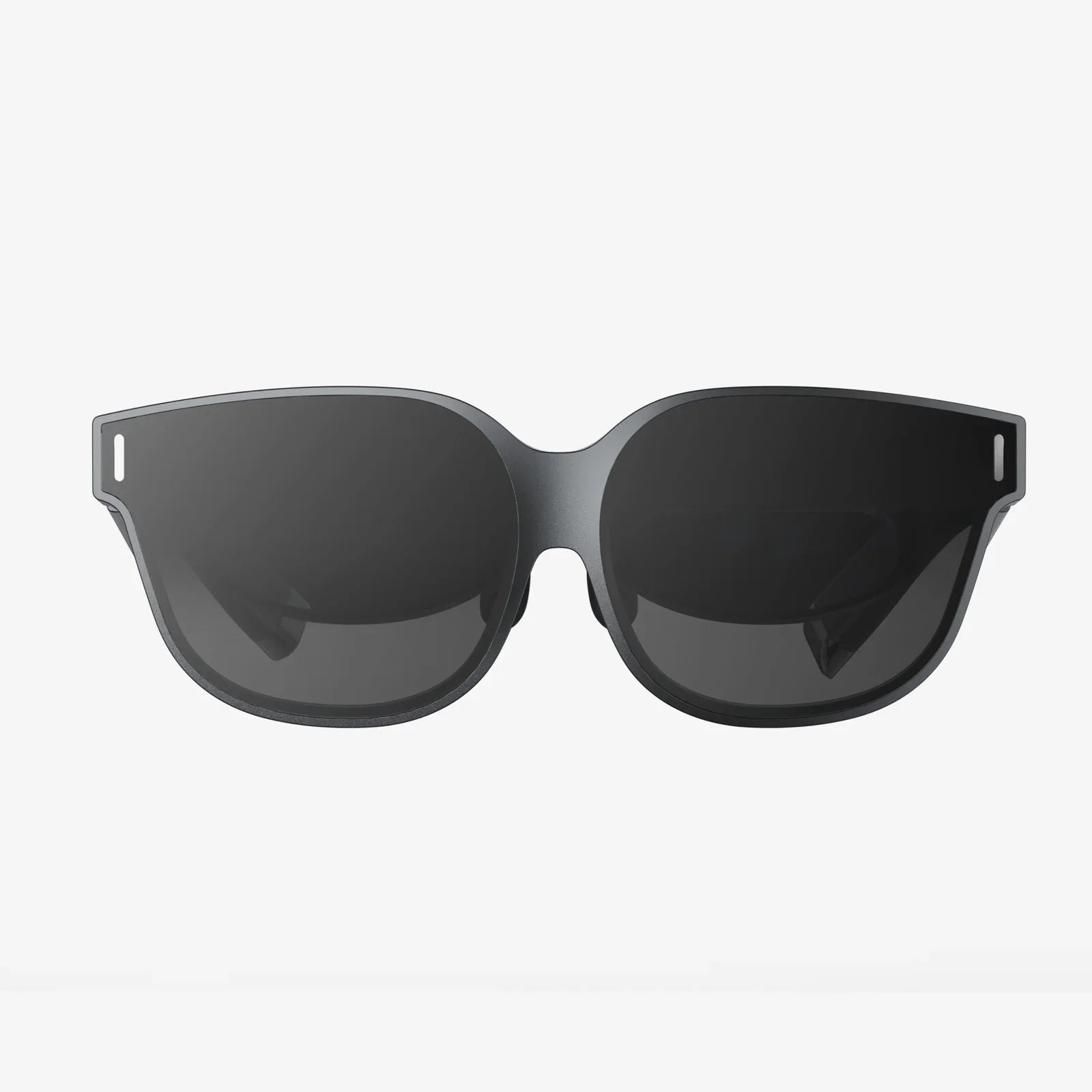
Imagine having the power to extend your digital workspace anywhere you go—from a cramped coffee shop corner to a cross-country flight. The handheld computer monitor is revolutionizing how we interact with our technology, transforming pockets and backpacks into portable command centers. This isn't science fiction; it's the cutting edge of mobile productivity, and it's changing the game for professionals, creators, and tech enthusiasts alike. If you've ever felt constrained by a single screen or wished your laptop could magically grow a second display on the go, the solution is now literally in the palm of your hand.
The Evolution of Portable Displays
The journey to today's sophisticated handheld computer monitors began with the most humble of origins. For decades, the concept of a display was tethered to large, heavy cathode ray tubes that dominated desks and living rooms. The revolution started with the invention of liquid crystal display (LCD) technology, which gradually miniaturized while increasing in clarity and color accuracy. Early attempts at portability were often cumbersome, power-hungry devices with limited connectivity options. They were novelties rather than practical tools.
The true catalyst for the handheld monitor explosion was the proliferation of powerful mobile computing devices. As smartphones became more capable than the computers that guided astronauts to the moon, and as laptops slimmed down without sacrificing performance, the need for additional screen real estate grew. The market responded with increasingly sophisticated solutions. What began as niche products for specific professional applications has blossomed into a diverse ecosystem of portable displays designed for everyone from digital nomads to hardcore gamers seeking a dual-screen setup away from home.
Defining the Modern Handheld Computer Monitor
So, what exactly constitutes a handheld computer monitor in today's market? At its core, it is a compact, high-resolution display designed to function as a secondary screen for a primary computing device. Unlike traditional monitors that require dedicated power cables and complex video input connections, these devices prioritize simplicity and portability. They are typically sized between 7 and 17 inches diagonally, with many models falling in the 13 to 15-inch range—the perfect size to slip into a laptop sleeve or backpack compartment without adding significant bulk.
The defining characteristic is its independence. While it receives its video signal from a host device—be it a laptop, smartphone, gaming console, or even a single-board computer—it operates as its own distinct entity. It doesn't contain the computing hardware itself but serves as a window to it. This separation of compute and display is what makes the concept so powerful; you can upgrade your phone or laptop without needing to replace your entire visual interface, creating a more modular and future-proof setup.
Key Features and Technical Specifications
Navigating the market for these devices requires understanding the key specifications that differentiate a good portable monitor from a great one. The most immediately noticeable feature is the screen itself.
Display Technology and Resolution
The vast majority of handheld monitors utilize IPS (In-Plane Switching) LCD panels, prized for their excellent color reproduction and wide viewing angles—crucial when you're constantly adjusting the screen's position. Resolution is paramount. Full HD (1920x1080) is considered the entry point for acceptable clarity, with many premium models offering QHD (2560x1440) or even 4K UHD (3840x2160) resolutions. This pixel density ensures text appears crisp and images are sharp, reducing eye strain during long work sessions.
Connectivity: The Lifeline of the Portable Monitor
How a monitor connects to your device is arguably its most critical aspect. Modern interfaces have largely moved to a single-cable solution that handles both power and data.
- USB-C with Alt Mode: This is the current gold standard. A single USB-C cable can carry a video signal, transmit data, and deliver power to the monitor, often eliminating the need for a separate power brick. This is especially seamless with modern laptops and phones that support video-out over USB-C.
- HDMI and Mini HDMI: A reliable, ubiquitous standard. Many monitors include an HDMI port as a backup or primary connection for devices like gaming consoles or older computers that lack USB-C video capabilities.
- Wireless Connectivity: An emerging trend is the inclusion of wireless protocols like Miracast or Wi-Fi Direct. This allows you to project your screen without any physical tether, offering ultimate convenience at the potential cost of slight latency, which may not be suitable for fast-paced video or gaming.
Power Management and Built-in Batteries
There are two primary power philosophies for these devices. The first is bus-powered operation, where the monitor draws all the power it needs directly from the host device via the USB-C connection. This is incredibly convenient but can drain a laptop or phone battery more quickly. The second approach incorporates a built-in battery. These models act like large power banks with a screen, capable of running for several hours on a single charge without taxing the host device. The choice depends on your use case: all-day mobility away from outlets favors a built-in battery, while simplicity and minimal weight favor bus-powered models.
Form Factor and Durability
Since the word "handheld" is in the name, physical design is non-negotiable. Weight is kept to an absolute minimum, often under two pounds for larger models. Many displays feature built-in stands or covers that fold into a stand, providing stability on any flat surface. For the truly mobile, some models are even designed with lanyard holes or grips to be used while held. Durability is also a key concern, with many manufacturers using strengthened glass and aluminum or magnesium alloy frames to withstand the rigors of travel.
Transforming Workflows Across Industries
The applications for a handheld computer monitor are as diverse as the users who adopt them. They are not merely luxury items but genuine tools that solve specific problems.
The Digital Nomad and Remote Worker
For the growing legion of remote workers, this technology is a productivity multiplier. A second screen allows for the classic workflow of having a primary document or code editor on one screen while reference materials, communication Slack channels, or email reside on the other. This eliminates the constant Alt-Tabbing that fractures concentration and slows down work. It effectively transforms any location—a library, a hotel room, a park bench—into a functional dual-monitor office.
Content Creators and Photographers
Visual professionals benefit immensely from a portable, color-accurate second screen. Photographers and videographers on location can use a handheld monitor to preview edits on a larger, more calibrated display than their laptop screen, ensuring what they see is what they get. Graphic designers and illustrators can dedicate their primary laptop display to their tools and palettes while using the portable screen for their full canvas view.
Gamers and Tech Enthusiasts
The gaming community has embraced these devices for creating immersive, multi-screen setups anywhere. They can be used to display chat windows, game wikias, streaming software controls, or performance metrics without overlaying them on the main game. Some even connect directly to handheld gaming consoles or phones to create a larger gaming display on the go. For IT professionals and system administrators, a portable monitor is an invaluable troubleshooting tool, serving as a display for rack-mounted servers or other headless systems.
Choosing the Right Handheld Monitor for Your Needs
With a crowded market, selecting the ideal model requires careful consideration of your specific use case. Ask yourself these questions:
- What is my primary device? Ensure the monitor has the correct ports (USB-C, HDMI) that your laptop, phone, or console supports.
- Where will I use it most? If you'll always be near an outlet, bus-powered is fine. For true mobility, a model with a robust internal battery is essential.
- What will I look at? If your work is text-heavy (coding, writing), prioritize high resolution and a matte anti-glare coating. For media consumption and creative work, focus on color gamut coverage (look for 100% sRGB or DCI-P3) and brightness (measured in nits).
- How will I prop it up? Do you need a built-in kickstand, or will you use it primarily with a separate tripod mount? The built-in solution is often more convenient for travel.
- What is my budget? Prices range from very affordable to professional-grade expensive. Balance the features you need against what you're willing to spend.
The Future is in Your Hands
The technology behind handheld computer monitors is far from static. We are already seeing trends toward even thinner, lighter designs with bezel-less edges. Foldable and rollable OLED technology promises a future where a monitor can unfold to a large size or roll up to fit in a pocket, disappearing entirely when not in use. Integration with augmented reality overlays could see these displays project information onto the real world, blending digital and physical workspaces seamlessly. As connectivity standards evolve and become even faster and more universal, the experience of plugging in a second screen will become as instantaneous and effortless as connecting a pair of headphones.
The humble monitor has broken free from its desk-bound chains. It's no longer a peripheral but a portal—a lightweight, powerful gateway to a more focused, efficient, and flexible way of working and playing. This technology democratizes the multi-screen setup, making it accessible to anyone with a compatible device and a desire to break free from the constraints of a single display. The power to expand your digital horizon, to curate your perfect mobile workstation, to never again choose between seeing your tools and seeing your canvas, is now something you can hold. The question is no longer if you need a second screen, but how you ever managed without one.
Share:
Best Multi Screen Computer Setup: The Ultimate Guide to Unlocking Your Productivity
Best Multi Screen Computer Setup: The Ultimate Guide to Unlocking Your Productivity