


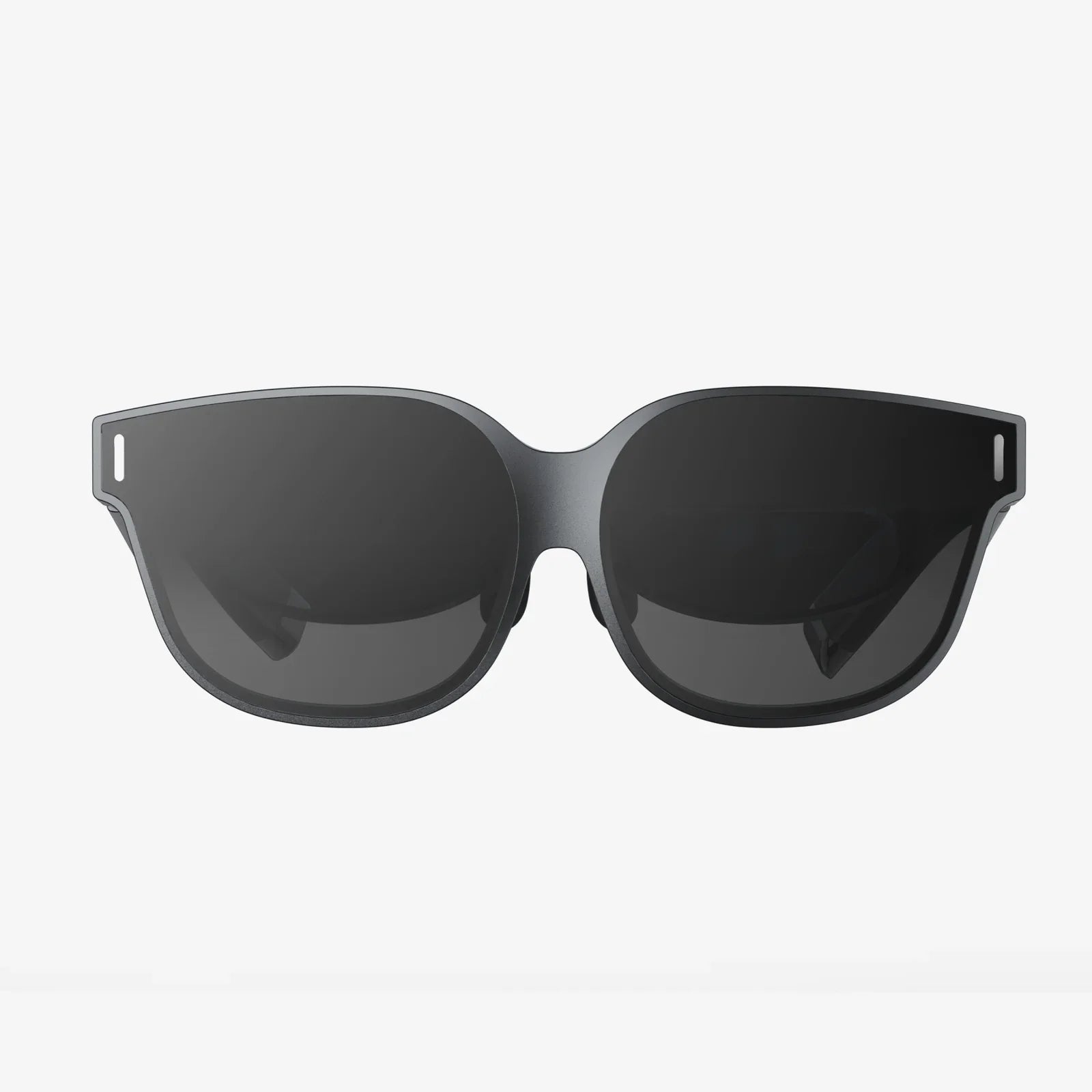
You’ve just conquered a virtual mountain, explored a digital galaxy, and watched a movie on a screen the size of a skyscraper. As you finally peel the sleek visor from your face, a familiar thought crosses your mind: just how much power did that epic adventure consume? Is your VR headset a silent energy vampire on your electricity bill, or is its appetite more modest than its immersive capabilities suggest? The quest to understand the power behind the magic is more complex—and fascinating—than a simple wattage number.
The Heart of the Matter: Where the Power Goes
Unlike a simple appliance, a VR system's power draw isn't a single, static figure. It's a dynamic dance between several high-performance components, each demanding electricity to create a seamless and believable virtual world. To understand the total consumption, we must dissect the headset itself and, crucially, its relationship with the device powering the experience.
The Display Panels: The Biggest Guzzlers
Arguably the most power-hungry components inside any VR headset are the displays. These are not your average smartphone screens. They are high-resolution, high-refresh-rate marvels positioned mere centimeters from your eyes.
- Resolution: Modern headsets boast resolutions that stretch into 4K-per-eye and beyond. Pushing millions of pixels requires significant power for the display drivers and backlighting systems.
- Refresh Rate: To avoid motion sickness and ensure smoothness, VR operates at high refresh rates, typically 90Hz, 120Hz, or even 144Hz. This means the entire image is redrawn 90 to 144 times per second, a computationally intensive and power-draining task.
- Brightness: To compensate for the light loss through the complex lens systems, the displays need to be exceptionally bright, further increasing their energy demands.
Together, the dual displays can account for a substantial portion of the headset's internal power budget.
Processing Power: The Brain's Energy Cost
This is where the story splits into two distinct categories: standalone and tethered headsets.
Standalone Headsets: The All-in-One Powerhouses
These devices have a complete smartphone-like system-on-a-chip (SoC) built directly into the headset. This processor is responsible for everything: running the game or application, handling the tracking algorithms, managing the sensors, and outputting the video to the displays. The computational load is immense, akin to playing a graphically intensive game on a mobile device, but with the added overhead of rendering two distinct views for stereoscopic 3D. Consequently, the processor in a standalone headset is a major consumer of power, generating significant heat that requires active cooling solutions (like small fans), which themselves draw additional power.
Tethered (PC-Powered) Headsets: Offloading the Work
Headsets that connect to a personal computer or a games console offload the vast majority of the processing workload. The PC's powerful CPU and GPU are the ones rendering the complex virtual worlds. The headset itself still requires power for its sensors, cameras for tracking, display drivers, and audio. This power is typically drawn through the connecting cable (like USB-C or a proprietary connector). Therefore, while the headset's own draw might be lower than a standalone unit, the total system power consumption is vastly higher because you must account for the massive energy use of the high-end gaming PC.
Sensors and Tracking: The Constant Watchful Eyes
For you to move naturally in VR, the headset must constantly understand its position and orientation in space. This is achieved through a suite of sensors:
- Inside-Out Tracking Cameras: Most modern headsets use multiple wide-angle cameras to map the room and track the controllers. These cameras are capturing and processing visual data continuously, which requires a steady stream of power.
- Inertial Measurement Units (IMUs): These accelerometers and gyroscopes track minute movements and rotations at a incredibly high speed, supplementing the camera data.
- Other Sensors: Depth sensors, eye-tracking cameras (in premium models), and proximity sensors all add to the overall electrical load.
Audio and Haptics: Finishing the Immersion
Built-in headphones or speakers and haptic feedback systems in the headband or within the headset itself contribute a smaller, but still notable, amount to the total power draw. Rumble motors and advanced haptic drivers require current to operate, pulling energy from the battery or power source.
Quantifying the Consumption: Watts and Watt-Hours
Let's move from concepts to concrete numbers. Power is measured in watts (W), and energy consumption over time is measured in watt-hours (Wh).
Standalone VR Headset Power Draw
A typical modern standalone VR headset, under normal gaming load, will consume between 10 and 20 watts of power. This includes power for the SoC, displays, sensors, and cooling. This power is drawn from the internal battery.
Battery capacity is measured in watt-hours (Wh). If a headset has a 20Wh battery and consumes an average of 15W during use, simple math tells us the expected runtime: 20Wh / 15W = ~1.33 hours, or about 80 minutes. This aligns with the common experience of 1.5 to 2.5 hours of battery life for intensive games. Less demanding tasks, like watching a video in a void theater, might draw less power (e.g., 8-12W), extending the battery life.
Tethered VR Headset Power Draw
A tethered headset, receiving power from its host device, might draw between 5 and 10 watts for its internal operations (displays, sensors, audio). This seems low, but it's only part of the picture.
The real energy cost comes from the PC. A high-end gaming PC running a demanding VR title can easily draw 300 to 600 watts or more from the wall socket. The VR experience is a key driver of this load, as it pushes the GPU and CPU to their limits. Therefore, the total system energy consumption for a tethered setup is the PC's consumption plus the headset's minor draw, totaling well over 300W.
Idle and Standby Power
It's also worth noting that headsets, when plugged in but not in active use, will still draw a trickle of power for charging and standby functions, typically just a few watts.
Comparing the Landscape: A Spectrum of Power
It's clear that not all VR experiences are created equal in the eyes of your electricity meter. The total power footprint falls on a wide spectrum:
- Low End (Mobile VR): Older or simpler setups that use a smartphone as the display and processor. The power draw is essentially that of the phone under heavy load, plus a minor amount for the headset's housing and lenses. Total system draw might be 8-12W.
- Mid-Range (Standalone): This is the most common category today. Devices in this class balance performance and portability, with total headset power consumption during use sitting in the 10-20W range.
- High End (Tethered/PCVR): This offers the highest fidelity experience at the highest energy cost. The combined draw of a powerful gaming PC and the headset can easily exceed 400W, making it the most energy-intensive way to experience virtual reality.
The Ripple Effect: Beyond the Headset's Direct Draw
The energy conversation doesn't stop at the headset's power supply. There are secondary factors to consider. The immense processing power required for high-end VR, especially in data centers powering social VR platforms or cloud-based rendering, contributes to a larger digital carbon footprint. Furthermore, the manufacturing, packaging, and shipping of these devices represent a significant embodied energy cost long before you ever press the power button.
Maximizing Your VR Playtime: Tips for Efficiency
For users, especially those on standalone devices, managing power consumption is key to extending gameplay sessions. Here’s how you can squeeze more life from your headset:
- Adjust Brightness: Lowering the display brightness is one of the most effective ways to save power.
- Manage Refresh Rate: If your headset and application allow it, selecting a 90Hz mode instead of 120Hz can reduce the load on the processor and displays.
- Limit Background Processes: Close unused applications running in the background.
- Use Wired Headphones: While convenient, Bluetooth controllers and headphones require extra power for their wireless radios. Using wired audio can save a small amount of energy.
- Mind the Environment: Extreme cold can reduce battery performance temporarily. Store and use your headset in a moderate temperature environment.
- For PCVR Users: Optimize your game's graphics settings. Not only does this improve performance, but running at a stable framerate without overworking the GPU can reduce your PC's total power draw.
The Future of VR Power Efficiency
The industry is acutely aware of the power and thermal constraints of VR hardware. The future points towards greater efficiency through several technological advancements:
- Advanced Chip Design: The move to more efficient manufacturing processes (like 4nm and 3nm) for SoCs allows for more computational power per watt, directly improving battery life and reducing heat.
- Eye-Tracked Foveated Rendering: This is the holy grail for VR efficiency. By tracking your eyes, the headset can render only the precise center of your vision in full detail, while drastically reducing the rendering load in your peripheral vision. This technology can massively reduce the processing power required, with savings of 50% or more possible.
- Micro-LED and OLEDoS Displays: New display technologies promise higher brightness, better contrast, and improved power efficiency compared to current LCD and OLED screens.
- Better Optics: Improved lens designs that allow for better light transmission mean displays won't need to be as bright to achieve the same visual clarity, saving power.
So, the next time you embark on a virtual quest, you can appreciate the intricate symphony of technology working behind the scenes. That sense of presence and wonder comes with a measurable, but often reasonable, energy cost for standalone devices, and a significantly larger one for high-end tethered setups. As technology marches forward, our virtual worlds will not only become more breathtaking but also more efficient, allowing us to explore them for longer, with a lighter footprint on the physical world we temporarily leave behind. The true cost of your next virtual adventure is a blend of electricity, innovation, and the relentless pursuit of immersion.
Share:
What Is The Most Used VR Headset? An In-Depth Market Analysis
Should You Buy a VR Headset? The Ultimate Guide to Making the Right Choice