


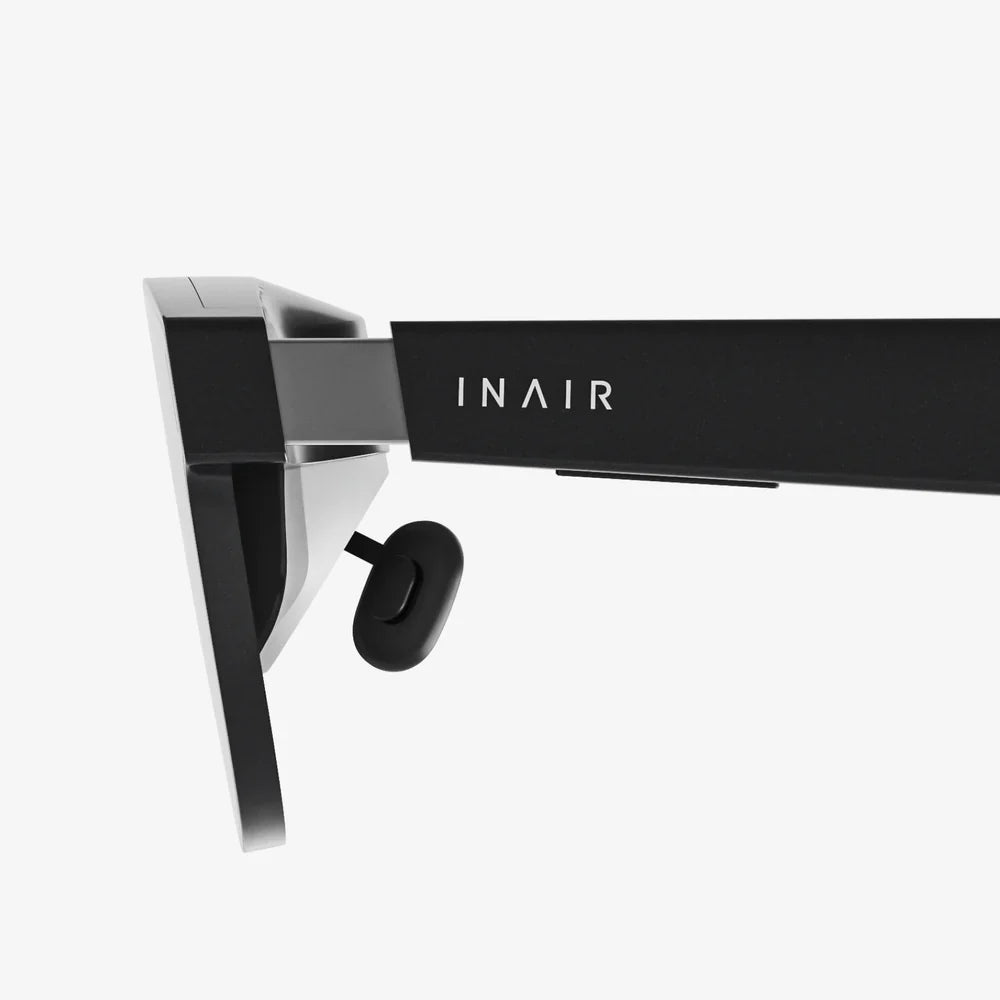
Imagine stepping through a portal into another world, scaling mountains from your living room, or designing complex 3D models with the wave of your hand. This is the promise of virtual reality, a technology that has exploded from science fiction into a breathtakingly real and accessible experience. If you’ve been curious but unsure where to begin, you’ve come to the right place. This guide is your definitive roadmap, designed to demystify the process and transform you from a curious observer into an active participant in the virtual realm.
Understanding the Virtual Reality Landscape
Before diving into purchases, it's crucial to understand what VR entails. At its core, virtual reality is a simulated experience that can be similar to or completely different from the real world. It employs head-mounted displays (HMDs), motion tracking, and immersive audio to create a convincing sense of presence—the feeling that you are truly "there" in the digital environment.
The market primarily offers three tiers of VR systems, each with its own advantages and considerations:
1. Standalone VR Headsets
These are all-in-one units that require no external computer or console. They are wireless, self-contained, and incredibly user-friendly, making them the most popular choice for beginners. Their setup is often described as "plug-and-play," involving little more than charging the device, creating an account, and connecting to Wi-Fi. While historically less powerful than their tethered counterparts, the latest generations offer impressive performance for gaming, fitness, social experiences, and media consumption.
2. PC-Powered VR Headsets
For those seeking the highest fidelity experiences—with the most detailed graphics, expansive worlds, and complex simulations—PC-powered VR is the gold standard. These headsets connect via a high-speed cable to a powerful gaming computer, which acts as the engine rendering the complex virtual worlds. This path requires a significant investment not only in the headset itself but also in a compatible computer with a robust graphics card, sufficient RAM, and the right ports. The payoff is access to the most extensive library of deep, graphically intensive VR titles and professional applications.
3. Console-Powered VR Headsets
This option offers a middle ground, leveraging the power of a popular video game console. It provides a more streamlined and affordable entry into high-quality VR than the PC path, as the console hardware is standardized and optimized for the experience. The ecosystem is more curated, with a strong focus on polished games and media apps, making it an excellent choice for gamers already invested in that console's family.
Choosing Your First Headset: A Buyer's Guide
Selecting your first headset is the most critical step. Your choice will be guided by your budget, your existing hardware, and your intended use.
Key Considerations:
- Budget: Determine your total budget, including any hidden costs. For a standalone headset, remember to factor in the price of mandatory accessories, additional storage, and a library of games. For a PC-powered system, the cost of the computer itself is the largest barrier to entry.
- Hardware Compatibility: If considering a PC-powered headset, your first step is to check your computer's specifications against the headset's minimum and recommended requirements. This is non-negotiable; an underpowered PC will result in a poor, often nauseating experience.
- Content Library: Each headset platform has its own storefront and exclusive titles. Browse the available apps and games for each platform to see which ecosystem most appeals to you.
- Comfort and Fit: VR headsets have different weights, strap designs, and ergonomics. If possible, try before you buy. A comfortable headset is essential for long sessions.
- Future-Proofing: Technology evolves rapidly. Consider how long you expect to use your first headset before wanting to upgrade. Some platforms offer more backward and forward compatibility than others.
The Essential Setup: Preparing Your Space and System
Once your headset arrives, the real fun begins. Proper setup is key to a safe and enjoyable experience.
Creating a Safe Play Area
Virtual reality is a physical medium. You will likely be moving, crouching, and swinging your arms. The first task is to define your play space.
- Stationary vs. Room-Scale: Most systems allow you to choose a stationary experience (seated or standing in one spot) or a room-scale experience (moving around a cleared area).
- Guardian System / Boundary: This is the single most important safety feature. You will digitally trace the boundaries of your safe play area on the floor. During use, a virtual wall will appear when you get too close to the real-world boundaries, preventing you from bumping into furniture or walls.
- Clear Obstacles: Remove any tripping hazards like rugs, cables (for standalone), toys, or low-lying furniture. Ensure there are no fragile items, like TVs or monitors, within arm's reach.
- Lighting: Avoid direct sunlight, as it can permanently damage the headset's internal lenses and sensors. Consistent, indirect lighting is best for the headset's external tracking cameras.
Technical Setup and Calibration
Follow the manufacturer's instructions carefully. This process typically involves:
- Charging the controllers and headset.
- Downloading the necessary phone or PC application.
- Pairing the headset with your account.
- Connecting to your Wi-Fi network.
- Updating the headset's software to the latest version.
- Precisely setting up your Guardian boundary.
- Adjusting the headset's fit: The lens distance (IPD) should be adjusted to match the space between your eyes for the clearest possible image. The head strap should be tight enough to feel secure but not so tight that it causes discomfort.
Your First Steps in VR: Recommended Starter Experiences
Resist the urge to jump straight into an intense, fast-paced game. Your brain needs time to acclimate to the unique sensation of VR. Start with gentle, stationary experiences.
1. The First Steps / First Contact Tutorial
Most platforms include a free, bespoke tutorial experience. Do not skip this. These are masterclasses in VR interaction, designed to teach you how to use your controllers, manipulate virtual objects, and move comfortably. They are often charming, delightful, and the perfect way to get your "VR legs."
2. Media Consumption
One of VR's most underrated features is its ability to function as a personal immersive theater. Launch a VR video app and watch a movie on a giant virtual screen or a 360-degree nature documentary. It’s a passive, comfortable way to spend time in the headset.
3. Gentle Exploration and Puzzle Games
Look for highly rated games that focus on exploration, puzzle-solving, or creation rather than frantic action. Titles that allow you to move at your own pace or use teleportation for locomotion are ideal for beginners. These experiences are engaging without being overwhelming.
4. Social VR Platforms
Jump into a social VR platform where you can meet others, watch events, play simple games, and explore user-generated worlds. It’s a fantastic way to see the creative and connective potential of VR without any pressure.
Staying Comfortable and Avoiding VR Sickness
Discomfort, often called VR sickness or simulator sickness, affects some users. It occurs when your eyes perceive motion that your inner ear does not feel. The good news is that most people can overcome it with patience and practice.
- Start Slow: Begin with sessions of 15-20 minutes and gradually increase the duration.
- Use Comfort Settings: Always enable "comfort modes" in games, which often include vignetting (blinding the periphery during movement) and teleportation instead of smooth analog stick movement.
- Take Breaks: At the first sign of discomfort—headache, dizziness, sweating, or nausea—stop immediately. Do not "power through" it. Take the headset off, get some water, and rest. Try again later.
- Use a Fan: Having a fan blowing gently on you can help with orientation and prevent overheating.
- Build Tolerance: Over time, your brain will adapt. Try switching to smooth locomotion for short periods before reverting to teleportation to build your tolerance gradually.
Building Your VR Library: Where to Find Great Content
The official store for your headset is the primary source for curated, high-quality, and safe content. However, it's not the only source.
- Official App Stores: These offer user reviews, ratings, and robust refund policies (often allowing you to return an app within a short window if it causes discomfort or isn't as advertised).
- SideQuest (For Standalone Headsets): This is a third-party platform that provides access to a vast library of experimental apps, demos, early access games, and apps not yet available on the official store. It's a hub of creativity and innovation.
- PC VR Stores: If you have a PC-powered headset, you are not limited to one storefront. You can access content from multiple major digital distribution platforms, giving you the widest possible selection.
The Future is Now: What to Explore Next
After you've mastered the basics, a universe of experiences awaits. VR is constantly evolving, with new developments in hardware, software, and social integration emerging regularly. Keep an eye on trends like augmented reality (AR) passthrough, which blends the virtual and real world, and the growth of the VR fitness scene, which uses motion tracking for heart-pumping workouts. Professional applications are also becoming more prevalent, from architectural visualization and virtual prototyping to therapeutic uses for treating phobias and PTSD.
The journey into virtual reality is one of constant discovery and wonder. It’s a medium that redefines entertainment, connection, and creation. By starting with the right hardware, setting up a safe environment, and gradually acclimating yourself, you have laid the foundation for countless adventures. Your living room is no longer just a room; it's a gateway to every conceivable world. The only question that remains is not how to get started, but where you'll choose to go first. Your new reality is waiting.
Share:
Video AI Portable: The Revolutionary Fusion of Intelligence and Mobility in Content Creation
Less Virtual More Reality: Reclaiming Our Physical World in a Digital Age