


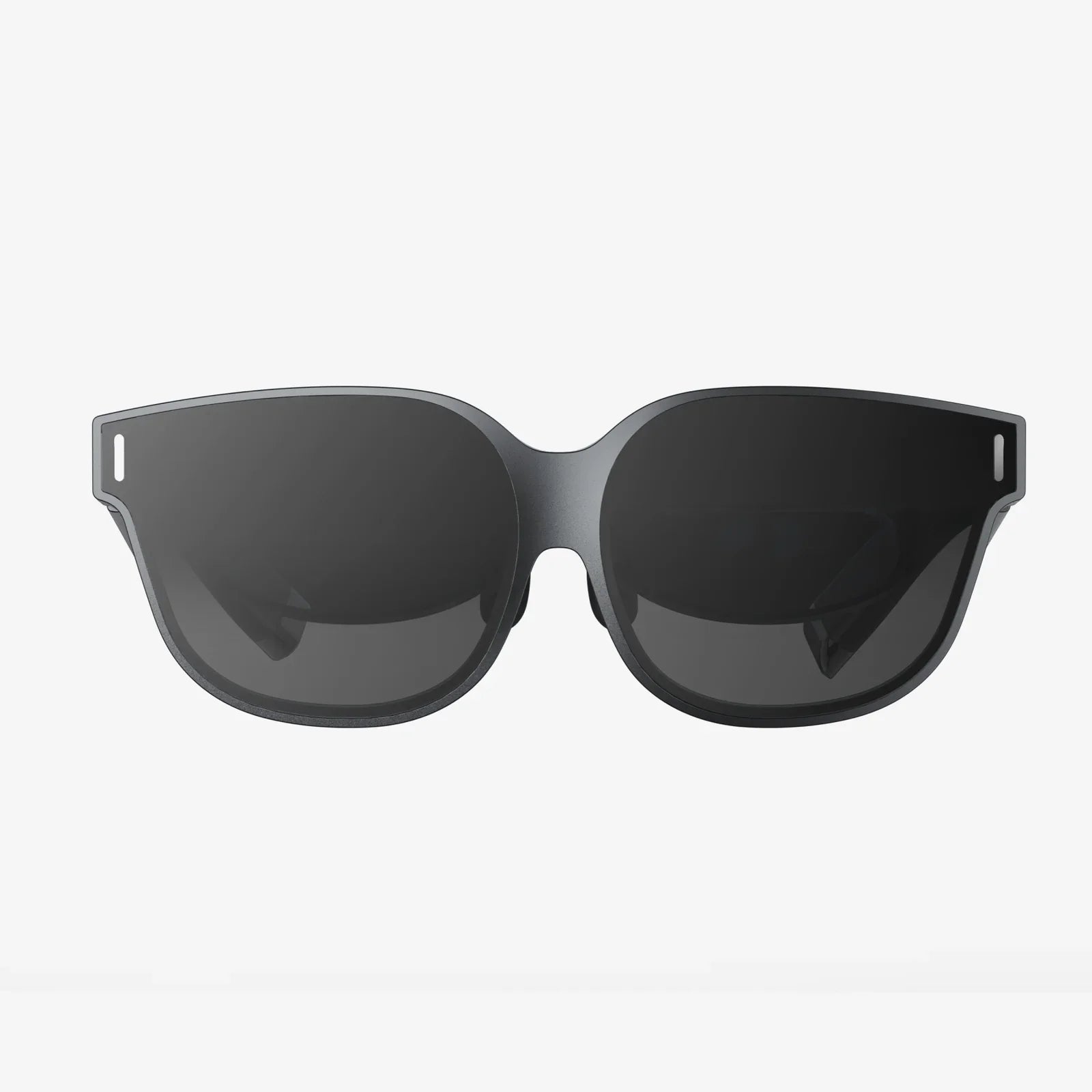
You've just unboxed your shiny new portal to other worlds, your hands trembling with anticipation. You strap it on, boot up an incredible experience, and for the first ten minutes, it's pure magic. Then it starts. The dull ache in your forehead. The pressure on your cheeks. The fog creeping across the lenses. The nagging feeling that this incredible device is, quite literally, a pain. You're not alone. Discomfort is the single biggest barrier between a brief novelty and truly losing yourself in virtual reality. But what if it didn't have to be this way? What if you could enjoy hours of immersive exploration without a single distracting ache? The secret doesn't lie in just bearing it; it lies in understanding the art and science of perfect fit. This guide is your masterclass in transforming your VR headset from a burdensome helmet into a comfortable, almost invisible, window to the universe.
The Foundation of Comfort: Mastering the Strap System
Most discomfort stems from one simple problem: improper weight distribution. A typical headset is front-heavy, and our instinct is to overtighten the straps to keep it from slipping, creating painful pressure points. The goal is not to clamp the device to your face but to let it rest securely on your head.
The Crown-and-Cradle Technique
For headsets with a top strap, this is your most important tool. Loosen all straps completely before putting the headset on. Place the front interface gently against your face, then position the headset so the top strap rests across the crown of your head, not the back. The top strap should carry 70-80% of the device's weight. Now, snug the side straps just enough to eliminate wobble, not to create suction. You should be able to gently open your mouth without significant resistance.
Understanding Strap Types
- Elastic Straps: Common but offer limited support. They require more frequent adjustment and can lead to overtightening.
- Rigid Plastic Headbands: These often feature a dial-based tightening system at the rear. They are superior for distributing weight evenly around the skull and are less likely to mess up your hair.
- Halo Designs: These use a rigid ring that circles the head, placing the primary pressure on the forehead and the back of the skull, bypassing the cheeks and brow entirely. This is often cited as the most comfortable design for long sessions.
Conquering the Interface: Your Face's First Contact
The facial interface—the foam or plastic part that touches your skin—is a critical comfort component. The stock interface is a one-size-fits-none compromise.
Material Matters: From Foam to Pleather
Standard foam interfaces are absorbent. They soak up sweat and oils, becoming unhygienic and deteriorating over time. Aftermarket interfaces made from silicone or synthetic leather (pleather) are waterproof, easy to wipe clean with a disinfectant wipe, and more durable. They also create a better seal against light bleed, though some users find them less breathable.
The Quest for the Perfect Fit
Many third-party manufacturers offer interfaces in different sizes and shapes. A wider interface can relieve pressure on the temples, while a deeper one can prevent your eyelashes from brushing against the lenses. If you wear glasses, a deeper interface is non-negotiable to create space and protect your lenses from scratches.
Lens Clarity: The Key to Visual and Physical Comfort
Blurry visuals and eye strain are a fast track to headaches and a miserable experience. Achieving optical clarity is paramount.
Finding the Sweet Spot (IPD)
Your Interpupillary Distance (IPD)—the space between the centers of your pupils—is unique. Most headsets have a physical or software adjustment for this. An incorrect IPD setting will cause eye strain, blurred edges, and headaches. Use a ruler and mirror or a dedicated smartphone app to measure your IPD, then adjust the headset's slider until the image is sharp and singular. Don't just guess.
Dialing in the Focus
Many headsets also feature a physical knob to slide the lenses closer or further from your eyes. This is different from IPD. Move the lenses as close as possible without your eyelashes touching them. This maximizes the field of view and overall clarity. If you wear glasses, you must use this adjustment to create ample space.
Staying Cool and Clean: The Hygiene Battle
A hot, sweaty, foggy headset is an uncomfortable one. Managing temperature and hygiene is essential for both comfort and the longevity of your device.
Banishing the Fog
Lens fog occurs when the inside of the lens is cooler than your warm, humid face. To prevent it:
- Pre-warm the headset: Turn it on for 5-10 minutes before use to bring the internal components (and lenses) to a warmer temperature.
- Create airflow: A small USB-powered fan attached to the front of the headset or pointed at your play space works wonders to circulate air and reduce fogging and sweat.
- Anti-fog solutions: Products designed for swim goggles or ski masks can be carefully applied to the lenses (following manufacturer instructions) to prevent condensation.
Maintaining Your Gear
Clean your facial interface and lenses regularly. For foam interfaces, use gentle, alcohol-free lens wipes. For silicone or pleather, a damp cloth with a bit of mild soap will suffice. Never spray liquid directly onto the lenses; always apply it to the cloth first. This prevents moisture from seeping into the electronics and keeps your gear fresh.
Advanced Comfort Hacks and Accessories
Once you've mastered the basics, these pro-level tips can elevate your comfort to new heights.
Counterweights: The Game-Changer
This is the single most effective mod for a front-heavy headset. By attaching a small counterweight to the rear strap, you balance the center of mass over the pivot point of your head (your neck). This drastically reduces neck strain and the need to overtighten the front strap. A simple power bank (which also extends playtime) wrapped to the back with velcro straps is a perfect, functional counterweight.
Audio Solutions
While convenient, the built-in speakers on many headsets can be lacking and allow outside noise to break immersion. Over-ear headphones can add pressure on the sides of your head. Lightweight, high-quality in-ear headphones (IEMs) provide excellent immersive audio without adding any pressure or weight to the headset itself.
Managing Cables (For Wired Headsets)
A dangling cable is a constant pull on your awareness and can physically tug on the headset. Use a simple ceiling pulley system or a cable management clip that attaches to your belt to take the weight off your head and keep the cord safely behind you, freeing you to move naturally.
Listening to Your Body: The Final Frontier
No amount of hardware tweaking can override the needs of your body. VR is an intense experience, and respecting your limits is the ultimate comfort feature.
- Take Breaks: Follow the 15-15 rule. Every 15 minutes, take a 15-second break by closing your eyes or looking away from the screen. Every hour, take a longer 5-10 minute break to remove the headset, hydrate, and let your eyes readjust to the real world.
- Start Slow: If you're new to VR, don't jump into a 2-hour session. Build up your "VR legs" gradually with shorter play sessions to acclimatize to the sensory input.
- Stay Hydrated: Dehydration can exacerbate motion sickness and headaches. Keep water nearby.
- Know Your Triggers: If smooth locomotion (using a joystick to move) makes you queasy, stick to teleportation movement or games with stationary experiences until you build tolerance.
The journey to perfect VR comfort is deeply personal. It requires patience, a bit of experimentation, and a willingness to tweak and adjust. But the reward is nothing short of revolutionary. When the headset itself disappears from your perception, all that remains is the experience—the heart-pounding adventure, the awe-inspiring vista, the connection with friends in a virtual space. By investing time in these adjustments, you're not just making a device more tolerable; you're unlocking the true, boundless potential of virtual reality. Your next great adventure awaits, and this time, you can stay as long as you like.
Share:
What Is XR and AR: A Deep Dive Into Our Blended Reality
VR Set Android: The Ultimate Guide to Mobile Virtual Reality in 2024