


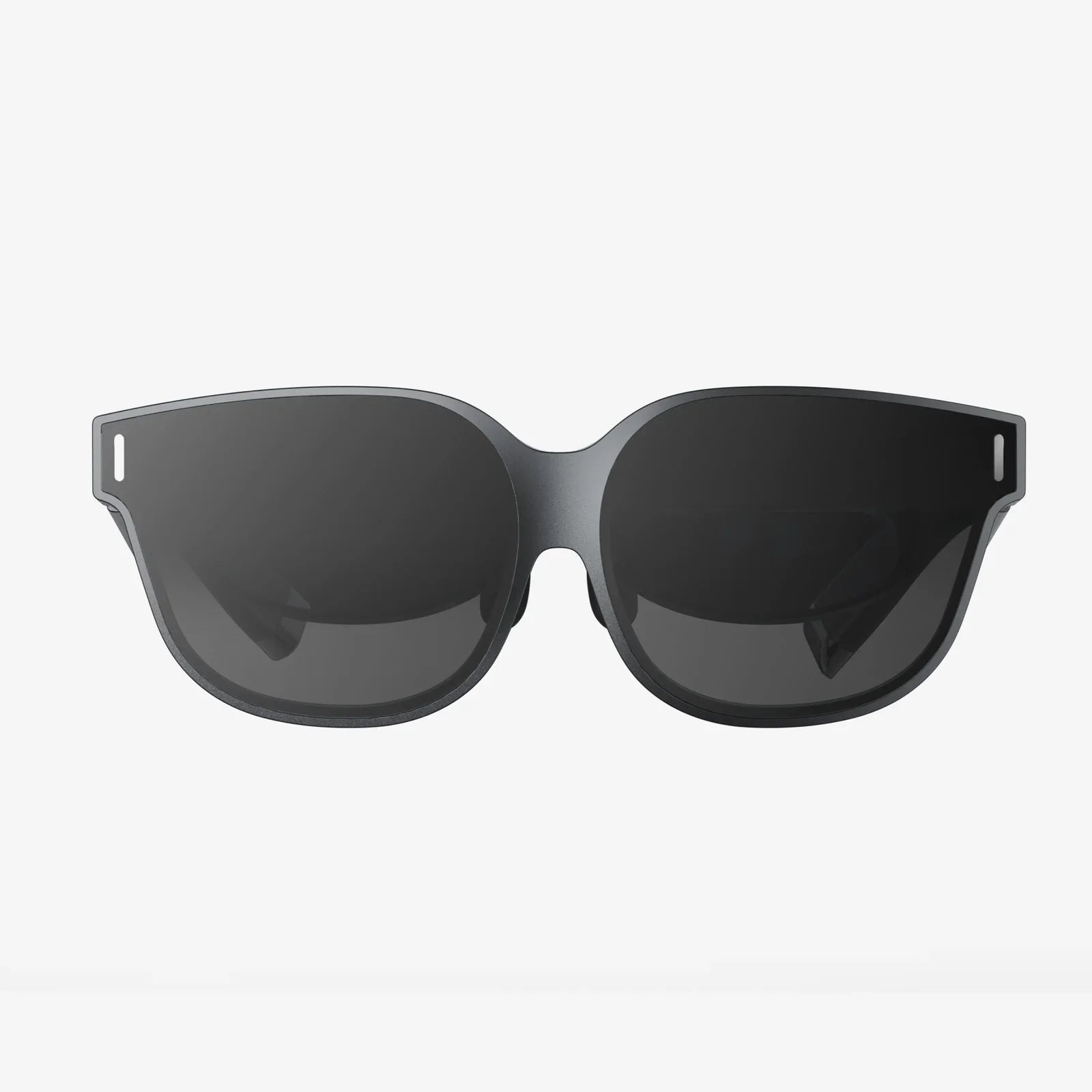
Imagine pointing your phone at your living room and watching a new piece of furniture materialize in perfect scale, or having a life-sized dinosaur roar in your backyard, or following floating directional arrows on the sidewalk to your next destination. This isn't science fiction; it's the everyday magic made possible by Augmented Reality (AR) on the iPhone 12 Pro Max. With its groundbreaking LiDAR Scanner and powerful A14 Bionic chip, this device isn't just a phone—it's a portal to a layered, interactive world waiting to be discovered. Ready to see your reality transform? Let's dive in.
Understanding Your AR Powerhouse: The LiDAR Scanner
Before we explore the "how," it's crucial to understand the "why." What makes the iPhone 12 Pro Max a true AR champion? The answer lies in a small, black circle on the rear camera module: the LiDAR (Light Detection and Ranging) Scanner. This technology measures the distance to surrounding objects by bouncing invisible light beams off them. It does this at a photon level at nanosecond speed. In practical terms, this means your phone can create a highly detailed depth map of a room or space instantly.
The benefits of LiDAR for AR are profound:
- Instant AR Placement: Forget slowly waving your phone around to detect surfaces. With LiDAR, virtual objects snap into place the moment you open an app, with incredible stability.
- Realistic Occlusion: This is the technical term for virtual objects realistically passing behind and in front of real-world objects. A digital character can hide behind your sofa, or a virtual lamp can appear to cast a real shadow.
- Improved Low-Light Performance: Because LiDAR uses its own light source, it works remarkably well in dim environments, a previous weakness of camera-based AR.
Getting Started: Preparing Your Device for AR
Using AR doesn't require a complex setup, but ensuring your device is optimized will provide the best experience.
1. Software Update: Always ensure your iPhone is running the latest version of iOS. Apple continuously improves ARKit, its AR development platform, with updates that enhance performance and introduce new features.
2. Camera Access: AR apps require camera access. The first time you open an AR-enabled app, it will prompt you to allow camera access. You must grant this permission for the AR features to function.
3. Lighting and Space: While LiDAR helps in low light, optimal AR experiences still occur in well-lit spaces. Ensure you have enough room to move your phone around safely without bumping into objects.
A World of AR at Your Fingertips: Native iPhone Features
You don't need to download anything to start experiencing AR. Your iPhone 12 Pro Max comes with powerful AR features built right in.
Measure App: Your Digital Tape Measure
The Measure app is the perfect introduction to the precision of LiDAR. Open the app, point your camera at a surface, and watch as it automatically detects edges and planes.
- Measuring Length: Tap the plus (+) button to place a point, move your phone to the end point, and tap again. The measurement appears on-screen with stunning accuracy.
- Measuring Rectangles: Point your camera at a rectangle, like a picture frame or a tabletop. The app will automatically detect it and outline it in yellow. Tap the plus button to instantly get its dimensions.
- Level Tool: Swipe over to the Level tab to use your phone as a precise digital level, perfect for hanging pictures straight.
Messages and Memoji
Add a layer of fun to your conversations. In the Messages app, open a conversation, tap the App Store icon, and then select the AR balloon icon. You can place fun, interactive AR effects into your world and send a video of the experience to a friend. You can also use Memoji and Animoji in AR mode, placing a 3D version of your avatar into your environment for hilarious photos and videos.
Safari and Quick Look
Many websites now support AR viewing. When shopping online, look for the AR icon (a small 3D cube) next to compatible products. Tap "View in AR," and you can project a true-to-scale model of the product into your home. This is invaluable for checking if a new chair will fit your space or how a new lamp will look on your side table.
Exploring the App Store: Must-Try AR Experiences
The true potential of AR is unlocked through third-party apps. Here are some categories and examples of what's possible (descriptions focus on functionality, not brand names).
Shopping and Home Design
Revolutionize how you shop for everything from furniture to sneakers. These apps use the LiDAR scanner to create a perfect 1:1 representation of products in your space.
- Furniture Apps: Visualize sofas, tables, and rugs in your home. You can walk around them, see how they look from different angles, and even check if they fit through your doorways.
- Try-On Apps: Virtually try on glasses, watches, and makeup. The advanced face tracking ensures a realistic preview before you buy.
- Home Improvement Apps: Test out paint colors on your walls or see how new tiles would look on your floor. Some apps can even automatically measure rooms to give you an estimate of how much material you need.
Gaming and Entertainment
Step into immersive worlds where the line between game and reality blurs.
- Action Games: Defend your home from alien invasions that play out on your coffee table, or engage in blaster battles that transform your entire neighborhood into a playing field.
- Puzzle Games: Solve intricate puzzles that are mapped onto your physical environment, requiring you to walk around and interact with virtual objects placed on real surfaces.
- Educational Experiences: Explore the solar system with planets floating in your room, dissect a frog on your kitchen table, or walk alongside dinosaurs in your local park.
Creativity and Productivity
AR isn't just for play; it's a powerful tool for work and creation.
- 3D Design and Sculpting: Use your finger to draw and sculpt 3D models that are anchored in your environment. These creations can be viewed from every angle and even exported for 3D printing.
- Navigation: Get walking directions overlaid onto the real world through your camera view. Giant arrows guide you down the correct street, and markers highlight your destination.
- Learning and Guides: Mechanics can use AR to see repair instructions overlaid on actual machinery. Medical students can practice procedures on detailed anatomical models.
Pro Tips for Mastering AR on Your Device
Elevate your AR from neat novelty to seamless experience with these expert tips.
1. Calibrate for the Best Experience: Occasionally, AR tracking can drift. If objects seem misaligned, simply close the app and reopen it. For a deeper reset, gently wipe the LiDAR scanner and camera lenses with a soft, lint-free cloth.
2. Master Movement: Move your phone slowly and steadily. Pan across a scene rather than whipping the camera around. This allows the sensors and cameras to continuously map the environment for a stable experience.
3. Think About Composition: When recording AR videos or taking screenshots, think like a filmmaker. How does the virtual object interact with the real world? Capture angles that show the integration, like a virtual creature peeking out from behind a real tree.
4. Manage Your Storage: Recording high-quality AR videos, especially in 4K, consumes significant storage space. Regularly offload videos and photos to iCloud or a computer to ensure you always have room for your next creation.
5. Explore Accessibility: AR has incredible potential for accessibility. Look for apps that can help identify objects for the visually impaired or provide sign language avatars in AR for learning.
The Future is Here, and It's Layered
The iPhone 12 Pro Max was a definitive leap forward for mobile AR, primarily due to the inclusion of the LiDAR scanner. It transformed AR from a promising technology into a practical, powerful, and genuinely useful tool. This device laid a crucial piece of the groundwork for the immersive, spatially-aware future we've been promised. By understanding and utilizing its capabilities, you're not just playing with a cool feature; you're getting an early glimpse into a fundamental shift in how we will use technology to interact with the world around us. The boundary between the digital and the physical is dissolving, and your pocket holds the key. Your reality is waiting to be upgraded—what will you build on it first?
Share:
How Long Can You Use a VR Headset: A Deep Dive into Health, Comfort, and Best Practices
PC VR Headset Under $250: The Ultimate Guide to Affordable Immersion