


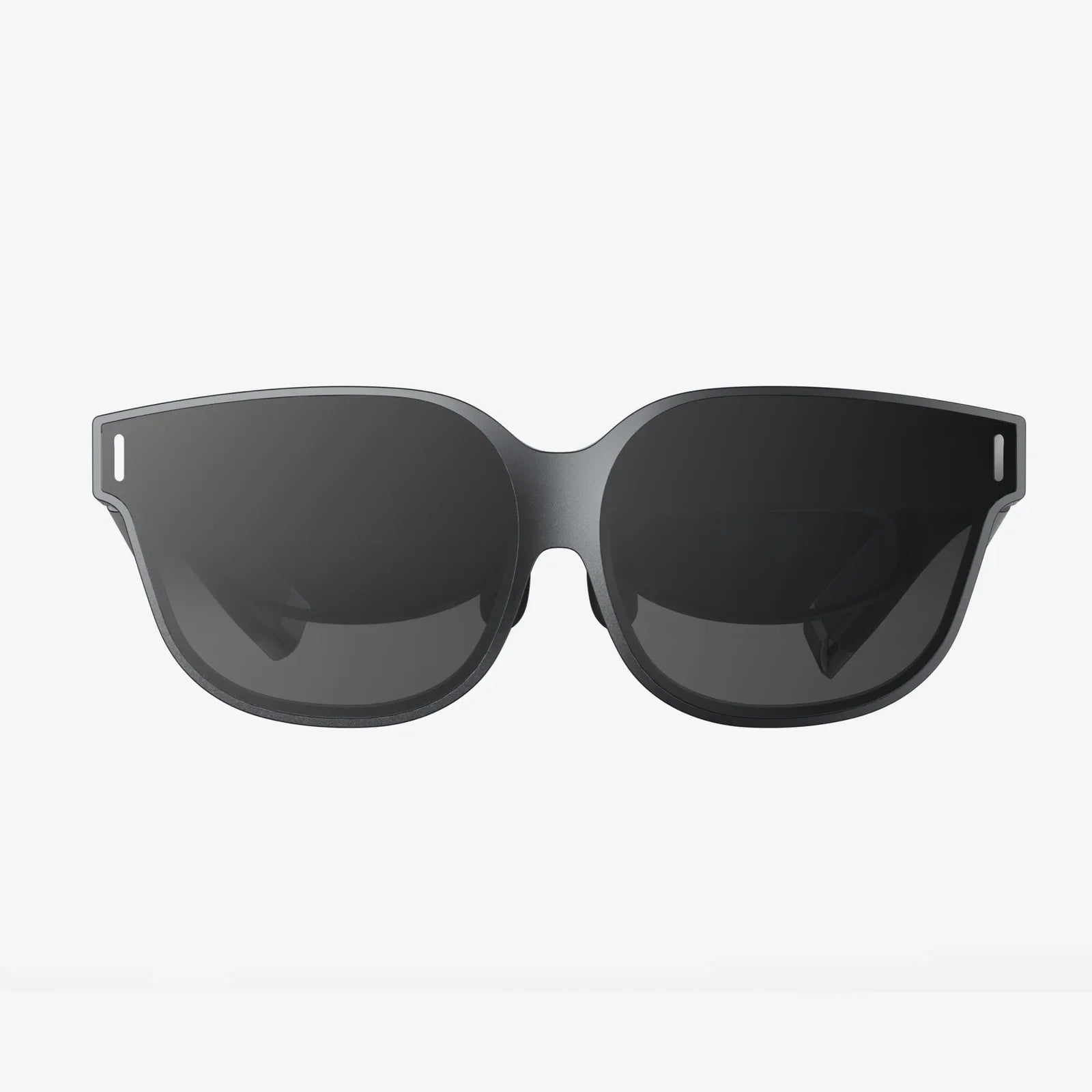
If you have ever felt someone’s eyes drift toward your iPhone in a crowded place, a privacy glass screen protector for iPhone 14 might be the upgrade that finally lets you relax. From public transport to open-plan offices, your screen can quietly reveal messages, banking details, photos, and work documents to anyone sitting at just the right angle. A well-chosen privacy glass protector not only blocks those side glances but also adds a tough layer of protection against cracks, scratches, and smudges that can ruin your phone’s display and your day.
Yet not all privacy glass screen protectors are created equal. Some dim your display until it becomes frustrating to use, some peel at the edges after a week, and others leave rainbow patterns or touch lag that make every tap feel off. This guide breaks down exactly how privacy glass works, what specs actually matter for the iPhone 14, how to install it without bubbles, and how to avoid the common mistakes that leave people disappointed. By the end, you will know how to pick a protector that feels almost invisible to you while turning your screen into a blank slate for everyone else.
Why You Need a Privacy Glass Screen Protector for iPhone 14
The iPhone 14 packs a bright, sharp display that is a joy to use, but that clarity is also what makes it so easy for others to see what is on your screen. Whether you are checking private messages, logging into a bank account, or reviewing confidential work documents, your display can be read from surprisingly far away. A privacy glass screen protector for iPhone 14 is designed to solve this problem in a simple, physical way: it limits the viewing angle so only the person directly in front of the screen can see it clearly.
Beyond privacy, the protector adds a sacrificial layer over your display. Everyday hazards like keys in your pocket, grit in a bag, or a small drop from your lap to the floor can leave scratches or cracks. Replacing a display is expensive and inconvenient; replacing a protector is quick and relatively inexpensive. For many users, the protector pays for itself the first time it takes the impact that would otherwise have damaged the screen.
There is also the psychological benefit. With a privacy glass screen protector installed, you do not have to constantly angle your phone away from others or worry about who might be looking over your shoulder. That sense of control and comfort can make using your iPhone 14 in public feel much more natural and relaxed.
How Privacy Glass Technology Works on iPhone 14
To understand what you are buying, it helps to know how privacy glass actually works. A privacy glass screen protector for iPhone 14 typically combines tempered glass with a built-in privacy filter. This filter uses microscopic shutters or polarized layers that control how light exits the screen. When viewed straight on, light passes through normally and the image looks clear. When viewed from the side, much of the light is blocked or scattered, making the screen appear dark or completely unreadable.
Most privacy protectors are designed around a specific viewing angle, often around 28 to 30 degrees from center on each side. Within that cone, the screen is visible; outside it, the brightness drops sharply. Some protectors also add vertical privacy, meaning the screen is harder to see from above or below, which is useful if someone is standing behind you on a bus or train.
The tempered glass portion of the protector is heated and rapidly cooled during manufacturing to increase its strength. This process makes it more resistant to scratches and impacts than regular glass. When it does fail, it is designed to crack into small, less dangerous pieces rather than sharp shards. Combined, the privacy layer and the tempered glass create a dual-purpose shield for your iPhone 14 display.
Key Benefits of a Privacy Glass Screen Protector for iPhone 14
Before diving into technical details, it is worth highlighting the practical advantages you gain from using a privacy glass screen protector for iPhone 14 in everyday life.
1. Enhanced Privacy in Public Spaces
Whether you are on a plane, sitting in a lecture hall, or standing in line at a cafe, your phone is often visible to strangers. A privacy glass protector sharply limits what others can see from the side. Messages, photos, and login screens become much harder to read unless someone is directly in front of your phone and uncomfortably close. This is especially important if you regularly handle sensitive information or simply value your personal space.
2. Protection Against Scratches and Cracks
The tempered glass layer acts as a first line of defense. Small drops, accidental bumps, or contact with hard objects are more likely to damage the protector than the actual display. Even minor scratches on the protector can be solved by replacing it, restoring a like-new surface at a fraction of the cost of a screen repair.
3. Improved Smudge and Fingerprint Resistance
Many privacy glass screen protectors for iPhone 14 include an oleophobic coating, which helps repel oils from your skin. This reduces visible fingerprints and smudges, making the screen easier to clean and more pleasant to use. Over time, this coating can wear down, but with a replaceable protector, you can simply swap it out when the surface no longer feels as smooth or stays as clean.
4. Added Comfort in Bright Environments
Some privacy protectors incorporate subtle anti-glare properties, which can reduce reflections in bright indoor lighting or outdoors. While they will not completely eliminate glare, they can make it easier to see the screen in challenging lighting conditions. Combined with the brightness of the iPhone 14 display, this can significantly improve readability.
5. Maintaining Resale Value
A well-protected screen is one of the biggest factors in preserving the value of your iPhone 14. Scratches, chips, or cracks on the display can lower resale or trade-in value. By keeping the original screen in pristine condition under a protector, you make it easier to sell or trade your device later at a better price.
Important Features to Look For When Choosing Privacy Glass
With many options on the market, choosing a privacy glass screen protector for iPhone 14 can feel overwhelming. Focusing on a few key features will help you pick a protector that actually performs well and feels good to use.
Privacy Angle and Direction
One of the most important specs is the privacy viewing angle. This determines how far off-center someone can be before the screen becomes difficult or impossible to read. A narrower angle offers stronger privacy but can make it harder for you to share the screen with someone next to you. A slightly wider angle offers more flexibility but less strict privacy.
Also check whether the privacy effect is horizontal only or both horizontal and vertical. Horizontal privacy is ideal for preventing people beside you from seeing the screen. Vertical privacy helps block views from above or below, which can be useful in standing-room environments or tiered seating. Consider where you use your phone most and choose accordingly.
Glass Hardness and Durability
Many protectors advertise a hardness rating, often noted as 9H. This refers to resistance on a specific pencil hardness scale. While it is not a perfect measure of real-world performance, a higher hardness rating generally indicates better scratch resistance. Look for tempered glass specifically, as it is stronger and safer than standard glass.
Edge design also matters. Rounded or beveled edges are more comfortable to touch and less likely to chip. Full-coverage protectors that extend close to the edges of the screen can offer more protection, but they must be precisely cut to avoid interference with cases.
Thickness and Touch Sensitivity
Thickness affects both protection and feel. A thicker privacy glass screen protector for iPhone 14 can absorb more impact, but if it is too thick or poorly designed, it may reduce touch responsiveness or make gestures like edge swipes feel less natural. Most high-quality protectors strike a balance, offering robust protection while retaining smooth touch performance.
Look for mentions of high touch sensitivity or compatibility with features like swipe gestures and keyboard typing. You should not have to press harder than usual or repeat taps to register input.
Clarity and Brightness
Privacy filters inevitably reduce some brightness and clarity, but a well-designed protector keeps this to a minimum. The iPhone 14 has a bright display, which helps offset the dimming effect. Still, if a protector is too aggressive, you may find yourself constantly increasing brightness, which can drain battery faster.
Pay attention to descriptions of high transparency or HD clarity. The goal is to maintain sharp text, accurate colors, and minimal grain or haze when viewed straight on. If possible, look for feedback from other users about whether the screen still looks crisp with the protector installed.
Oleophobic and Anti-Smudge Coating
An oleophobic coating is a thin layer that reduces oil and fingerprint buildup. This is crucial for a privacy glass screen protector for iPhone 14 because smudges can make the screen harder to see and less pleasant to touch. A good coating will make fingerprints lighter and easier to wipe away with a soft cloth.
Over time, this coating will wear down with heavy use, especially if you often clean the screen with harsh materials. When you notice the surface becoming stickier or harder to clean, it may be time to replace the protector.
Case Compatibility and Coverage
Some protectors are designed to leave a small gap around the edges to ensure compatibility with cases. Others aim for full-screen coverage, extending as close as possible to the device’s edges. If you use a case with raised edges, an oversized protector can sometimes lift or bubble where it meets the case.
Before buying, consider the type of case you plan to use. If you prefer rugged or tightly fitting cases, a slightly smaller, case-friendly protector may be a safer choice. For slim or minimal cases, full-coverage protectors can offer more complete protection and a cleaner look.
Step-by-Step Installation Guide for a Bubble-Free Result
Even the best privacy glass screen protector for iPhone 14 will disappoint if it is installed poorly. Dust, misalignment, and trapped air can create bubbles and reduce the effectiveness of the privacy filter. Following a careful installation process greatly improves your chances of a near-perfect result.
1. Prepare Your Workspace
- Choose a clean, well-lit area with minimal dust.
- Wash your hands to remove oils that could transfer to the screen.
- Turn off fans or airflow that might blow dust onto the device while you work.
2. Clean the iPhone 14 Screen Thoroughly
- Use the provided wet wipe or a suitable screen cleaning wipe to remove grease and dirt.
- Follow with a dry microfiber cloth to remove moisture and polish the surface.
- Use a dust removal sticker or a piece of clean tape to lift any remaining dust particles. Inspect the screen under bright light at different angles.
Take your time with this step. Even a single speck of dust can create a bubble that is difficult to remove once the protector is in place.
3. Align the Protector
- Without removing the adhesive backing, hold the privacy glass screen protector over your iPhone 14 to understand its orientation. Identify cutouts for the front camera, sensors, and speaker.
- Some kits include an alignment frame. If you have one, place it around your phone to guide the protector into position.
- Peel back a portion of the protective film from the adhesive side, starting from one end, while keeping the rest of the protector supported and away from the screen.
4. Apply the Protector
- Carefully align the top edge and sides with the screen, using the camera and sensor cutouts as guides.
- Once aligned, gently lower the exposed portion of the protector onto the screen.
- Slowly pull away the remaining backing film while letting the protector settle across the display.
- As the protector makes contact, you should see the adhesive begin to spread, pushing air out toward the edges.
5. Remove Bubbles and Final Check
- Use a soft cloth or the provided squeegee to gently press from the center outward, guiding any remaining bubbles toward the edges.
- Small micro-bubbles may disappear on their own within a day or two as the adhesive fully settles.
- If a bubble will not move and appears to have a speck in the center, it is likely caused by dust. In that case, you may need to lift the protector carefully near that area, remove the dust with a sticker, and reapply.
After installation, test touch sensitivity, edge swipes, and the privacy effect by viewing the screen from different angles. Adjust brightness as needed to find a comfortable setting for everyday use.
Common Issues and How to Avoid Them
Even with careful installation, some users run into similar problems when using a privacy glass screen protector for iPhone 14. Knowing what to expect and how to prevent issues can save you time and frustration.
Reduced Brightness and Color Shift
Privacy filters naturally dim the screen to some degree. If you find the display too dark, especially outdoors, try increasing the brightness or enabling auto-brightness so the phone adjusts to conditions. If the screen still feels uncomfortably dim at higher brightness levels, the protector may have an overly aggressive filter, and choosing a higher-clarity option could be a better long-term solution.
Some privacy glasses can also introduce a slight color tint or grain when viewed straight on. This is a byproduct of the filter structure. Higher-quality protectors minimize this effect, preserving more natural color reproduction.
Touch Lag or Missed Taps
If you experience touch lag or missed taps, it may be due to either thickness, poor adhesive contact, or trapped air. First, ensure the protector is fully adhered across the entire surface by pressing gently around the screen, especially near edges. If the problem persists, the protector’s design may not be well-optimized for sensitivity, and replacing it with a model known for high responsiveness may be necessary.
Edge Lifting and Case Interference
When a privacy glass screen protector for iPhone 14 lifts at the edges, dust and debris can creep underneath, leading to larger bubbles and eventual failure. This often happens when a tight-fitting case presses against the protector’s edges.
To avoid this, choose a protector that is explicitly described as case-friendly if you use a snug case. Make sure the protector does not extend beyond the flat portion of the glass into the curved edges where cases often grip. If you notice lifting soon after installation, removing the case and gently pressing the edges down may help, but persistent lifting usually means the protector and case are not compatible.
Privacy Too Strong or Too Weak
Some users find that the privacy effect is so strong that even slight off-angle viewing becomes difficult, which is inconvenient when sharing the screen with a friend. Others find that the privacy is not strong enough to block determined onlookers.
Think about your typical use. If you frequently show photos or videos to others, consider a protector with a slightly wider viewing angle. If you work with highly sensitive information in crowded places, a more aggressive privacy filter may be worth the trade-off in shareability.
Daily Use Tips for Getting the Most Out of Your Privacy Glass
Once your privacy glass screen protector for iPhone 14 is installed, a few simple habits will help you maintain its performance and extend its life.
Clean with the Right Materials
Use a soft microfiber cloth for routine cleaning. For stubborn smudges, lightly dampen the cloth with a screen-safe cleaner or a small amount of water. Avoid paper towels, abrasive fabrics, or harsh chemicals, as they can wear down the oleophobic coating faster and potentially scratch the surface.
Be Mindful of Pockets and Bags
Even though the protector is designed to resist scratches, it is best not to push your luck. Avoid storing your iPhone 14 in the same pocket or bag compartment as keys, coins, or other sharp objects. This reduces the risk of deep scratches or chips that could compromise the protector’s integrity.
Adjust Brightness Strategically
Because privacy filters reduce brightness somewhat, you may find that slightly higher brightness settings are more comfortable. Use auto-brightness to let the phone adapt to your environment. When you are in a very bright space like direct sunlight, temporarily increasing brightness can make the screen easier to read without sacrificing privacy.
Know When to Replace the Protector
Over time, you may notice that the surface feels less smooth, fingerprints become harder to wipe away, or small cracks appear at the edges. These are signs that your privacy glass screen protector for iPhone 14 is nearing the end of its useful life. Replacing it restores a clean, smooth surface, maintains optimal privacy performance, and continues protecting the display beneath.
Who Benefits Most from a Privacy Glass Screen Protector?
While almost anyone can appreciate the added protection, certain types of users gain particular value from using a privacy glass screen protector for iPhone 14.
Frequent Commuters and Travelers
If you spend a lot of time on buses, trains, planes, or in rideshare vehicles, your phone is often in direct view of strangers. A privacy protector lets you respond to messages, check maps, or handle personal tasks without worrying about the person next to you reading over your shoulder.
Professionals Handling Sensitive Information
People who work in fields like finance, law, healthcare, or corporate roles often access confidential data on their phones. A privacy glass screen protector for iPhone 14 adds a simple layer of compliance and discretion when working in public or shared spaces, making it harder for unauthorized eyes to see sensitive details.
Students and Educators
In classrooms, libraries, and study areas, screens are frequently visible to others. Privacy glass can help students keep personal communications private and prevent distractions from others trying to peek at their screens. Educators may also appreciate the ability to manage grades or communications discreetly on their devices.
Anyone Who Values Personal Space
Even if you do not handle sensitive data, you might simply prefer that your messages, photos, and apps remain between you and your phone. A privacy glass screen protector for iPhone 14 reinforces that boundary and lets you use your device more freely in any environment.
Balancing Privacy, Protection, and Everyday Use
Choosing the right privacy glass screen protector for iPhone 14 is about finding the balance that fits your life: enough privacy to feel comfortable in public, enough clarity to enjoy the display, and enough durability to protect against daily wear and tear. When those elements come together, the protector almost disappears in normal use, quietly doing its job while you focus on what is on your screen, not who might be looking at it.
If you have hesitated in the past because you worried about dim screens, poor touch response, or tricky installation, modern privacy glass has improved significantly. With careful selection and a patient, dust-free installation, you can transform your iPhone 14 into a device that feels more secure, more resilient, and more truly yours, no matter where you happen to be using it.
Share:
Auto Glass Technology Shaping Safer, Smarter, and Greener Driving
Auto Glass Technology Shaping Safer, Smarter, and Greener Driving