


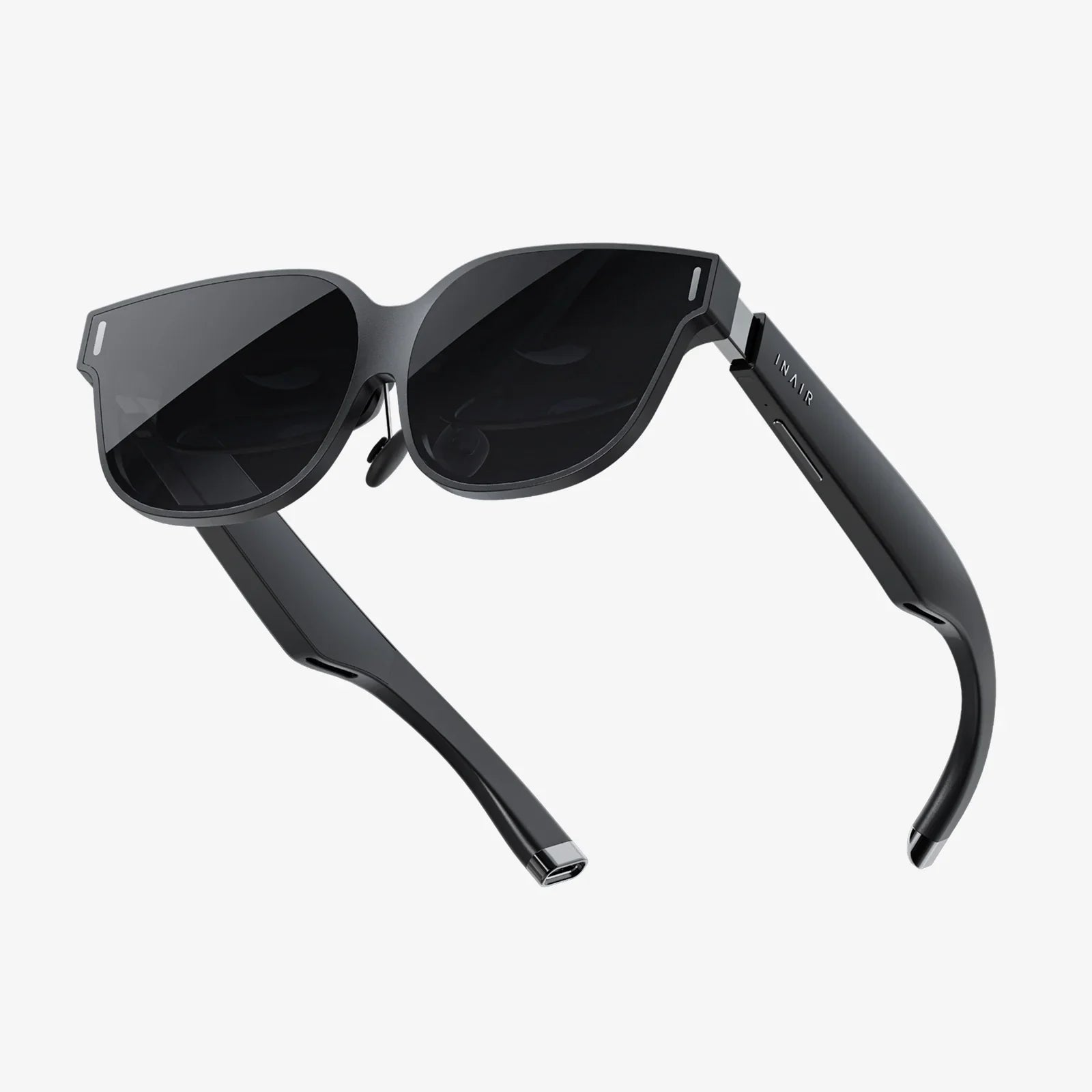
If you could virtually try on glasses frames in seconds, from your couch, and instantly see which styles actually flatter your face, would you ever go back to the old way of shopping for eyewear? The rise of virtual try-on tools is turning what used to be an awkward guessing game into a smooth, almost addictive experience that lets you experiment with bolder shapes, smarter sizing, and more confident style decisions before you ever spend a cent.
What It Really Means To Virtually Try On Glasses Frames
To virtually try on glasses frames means using a digital tool that places realistic 2D or 3D images of frames on your face in real time or on a photo. Instead of physically picking up dozens of frames and walking back and forth to a mirror, you use your phone, tablet, or computer camera and see how different shapes, colors, and sizes look on your face instantly.
These tools are designed to mimic the effect of standing in front of a mirror wearing real glasses. They track your facial proportions, align frames with your eyes, and adjust angles as you move your head. The result is a highly convincing preview that helps you narrow down choices quickly and avoid frames that clearly do not suit you.
How Virtual Try-On Technology Works Behind The Scenes
Virtual try-on may feel like magic, but there is a very practical mix of technologies working together. Understanding this can help you trust and use the tools more effectively.
- Face detection and mapping: The system identifies key points on your face such as your pupils, the bridge of your nose, the edges of your eyes, and your jawline. This mapping allows the software to position frames accurately.
- Augmented reality overlays: The frames are displayed as an overlay on your live image or photo. As you move, the overlay follows, maintaining alignment with your facial landmarks.
- Scaling and proportion: The software estimates the size of your face relative to the camera and scales the frames so they look realistically sized. In more advanced tools, you can input measurements for even better accuracy.
- Lighting and shading: Some tools simulate shadows and reflections on the frames so they blend naturally with your face, making the preview look more realistic.
- 2D vs. 3D models: Basic systems use flat images of frames, while more advanced systems use full 3D models that adjust to your head movements, giving a more lifelike impression.
The goal is not to create a perfect digital twin of your face, but to get close enough that you can confidently judge shape, style, and approximate size before ordering.
Why Virtually Trying On Glasses Frames Is Changing Eyewear Shopping
Virtual try-on is more than just a fun gadget. It is reshaping how people shop for eyewear in several important ways.
- Faster decisions: Instead of spending hours in a store trying on dozens of frames, you can test many styles in minutes.
- Less pressure: You can experiment at home without feeling rushed by staff or influenced by others watching you.
- More experimentation: People are more likely to try bold colors, unusual shapes, or trendy styles when there is no effort or embarrassment involved.
- Better comparison: You can quickly switch between frames, screenshots, or saved images to compare looks side by side.
- Reduced returns and disappointment: When you have seen how frames look on your face beforehand, you are less likely to be surprised or disappointed when they arrive.
For many, the ability to virtually try on glasses frames is the difference between playing it safe and finally choosing frames that really express their personality.
Preparing For The Most Accurate Virtual Try-On Experience
To get the best results, you need more than just a camera. A few simple steps can dramatically improve how realistic and helpful your virtual try-on session becomes.
Set Up Your Space Correctly
- Use good lighting: Natural daylight from a window is ideal. Avoid harsh backlighting or very dim rooms, which can confuse face detection.
- Face the light source: Position yourself so light hits your face evenly, reducing shadows around your eyes and nose.
- Use a neutral background: A plain wall or uncluttered background helps the software focus on your face.
- Hold your device steady: Prop your phone or laptop on a stable surface so the camera does not shake while you move.
Prepare Your Face For Scanning
- Remove existing glasses: If you already wear glasses, take them off so the tool can see the full shape of your eyes and nose.
- Tie back hair if needed: If your hair covers your face or temples, pull it back to reveal your features clearly.
- Look straight at the camera: Keep your head level and your face centered during the initial scan.
These small adjustments help the tool lock onto your features accurately, which leads to better alignment and more reliable previews.
Understanding Face Shape When You Virtually Try On Glasses Frames
Virtual tools can show you how frames look, but understanding your face shape will help you interpret what you see and choose styles that truly work for you.
Common Face Shapes
Most faces fall into one of several broad categories:
- Oval: Balanced proportions, slightly longer than wide, with a gently rounded jawline.
- Round: Cheeks are full, face width and length are similar, with a soft jawline.
- Square: Strong jawline, broad forehead, and similar width at forehead, cheeks, and jaw.
- Heart-shaped: Wider forehead, high cheekbones, and a narrower chin.
- Diamond: Narrow forehead and jawline with broad cheekbones.
- Oblong or rectangular: Face longer than it is wide, with straight cheek lines.
Frame Styles That Often Complement Each Face Shape
When you virtually try on glasses frames, you can use these guidelines to quickly spot what works:
- Oval faces: Most frame shapes work well. Try rectangular, round, cat-eye, and aviator styles to see what you like best.
- Round faces: Angular and rectangular frames can add definition. Look for frames wider than they are tall.
- Square faces: Round or oval frames can soften strong angles. Slightly curved or thinner frames often balance the jawline.
- Heart-shaped faces: Frames that are wider at the bottom or have subtle detailing near the lower half can balance a broad forehead.
- Diamond faces: Cat-eye and oval frames can highlight cheekbones and soften angular features.
- Oblong faces: Deeper, taller frames and styles with decorative details on the temples can add width and balance length.
These are not rules you must obey, but starting points. Virtual try-on makes it easy to test both the recommended shapes and the ones you are not “supposed” to wear, so you can see for yourself what feels right.
Checking Frame Size And Fit Virtually
Style is important, but comfort and fit matter just as much. Virtual try-on tools can help you estimate size, but you need to know what to look for.
Key Measurements To Understand
Most glasses have three main measurements, often printed on the inside of the arms:
- Lens width: The horizontal width of each lens, usually measured in millimeters.
- Bridge width: The distance between the lenses, resting on your nose.
- Temple length: The length of the arms that extend over your ears.
When you virtually try on glasses frames, look for tools that let you input your pupillary distance (the distance between your pupils) or other measurements. This helps the software scale frames more accurately on your face.
Visual Signs Of Good Fit In A Virtual Preview
- Eyes centered: Your pupils should sit near the center of each lens, not too close to the edges.
- Frame width: The outer edges of the frames should not extend far beyond your temples, nor pinch inward.
- Bridge placement: The bridge should appear to rest comfortably on your nose, not cutting into it or floating above it.
- Eyebrow alignment: The top of the frames should roughly follow the line of your eyebrows, without cutting across them awkwardly.
Because you cannot feel the weight or grip of the frames through a screen, use these visual cues as your guide. If a frame looks too small or too large in the virtual preview, it probably will feel that way in real life.
Choosing Colors And Materials When You Virtually Try On Glasses Frames
Color and material can change the entire mood of your glasses. Virtual try-on tools are particularly helpful here because subtle differences that are hard to picture in your head become obvious when you see them on your face.
Frame Colors And Skin Tones
When you virtually try on glasses frames, experiment with a range of colors to see how they interact with your skin tone, hair, and eye color. Consider the following:
- Neutral tones: Black, brown, gray, and clear frames tend to be versatile and work with most outfits.
- Warm tones: Tortoiseshell, gold, honey, and warm reds can complement warmer skin tones and hair colors.
- Cool tones: Blues, cool grays, and certain purples may flatter cooler skin tones and eye colors.
- Bold colors: Bright reds, greens, or patterned frames can become a statement piece, especially if you keep your clothing more neutral.
Use the virtual tool to compare a subtle neutral pair with a bold pair side by side. You may be surprised which one makes your features stand out in a way you like.
Frame Materials And Their Visual Impact
- Metal frames: Often look lighter and more minimal. They can create a sophisticated or understated effect.
- Plastic or acetate frames: Usually appear bolder and more noticeable. They are ideal if you want your glasses to be a key style element.
- Rimless or semi-rimless frames: These let your face show more and can be a good choice if you prefer a subtle look.
Even though you cannot feel the material through a screen, the virtual preview will show how heavy or light the frames appear visually on your face.
Using Virtual Try-On To Match Your Lifestyle And Personality
Eyeglasses are not just a vision tool; they are part of your daily identity. When you virtually try on glasses frames, think beyond what looks good in a single snapshot and consider how they match your life.
Frames For Work And Professional Settings
If you spend a lot of time in formal or professional environments, you may want frames that project reliability and confidence without being distracting.
- Try classic shapes such as rectangular or subtle cat-eye frames.
- Test neutral colors like black, brown, or dark tortoiseshell.
- Look for frames that complement your usual work clothing and hairstyle.
Frames For Creative Or Casual Lifestyles
If your environment is more relaxed or creative, you might enjoy frames that show more personality.
- Experiment with bright colors or unusual shapes in the virtual tool.
- Try transparent or patterned frames that stand out.
- Capture screenshots of your favorite looks and compare which ones feel most like “you.”
Frames For Sports And Active Use
Even though virtual try-on cannot show durability, it can help you choose frames that visually suit active lifestyles.
- Look for frames that sit securely and do not appear too large for your face.
- Test wraparound or more snug shapes if available.
- Consider lighter-looking frames that will not dominate your face during outdoor activities.
Because you can switch between styles instantly, you might even decide to choose different frames for different parts of your life and use the virtual tool to build a small “wardrobe” of eyewear looks.
Common Mistakes When Using Virtual Try-On And How To Avoid Them
Virtual tools are powerful, but they are not perfect. Being aware of common mistakes will help you avoid disappointment later.
- Relying on one angle only: If the tool allows it, turn your head slightly left and right to see how the frames look from multiple angles. A frame that looks great straight on may feel too large from the side.
- Ignoring measurements: Do not rely solely on how the frames look. Check the lens width, bridge width, and temple length against your current pair or recommended size.
- Using poor lighting: Dim or uneven lighting can make frames appear darker or lighter than they are, and can distort your perception of color.
- Wearing makeup or hair very differently: If your everyday look is different from how you appear during the try-on session, consider doing a second session that matches your usual style.
- Not saving your favorites: Take screenshots or use built-in saving features to compare your top choices later rather than deciding impulsively.
By treating virtual try-on as a helpful guide rather than an absolute guarantee, you can combine its strengths with your own judgment for better results.
Practical Step-By-Step Guide To Virtually Try On Glasses Frames
To make the process simple, here is a straightforward workflow you can follow each time you use a virtual try-on tool.
- Prepare your environment: Find good lighting, a neutral background, and a stable position for your device.
- Prepare yourself: Remove your current glasses, tie back hair if needed, and face the camera directly.
- Allow camera access: Enable the tool to use your device camera or upload a clear, front-facing photo.
- Align your face: Follow on-screen instructions to center your face and adjust distance from the camera.
- Try basic shapes first: Start with classic rectangular, round, and oval frames to see which general direction suits you.
- Experiment with sizes: Test smaller and larger versions of your preferred shapes to find what looks proportionate.
- Add color and material variations: Once you know the shape and size you like, try different colors and materials in that category.
- Capture and compare: Save images or use comparison features to narrow your choices to two or three strong options.
- Check measurements: Compare the frame measurements with your current glasses or recommended fit guidelines.
- Make your decision: Choose the pair that scores highest on style, fit, and alignment with your lifestyle.
Following this structure keeps the process focused and prevents you from feeling overwhelmed by the endless options that virtual tools can present.
How Virtual Try-On Fits Into The Future Of Eyewear Shopping
The ability to virtually try on glasses frames is just one part of a broader shift toward personalized, technology-driven shopping experiences. As these tools evolve, several trends are emerging.
- More accurate 3D face scans: Future tools will likely use more detailed facial mapping, including depth data, for even better frame alignment and sizing.
- Integrated prescription recommendations: Some systems may combine your prescription details with virtual try-on results to suggest frame shapes that work best with your lens type.
- Style recommendation engines: Based on your previous choices and face shape, virtual tools may suggest new styles you would not have considered on your own.
- Cross-device experiences: You may start a try-on session on your phone, continue it on your laptop, and finish on a tablet, with your saved favorites syncing across devices.
- Virtual sharing: Sharing your virtual try-on images with friends or family for feedback is becoming easier, allowing you to crowdsource opinions before you buy.
All of this points to a future where shopping for glasses is less about standing under harsh store lighting with a handful of frames and more about having a personalized, interactive experience wherever you are.
Making The Most Of Virtual Try-On For Your Next Pair Of Glasses
By now, you have seen how much power you gain when you can virtually try on glasses frames in your own space, at your own pace. Instead of guessing whether a frame will suit you, you can see it. Instead of relying solely on generic advice about face shapes, you can test every shape yourself. Instead of settling for the first pair that feels “good enough,” you can explore until you find a pair that really feels like an extension of who you are.
The next time you are thinking about new eyewear, do not rush straight to the nearest display stand. Take a few minutes to set up a virtual try-on session. Play with shapes you have never worn, colors you have never considered, and sizes you might have avoided in the past. Capture images, compare them, and ask yourself which frames make you feel the most confident, authentic, and comfortable.
When you use these tools thoughtfully, you are not just trying on glasses; you are trying on identities, moods, and possibilities. That is the real power of being able to virtually try on glasses frames: it lets you discover a look that does more than help you see clearly. It helps you be seen exactly the way you want.
Share:
Aura Frame Stopped Working Troubleshooting And Fix Guide
How To Take Off A Glass Screen Protector Safely And Cleanly