


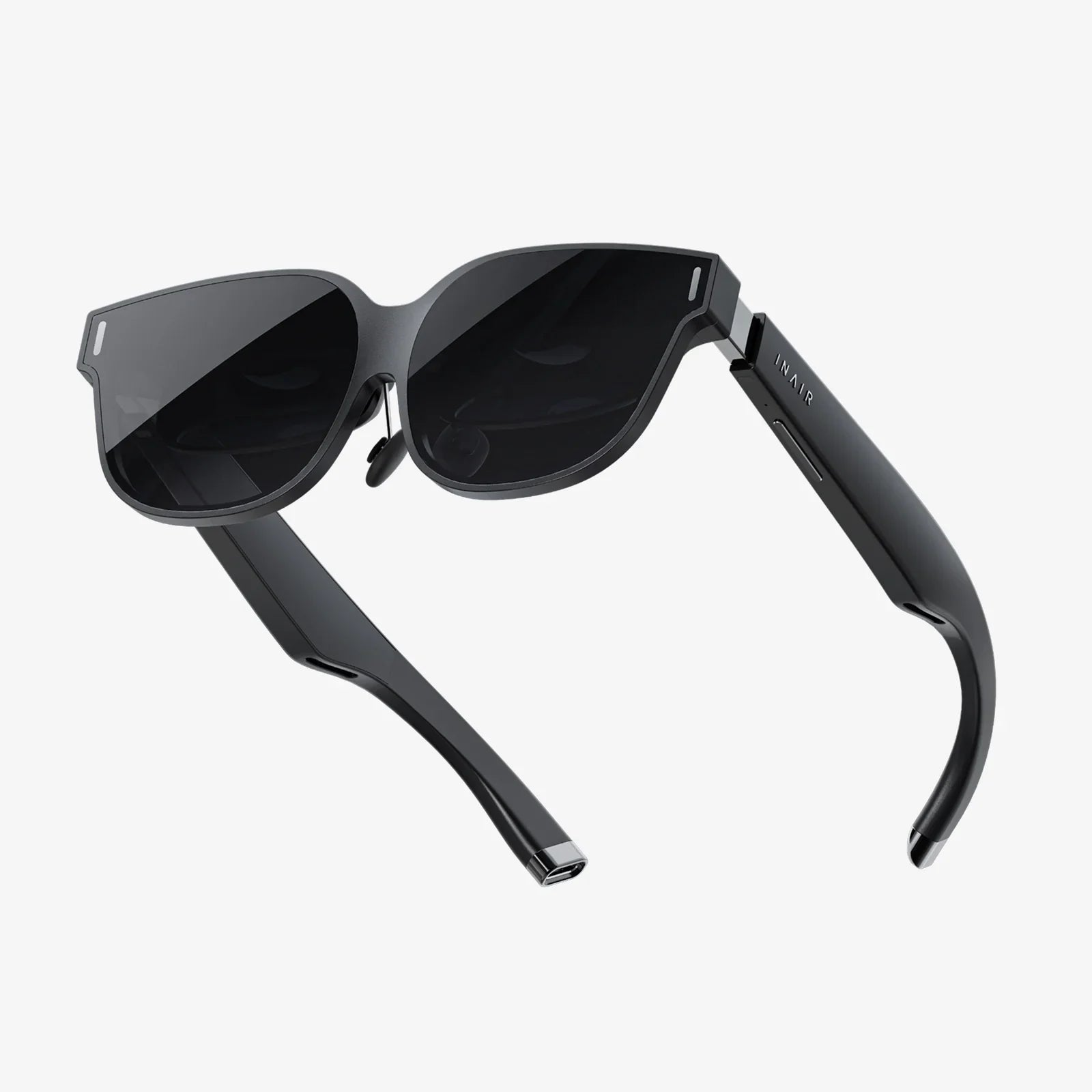
You slip on the headset, and instantly, you're transported—scaling a mountain peak, exploring a distant galaxy, or standing courtside at a championship game. The immersive magic of virtual reality is undeniable, a testament to incredible technological achievement. But as you remove the device, a dull headache throbs behind your eyes, the world seems slightly blurred, and a wave of nausea washes over you. This disorienting feeling is more than just a minor inconvenience; it's a direct signal from your body, a complex biological system struggling to reconcile the ancient wiring of human vision with the modern marvel of digital immersion. The question isn't just about how to have fun in VR; it's about understanding the very real VR headset eye problems that can emerge and, more importantly, how to enjoy this technology without compromising your most precious sensory gift: your sight.
The Anatomy of the Problem: Why VR Strains Our Eyes
To understand the discomfort, we must first understand the fundamental conflict between human biology and VR technology. Our eyes and brain have evolved over millennia to perceive and interpret a three-dimensional world based on a complex set of depth cues. VR headsets cleverly hijack these cues, but not without introducing unique challenges.
The Vergence-Accommodation Conflict: The Core Issue
This technical-sounding term is the primary culprit behind most VR headset eye problems. In the natural world, two crucial eye functions work in perfect harmony:
- Vergence: This is the movement of your eyes inward (convergence) or outward (divergence) to focus on an object at different distances. When you look at your finger close to your nose, your eyes cross. When you look at a distant mountain, they become parallel.
- Accommodation: This is the process by which the lens inside your eye changes shape to focus on objects at varying distances. Muscles around the lens contract to make it thicker for near vision and relax to make it thinner for far vision.
In reality, these two systems are yoked. Your brain knows that if your eyes are converging on a nearby object, your lenses must also accommodate for near vision. A VR headset shatters this link. The screen displaying the virtual world is physically fixed mere inches from your eyes, requiring your lenses to constantly accommodate for a very close object. However, the stereoscopic images can simulate objects that appear to be far away, requiring your eyes to verge as if looking at a distant horizon. Your brain receives conflicting signals: your accommodation system says "close," while your vergence system says "far." This neural confusion is profoundly stressful on the visual system, leading to eyestrain, headaches, and fatigue after even short periods of use.
Visual Fatigue and Digital Eye Strain
Beyond the vergence-accommodation conflict, VR headsets present other challenges that contribute to a broader condition often called Digital Eye Strain or Computer Vision Syndrome.
- Screen Resolution and the Screen Door Effect: Even high-resolution headsets place a pixelated screen extremely close to the eyes. Your eyes may constantly struggle to resolve images, leading to fatigue. The "screen door effect," where users perceive fine lines between pixels, exacerbates this issue, forcing the eyes to work harder to create a coherent image.
- Blue Light Emission: Like other digital screens, VR displays emit significant amounts of blue light. While research is ongoing, prolonged exposure to blue light, especially in the evening, is suspected to contribute to digital eye strain and may disrupt circadian rhythms, affecting sleep quality.
- Flicker and Refresh Rates: A display's refresh rate (how many times the image updates per second) is critical. A low refresh rate can cause perceptible flicker, which the conscious mind may not notice but which the visual cortex must process, leading to headaches and strain. Modern headsets have largely mitigated this with high refresh rates, but it remains a factor for older or less advanced models.
- Intense Cognitive Load: VR is not a passive experience. Your brain is working overtime to process a barrage of visual, and often auditory, information while also coordinating physical movement in a space that doesn't perfectly match the virtual one. This heightened state of engagement is mentally exhausting, and that fatigue manifests in the eyes, which are the primary input source.
Common Symptoms: Listening to Your Body's Warnings
VR headset eye problems don't always announce themselves with dramatic pain. The symptoms are often subtle and cumulative, a collection of discomforts that signal it's time for a break. Recognizing these signs is the first step toward prevention.
Short-Term and Immediate Symptoms
- Eyestrain (Asthenopia): A general tiredness, soreness, or aching in and around the eyes. It feels like the muscles have been overworked—because they have.
- Headaches: Often localized behind the eyes, in the temples, or as a general tension headache. This is frequently a direct result of the vergence-accommodation conflict.
- Blurred Vision: Temporary blurriness when transitioning back to the real world. This is usually short-lived but can be disconcerting.
- Dry, Irritated Eyes: Studies have shown that people blink significantly less—up to 5-6 times less—when using digital screens, including VR. Reduced blink rate leads to quicker evaporation of the tear film, causing dryness, redness, and a gritty sensation.
- Difficulty Focusing: A brief period where it's hard to shift focus between near and far objects quickly.
- Nausea and Dizziness (Visually Induced Motion Sickness): While not exclusively an eye problem, this is caused by a sensory mismatch between what the eyes see (movement) and what the vestibular system in the inner ear feels ( stillness).
Potential Long-Term Concerns
The long-term effects of prolonged VR use are still a subject of ongoing scientific research, as the technology is relatively new. However, eye care professionals theorize potential risks based on the known mechanisms of eye strain:
- Exacerbation of Pre-existing Vision Conditions: Individuals with uncorrected vision problems like astigmatism, nearsightedness, or farsightedness may find their symptoms worsen with extensive VR use.
- Myopia Progression: There is a well-established link between prolonged "near work" (like reading books or using smartphones) and the development and progression of myopia (nearsightedness) in children and young adults. The constant accommodative demand of a VR headset, which forces the eye to focus on a near point, could theoretically contribute to this risk in developing eyes.
- Binocular Vision Dysfunction: The persistent stress on the vergence system could, over many years, potentially lead to difficulties in how the eyes work together, though concrete evidence for this is still being gathered.
Protecting Your Vision: Practical Strategies for Safe VR Use
The goal is not to avoid VR but to embrace it responsibly. By adopting smart habits, you can significantly reduce discomfort and protect your ocular health.
Optimizing the Hardware and Software Experience
- Get the Fit Right: A properly fitted headset is non-negotiable. Use the adjustable straps, interpupillary distance (IPD) dial, and eye relief settings to ensure the image is as clear and comfortable as possible. A misaligned headset forces your eyes to work even harder.
- Prioritize High Refresh Rates: When choosing a platform, favor those that offer a high refresh rate (90Hz and above). This reduces flicker and makes the virtual world appear smoother and more solid, lessening strain.
- Adjust In-Game Settings: Many experiences offer comfort settings. These are not for "weak" users; they are smart accessibility features. Utilize features like "snap turning" instead of smooth rotation, reduced field of view in vehicles, and comfort vignettes that reduce peripheral vision during movement to minimize motion sickness.
- Ensure Adequate Lighting: Use VR in a well-lit room. This helps your visual system maintain a sense of spatial context and can reduce the intensity of the transition when removing the headset.
Adopting Healthy Usage Habits
- The 20-20-20 Rule is Your Best Friend: Every 20 minutes, take a 20-second break and look at something at least 20 feet away. This simple practice gives your accommodation system a crucial respite, forcing it to relax and reset.
- Blink Consciously: Remind yourself to blink fully and frequently. This rewets the ocular surface and prevents dryness. Consider using lubricating eye drops before and after a VR session if you are prone to dry eyes.
- Limit Session Length: Especially when starting out, keep sessions short. Begin with 15-30 minutes and gradually increase as your "VR legs" develop. Even experienced users should take substantial breaks after 60-90 minutes of continuous use.
- Stay Hydrated: Dehydration can worsen dry eye symptoms. Drink plenty of water before, during, and after your VR activities.
- Avoid Use When Tired or Ill: Your visual system is already under strain if you are fatigued, sleep-deprived, or unwell. Using VR in this state will amplify discomfort and symptoms.
The Critical Role of Professional Eye Care
- Get Regular Comprehensive Eye Exams: This is the most important step. An eye doctor can identify underlying vision issues that might make you more susceptible to VR headset eye problems, such as a slight misalignment of the eyes or an uncorrected prescription.
- Discuss VR Use With Your Doctor: Inform your eye care professional about your VR habits. They can provide personalized advice and may even prescribe specialized "computer glasses" with tints or powers optimized for the specific focal distance of your headset.
- Pay Special Attention to Children: Children's visual systems are still developing. The American Academy of Ophthalmology recommends moderation and close supervision of VR use for children. Enforce strict time limits and ensure the headset is correctly sized and adjusted for a child's smaller IPD.
The Future of Visual Comfort in VR
The industry is acutely aware of these challenges, and the next frontier of VR innovation is focused on solving them. Technological advancements are steadily paving the way for a more comfortable and seamless experience. Research into varifocal and light field displays aims to solve the vergence-accommodation conflict by allowing the eyes to focus naturally at different depths, just as they do in the real world. Eye-tracking technology is becoming more sophisticated, enabling foveated rendering (which provides maximum resolution only where the user is looking) and more intuitive interactions, but it also holds the key to dynamic focus adjustment. As these technologies mature and trickle down to consumer devices, the inherent visual stress of VR is poised to diminish dramatically.
The immersive draw of virtual worlds is powerful, offering unparalleled opportunities for entertainment, education, and connection. But that power should not come at the cost of your real-world vision. The slight headache, the dry eyes, the momentary blur—these are not badges of honor for a long session; they are crucial feedback from your body. By understanding the science behind VR headset eye problems and implementing these practical, effective strategies, you hold the key to unlocking these incredible digital realms safely. You can confidently step into the virtual unknown, knowing you've taken the necessary steps to protect the very eyes that make the journey possible, ensuring that every return to reality is as clear and sharp as the digital worlds you leave behind.
Share:
Can You Use a VR Headset Without a PC? The Ultimate Guide to Standalone Virtual Reality
Can You Use a VR Headset Without a PC? The Ultimate Guide to Standalone Virtual Reality