


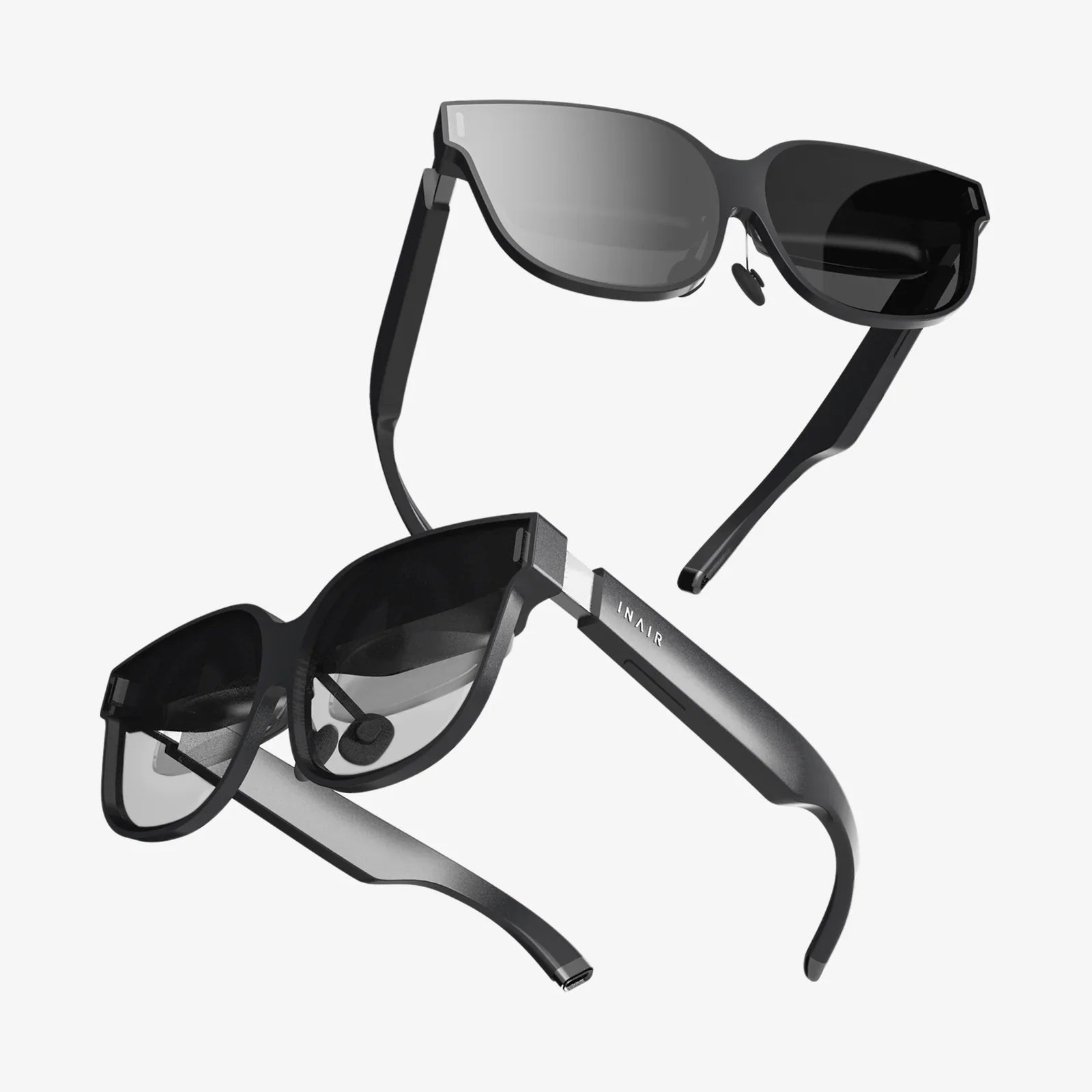
You've just spent an exhilarating hour exploring a virtual world, battling intergalactic foes, or touring a digital museum. But as you lift the headset, a throbbing pain behind your eyes and a wave of dizziness washes over you. The exciting promise of virtual reality is suddenly dampened by a very real, very uncomfortable physical sensation. If this sounds familiar, you are far from alone. The complaint that a VR headset hurts eyes is one of the most frequent hurdles new and experienced users face. However, this discomfort is not a mandatory price of admission to the virtual realm. It is, in most cases, a manageable and preventable condition rooted in the fascinating and complex way our visual system interacts with technology.
The Physiology of Sight: Why Your Eyes Work So Hard in VR
To understand why VR can cause eye strain, we must first appreciate the incredible feat of visual processing that occurs every time we put on a headset. In the natural world, our eyes use a combination of cues to perceive depth, focus, and three-dimensionality.
The Vergence-Accommodation Conflict: The Primary Culprit
This is the star of the show when it comes to VR-induced eye strain. It is a fundamental mismatch between how your eyes focus and where they point.
- Accommodation: This is the process by which the lenses in your eyes change shape to focus on objects at different distances. To focus on something close, the ciliary muscles contract, making the lens rounder. To focus on something far away, these muscles relax, flattening the lens.
- Vergence: This is the coordinated movement of both eyes inward (convergence) to look at a nearby object, or outward (divergence) to look at something far away.
In the real world, accommodation and vergence are perfectly linked. If you hold a finger close to your face, your eyes converge (cross slightly) and your lenses accommodate (focus) on your finger. The distance to the virtual screen inside a VR headset is fixed, typically between 1.5 to 2.5 meters. Your eyes are constantly accommodating (focusing) on this fixed screen plane. However, the virtual content rendered on that screen can be at any distance—a distant mountain range or a virtual character's hand right in front of you. Your brain receives conflicting signals: your vergence system tells you to converge your eyes for a near object, but your accommodation system must still focus on the fixed screen. This neural conflict can cause significant strain on the ocular muscles, leading to pain, headaches, and fatigue.
Screen Door Effect and Visual Fidelity
Early VR headsets, and to a lesser extent some current models, suffered from a "screen door effect" (SDE), where users could perceive fine lines between pixels, making it seem like they were looking through a fine mesh. While modern displays have drastically reduced SDE, any lack of visual clarity forces the eyes and brain to work harder to resolve images, contributing to fatigue. Low-resolution textures, shimmering edges (aliasing), and a limited field of view can all add to the cognitive load required to interpret the virtual scene.
Flicker and Blue Light Emission
Many displays use Pulse Width Modulation (PWM) to control brightness, which involves rapidly cycling the screen on and off. While often too fast for the conscious mind to perceive, this flickering can still be detected by the visual system and may contribute to eye strain and headaches in sensitive individuals. Furthermore, like any digital screen, VR displays emit blue light. Prolonged exposure to high-energy blue light has been linked to digital eye strain and may disrupt sleep patterns by interfering with melatonin production.
Beyond the Tech: User-Specific Factors That Amplify Discomfort
Not all eye pain can be blamed solely on the hardware. Individual factors play a massive role in how one experiences VR.
Incorrect Headset Fit and Improper IPD
A poorly fitted headset is a primary source of avoidable eye strain. If the headset is too tight, it can cause pressure on the face and temples, leading to tension headaches that are often mistaken for eye pain. More critically, almost every headset has a mechanism to adjust the Interpupillary Distance (IPD)—the distance between the centers of your pupils.
- If the IPD is set incorrectly, the lenses will not be perfectly aligned with your eyes. This forces your eye muscles to work overtime to compensate for the misalignment, trying to fuse two misaligned images into one coherent picture—a process that quickly leads to severe strain, blurry vision, and even double vision.
- Finding and correctly setting your unique IPD is arguably the single most important step in preventing eye discomfort.
Preexisting Vision Conditions
Individuals with uncorrected or under-corrected vision issues are particularly susceptible to VR eye strain. Astigmatism, for example, causes light to focus on multiple points on the retina, and the added demand of VR can exacerbate the blurriness and discomfort. Similarly, a significant difference in prescription between the two eyes (anisometropia) can make the vergence-accommodation conflict even more pronounced. Even those who normally wear contact lenses or glasses might find that their current prescription isn't optimal for the fixed focal distance of a VR headset.
General Fatigue and Health
Your physical state going into a VR session matters. If you are already tired, dehydrated, or stressed, your eyes are more vulnerable to strain. The intense cognitive and sensory load of VR will only amplify your existing fatigue.
A Practical Guide to a Pain-Free VR Experience
Thankfully, a multitude of strategies can mitigate or even eliminate eye pain, transforming your VR experience from a chore into a pleasure.
Calibration is King: Master Your IPD and Software Settings
Do not skip or rush the setup process. Take the time to find the physical IPD adjustment on your headset. Many modern systems include a software-guided IPD setup—use it. Adjust the slider slowly while looking at a clear, high-contrast image until the view is at its sharpest and most comfortable. Furthermore, explore in-headset settings for brightness. Lowering the brightness to a comfortable level can significantly reduce strain, especially in darker virtual environments.
The 20-20-20 Rule: Your New Best Friend
This classic rule for combating digital eye strain is absolutely crucial in VR. For every 20 minutes spent in a virtual environment, take a 20-second break and look at something at least 20 feet away. This simple act gives your ciliary muscles a chance to relax from their fixed focal length and helps reset your vergence system. Set a timer if you have to; it's that important.
Optimize the Physical Fit
Ensure the headset is sitting comfortably on your face. The goal is a snug fit that blocks outside light without applying excessive pressure. The weight should be distributed across your cheeks and forehead, not borne by the bridge of your nose. Adjust the top strap to carry most of the weight. A comfortable headset is a forgotten headset, allowing you to immerse yourself without physical distraction.
Address Your Vision
If you wear glasses, ensure they fit inside the headset without being pressed against your face or scratching the headset's lenses. For a dedicated VR user, prescription lens inserts are a game-changing investment. These are custom-made lenses that clip inside the headset, perfectly matching your prescription and negating the need to wear glasses. They provide a wider field of view, better comfort, and protect the headset's lenses from scratches.
Start Slow and Build Tolerance
If you are new to VR, do not attempt a four-hour gaming marathon on your first day. Your brain and eyes need time to adapt to this novel visual experience. Begin with short, 15-20 minute sessions and gradually increase the duration as your comfort level grows. Listen to your body—if you feel any discomfort, dizziness, or pain, stop immediately. Pushing through the pain will only make it worse and create a negative association with the technology.
The Future is Clear: Technological Innovations on the Horizon
The industry is acutely aware of the vergence-accommodation conflict and is actively developing solutions. Varifocal and light field displays represent the next frontier. These advanced systems aim to track your eyes and dynamically adjust the focal plane of the display to match the depth of the virtual object you are looking at. This would effectively eliminate the conflict, allowing your eyes to focus naturally as they would in the real world. While primarily in the research and development phase for consumer hardware, these technologies promise a future where eye strain in VR is a relic of the past.
The sensation of eye pain after using a VR headset is a real and valid experience, but it is not an insurmountable one. It is a dialogue between cutting-edge technology and ancient human biology. By understanding the root causes—from the fundamental vergence-accommodation conflict to the simple importance of a proper fit—you empower yourself to take control of your experience. The virtual realm offers unparalleled opportunities for entertainment, connection, and exploration. With a few mindful adjustments and a commitment to healthy habits, you can ensure that your journeys into these digital frontiers are defined not by discomfort, but by wonder and immersion. The key to unlocking a truly clear and comfortable virtual world is already in your hands—and properly adjusted on your head.
Share:
Next Generation VR Headset: The Unseen Revolution Reshaping Reality
Next Generation VR Headset: The Unseen Revolution Reshaping Reality