


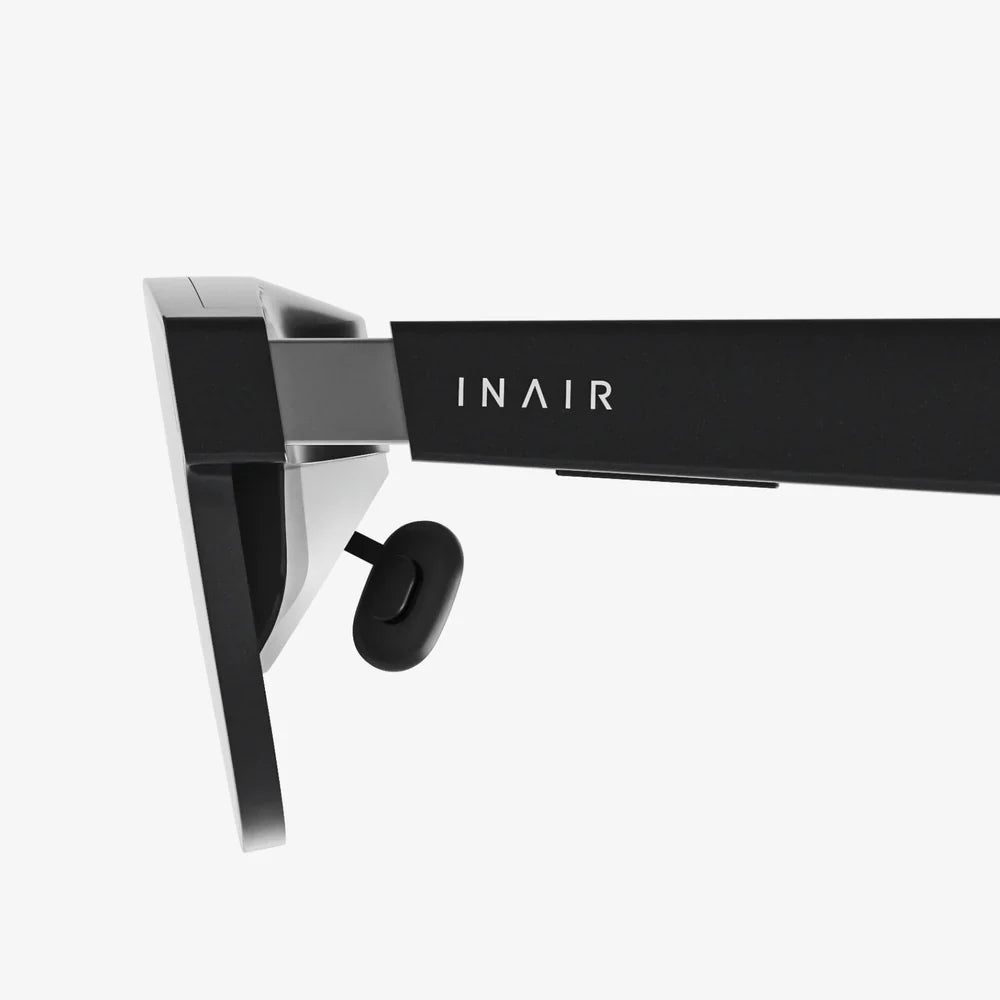
So, you're ready to take the plunge into the incredible, immersive worlds that virtual reality promises. The idea of exploring fantastical landscapes, battling intergalactic foes, or simply enjoying a movie on a screen the size of a skyscraper is tantalizingly close. But before you can strap on that headset and lose yourself in the metaverse, there's a crucial step: ensuring you have everything you need for a seamless and breathtaking VR experience. This isn't just about buying a piece of hardware; it's about preparing your entire ecosystem—your physical space, your computing power, and your expectations—for a journey into a new dimension.
The Centerpiece: Choosing Your Headset
Naturally, the journey begins with the headset itself, the window into your new digital reality. This is your primary investment and the core of your VR setup. The market offers a spectrum of devices, broadly falling into three categories, each with its own set of requirements.
Standalone VR Headsets
These are the most accessible and user-friendly options. As the name implies, they are all-in-one units with a built-in processor, storage, and battery. There are no wires tethering you to a powerful computer, offering unparalleled freedom of movement. The primary requirement for a standalone headset is a Wi-Fi connection for initial setup, downloading apps and games, and accessing online experiences. Some models can also connect to a computer via a cable for expanded functionality, but their core strength is their simplicity and portability.
PC-Connected VR Headsets
For those seeking the absolute pinnacle of visual fidelity, performance, and library depth, a headset connected to a powerful computer is the gold standard. These devices act as high-resolution displays and motion sensors but offload all the intense processing to a desktop PC. The requirements here are significantly higher, centering entirely on having a machine robust enough to handle the immense workload of rendering two high-resolution screens at a very high frame rate (typically 90Hz or more) to ensure a smooth, comfortable experience. We will delve into the specific PC requirements in a dedicated section below.
Console-Based VR Headsets
This category is more niche but offers a compelling middle ground. These headsets are designed to work exclusively with a specific video game console. The requirements are straightforward: you need the compatible console. The advantage is a curated, optimized experience where the hardware and software are designed in tandem, ensuring consistent performance and a strong library of exclusive titles.
The Powerhouse: Demystifying PC Hardware Requirements
If your path leads to a PC-connected headset, understanding the hardware specifications is non-negotiable. Attempting to run a high-end headset on an underpowered computer will result in a poor experience characterized by low frame rates, graphical stuttering, and even motion sickness. Here’s a breakdown of what you’ll need.
Graphics Processing Unit (GPU)
This is, without question, the most critical component for a good VR experience. The GPU is responsible for rendering the complex, immersive environments you see inside the headset. It must draw each frame twice—once for each eye—and do so fast enough to maintain a high, stable frame rate.
- Minimum vs. Recommended: Headset manufacturers provide both minimum and recommended specifications. Treat the minimum specs as the absolute bare floor for functionality. You will be able to run simpler experiences, but you will likely need to reduce graphical settings significantly. The recommended specs are what you should target for a good experience with most games and applications.
- Video Outputs: Ensure your GPU has the correct video output port (typically DisplayPort 1.2 or newer, and sometimes HDMI 2.0) that your chosen headset requires. An adapter can sometimes work, but it's best to use a direct connection.
Central Processing Unit (CPU)
While the GPU does the heavy lifting for graphics, the CPU is the brain of the operation. It handles game logic, physics calculations, audio processing, and feeding instructions to the GPU. A modern, multi-core processor is essential. A weak CPU will bottleneck a powerful GPU, leading to performance issues regardless of your graphics card's strength. Aim for a recent-generation processor with at least six cores.
Memory (RAM)
Virtual reality applications and modern games are memory-hungry. Having sufficient RAM ensures that assets can be loaded quickly, preventing hitches and stutters as you move through a virtual world. 16 gigabytes of DDR4 or DDR5 RAM is the current sweet spot for a smooth VR-ready PC. 8GB is considered the absolute minimum and may cause performance problems.
Ports and Connectivity
Your PC needs the right doors for VR to walk through. Most modern headsets require a DisplayPort 1.2+ (or sometimes Mini DisplayPort) for its high bandwidth, which is necessary for the headset's high-resolution, high-refresh-rate displays. Many also use one or more USB ports (typically USB 3.0 or newer) for data transmission and power. Bluetooth is also a common requirement for connecting wireless controllers to the PC.
Carving Out Your Reality: The Physical Space Requirement
VR is a physical medium. Unlike traditional gaming where you sit stationary, VR often asks you to dodge, duck, dip, dive, and dodge. Preparing your play area is a vital safety and comfort step.
Understanding Play Area Boundaries
Most VR systems allow you to define a virtual boundary, often called a Guardian System or Chaperone. When you get close to the edge of your defined space, a virtual wall appears in the headset to warn you. There are two primary types of play areas:
- Seated/Stationary Experience: This mode is for experiences where you remain seated or standing in one spot. It requires very little space, just enough to extend your arms without hitting anything.
- Room-Scale Experience: This is the full VR dream. It requires a clear, open area where you can walk around several steps in any direction. The recommended size is at least 6.5 by 5 feet (2m x 1.5m), but more is always better.
Setting Up a Safe Zone
Before you even put the headset on, survey your intended play space.
- Clear the Area: Remove any tripping hazards like rugs, cables (if possible), toys, or low-lying furniture. This is the single most important step to prevent injury.
- Protect Your Periphery: Be aware of ceiling fans, low-hanging light fixtures, and walls. Swinging your arms overhead or out to the side is common in many games.
- Consider Your Flooring: A soft rug in the center of your play space can provide a tactile cue that you are in the center of your safe zone, even without seeing the boundary.
- Manage Cables: For tethered headsets, a dangling cable is a tripping hazard and an immersion breaker. Look into pulley systems that suspend the cable from the ceiling, keeping it out of your way.
The Software Ecosystem: Platforms and Accounts
The hardware is useless without the software that brings it to life. Your headset will require a digital platform to act as its home.
Platform Launchers
Just as PC gaming has Steam or Epic Games Store, VR has its own dominant platform launchers. You will need to create an account on the platform associated with your headset. This storefront is where you will browse, purchase, and download all your VR games and applications. Some headsets are locked to a single platform, while others, especially PC-connected models, may allow you to access content from multiple stores, giving you more choice.
Drivers and Firmware
For PC VR, you will need to install specific software provided by the headset manufacturer. This application acts as the bridge between your PC and the headset, handling everything from tracking calibration and firmware updates for the headset and controllers to displaying your library of content. Keeping this software and your GPU drivers up-to-date is crucial for performance and stability.
Accessories: Enhancing the Experience
While not strictly necessary, the right accessories can dramatically improve your comfort, immersion, and convenience.
- Additional Controller Batteries: VR controllers are power-hungry, especially those with advanced haptic feedback. A good set of rechargeable batteries and a charging station will ensure you're never left powerless.
- VR Covers and Facial Interfaces: The standard foam padding on headsets can absorb sweat and become uncomfortable during long sessions. Replaceable, washable silicone or pleather covers are hygienic and often more comfortable.
- Lens Protectors: If you wear glasses inside your headset, you risk scratching both your glasses and the headset's delicate lenses. Investing in cheap, plastic lens protectors is a wise precaution. Many headsets also offer custom prescription lens inserts that clip onto the headset's lenses, eliminating the need for glasses altogether.
- Wireless Adapters: For PC headsets that support it, a wireless adapter is a game-changing accessory. It completely removes the tether to the PC, granting total freedom of movement and eliminating the cable management hassle.
The Intangible Essentials: Knowledge and Mindset
Finally, the most important things you need for VR aren't things you can buy. They are knowledge and the right mindset.
- Start Slow: If you're new to VR, your brain and body need time to adapt. Begin with stationary or gentle experiences before jumping into intense games with full locomotion. This helps prevent VR-induced motion sickness, which affects a significant portion of new users.
- Take Breaks: Even experienced users should take regular breaks. Every 30 minutes, remove the headset, hydrate, and let your eyes focus on something in the distance. This reduces eye strain and general fatigue.
- Manage Expectations: VR is an incredible technology, but it's not perfect. You may encounter a screen-door effect (seeing fine lines between pixels), a slightly limited field of view, or the occasional software bug. Focus on the magic of immersion rather than the current technical limitations.
The question of what you need for a virtual reality headset reveals that the headset itself is just the beginning. It's the key that unlocks the door, but the room behind it—the powerful PC, the carefully cleared space, the curated software, and your own readiness to step through—is what makes the experience truly transformative. By meticulously addressing each of these requirements, from the raw power of your GPU to the clear floor space in your living room, you're not just setting up electronics; you're constructing a portal. You are building a foundation for experiences that are not just seen and heard, but felt and lived, ensuring your first step into virtual reality is as staggering, seamless, and spectacular as the technology promises.
Share:
Personalized Spatial Audio Meaning: A Deep Dive Into Immersive Sound
Virtual Phone Screen: The Invisible Revolution Reshaping Our Digital Interactions