


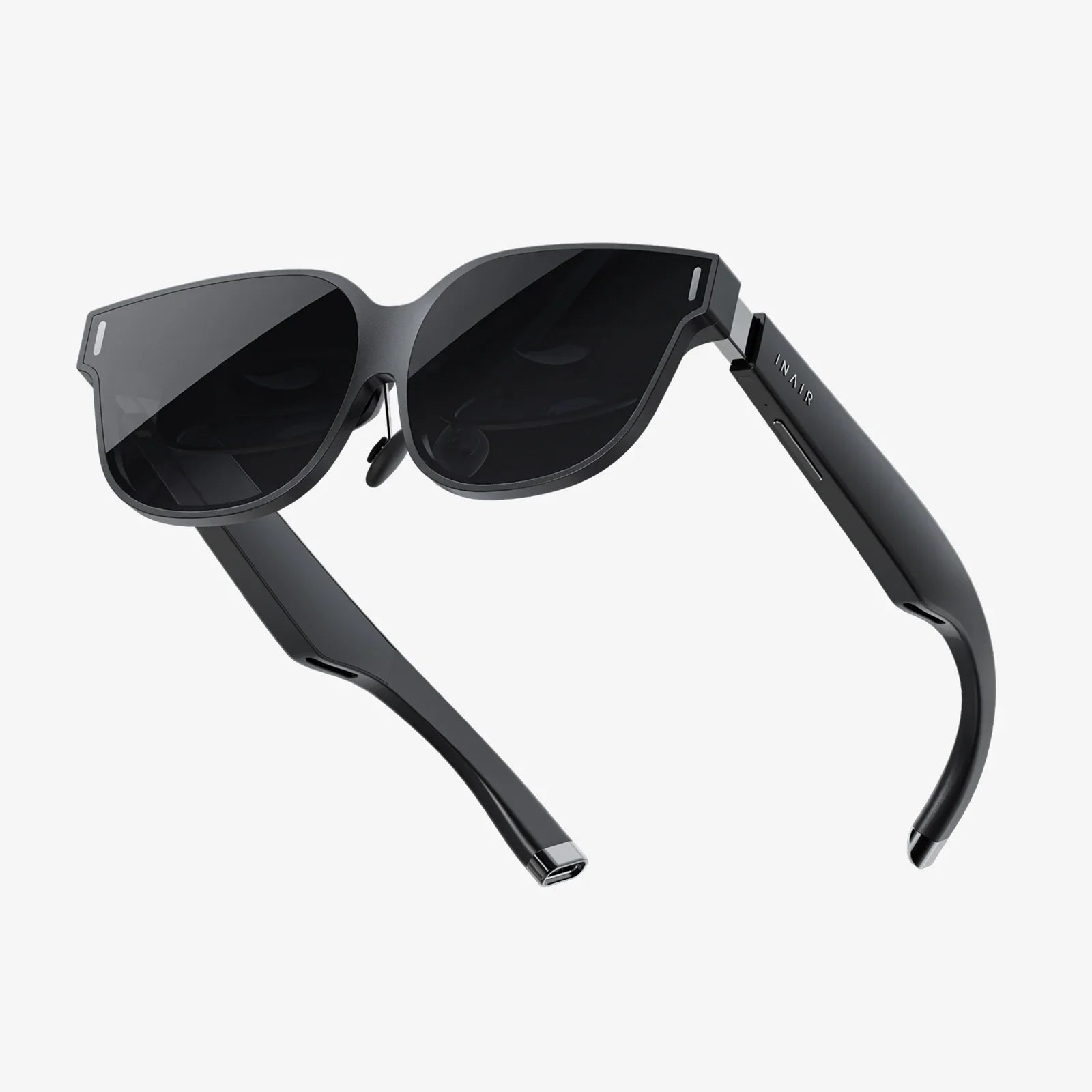
You’ve seen the breathtaking trailers, heard the excited testimonials from friends, and felt that pull of curiosity about stepping into another world. The promise of virtual reality is intoxicating, but the path to choosing your first gateway can feel like a maze of technical jargon and intimidating price tags. The question isn't just about buying a headset; it's about making a smart, informed investment into a new form of entertainment, connection, and creativity. Finding that perfect starting point is the difference between a piece of tech that gathers dust and one that opens up a universe of possibilities.
Demystifying the Jargon: Key Features to Understand
Before diving into specific types of headsets, it's crucial to understand the language of VR. These specifications aren't just numbers on a box; they directly impact your comfort and immersion.
Display Resolution and Refresh Rate
Think of resolution as the clarity of the window into the virtual world. Measured in pixels per eye (e.g., 1832x1920), a higher resolution means a sharper, more detailed image with less visible "screen door effect"—that faint grid-like pattern that can break immersion. For a comfortable starter experience, aim for at least a combined resolution similar to 4K.
The refresh rate, measured in Hertz (Hz), is how many times the image updates per second. A higher rate, such as 90Hz or 120Hz, results in smoother motion, which is critical for preventing motion sickness and making virtual environments feel solid and real. Many entry-level headsets now offer 72Hz or 90Hz, which is a good baseline for beginners.
Field of View (FOV)
Field of View is the extent of the observable world you can see at any given moment, measured in degrees. Human vision is roughly 210 degrees horizontally. Most consumer headsets range from 90 to 110 degrees. A wider FOV means a more immersive experience, as you lose the sensation of looking through binoculars. For a starter headset, anything around 100 degrees is perfectly adequate.
Tracking: Inside-Out vs. Outside-In
This is how the headset understands your movement in physical space.
- Outside-In Tracking: This older method uses external sensors or base stations placed around your room to track the position of the headset and controllers. It's renowned for its ultra-precise tracking but requires more setup and cable management.
- Inside-Out Tracking: This is now the standard for beginner and standalone headsets. Cameras on the headset itself look outward to map your room and track the controllers simultaneously. It eliminates the need for external hardware, making setup a breeze and allowing for easy portability. The tracking is excellent for most games and experiences.
Comfort and Ergonomics
This is arguably the most overlooked yet vital aspect. A headset that is uncomfortable will not be used, no matter how powerful it is. Key comfort factors include:
- Weight Distribution: Is the weight front-heavy? A good strap design (like a rigid halo strap or an elasticated strap) balances the load across your head.
- Facial Interface: The material that touches your face. Look for padded, breathable foam that is easy to clean or replace.
- IPD Adjustment: Interpupillary Distance is the space between your pupils. Mechanical IPD adjustment allows you to physically shift the lenses to match your eyes, drastically improving visual clarity and comfort. Software IPD adjustment is less ideal but common on some entry-level models.
The Three Paths to VR: Choosing Your Platform
Your ideal first headset largely depends on how you want to power it. There are three primary categories, each with distinct advantages and trade-offs.
Standalone VR Headsets: The Ultimate in Convenience
These are all-in-one devices with a processor, storage, and battery built directly into the headset. They are completely wireless and self-contained.
Pros:
- Wireless Freedom & Easy Setup: The biggest draw. There are no cables to trip over and no powerful computer required. You can be in VR within minutes of unboxing.
- Portability: Easy to take to a friend's house or use in different rooms.
- Generally Lower Cost: The initial investment is typically the lowest, as you don't need to buy a separate gaming computer.
Cons:
- Limited Processing Power: The graphics and complexity of games cannot match what a high-end computer can produce. Visuals are often comparable to a mobile game.
- Battery Life: Sessions are limited to 2-3 hours on a single charge.
Who is it for? The absolute beginner, someone who values convenience and simplicity above all else, or anyone without a gaming computer. This is the most popular and accessible entry point into VR.
PC-Connected VR Headsets: The Power User's Choice
These headsets act as a display for a nearby gaming computer, which handles all the heavy processing.
Pros:
- Top-Tier Graphics and Performance: This is the realm of photorealistic visuals, vastly more detailed worlds, and complex simulations. It offers the most immersive and visually stunning experiences available.
- Access to a Vast Library: PC gaming platforms offer the largest and deepest catalog of VR games and experiences, including hardcore sims and mods for flat-screen games.
- Advanced Features: Often features higher resolution displays, wider FOV, and better refresh rates.
Cons:
- High Cost: Requires a significant investment in a VR-ready gaming PC in addition to the cost of the headset itself.
- Wired Setup (Often): Most are connected with a cable, which can be cumbersome and a trip hazard. Wireless adapters exist for some models but add cost and complexity.
- Complex Setup: Requires more technical tinkering with software, drivers, and room setup.
Who is it for? The gaming enthusiast who already owns a powerful gaming rig or is willing to build one. This is for those who prioritize visual fidelity and performance above convenience.
Console-Connected VR Headsets: The Plug-and-Play Option
This is a specialized category where a headset is designed to work specifically with a video game console.
Pros:
- Simplified, Curated Experience: Offers the plug-and-play ease of a console. The hardware and software are designed to work together seamlessly.
- High-Quality Content: Games are optimized specifically for the hardware, ensuring a smooth and polished experience.
- Cost-Effective: If you already own the console, the barrier to entry is relatively low for the quality offered.
Cons:
- Limited to a Single Ecosystem: You can only access the content available on that console's store.
- Less Frequent Hardware Updates: The platform is tied to the console's lifecycle.
- Fewer Options: This is a niche category with very few players in the market.
Who is it for? The dedicated console gamer who wants a straightforward, high-quality VR upgrade path for their existing system.
Setting Your Budget: More Than Just the Headset
The price tag on the box is rarely the full story. When planning your budget, you must consider the total cost of ownership.
- The Headset Itself: This is your primary cost.
- Required Hardware: For PC VR, do you have a capable computer? If not, factor in a cost of well over a thousand dollars. For console VR, you need the console.
-
Essential Accessories:
- Additional Face Covers: For hygiene, especially if multiple people will use it.
- Rechargeable Batteries: For controllers that use AA batteries.
- Extended Straps: For standalone headsets, a more comfortable, rigid strap is often a mandatory upgrade.
- Link Cable: If you want to use a standalone headset with a PC, a high-quality link cable is an additional purchase.
- Software and Games: VR games are priced similarly to traditional games. Budget for the experiences you want to try. Many headsets come with a pre-loaded game or a credit for the store, which is a nice bonus.
A good starter budget for the headset alone typically falls in the mid-range category. It's the sweet spot where you get modern features like inside-out tracking and a good resolution without paying for pro-level specs you won't yet appreciate.
The Content Library: What Will You Actually Do?
The hardware is useless without software. Before you commit to a platform, browse its digital store. Are the games and apps you're excited about available there?
- Gaming: This is the primary driver. Look for popular titles across genres—rhythm games, first-person shooters, puzzles, and social experiences.
- Fitness: VR has become a legitimate fitness tool. Are there dedicated fitness apps with subscription plans? Do they support heart rate monitor integration?
- Social & Productivity: Are you interested in social platforms where you can meet friends in virtual spaces? Are there apps for watching movies on a giant screen or even virtual desktop applications for working in VR?
- Media Consumption: Support for 360-degree videos and VR180 content can be a great source of entertainment.
Making Your Decision: A Practical Checklist
Answer these questions honestly to guide your choice:
- What is my total budget, including any necessary accessories?
- Do I own a high-end gaming PC? If yes, PC VR is a compelling option. If no, standalone is your default path.
- How much physical space do I have? Do I have a clear, open area for room-scale experiences, or will I be primarily seated or stationary?
- Who will use it? Just me, or will I be demoing it to family and friends of all ages? This influences comfort and hygiene considerations.
- What is my tolerance for technical setup? Do I enjoy tweaking settings, or do I want something that "just works"?
- Am I prone to motion sickness? If yes, a headset with a high refresh rate and robust tracking is even more important.
Your first foray into virtual reality should be defined by wonder, not frustration. By prioritizing ease of use, comfort, and a library of engaging content that matches your interests, you'll find a headset that doesn't just show you a new technology—it unlocks a new dimension of play, exercise, and social connection. The digital frontier is waiting, and your perfect ticket to explore it is closer than you think.
Share:
What Is Best VR for iPhone: The Ultimate 2024 Guide to Mobile Immersion
New Wireless VR Headset: Cutting the Cord for an Unprecedented Virtual Reality Experience