


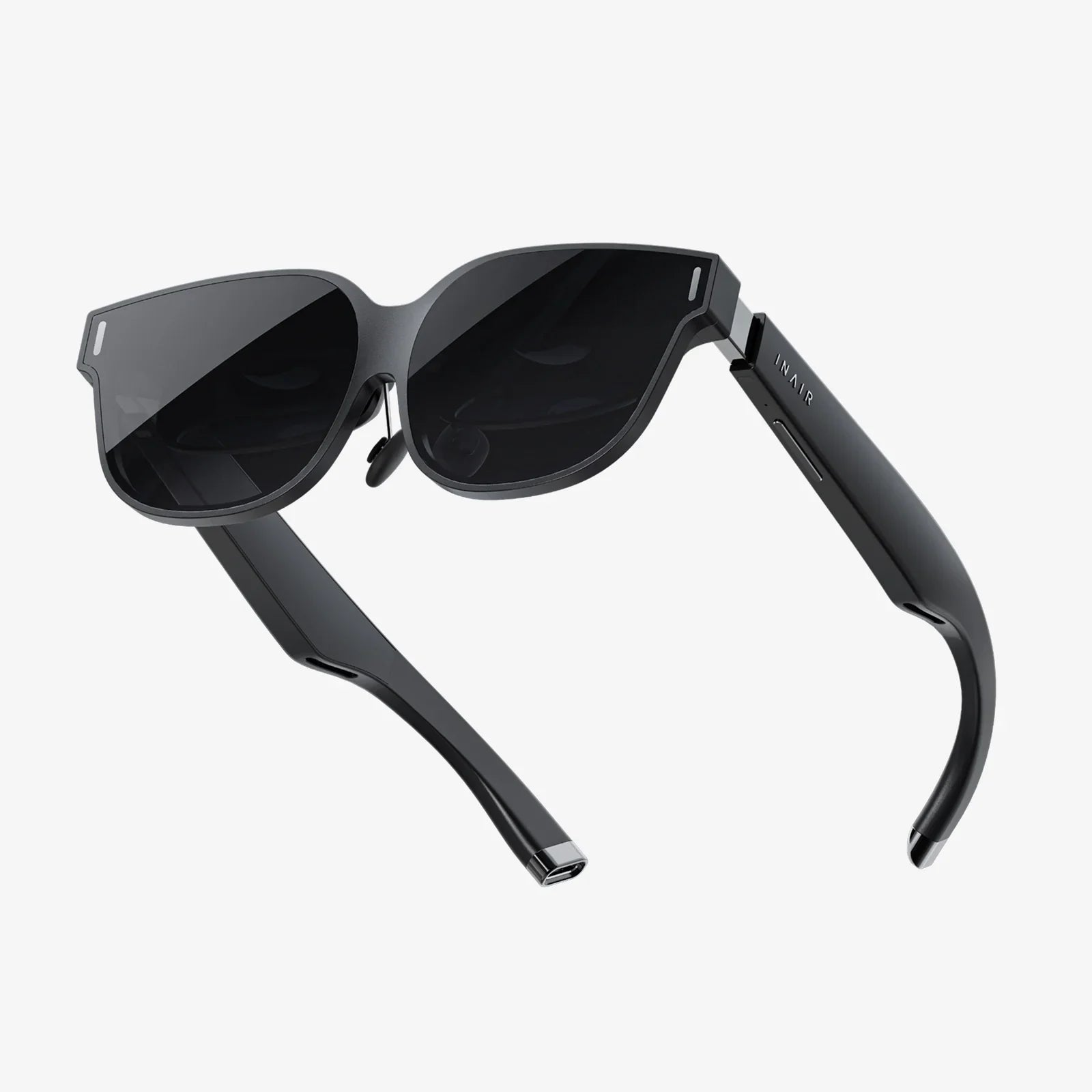
Imagine pointing your device at a static image and watching it erupt into a swirling, interactive 3D solar system, or seeing a new sofa materialize in your living room before you buy it, or a surgeon visualizing a patient's anatomy superimposed directly onto their body during a procedure. This is no longer the stuff of science fiction; it is the tangible, awe-inspiring reality made possible by augmented reality software. This technology is rapidly blurring the lines between our physical world and the digital domain, creating a new, enhanced layer of perception that is revolutionizing how we work, learn, play, and connect. The engine powering this revolution is not just the smart glasses or the smartphone in your hand, but the sophisticated, often invisible, software that makes the magic happen. But what exactly is this software, and how does it perform such incredible feats?
The Core Principle: Bridging Real and Virtual
At its most fundamental level, augmented reality (AR) is an interactive experience that enhances the real world by overlaying digital information—images, sounds, text, and 3D models—onto it. Unlike Virtual Reality (VR), which creates a completely immersive, artificial environment, AR allows users to remain present in their own space while digital content is seamlessly integrated into their view. The software is the critical orchestrator of this experience. It is the suite of programs, libraries, and development tools that enables devices to perceive the environment, understand it, and then render and anchor digital content within it in a convincing and interactive way.
How Augmented Reality Software Works: A Technical Breakdown
The process of creating a stable and believable AR experience is complex and happens in milliseconds. The software must perform several intricate tasks in a continuous loop.
1. Environmental Perception and Mapping
The first and most crucial step is for the software to understand the environment. Using the device's camera(s) and sensors (like LiDAR, accelerometers, and gyroscopes), the software scans the surroundings. It identifies unique features, points, and planes (like the floor, a table, or a wall). This process, often called Simultaneous Localization and Mapping (SLAM), allows the software to create a digital map of the space and simultaneously track the device's precise position and orientation within that map. This is how the software knows that a digital character should be "standing" on your coffee table and not floating through it.
2. Processing and Scene Understanding
Once the environment is mapped, the software processes this data to understand the context. Advanced AR software can perform image recognition to identify specific objects or images (known as markers). For instance, it can recognize a movie poster and trigger a specific video trailer. More sophisticated systems use machine learning to understand the semantics of the scene—differentiating between a chair, a person, and a window, which allows for more intelligent placement and interaction of digital objects.
3. Content Rendering and Anchoring
With the environment understood, the software then renders the digital content. This 3D model, animation, or video is not just plastered on the screen; it is "anchored" to a specific point in the real world. The software uses its ongoing tracking data to adjust the perspective, scale, and orientation of the digital object in real-time as the user moves their device, ensuring it remains locked in place. This creates the illusion that the object truly exists in your physical space. Advanced rendering techniques, including realistic lighting and shadow calculation, are used to make the digital object blend perfectly with its real-world surroundings.
4. Interaction Handling
Finally, the software manages user interaction. This can be through touchscreen gestures (tapping, pinching, rotating), voice commands, or even gesture recognition using the camera, allowing users to manipulate the digital content as if it were a physical object.
Key Components of an AR Software Platform
A robust AR software platform is not a single program but a collection of integrated components.
Software Development Kits (SDKs)
These are the fundamental toolkits provided to developers. They contain libraries of code, documentation, sample projects, and APIs that handle the heavy lifting of AR functionality—camera access, motion tracking, environmental understanding, and light estimation. They provide a standardized foundation upon which developers can build their unique AR applications.
AR Engines
This is the core processing brain. The engine is responsible for the computer vision algorithms that power SLAM, object recognition, and surface detection. It processes all the sensor data and determines where and how to place digital content.
3D Rendering Engines
While some AR SDKs have built-in rendering, many high-fidelity experiences are built using powerful 3D game engines. These engines are masterful at creating photorealistic 3D graphics, managing complex animations, and simulating physics, which are then integrated into the AR view by the AR software.
Content Management Systems (CMS)
Especially for enterprise use, cloud-based AR CMS platforms are vital. They allow businesses to create, manage, and update AR experiences and digital content without needing to re-code and re-deploy an entire application. A field technician could scan a machine and see updated repair instructions because the content was changed remotely in the CMS.
Different Types of Augmented Reality Software
AR software can be categorized based on how it triggers and anchors content.
Marker-Based AR (Image Recognition)
This is one of the earliest forms of AR. The software uses the camera to identify a predefined "marker"—a distinct image, QR code, or object. Once recognized, the digital content is superimposed onto the marker. This method is highly reliable and precise but requires the physical marker to be present.
Markerless AR (Location-Based or SLAM-Based)
This is the most common and versatile form of modern AR. It uses the SLAM technology described earlier to place digital content anywhere in the environment without a physical trigger. This includes:
- Surface Tracking: Placing a virtual lamp on your floor.
- Object Occlusion: Having a digital character hide behind your real sofa.
- Location-Based AR: Using GPS data to place directional arrows on the street in front of you or display information about a historical landmark when you point your device at it.
Projection-Based AR
This software controls projectors to beam light onto physical surfaces, creating interactive displays. This can be used for projecting a virtual keyboard onto a table or creating an interactive control panel on a blank wall. The software interprets user interactions with the projected light.
Superimposition-Based AR
This software relies on object recognition to replace the entire view of a real object with an augmented one. For example, a medical app could replace a view of a patient's leg with an augmented X-ray view of the bone structure underneath the skin.
The Expansive Applications of AR Software
The power of AR software is being harnessed across a stunning array of sectors, proving it is far more than a gaming novelty.
Retail and E-Commerce
This is one of the most visible applications. AR software allows customers to "try before they buy" with incredible accuracy. They can visualize how furniture will fit and look in their home, see how a new shade of paint covers their walls, or "try on" glasses, makeup, or watches from their smartphone. This drastically reduces purchase uncertainty and return rates.
Manufacturing and Industrial Field Service
Here, AR is a powerhouse for efficiency and safety. Technicians wearing AR glasses can see digital schematics, animated repair instructions, and performance data overlaid directly on the machinery they are servicing. This provides hands-free access to crucial information, reduces errors, and speeds up complex procedures. It is also used for remote expert assistance, where an off-site expert can see what the on-site worker sees and annotate their field of view to guide them.
Healthcare and Medicine
AR software is transforming medical training, surgery, and patient care. Medical students can explore detailed, interactive 3D models of human anatomy. Surgeons can use AR for precision guidance during operations, overlaying CT scans onto a patient's body to visualize tumors or blood vessels. It can also assist in vein detection for injections and help explain complex medical conditions to patients.
Education and Training
Textbooks come to life. Students can point their devices at a page to see a historical event reenacted or a biological process animated in 3D. This creates immersive, engaging learning experiences that improve comprehension and retention. From corporate training simulations to dangerous scenario drills for first responders, AR provides a safe, controlled, yet highly realistic training environment.
Navigation and Tourism
Location-based AR can overlay directional arrows onto the real world through your smartphone screen, making navigation intuitive. Tourists can point their devices at a monument, museum exhibit, or restaurant to instantly see reviews, historical information, or menu highlights.
Choosing the Right AR Software: Key Considerations
For developers and businesses, selecting an AR software platform depends on several factors:
- Target Devices: Is the experience for smartphones/tablets or for dedicated AR glasses?
- Development Expertise: Some platforms are designed for professional coders, while others offer low-code or no-code solutions for simpler experiences.
- Features Needed: Does the project require advanced computer vision, multi-user collaboration, or cloud integration?
- Cross-Platform Support: Should the app run on multiple operating systems?
- Cost and Licensing: Platforms have varying pricing models, from free tiers with limitations to enterprise-level licenses.
The Future Trajectory of AR Software
The evolution of AR software is inextricably linked to advancements in hardware and connectivity. The future points towards:
- Lighter, More Powerful Wearables: As AR glasses become as socially acceptable and functional as regular eyeglasses, the software will evolve to offer all-day, contextual computing.
- The Spatial Web: With 5G and beyond, AR software will help us access a persistent layer of digital information tied to places and objects—a true Internet of Places.
- AI Integration: Artificial intelligence will make AR software more contextually aware and predictive, understanding user intent and offering information before it's even requested.
- Collaborative Multi-User Experiences: Shared AR spaces will become the norm for remote work, design collaboration, and social interaction, with multiple users seeing and interacting with the same digital objects in real-time.
The magic of a digital dinosaur walking through your living room is captivating, but it merely scratches the surface of a much deeper transformation. Augmented reality software is the foundational technology building an invisible bridge between atoms and bits, data and reality. It is moving beyond the screen, off the page, and into the very fabric of our daily lives, empowering us with superhuman perception and context-aware information. This is not just a new way to view content; it is a fundamental shift in how we compute, interact, and understand the world around us. The question is no longer if this technology will become ubiquitous, but how quickly we will adapt to a world where the physical and digital are forever intertwined, and the software that makes it possible will be the silent, intelligent force guiding us through this new, augmented age.
Share:
Assisted Reality vs Augmented Reality: A Comprehensive Guide to the Future of Wearable Tech
Assisted Reality vs Augmented Reality: A Comprehensive Guide to the Future of Wearable Tech