


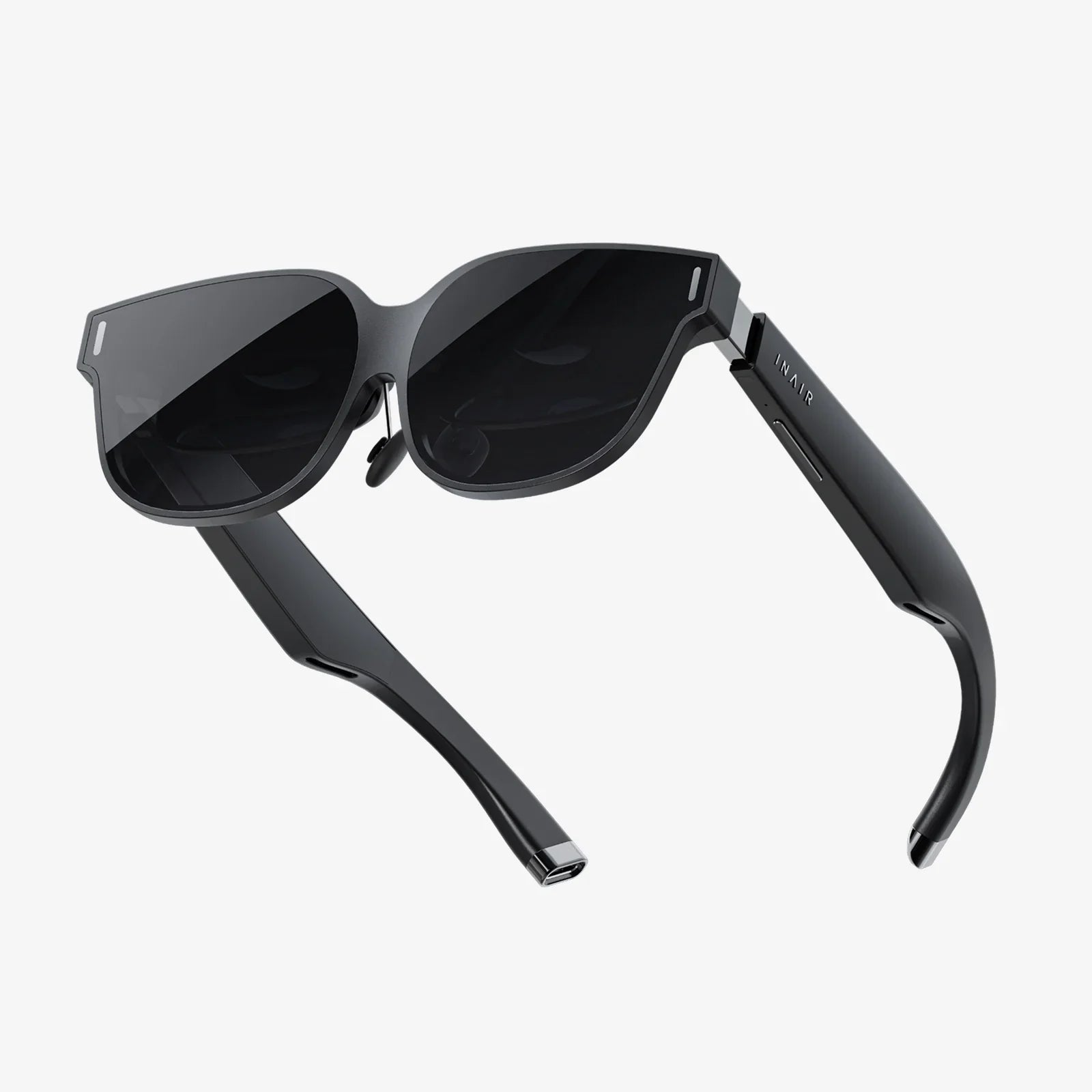
Imagine slipping on a device and being instantly transported to a fantastical realm, a virtual concert front row, or a strategic war room light-years from Earth. Virtual reality promises these experiences and more, offering a passport to digital dimensions limited only by imagination. But before you can step through that portal, a crucial question must be answered: what is actually needed to use a VR headset? The journey into VR is thrilling, but it requires careful preparation. The headset itself is just the gateway; the true magic lies in the ecosystem of hardware, software, and environment that supports it. Understanding these requirements is the difference between a seamless, breathtaking adventure and a frustrating, jittery letdown. This guide will demystify the entire setup process, ensuring your first foray into VR is nothing short of extraordinary.
The Core Component: Choosing Your Headset
At the heart of any VR experience is the headset, your window into another world. However, not all windows are the same, and the type you choose fundamentally dictates everything else you will need. The market is primarily divided into three categories, each with its own philosophy and requirements.
PC-Connected VR Headsets
These headsets, often referred to as "PCVR," are the powerhouses of the virtual reality world. They act as a high-resolution display and tracking system, but they offload all the heavy computational lifting—the rendering of complex graphics, the physics calculations, the AI behavior—to a powerful desktop computer. The headset is connected to this computer via a thick cable (often called a "tether") that carries data and power. The primary advantage of this setup is fidelity. PCVR systems deliver the highest possible graphical quality, the smoothest performance, and access to the most extensive and demanding VR game libraries. The trade-off is a higher cost, less freedom of movement due to the cable, and a more complex setup process.
Standalone VR Headsets
Standalone headsets represent the most significant shift in making VR accessible to the masses. As the name implies, everything you need is built into the headset itself: the processor, memory, sensors, and battery. There are no wires to a PC or console, offering complete freedom of movement. You simply put it on and start playing. These devices are incredibly user-friendly, with a streamlined setup process mostly handled through a smartphone app. They are also generally more affordable, as there's no need for a high-end computer. The compromise is in raw processing power. While modern standalone headsets are technological marvels, they cannot match the graphical prowess of a top-tier gaming PC, meaning some experiences may have simplified visuals or lower render resolutions.
Console-Based VR Headsets
This category is a hybrid of the other two. A console-based headset is a peripheral designed to work exclusively with a specific video game console. It contains its own displays and sensors but relies entirely on the console's hardware for processing power and software. This model offers a "best of both worlds" approach for many: it provides a curated, high-quality experience that is more powerful than most standalone systems but is much simpler to set up and more affordable than a full PCVR rig. The ecosystem is closed, meaning you can only access content from that console's digital store, but the experience is often highly optimized and polished.
The Hardware Foundation: Powering the Experience
Your choice of headset is the first domino to fall; it determines the chain of hardware required to bring your virtual world to life.
The Computing Powerhouse (For PCVR)
If you opt for a PC-connected headset, your computer becomes the most critical—and costly—component. Not just any computer will do. VR requires rendering two high-resolution displays (one for each eye) at a very high frame rate (typically 90Hz or more) to prevent motion sickness and maintain immersion.
- Graphics Processing Unit (GPU): This is the single most important component. A dedicated, powerful GPU is non-negotiable. You will need a modern, VR-ready card capable of handling intense graphical workloads. Manufacturers provide minimum and recommended specifications for their headsets, which should be considered the absolute baseline.
- Central Processing Unit (CPU): While the GPU does the heavy visual lifting, a capable CPU is essential for running the game's logic, physics, and AI. A modern multi-core processor is required to avoid bottlenecks that can cause stuttering.
- RAM: System memory is crucial for loading assets quickly. Sixteen gigabytes (16GB) is the current recommended standard for a smooth experience, with 8GB being the absolute minimum.
- Ports: Check your headset's connection requirements. Most PCVR headsets use a high-speed USB port (often USB 3.0 or higher) for data and a DisplayPort or HDMI port for video. Your computer must have the correct ports available.
The Console (For Console VR)
The requirement here is simple: you need the specific console the headset is designed for. There is no upgrading components or swapping parts. The experience is designed to run on that hardware, so as long as you have the correct, functioning console, you meet the computational requirement.
Power and Connectivity (For All Headsets)
Even standalone headsets have basic needs.
- Power Outlets: You will need access to power. PCVR headsets often draw power from the PC, but external sensors may need their own plugs. Standalone headsets need to be charged, requiring an outlet for their included power adapter.
- Wi-Fi Network: A strong and stable Wi-Fi connection is vital for standalone and PCVR headsets (for downloading games and updates). A 5GHz wireless network is highly recommended for faster downloads and smoother wireless streaming if you use that feature on a PCVR headset. Some advanced standalone headsets also support a Wi-Fi 6E connection for dedicated wireless streaming from a PC.
- Smartphone (Initial Setup): Most modern headsets, especially standalone models, require a smartphone with the manufacturer's app installed for the initial setup process. This is used to connect the headset to your Wi-Fi, log into your account, and pair controllers.
The Software Ecosystem: The Digital Backbone
Hardware is useless without software to command it. The VR software landscape is how you access, manage, and experience virtual worlds.
Platform Accounts and Stores
You will need to create an account with the platform that operates your headset's digital store. This account is your identity in VR, tracking your library of games, friends list, and achievements. This is non-negotiable for downloading any content.
PC Software (For PCVR)
Using a PCVR headset involves two layers of software:
- Headset Platform Software: This is the proprietary software suite provided by the headset manufacturer. It must be installed on your computer and runs in the background whenever the headset is in use. It manages the connection to the headset, driver updates, and its own VR home environment.
- SteamVR: As the largest PC gaming platform, Steam has a massive VR section. Many VR games are purchased and launched through Steam. Its software, SteamVR, often runs on top of the manufacturer's software to translate the game's commands for your specific headset. It's a crucial piece of the PCVR puzzle.
Guardian and Boundary Systems
This is one of the most important software features for your safety. During setup, every headset will ask you to define your play area. You trace the boundaries of a safe space on your floor using the headset's passthrough camera or a controller. The software then creates an invisible wall, called the Guardian, Boundary, or similar. If you get too close to the edge of your safe space, a virtual grid wall will appear in your game to warn you, preventing you from walking into a real-world wall or piece of furniture. This system is brilliantly effective and absolutely essential.
The Physical Space: Your Portal to Movement
VR is a physical medium. Your body is the controller, which means you need room to move safely.
Defining Your Play Area
Headsets support two primary modes of play:
- Stationary/Seated Mode: This is for experiences where you are sitting down (like flight simulators or driving games) or standing mostly in place. This requires the least amount of space, just enough to extend your arms and twist your body without hitting anything.
- Room-Scale Mode: This is the full VR experience. It requires a clear, open area where you can walk around in multiple directions, crouch, jump, and swing your arms. The recommended size is usually at least 6.5 by 5 feet (2m x 1.5m). The larger and clearer the space, the better and safer your experience will be.
Environment Preparation
Preparing your space is a critical safety step:
- Clear the Area: Remove any tripping hazards like loose rugs, cables (other than the headset cable, which should be managed overhead), or toys. Push coffee tables and chairs out of the way.
- Protect Your surroundings: Consider using soft foam mats on the floor for comfort and to define your space physically. Be mindful of ceiling fans, low-hanging light fixtures, and TV screens—these are the most common casualties of enthusiastic VR play.
- Lighting and Reflections: Some headsets that use external sensors or inside-out tracking can be sensitive to lighting. Avoid direct sunlight on the play area, as it can damage the headset's internal lenses and interfere with tracking. Very dim lighting or highly reflective surfaces (like mirrors) can also confuse the tracking cameras.
The Human Element: Readiness and Comfort
Finally, the most important component in the VR setup is you.
Comfort and Hygiene
Headsets can be heavy. Manufacturers counter this with adjustable straps, counter-weights, and padded interfaces. Take the time to adjust the headset properly for a secure and comfortable fit. Hygiene is also key, especially if multiple people will be using the device. Many companies sell replaceable foam or silicone interface inserts that are easy to clean.
Managing VR Motion Sickness
This is a common hurdle for new users. Your eyes see movement, but your inner ear feels stillness, causing a disconnect that can lead to discomfort. The good news is that most people can develop their "VR legs" over time.
- Start Slow: Begin with stationary experiences before moving to games with artificial locomotion (using a joystick to move).
- Take Breaks: At the first sign of discomfort— sweating, headache, nausea—stop immediately. Don't try to "power through it."
- Use Comfort Settings: Most games offer numerous comfort options, like "snap turning" (turning in increments instead of smoothly) and "vignetting" (darkening the periphery of vision during movement), which can significantly reduce nausea.
- Use a Fan: Having a gentle fan blowing on you can help with orientation and reduce motion sickness.
The Final Checklist
Before you hit "buy," run through this list:
- Decided on a headset type (PC, Standalone, Console).
- Confirmed your PC meets/exceeds specs (if required).
- Cleared a safe, appropriate-sized play area.
- Ensured you have a strong Wi-Fi network.
- Prepared for initial setup (smartphone, accounts).
- Considered comfort accessories (optional but recommended).
The path to virtual reality is a checklist of compatibility, space, and software, but the destination is worth every step. This meticulous preparation fades into the background the moment you first feel truly present in a digital world, whether you're painting in 3D space, collaborating with colleagues across the globe, or facing down a dragon on a mountainside. The requirements are the key, and once turned, they unlock not just a device, but a new layer of reality itself. Your journey into the immersive unknown awaits, and now, you are fully equipped to take the first step.
Share:
Best VR Headset Under 200 Euros 2025: The Ultimate Buyer's Guide
What Is a VR Headset Compatible With - The Ultimate Guide to Your Virtual World