


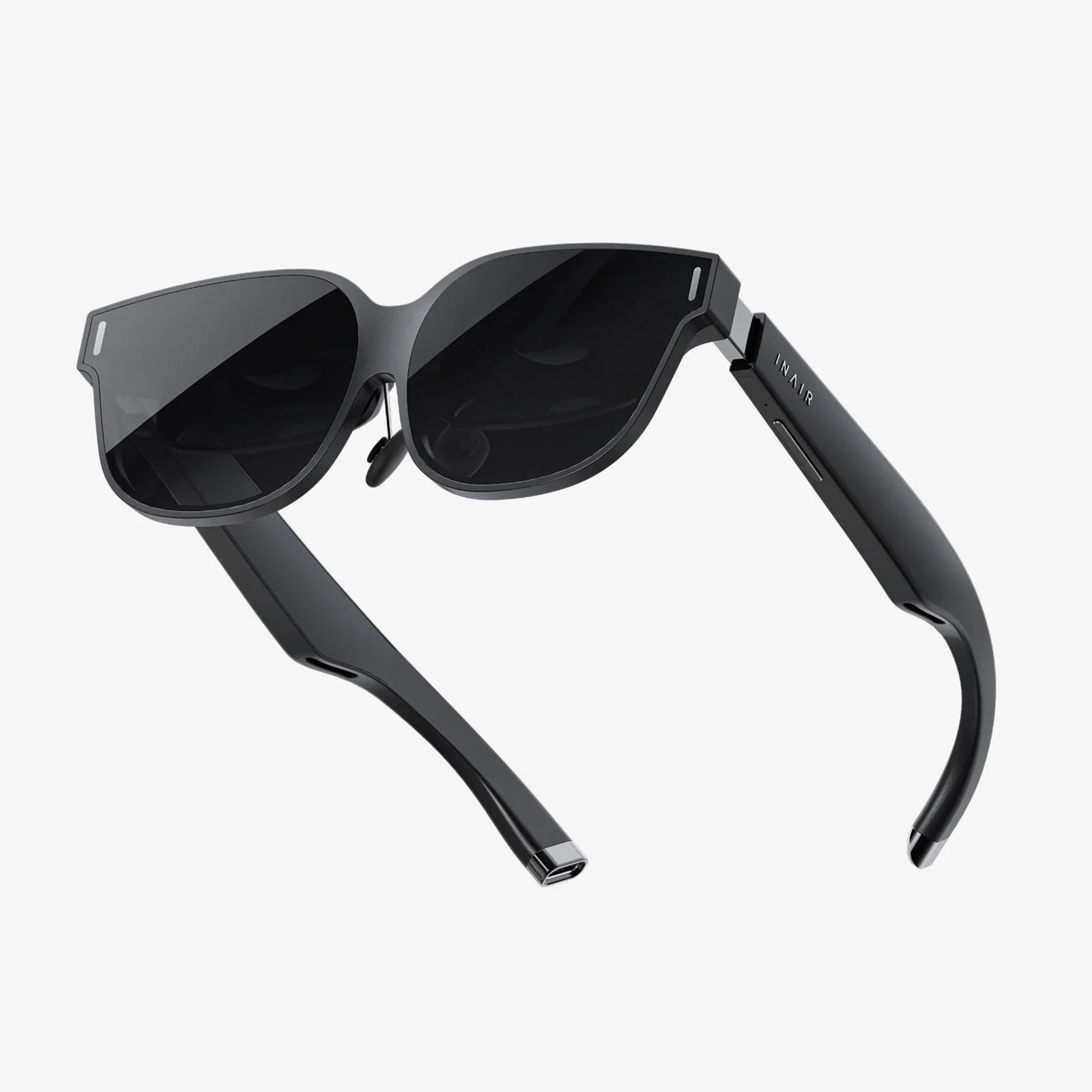
Imagine accessing your powerful, personalized work computer from a thin, lightweight laptop, a tablet, or even your smartphone, with all your files, applications, and settings perfectly intact, all while the heavy computing is done miles away in a secure data center. This isn't science fiction; it's the reality delivered by a transformative technology known as Virtual Desktop Interface, a revolution that is quietly reshaping how we think about the very concept of a computer.
The Core Concept: Separating the Physical from the Digital
At its most fundamental level, a Virtual Desktop Interface (VDI) is a technology that hosts a desktop operating system and its applications on a centralized server in a data center, rather than on the local physical machine a user is sitting in front of. The user's device—be it a basic terminal, a laptop, or a thin client—becomes a window into this remote virtual machine, streaming the graphical display output and sending back keyboard, mouse, and touch inputs. In essence, VDI decouples the user's personal computing environment from the specific hardware they are using at any given moment.
How Does This Technological Magic Work? The Architecture Unveiled
The seamless experience of a virtual desktop belies a sophisticated backend architecture. Understanding this architecture is key to grasping the power of VDI.
1. The Hypervisor: The Foundation of Virtualization
The entire VDI environment is built upon a hypervisor. This is a specialized software layer that creates and runs virtual machines (VMs). The hypervisor abstracts the physical server's resources—CPUs, memory, storage, and networking—and allocates them to multiple, isolated virtual machines. Each VM can run its own operating system, which, in the case of VDI, is typically a desktop OS like Windows or Linux. The hypervisor is the bedrock that makes multi-tenancy (hosting many users on a single physical server) possible and efficient.
2. The Connection Broker: The Air Traffic Controller
When a user wants to connect to their virtual desktop, they don't connect directly to a server. Instead, they authenticate through a connection broker. This software acts as the intelligent middleman of the VDI infrastructure. It authenticates the user's credentials, checks their permissions, and then dynamically assigns them to an available virtual desktop from a pool or directs them to their dedicated personal virtual machine. It ensures a user gets the right desktop, every time.
3. The Virtual Desktop Pool: Assigned or Pooled
This is the collection of virtual machines ready for user assignment. There are two primary models for managing these pools:
- Persistent VDIs: These function much like a traditional physical PC. A user is assigned a specific virtual desktop that is permanently theirs. They can customize it, install applications (within IT policy), and save files directly to it. The state of the desktop is saved between sessions, offering a familiar and personalized experience.
- Non-Persistent VDIs: These are generic, stateless desktops drawn from a pool. When a user logs in, they are connected to any available desktop from the pool. When they log off, the desktop is reset to a pristine, golden image, wiping away any changes made during that session. This model offers tremendous efficiency and consistency, ideal for task workers or environments where standardization is paramount.
4. The Client Device: The Window to the Virtual World
This is the physical hardware the user interacts with. Its only job is to run a small, lightweight client application or use a built-in protocol to establish a connection to the VDI infrastructure. This device can be incredibly low-power—a thin client—or a repurposed older PC, a modern laptop, or a mobile device. Since it does not run the OS or applications locally, its hardware requirements are minimal.
5. The Display Protocol: The Secret Sauce
The user experience in a VDI environment lives or dies by the display protocol. This is a specialized technology that encapsulates the graphical output of the remote virtual desktop, compresses it, and transmits it over the network to the client device. Simultaneously, it sends user input (keystrokes, mouse movements) back to the virtual machine. Modern protocols are highly optimized to deliver a smooth experience even with high-resolution displays, video content, and 3D graphics, while minimizing bandwidth usage and latency. They handle multimedia redirection, USB passthrough, and printer mapping, making the virtual feel local.
Why Businesses Are Embracing the Virtual Desktop
The shift towards VDI is driven by a powerful combination of strategic advantages that address critical modern business challenges.
Enhanced Security and Data Protection
In a traditional model, data resides on the endpoint device—the laptop. If that device is lost or stolen, the data is compromised. With VDI, all data and applications remain locked down in the secure data center. No sensitive data is ever stored on the endpoint device. Furthermore, IT can easily enforce security policies, control application access, and deploy patches and updates to a centralized image rather than thousands of individual machines, drastically improving compliance and reducing the attack surface.
Unparalleled Flexibility and Remote Work Enablement
VDI is the ultimate enabler of the "work from anywhere" paradigm. Employees can access their full, powerful work environment from any location, on any approved device, requiring only a reliable internet connection. This provides business continuity during disruptions, supports a global workforce, and allows for BYOD (Bring Your Own Device) policies without sacrificing security or control.
Simplified IT Management and Centralized Control
IT administrators no longer need to manage thousands of physical desktops and laptops individually. Provisioning a new user is as simple as cloning a virtual machine template from a golden image. Software updates, security patches, and configuration changes are applied once to the master image and then deployed to all linked virtual desktops instantly. This drastically reduces the time, cost, and complexity of desktop management.
Cost Efficiency and Reduced Hardware Refresh Cycles
While the upfront investment in server and storage infrastructure can be significant, VDI can lead to long-term cost savings. Companies can extend the life of existing older PCs by using them as client devices, or invest in low-cost, low-power thin clients that have a much longer lifespan than traditional laptops. The total cost of ownership (TCO) is often lower when factoring in reduced energy consumption, simpler support, and longer hardware cycles for endpoints.
Navigating the Challenges and Considerations
VDI is not a silver bullet, and a successful implementation requires careful planning to overcome its inherent challenges.
Performance and The User Experience (UX)
The user experience is paramount. Perceived latency, jitter, or poor video performance can lead to user frustration and adoption failure. A successful VDI deployment is heavily dependent on a well-designed and robust network infrastructure with sufficient bandwidth and low latency. The performance of the backend infrastructure—server CPUs, memory, and, most critically, the storage subsystem (often all-flash arrays are recommended)—must be meticulously sized to handle peak concurrent user loads.
Initial Investment and Complexity
Setting up a VDI environment requires a significant investment in server hardware, storage, networking, and software licenses. The architecture itself is more complex than a traditional desktop setup, requiring expertise in virtualization, networking, and storage. For many organizations, a cloud-hosted VDI service can mitigate this by turning a capital expenditure into an operational expenditure and offloading the management complexity.
Dependency on Network Connectivity
VDI creates a critical dependency on the network. If the network connection between the client and the data center is lost, the user is completely unable to work. For remote users, this means their home internet reliability becomes a business-critical link. Solutions for offline access are complex and often defeat the core security benefits.
Choosing Your Path: On-Premises, Cloud, or Hybrid
The VDI landscape offers several deployment models to suit different organizational needs.
On-Premises VDI
The traditional model where all components—servers, storage, hypervisor, and connection brokers—are owned and managed within the organization's own data center. This offers maximum control and customization but requires significant capital investment and in-house expertise.
Cloud-Hosted VDI (DaaS - Desktop as a Service)
In this model, a third-party service provider delivers virtual desktops over the internet. The provider manages the backend infrastructure, and the organization pays a monthly subscription fee per user. DaaS lowers the barrier to entry, offers incredible scalability, and shifts the burden of maintenance and upgrades to the provider.
Hybrid VDI
A blend of on-premises and cloud resources. For example, an organization might keep its core virtual desktop infrastructure on-premises for performance or data sovereignty reasons but use cloud resources to burst capacity for seasonal workers or remote offices.
The Future is Virtual: Where VDI is Headed
The evolution of VDI is being accelerated by trends in cloud computing, artificial intelligence, and the permanent shift to hybrid work models. We are moving towards a world where the desktop is not just virtualized but truly elastic and intelligent. AI will be used to optimize resource allocation dynamically, predict and troubleshoot performance issues before users notice, and further personalize the user experience. The integration with cloud services will become seamless, blurring the lines between local and remote applications. VDI is no longer just a tool for large enterprises; it is becoming a fundamental component of a modern, agile, and secure digital workspace for organizations of all sizes.
The question is no longer if your organization will adopt a centralized desktop strategy, but when and how. The era of being tethered to a single, physical machine is rapidly closing, replaced by a dynamic, secure, and borderless digital workspace that empowers productivity from anywhere on the planet, all powered by the invisible engine of the Virtual Desktop Interface.
Share:
XR Product: The Ultimate Guide to the Immersive Future of Digital Interaction
Smart Glasses Fashion Trends 2025: The Ultimate Fusion of Tech and Style