


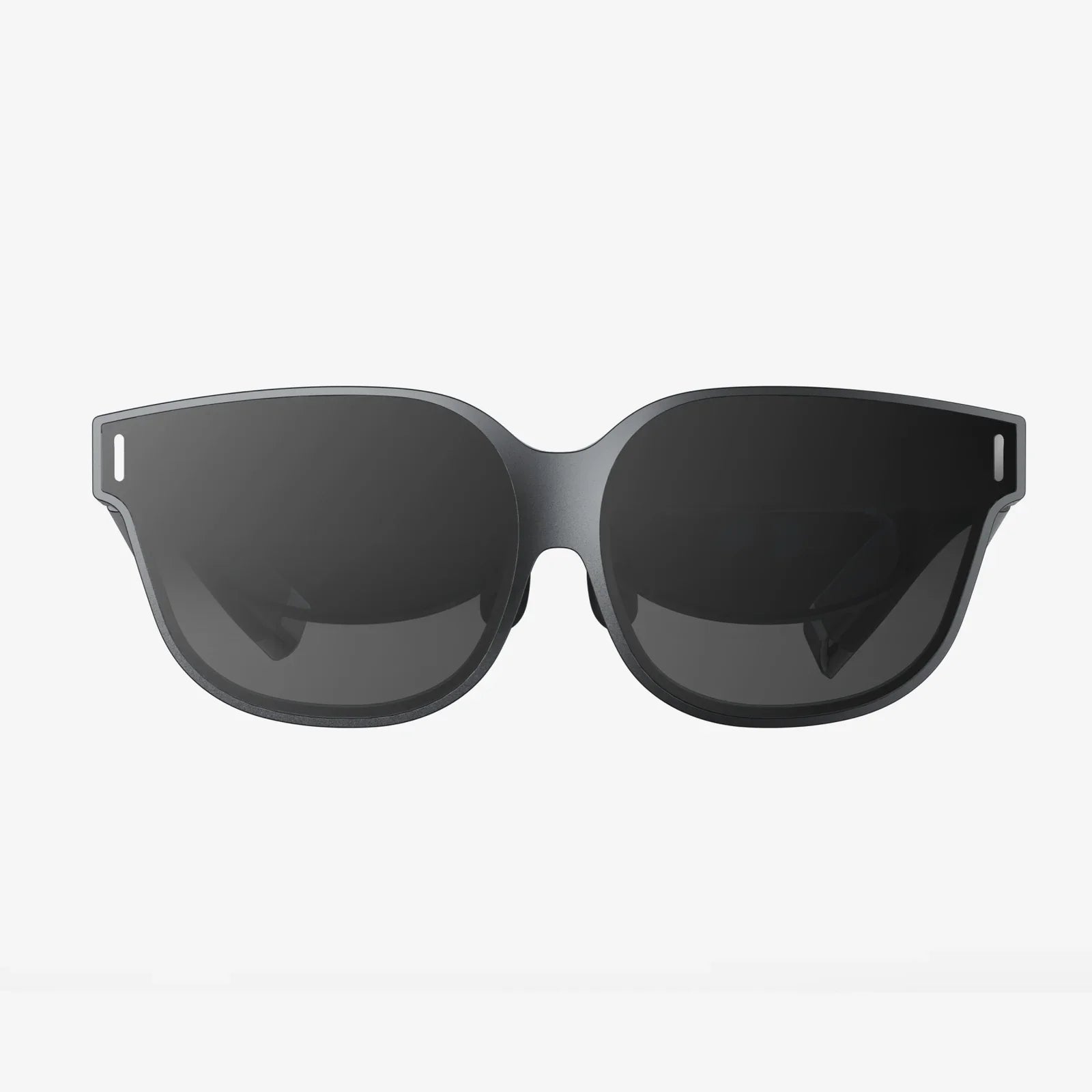
Stepping into the world of virtual reality is an exhilarating prospect, a promise of escaping the confines of your living room to explore fantastical worlds, conquer impossible challenges, and connect with others in ways previously confined to science fiction. But before you can don your digital armor or pilot a starship, you face a very real-world challenge: choosing the right headset from a rapidly expanding market. The decision can feel overwhelming, a technical maze of specifications and competing platforms. Fear not, for this definitive guide is designed to be your trusted navigator, cutting through the jargon to illuminate exactly what to look for when buying a VR headset, ensuring your first step into the metaverse is a confident and thrilling one.
The Foundation: Understanding the Three Main Headset Types
Your journey begins with a fundamental choice that will define your entire VR experience: the type of headset. There are three primary categories, each with its own set of advantages, limitations, and ideal user profiles.
PC-Connected (or Tethered) Headsets
These headsets act as high-end display units, connecting via a cable to a powerful computer that does all the heavy graphical lifting. Think of them as the high-performance sports cars of the VR world.
- Pros: They deliver the absolute pinnacle of visual fidelity, performance, and immersion. With access to the raw power of a top-tier graphics card, they can render incredibly detailed, expansive worlds with high frame rates, minimizing motion sickness and maximizing presence. They also typically feature the most advanced tracking systems and controllers.
- Cons: The obvious drawback is the cable, which can limit physical movement and be a tripping hazard. The largest barrier, however, is the cost. Not only is the headset itself often expensive, but you also need a computer powerful enough to run it, representing a significant investment.
- Ideal For: Hardcore gamers, simulation enthusiasts (flight, racing), and professionals in fields like architecture or design who require the highest possible resolution and processing power.
Standalone (All-in-One) Headsets
These are the most popular and accessible entry points into VR. As the name implies, everything you need—processors, sensors, displays, and battery—is built into the headset itself. No wires, no PC required.
- Pros: The convenience is unparalleled. There are no cables to confine you, offering complete freedom of movement. Setup is simple, often taking minutes. They are generally more affordable than building a PC-tethered setup and are incredibly user-friendly.
- Cons: To achieve portability and a lower price, compromises must be made. Graphical performance and visual detail are not on par with a high-end PC setup. They are also constrained by battery life, typically offering two to three hours of use per charge.
- Ideal For: First-time VR users, families, people who value convenience and wireless freedom, and those who want to enjoy a wide variety of games and social experiences without a major hardware investment.
Console-Based Headsets
This is a more niche category, essentially a tethered headset designed to work exclusively with a specific video game console.
- Pros: Offers a plug-and-play experience for owners of the compatible console. It delivers a curated, high-quality experience that sits between the power of a PC and the accessibility of a standalone headset, often at a competitive price point.
- Cons: You are locked into a single ecosystem. Your content library is limited to what is available on that platform, and you cannot upgrade the console's hardware to improve performance.
- Ideal For: Gamers who already own the required console and want a simple, high-quality upgrade path into VR without building a gaming PC.
Deciphering the Display: A Feast for Your Eyes
Once you've chosen your headset type, the next critical area to scrutinize is the display. This is your window into virtual worlds, and its quality directly dictates your comfort and immersion.
Resolution and Pixels-Per-Degree (PPD)
Simply looking at the combined resolution (e.g., 1832x1920 per eye) is a start, but a more accurate measure is Pixels-Per-Degree (PPD). This measures how many pixels are packed into each degree of your field of view. A higher PPD means a sharper, clearer image with less “screen door effect” (the visible gridlines between pixels that can make it feel like you're looking through a screen door). For a truly crisp experience, look for headsets boasting a high PPD.
Display Technology: LCD vs. OLED
Headsets primarily use two types of panels:
- LCD (Liquid Crystal Display): More common in modern headsets. LCDs offer higher sub-pixel density, reducing the screen door effect. They can achieve high resolutions and refresh rates more affordably. The trade-off is typically poorer contrast and “black levels,” meaning dark scenes can appear more like a murky gray than true black.
- OLED (Organic Light-Emitting Diode): Prized for their perfect black levels and incredible contrast, as each pixel produces its own light and can turn off completely. This makes space scenes or horror games incredibly deep and immersive. Historically, they had a lower sub-pixel density (leading to more screen door effect) and could suffer from “black smear,” but newer technologies are mitigating these issues.
Refresh Rate: The Key to Smoothness
Measured in Hertz (Hz), the refresh rate is how many times the image on the screen updates per second. A higher refresh rate (90Hz, 120Hz, and now even 144Hz+) results in smoother motion, which is critical for fast-paced games. More importantly, it drastically reduces latency (lag) and is a major factor in preventing VR-induced motion sickness. For most users, 90Hz is considered the comfortable minimum, with 120Hz or higher being ideal.
Lens Quality and Field of View (FoV)
The lenses focus the display for your eyes. Fresnel lenses are common but can cause “god rays” (glare around high-contrast objects). Aspherical and pancake lenses are newer, superior technologies that offer a clearer image, better contrast, and a smaller physical profile for the headset. Field of View (FoV) is how much of the virtual world you can see at once, measured diagonally. A higher FoV (closer to the human average of ~200°) is more immersive, but often comes at a higher cost. A narrow FoV can feel like looking through binoculars or a scuba mask.
The Art of Tracking: How Your Movements Become Reality
Precise tracking is what makes VR feel real. It's the technology that translates your real-world movements one-to-one into the virtual space. There are two main methods.
Inside-Out Tracking
This is the modern standard for standalone and many new PC headsets. Cameras mounted on the headset itself look outward to map your room and track the position of the controllers. It requires no external hardware.
- Pros: Extremely convenient and portable. Setup is quick, and you can easily use the headset in different rooms or locations. There are no external sensors to set up or calibrate.
- Cons: Tracking can be lost if your controllers move outside the field of view of the headset's cameras (e.g., holding your hands behind your back or too close to your body). While it has improved dramatically, it can be very slightly less precise than the best outside-in systems for competitive gaming.
Outside-In Tracking
This method uses external sensors or base stations placed around your play area. These devices emit lasers or look into the room to track the position of the headset and controllers, which are covered in tracking dots or sensors.
- Pros: Generally considered the gold standard for precision, latency, and reliability. It offers flawless 360-degree tracking, even if controllers are completely out of your line of sight. Essential for professional applications and esports.
- Cons: The system is cumbersome. It requires mounting sensors around your room, running cables, and a more involved setup process. It is not portable, locking your VR experience to a single, dedicated space.
Ergonomics and Comfort: The Long-Haul Test
A headset can have the best specs on paper, but if it's uncomfortable to wear, you won't use it. Comfort is subjective but critically important.
- Weight and Balance: Lighter headsets are generally more comfortable, but balance is even more crucial. A well-balanced headset distributes weight across your head and cheeks, preventing pressure points on your face.
- Head Strap Design: Basic elastic straps are common on entry-level headsets but often lack support. A rigid, customizable halo strap that cups the back of your skull or a top strap is far superior for longer sessions, allowing you to loosen the pressure on your face.
- Facial Interface (“Foam”): The material that touches your face should be soft, breathable, and replaceable. PU leather and silicone interfaces are becoming popular as they are easier to clean than the default absorbent foam, which can become unhygienic over time, especially in shared or active use cases.
- IPD (Interpupillary Distance) Adjustment: This is the distance between your pupils. If a headset's lenses don't align correctly with your eyes, the image will be blurry and can cause eye strain and headaches. Look for either software IPD adjustment (which moves the software image) or, far better, physical IPD adjustment (a dial or slider that physically moves the lenses themselves) for a clearer, more comfortable view.
Audio: Hearing is Believing
3D spatial audio is half of the immersion equation. Most headsets have a built-in audio solution, but quality varies.
- Built-in Speakers: Often found hovering near the ears, they provide spatial sound while allowing you to remain aware of your real-world surroundings. Quality can range from tinny to surprisingly rich.
- Built-in Headphones: Some headsets have integrated, over-ear headphones that provide higher fidelity and better noise isolation but remove awareness of your environment.
- Audio Jack: The most flexible option is a standard 3.5mm audio jack, allowing you to use your own preferred high-quality headphones for a personalized audio experience.
The Intangibles: Ecosystem, Content, and Future-Proofing
Beyond the hardware, the digital ecosystem is a deciding factor.
- Content Library: What good is a powerful headset without great software? Research the exclusive titles and the overall health of the store attached to the headset. Some platforms have vast libraries with killer apps, while others are more limited. Check if the headset is compatible with the PC VR ecosystem if that is important to you.
- Controllers: These are your hands in the virtual world. Look for ergonomic designs with good button layout, haptic feedback (subtle vibrations), and finger tracking capabilities, which allow for more natural and expressive interactions.
- Room Scale vs. Stationary: Most modern systems support “room-scale” VR, allowing you to walk around a dedicated play area. Ensure you have the physical space for this, or be content with “stationary” or “sit-down” experiences.
- Battery Life (for Standalones): Check reviews for real-world battery performance. Two hours is common, but some headsets offer external battery pack options for extended play.
- Future-Proofing: While technology evolves rapidly, consider if the headset is part of a growing ecosystem. Will its controllers be compatible with a next-generation headset? Is the company invested in VR for the long term? This can help protect your software investment.
Matching the Headset to the User
With all these factors in mind, your choice ultimately boils down to your profile:
- The First-Timer / Casual User: A standalone headset is almost always the best recommendation. It offers the lowest barrier to entry, a wire-free experience, and a massive library of fun, accessible games and social apps.
- The Enthusiast Gamer: If you already own a powerful gaming PC and crave the highest fidelity experiences, a PC-connected headset is your destination. Be prepared to manage cables and invest in the hardware.
- The Media Consumer: Someone primarily interested in 360-degree videos and virtual cinema screens should prioritize a headset with the highest possible resolution and display clarity to minimize screen door effect.
- The Professional: For architectural visualization, medical training, or design, accuracy is key. A high-resolution PC headset with precise outside-in tracking and professional-grade software support is essential.
Your perfect portal to virtual reality is out there, waiting to be found. It's not about finding the headset with the single highest spec, but the one that creates the most harmonious balance for your individual needs, budget, and physical space. By prioritizing the factors that matter most to you—be it the crystal clarity of the display, the unshackled freedom of wireless movement, or the precise tracking of a competitive sim—you move from being a bewildered shopper to an informed explorer. This knowledge empowers you to make a choice you won't regret, unlocking not just a piece of technology, but a new dimension of play, creation, and connection. The virtual frontier is vast and incredible; now, you are equipped to choose the perfect vehicle for your adventure.
Share:
Mixed Reality VR AR XR News: The Next Digital Frontier Unveiled
Where to Get a VR Headset - Your Ultimate Guide to Virtual Reality Shopping